Room ideas / Work & gaming
Corner desk setup ideas that keep everything in reach
A corner desk gives you more surface than almost any other shape, but the deep middle section tends to fill with things you never touch. Set it up around your reach from the chair and you stop stretching for things.
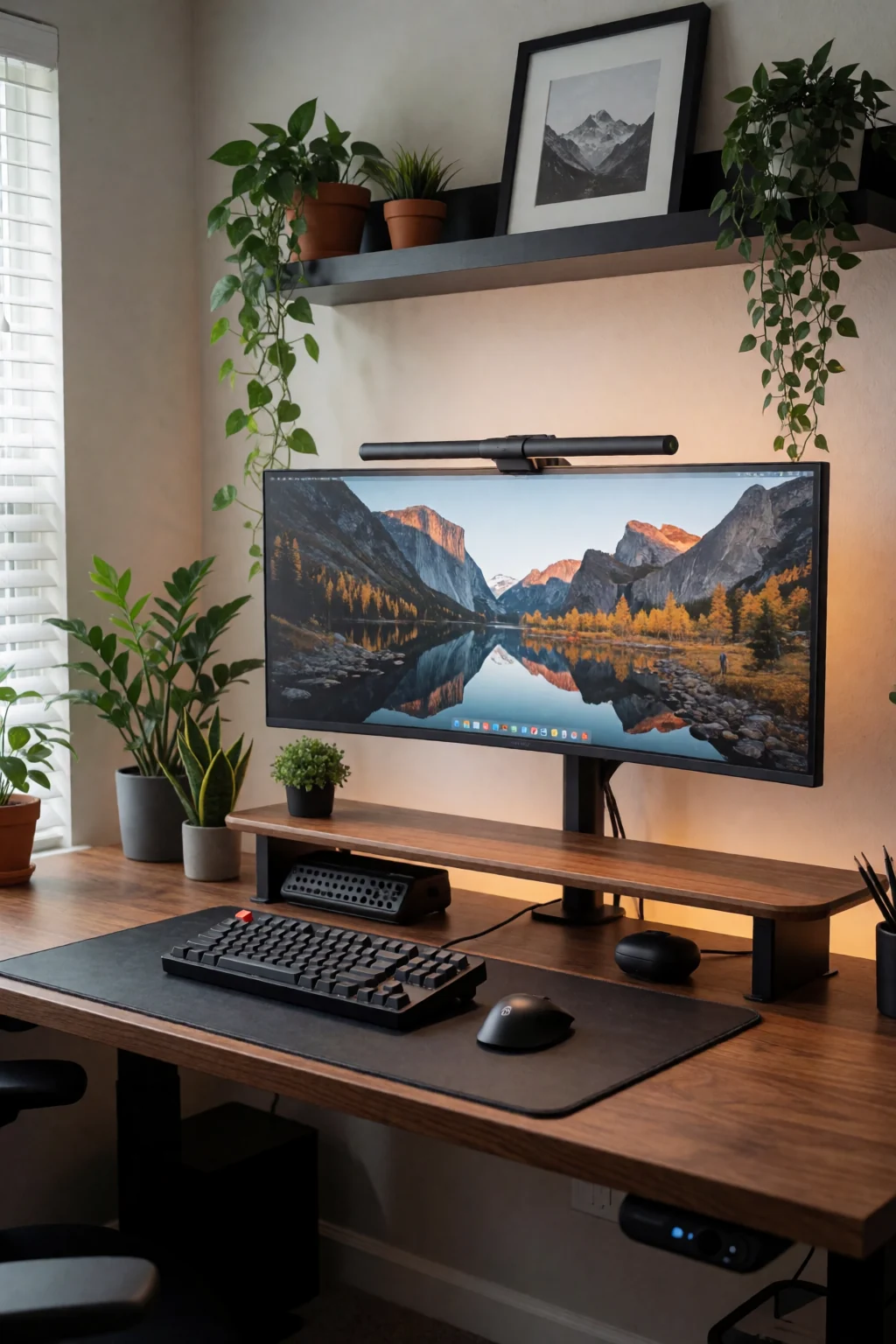
Three rules for an L-shaped desk
- Put the main screen straight in front of you, not pushed into the corner, so your neck stays straight.
- Keep what you use every day in the zone right in front of you. Use the far ends of each arm for storage or a screen you only glance at.
- Have two separate lights, a bias light behind the screen and a lamp you can move, so morning sun and evening dark both work.
The corner problem
A corner desk works best when your chair sits at the inside corner. From there the main screen is straight ahead at eye level, the keyboard is on one arm of the L, and the other arm holds reference papers, a second screen or a drawing tablet, all within a relaxed reach.
The trouble is the triangle in the middle. On a deep corner desk it can be 18 inches from front to back, so anything there means leaning. It usually fills with speakers, ornaments or a monitor riser. Leave it empty, or put one tall thing there, like the post of a monitor arm.
Lighting has two walls to deal with. If both walls have windows, you can get glare from different sides at different times of day and year. A screen that tilts helps. A bias light behind the monitor plus a small adjustable lamp on the other arm lets you control screen light and room light separately.
Five corner layouts
- Screen on the corner post
- One ultrawide or two standard monitors on an arm clamped right at the corner. This uses the deep part of the desk and keeps both screens the same distance away. The keyboard goes on the arm matching your dominant hand; the other arm stays clear.
- One arm for hands, one for eyes
- Give one arm to everything you touch: keyboard, mouse, stream deck, drawing tablet, numpad. The other arm holds a screen or documents. You swivel to read and swivel back to type, and less ends up on the working side.
- Riser across both arms
- A long monitor riser or shelf running along both arms and meeting at the corner. Screens on top, cables and storage underneath, and the whole desk below free for the keyboard and writing.
- Two lights, two controls
- A short LED bar on the back of the monitor for bias light, and a lamp on an arm on the other side, pointed away from the screen. Put one on a smart plug and switch the other by hand, so you can warm the room and keep the screen side neutral for colour work.
- All cables down at the corner
- Drop every cable through a grommet or over the edge at the back corner and bundle them into a cable spine down the desk leg or wall. Nothing crosses either arm to reach a power strip.
Arms, legs, sockets and windows
- Monitor arm reach
- Many single arms reach 14 to 17 inches. In a corner, the screen may need to clear the joint by a few inches before it can tilt toward you. Compare the arm's reach with your desk's corner depth before buying.
- Room for the chair
- A modesty panel or a centre leg can stop your chair rolling into the corner. Check where the supports sit before you assemble. Desks with legs only at the outer ends give the chair full room.
- One power strip or two
- A strip under each arm means short cables to each screen. One strip at the corner means longer runs both ways. Either works; decide before you route anything.
- Windows
- If one arm runs along a window wall and the other runs away from it, face the screen along the arm that points away from the window, so daylight hits the side of your face instead of the screen. The other way round, you will get afternoon glare.
Mark your reach, then build
Clear the desk and sit at the corner. Reach toward each arm without stretching and mark lightly where your hands land. Everything you use several times a day goes inside those marks. Anything outside them should have a reason, like a second screen, not just be things that drifted there.
Set the main screen first and adjust its height before anything else. A common starting point is the top third of the screen at eye level; adjust after an hour of real work. Then add the keyboard and mouse, and route the cables to the corner drop before anything else goes on the desk. Building in that order shows you reach and clearance problems early.
Shop the pieces
16 work & gaming pieces
Links open similar items, not the pictured ones.
-
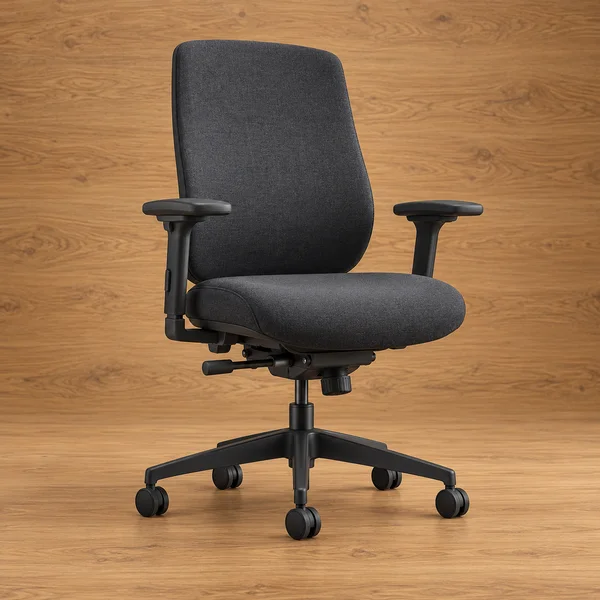
Adjustable desk chair
What to check
Check the seat height range against your desk: most desks are about 29 to 30 inches tall, and your elbows should rest level with the keyboard.
-
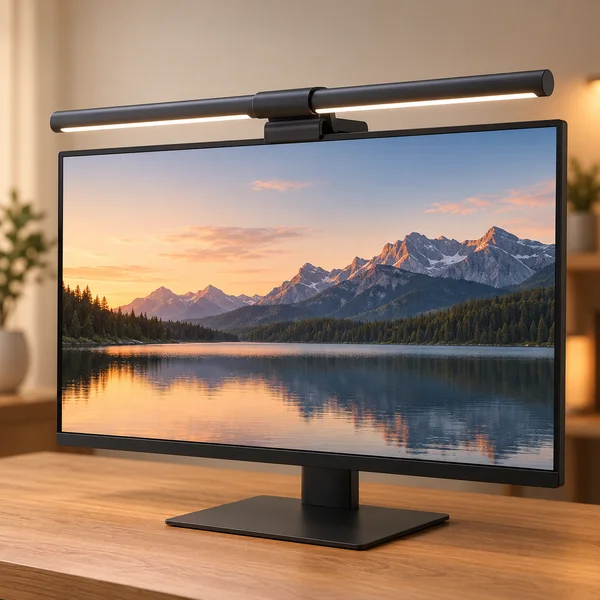
Monitor light bar
What to check
A light bar sits on the top edge of the screen, so check it suits your monitor thickness and does not glare off a glossy panel.
-
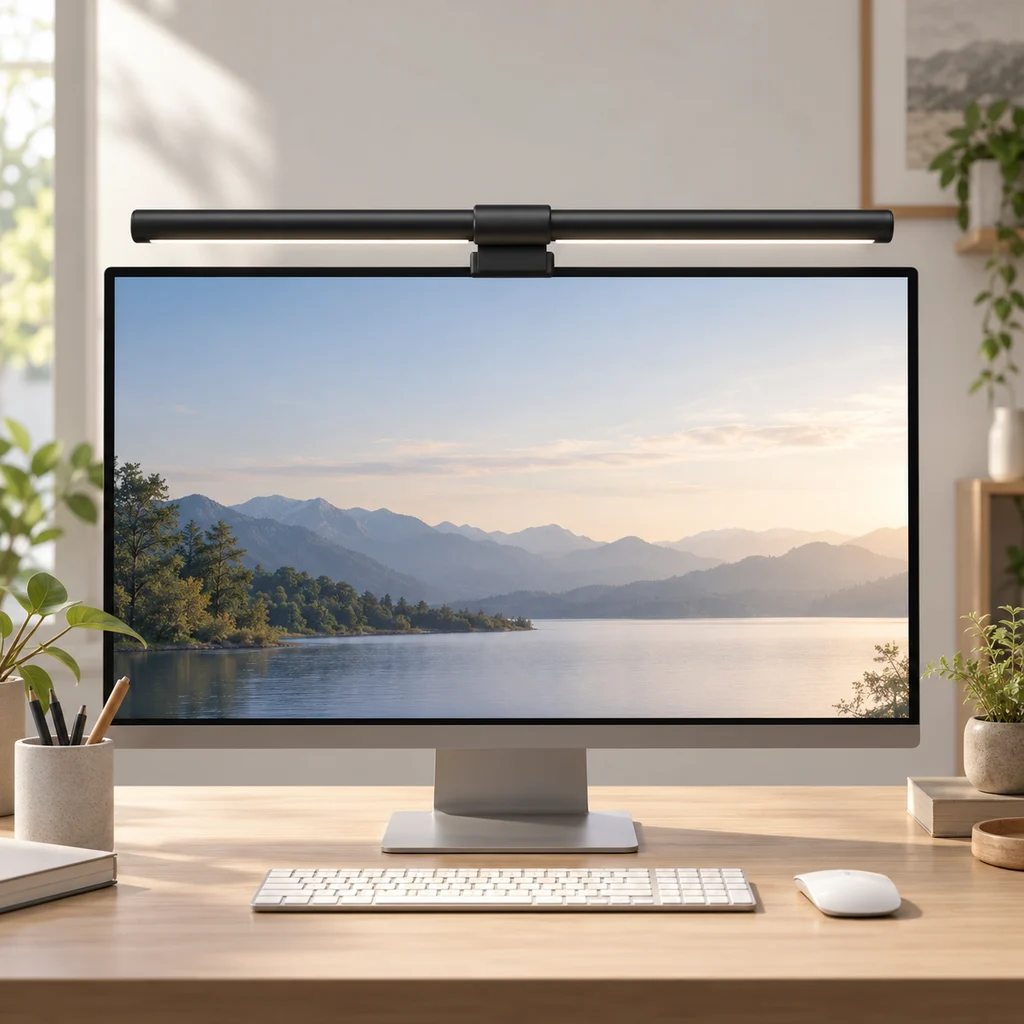
Monitor light bar
What to check
Check the light bar clip fits your monitor's top edge, including curved screens, before you buy.
-
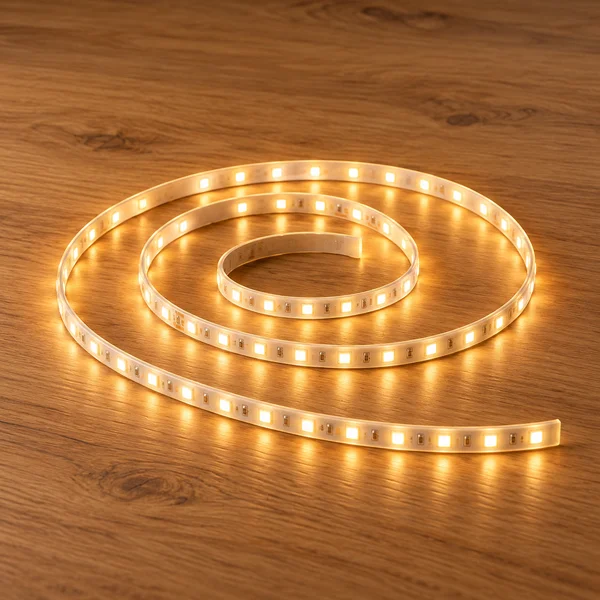
Warm white LED strip light
What to check
Measure the length you want to light and check the warm white colour temperature suits the room.
-
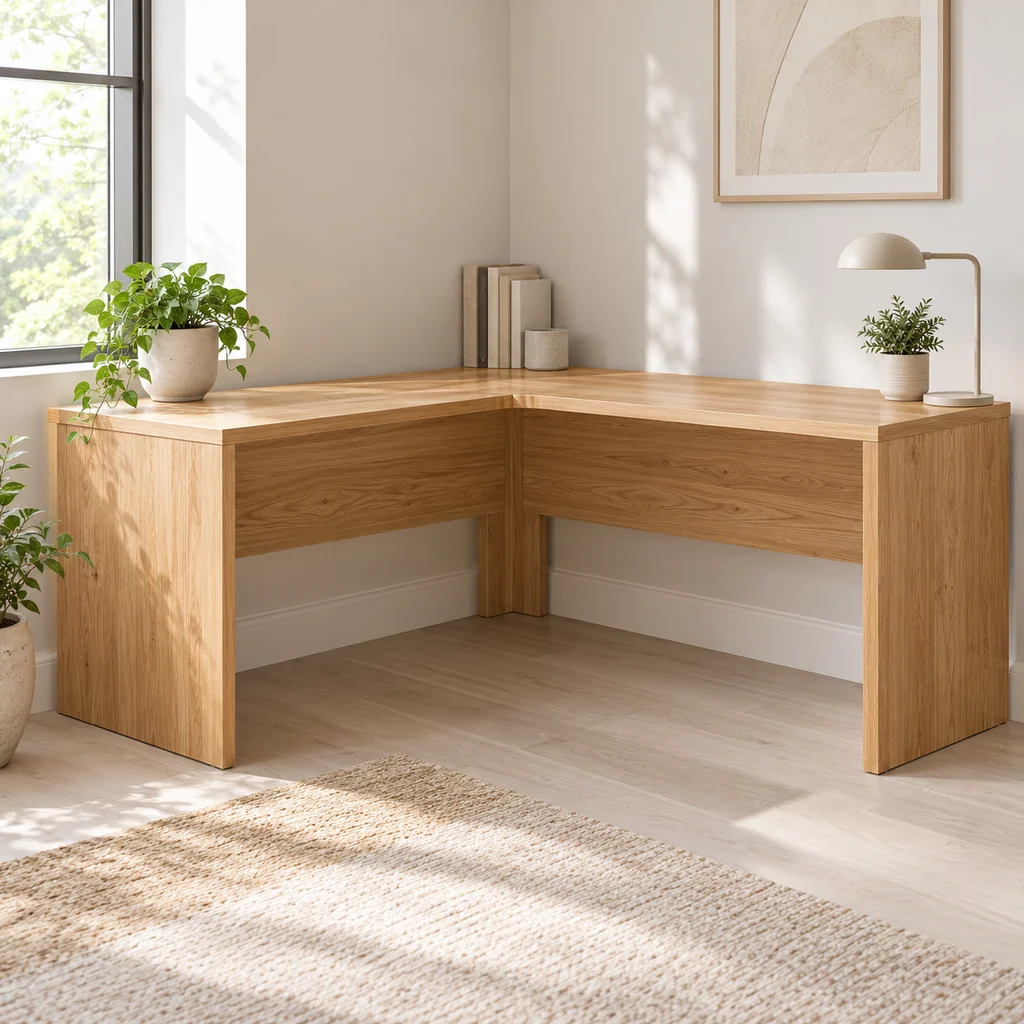
Corner desk
What to check
Measure both walls and the diagonal path into the room. Large L desks often arrive in heavy flat-pack boxes.
-
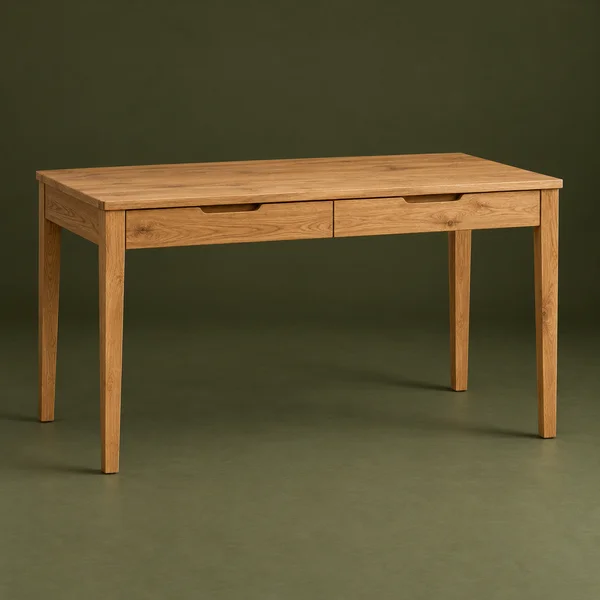
Desk and supports
What to check
Measure the knee space under the drawers. A drawer unit on one side leaves less leg room than an open frame.
-
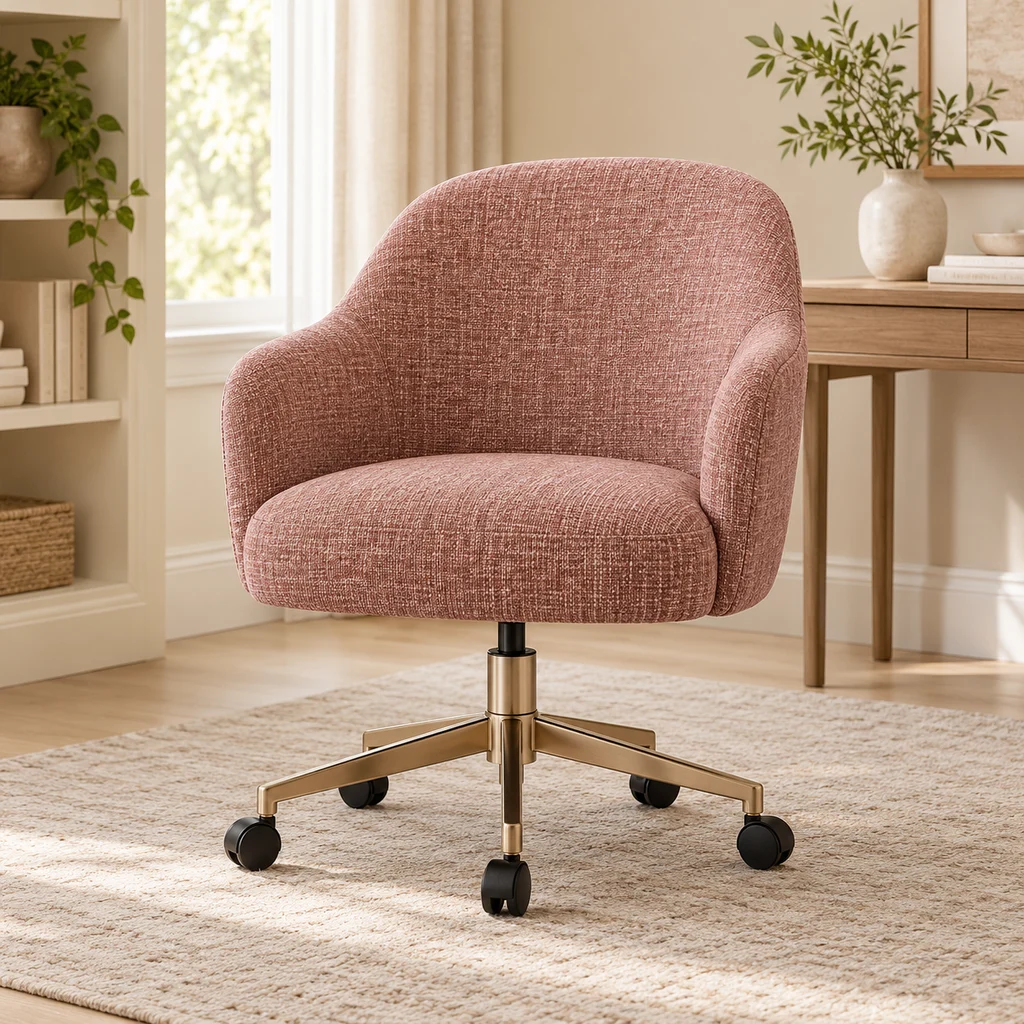
Desk chair
What to check
Vanity-style desk chairs are light but often have less back support. Fine for short sessions; check the seat height range for long ones.
-
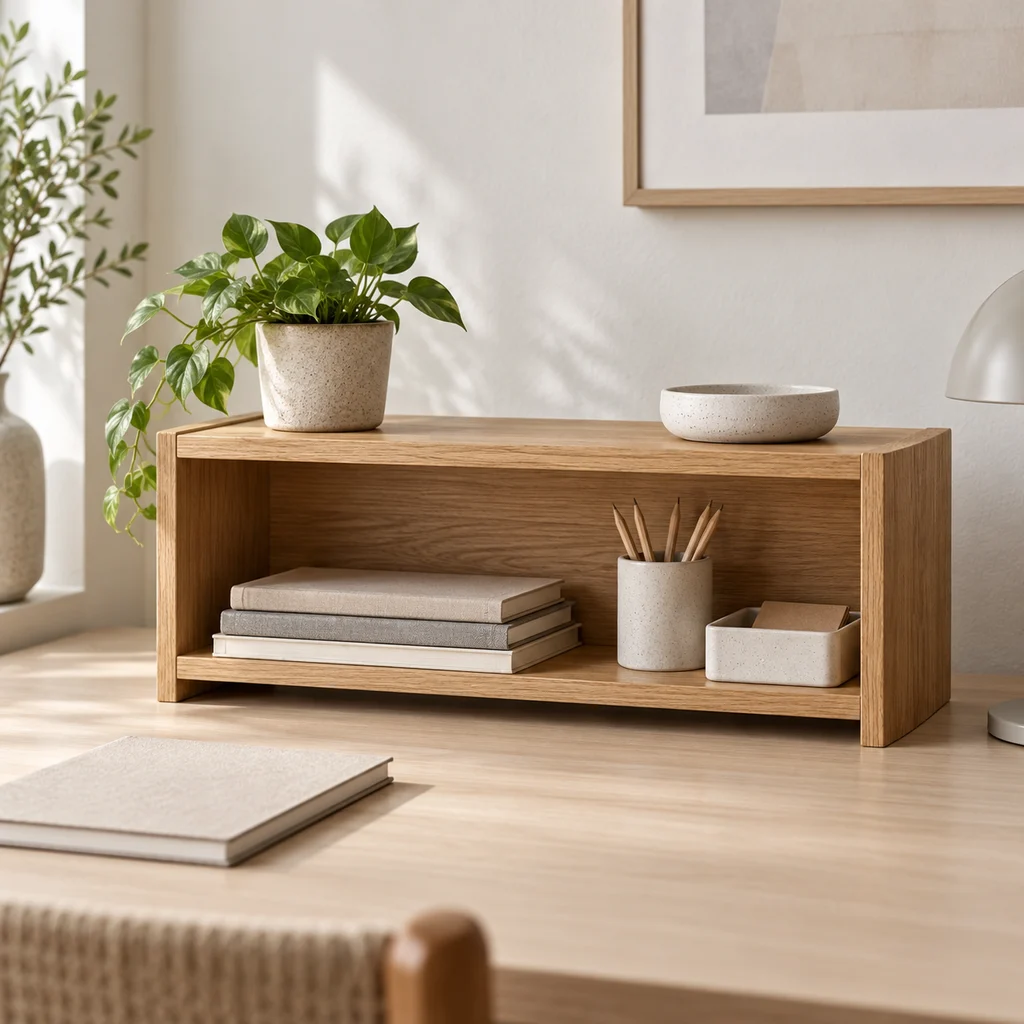
Desk shelf
What to check
Measure under your monitor or beside it. A desk shelf only helps if the things on it are ones you use every day.
Show all 16 pieces
-
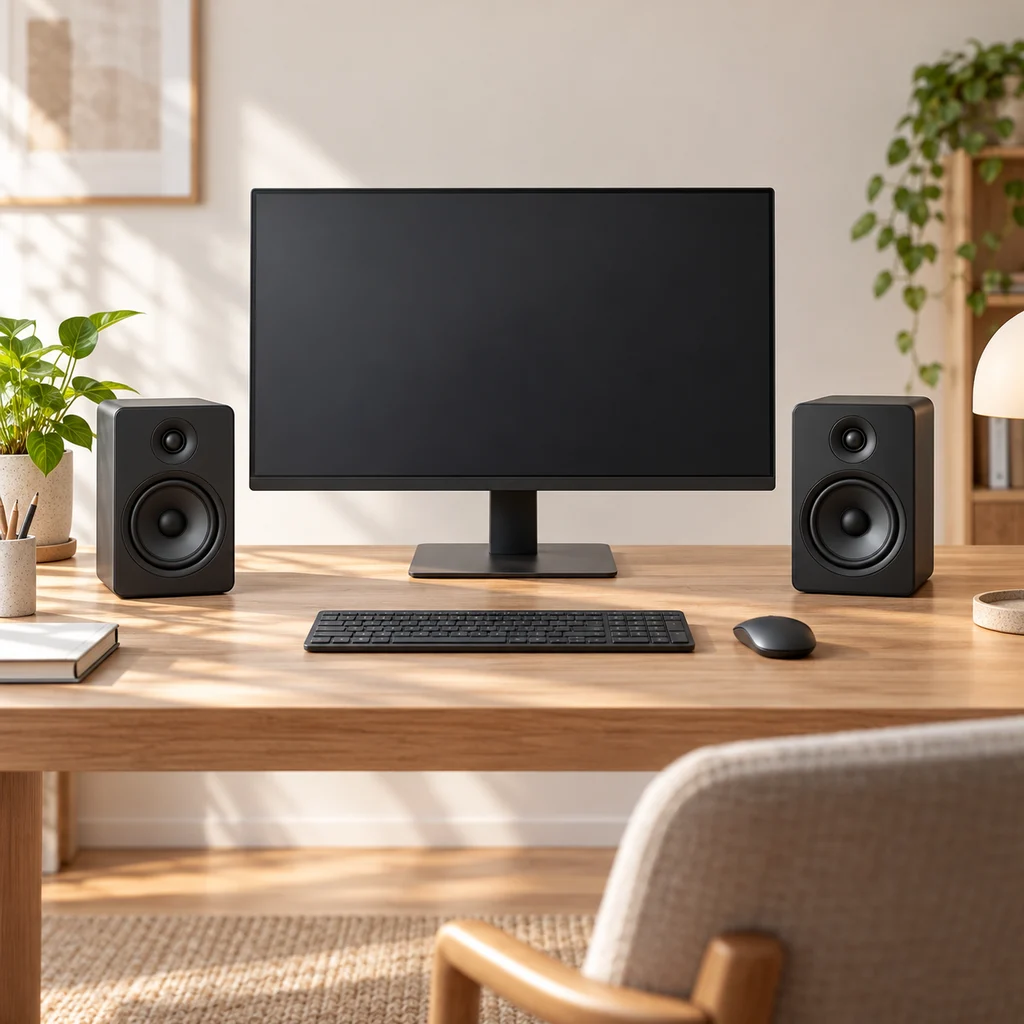
Desk speakers
What to check
Measure the space either side of your monitor. Speakers sound best at ear height and angled toward you, not tucked behind the screen.
-
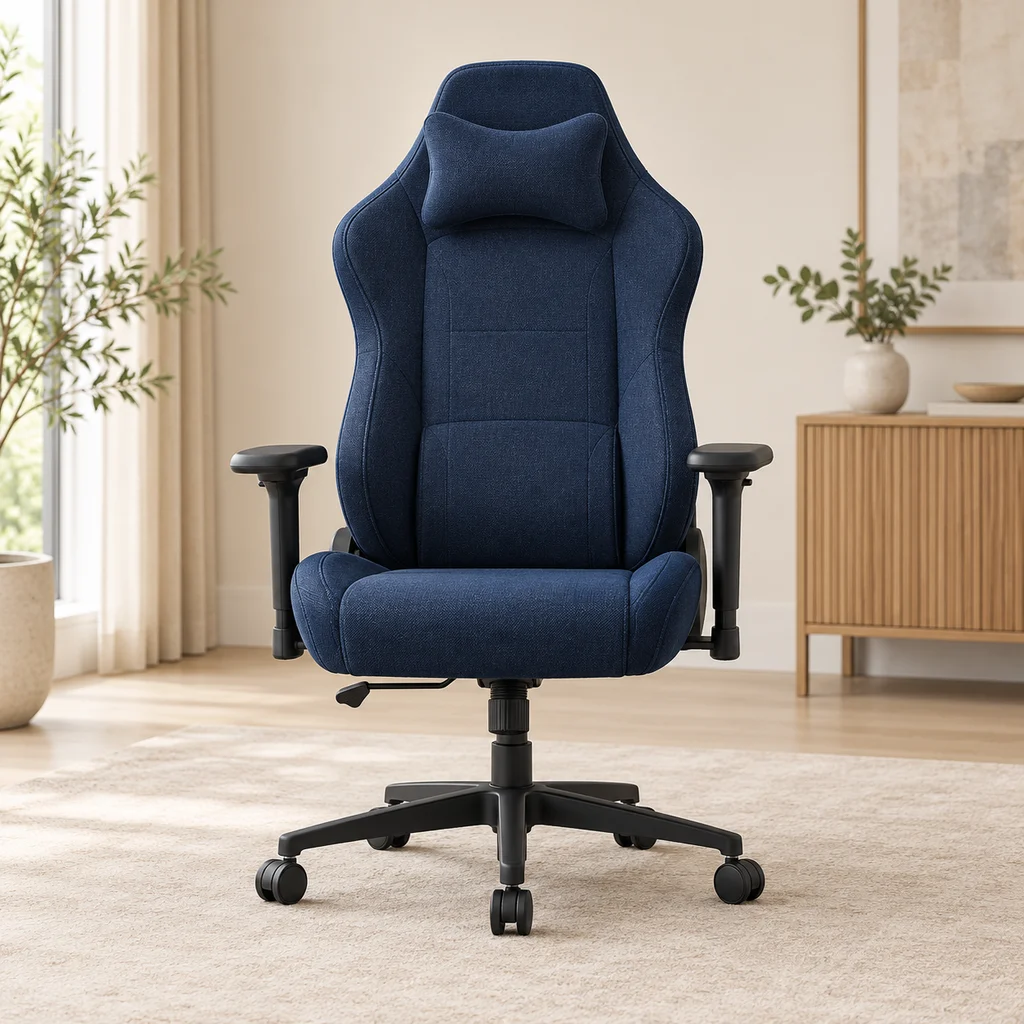
Gaming chair
What to check
Check the seat width and the maximum weight rating, and whether the armrests adjust, before choosing a chair for long sessions.
-
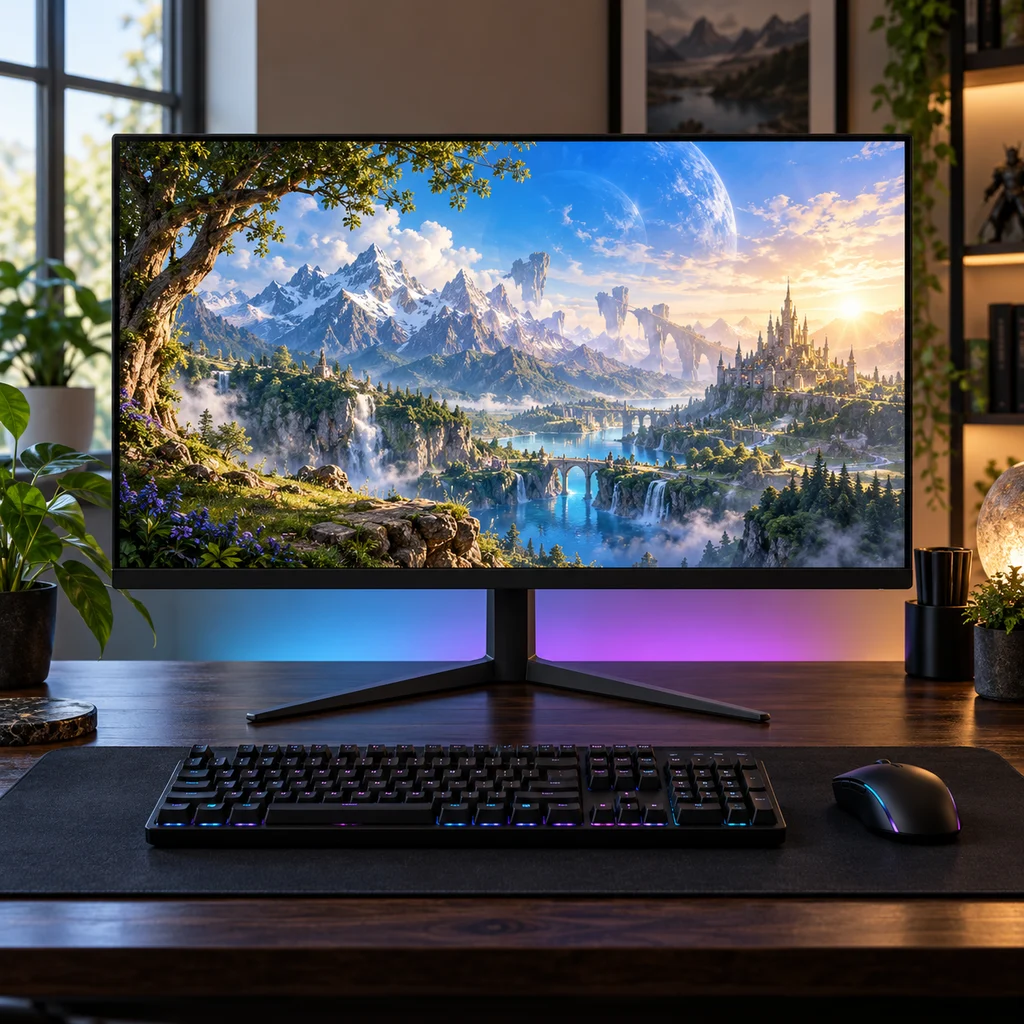
Gaming monitor
What to check
Check the stand height against your eye level. Many budget monitors tilt but do not lift, so plan for a riser or arm.
-
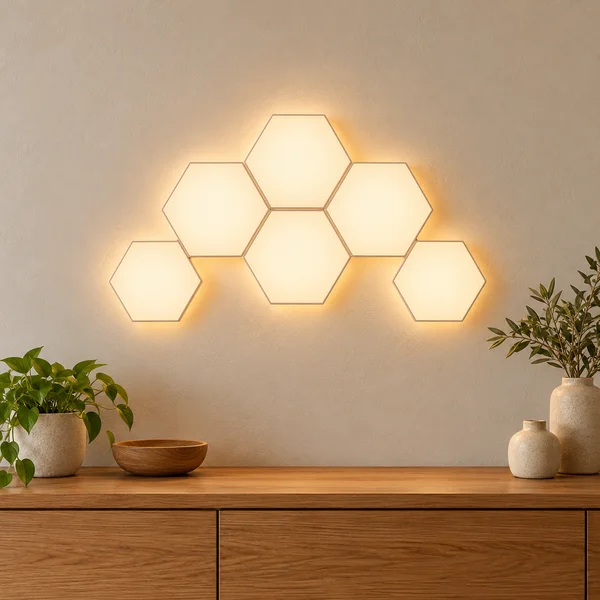
Hexagon wall lights
What to check
Light panels stick on with adhesive pads, which can pull paint off when removed. Plan the shape on paper first and check where the power cable will run.
-
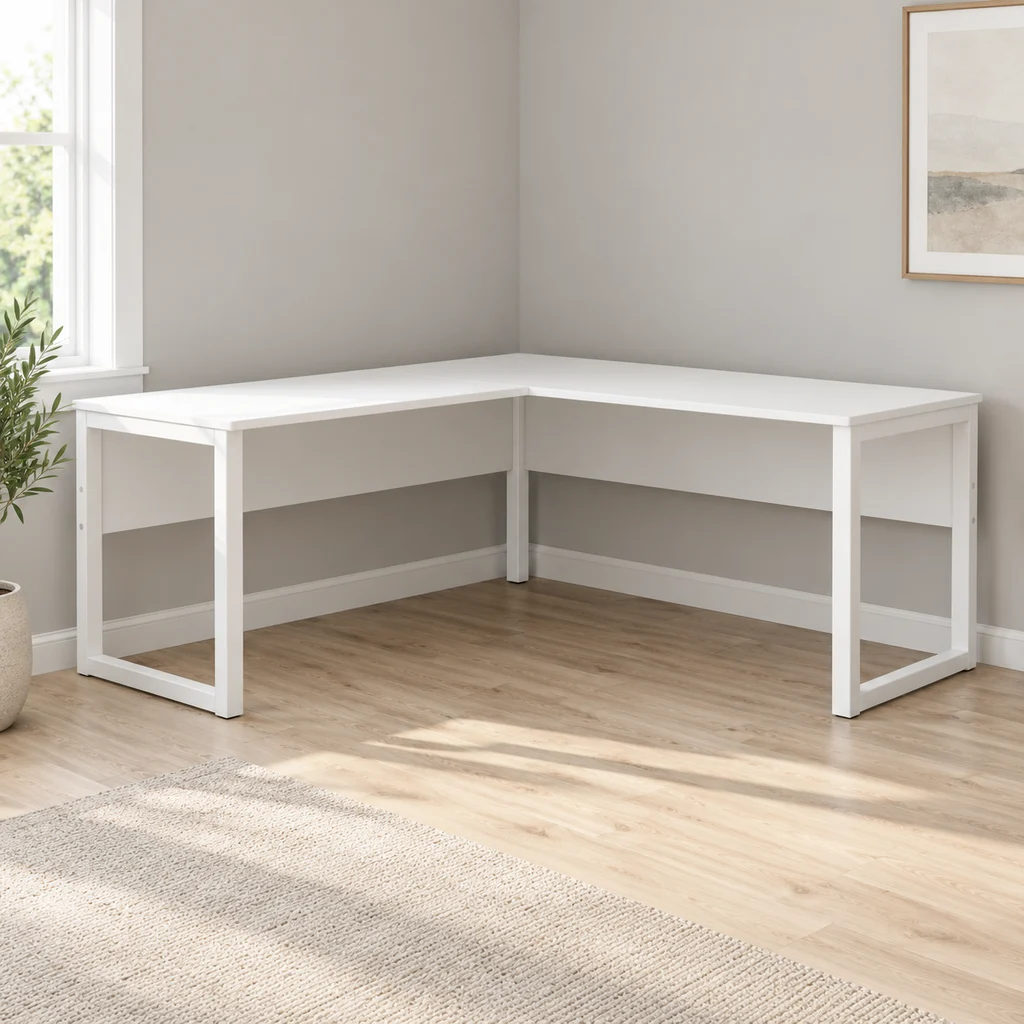
L-shaped desk
What to check
Measure both walls. A reversible L desk lets you choose which side the short return sits on, which helps if a door or window is in the way.
-
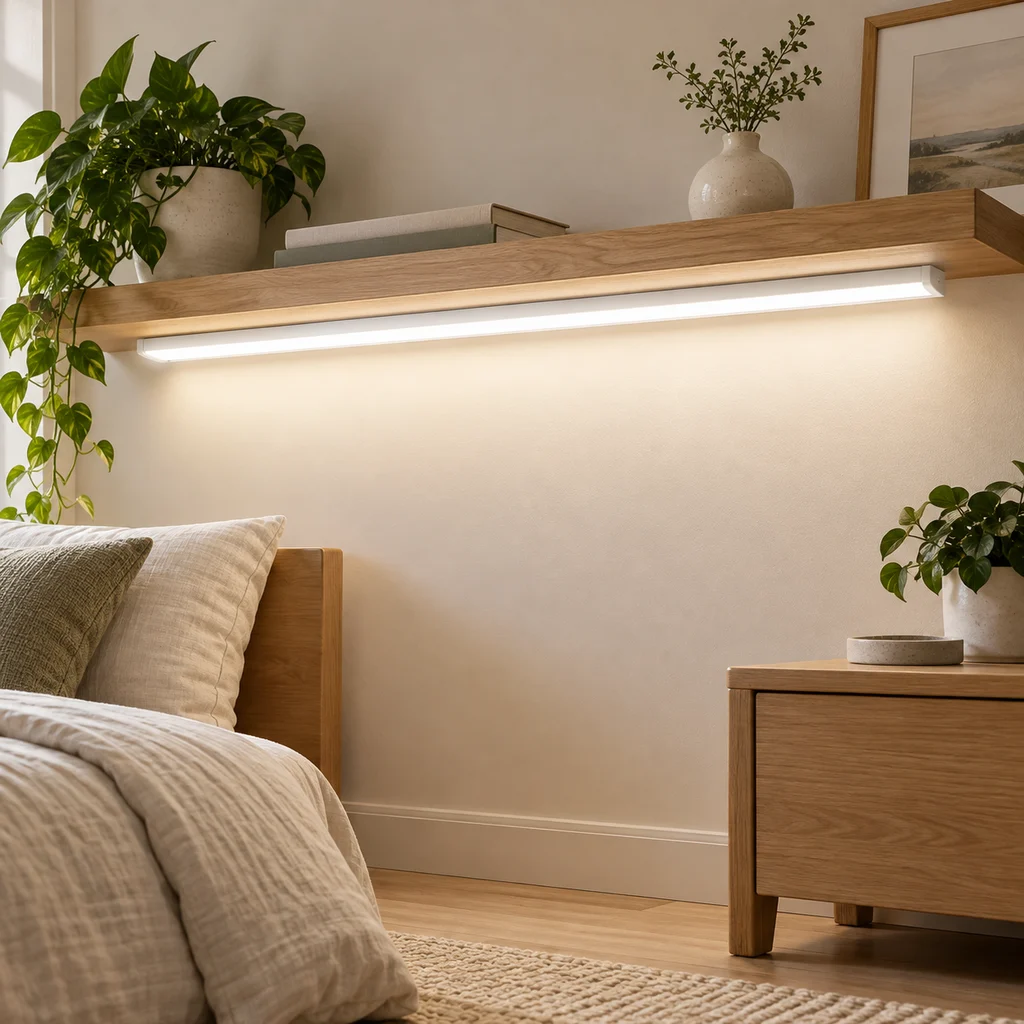
LED strip
What to check
Measure the run you want to light and check where the power plug will reach. Adhesive strips stick best on clean, smooth surfaces.
-
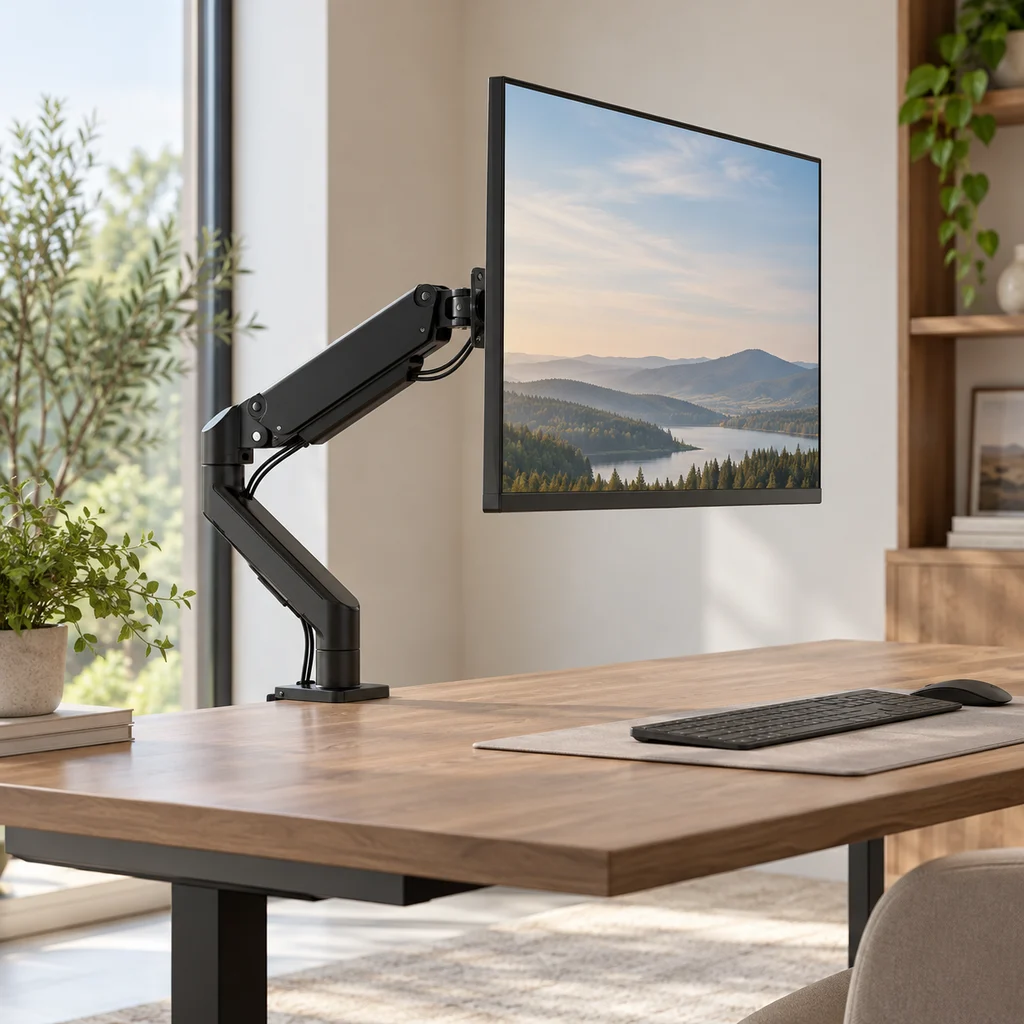
Monitor arm
What to check
Check your monitor's weight and size against the arm's limits, and that your desk edge is thick and strong enough for the clamp.
-
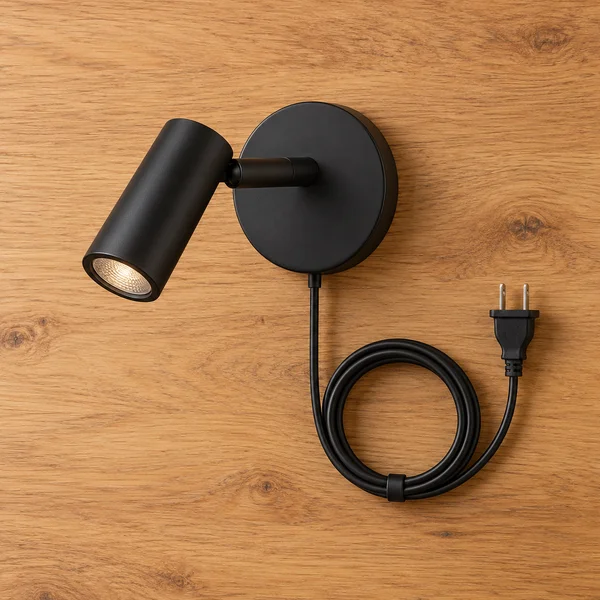
Plug in wall reading light
What to check
Mount the light high enough to clear your head when sitting up, and check the plug reaches an outlet.
The gallery
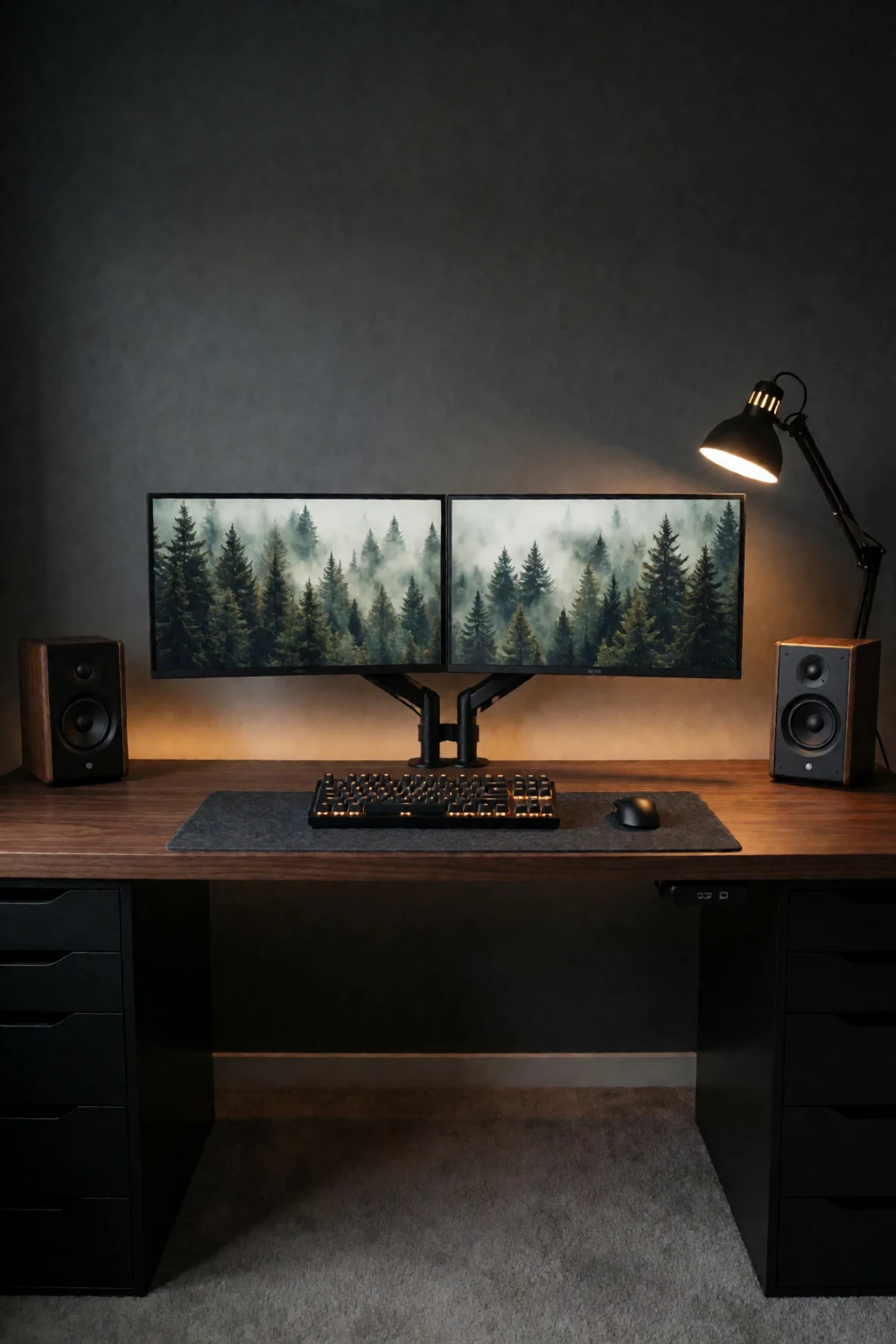
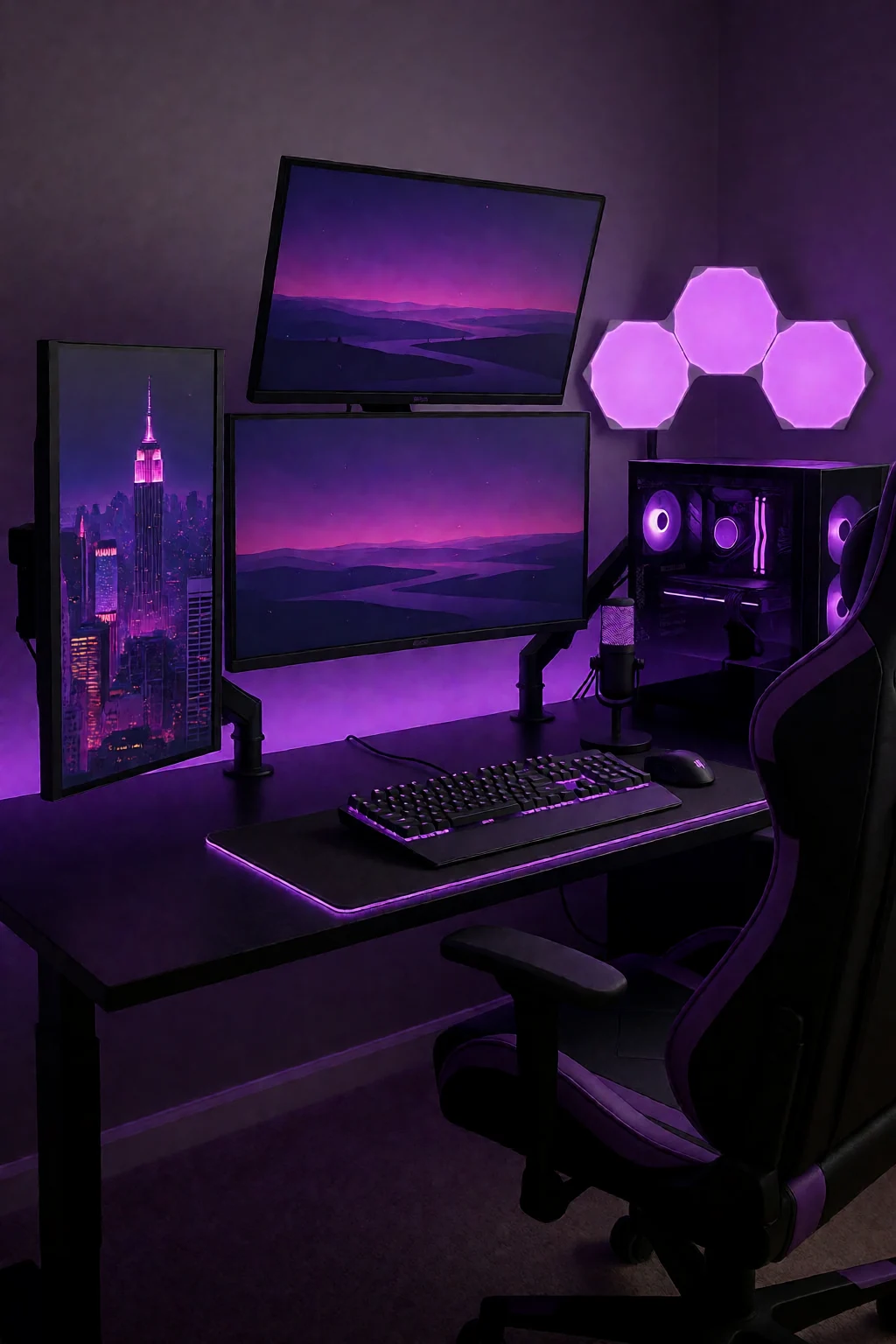
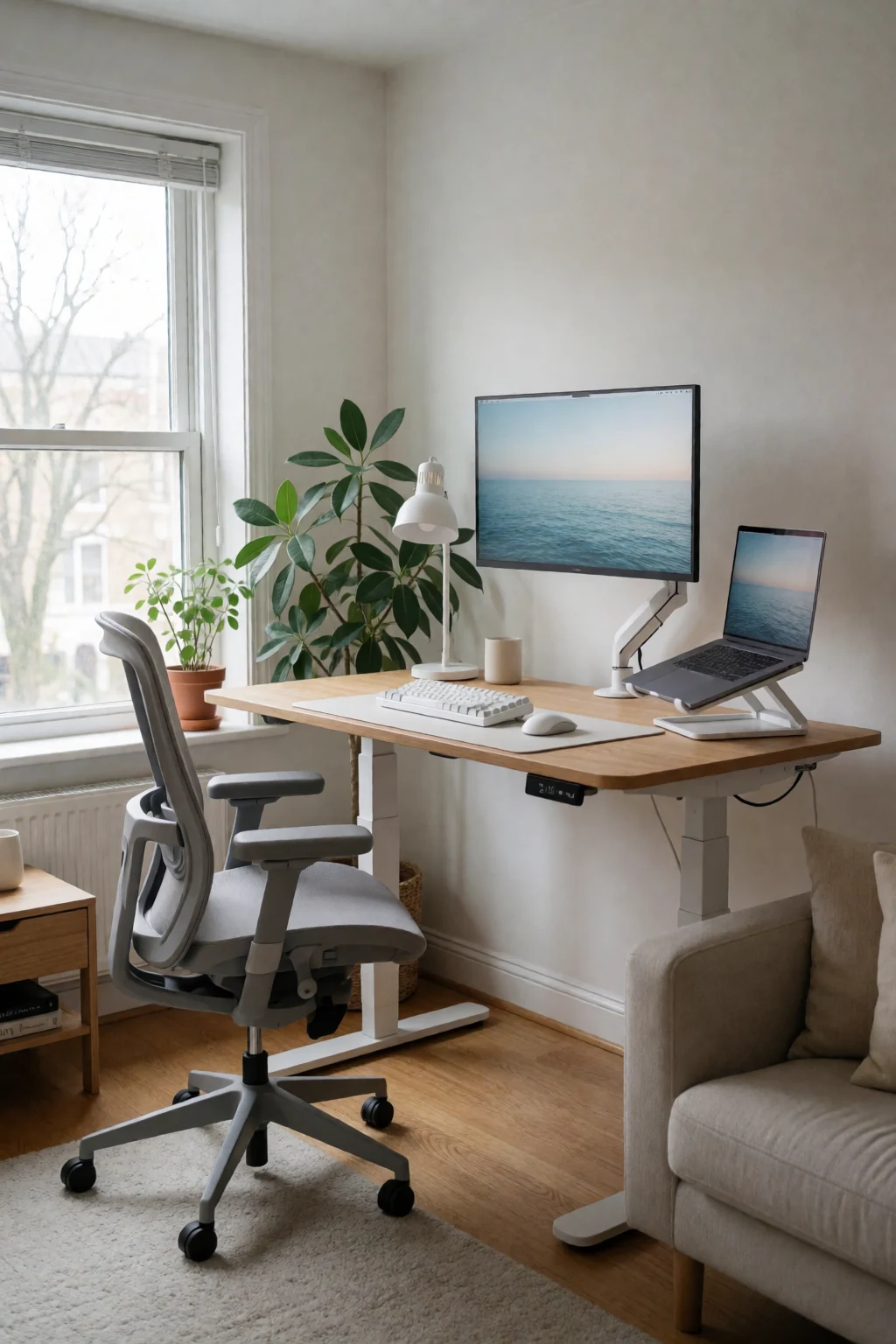
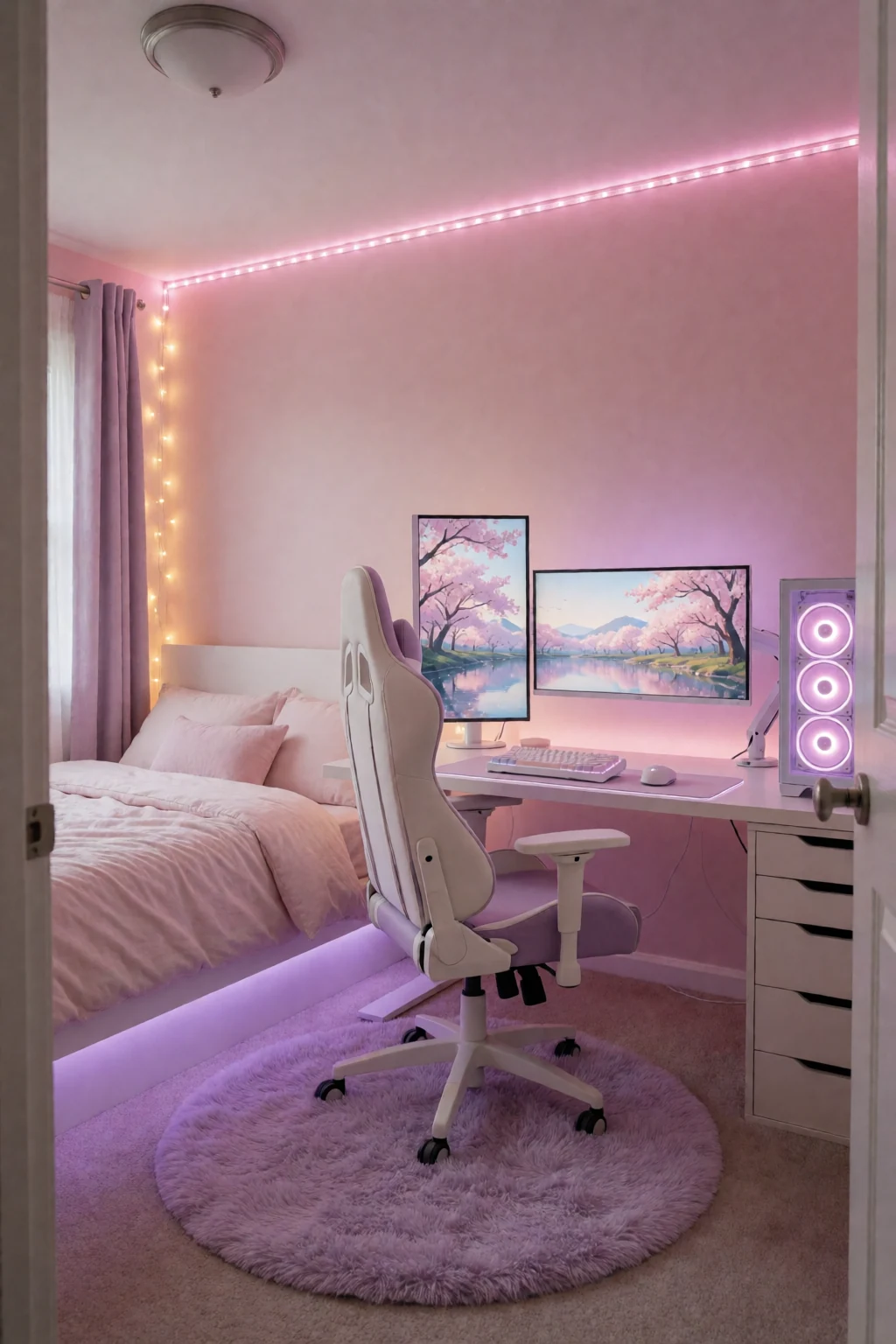
8 work & gaming looks
Open a look to see its pieces.
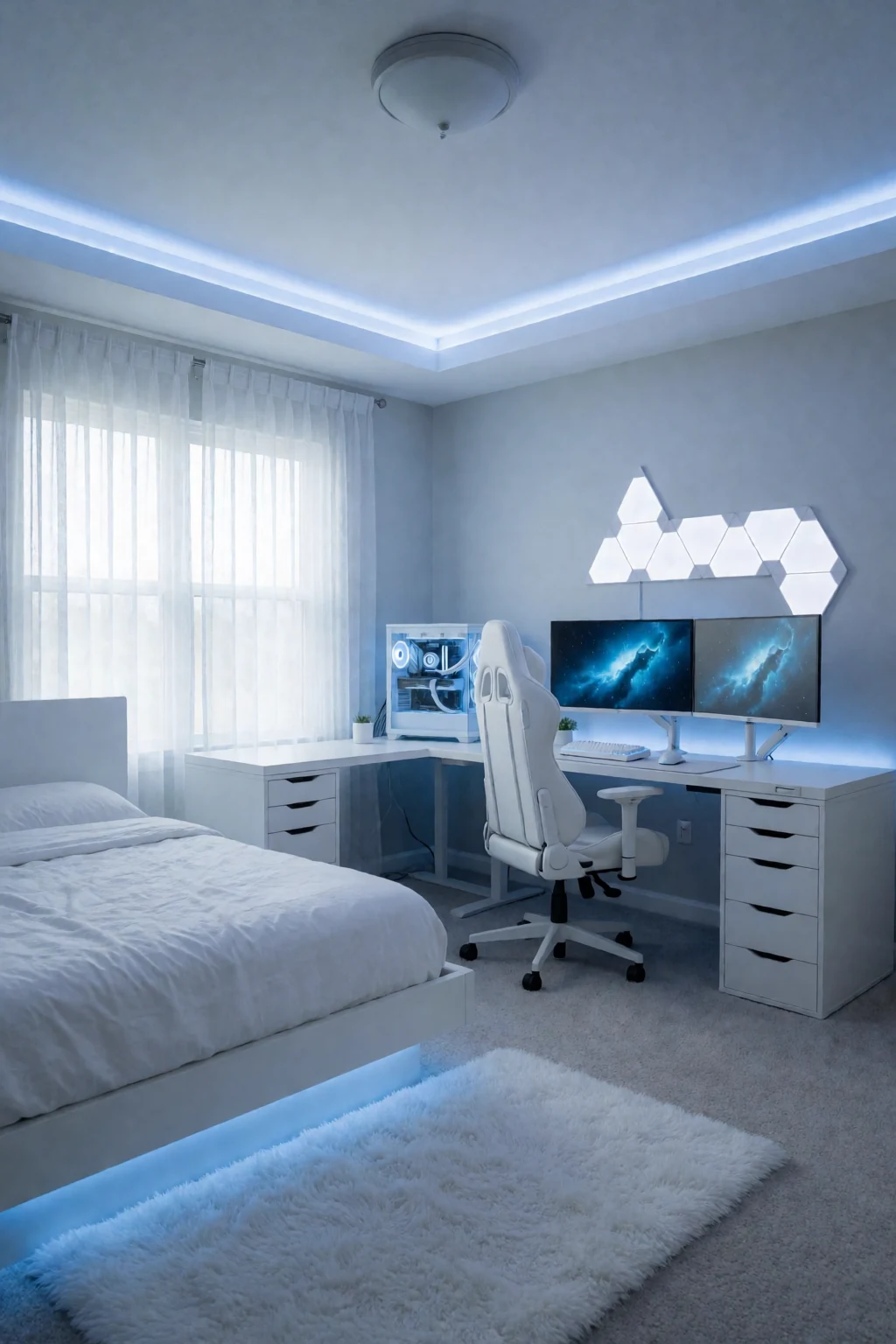
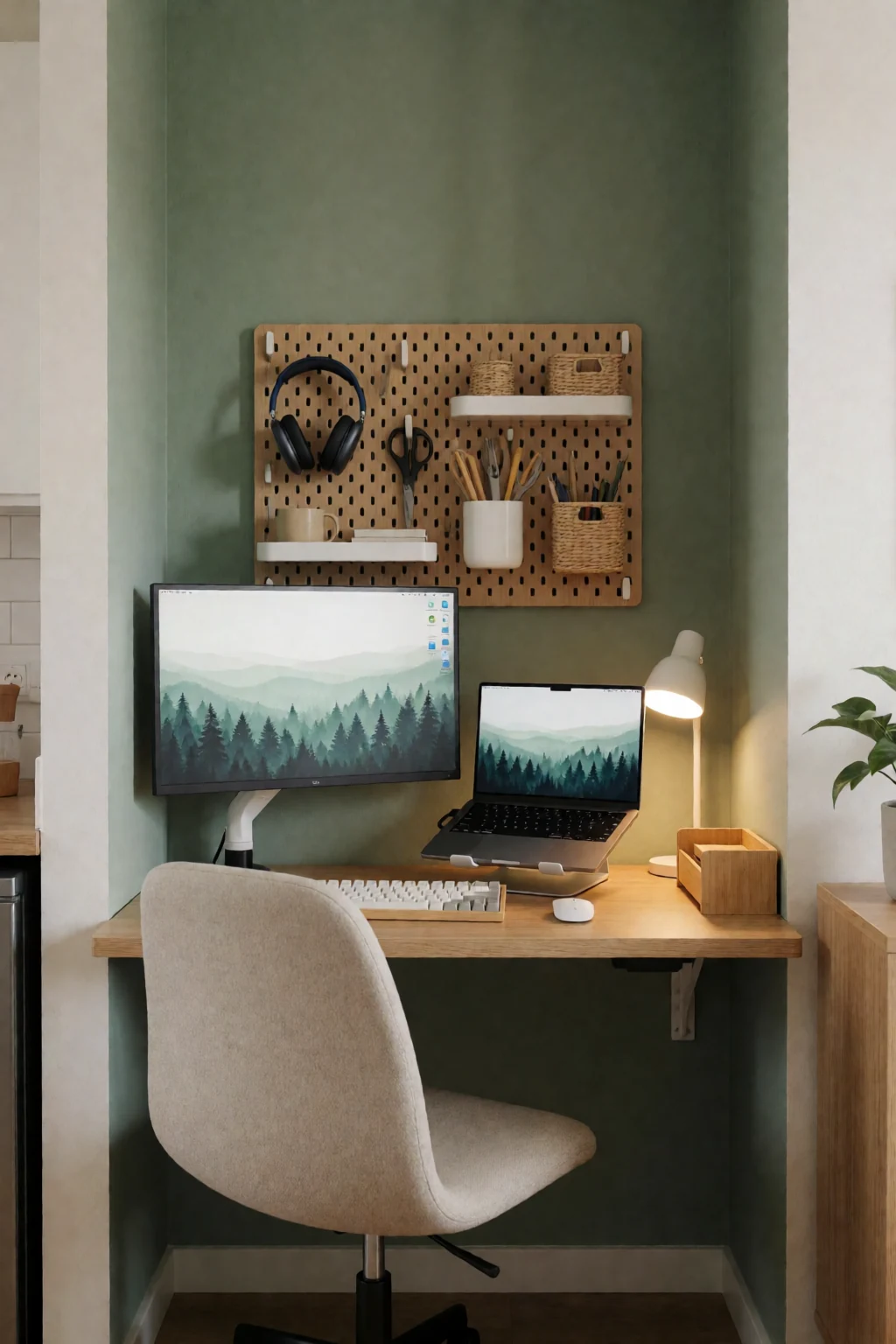
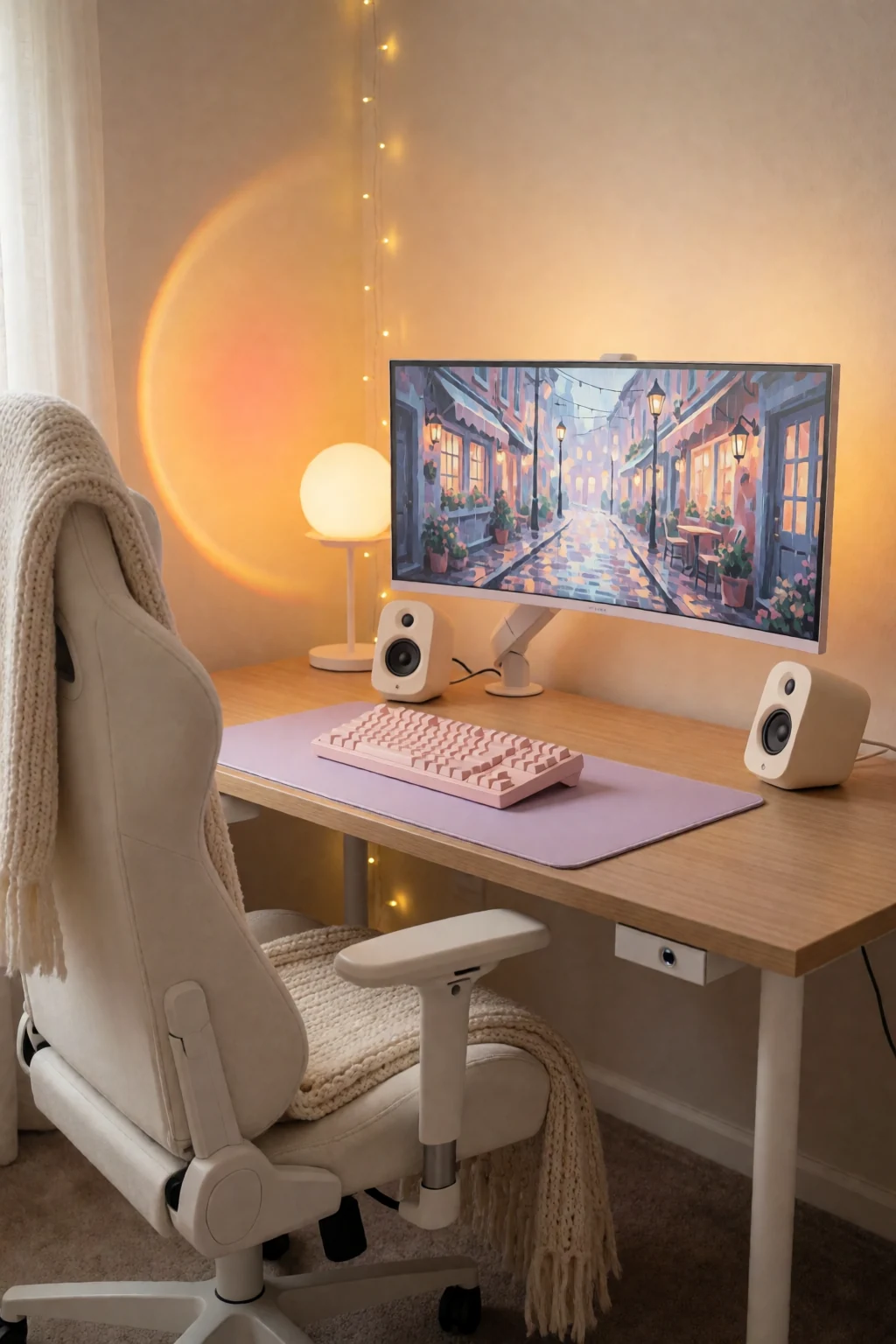
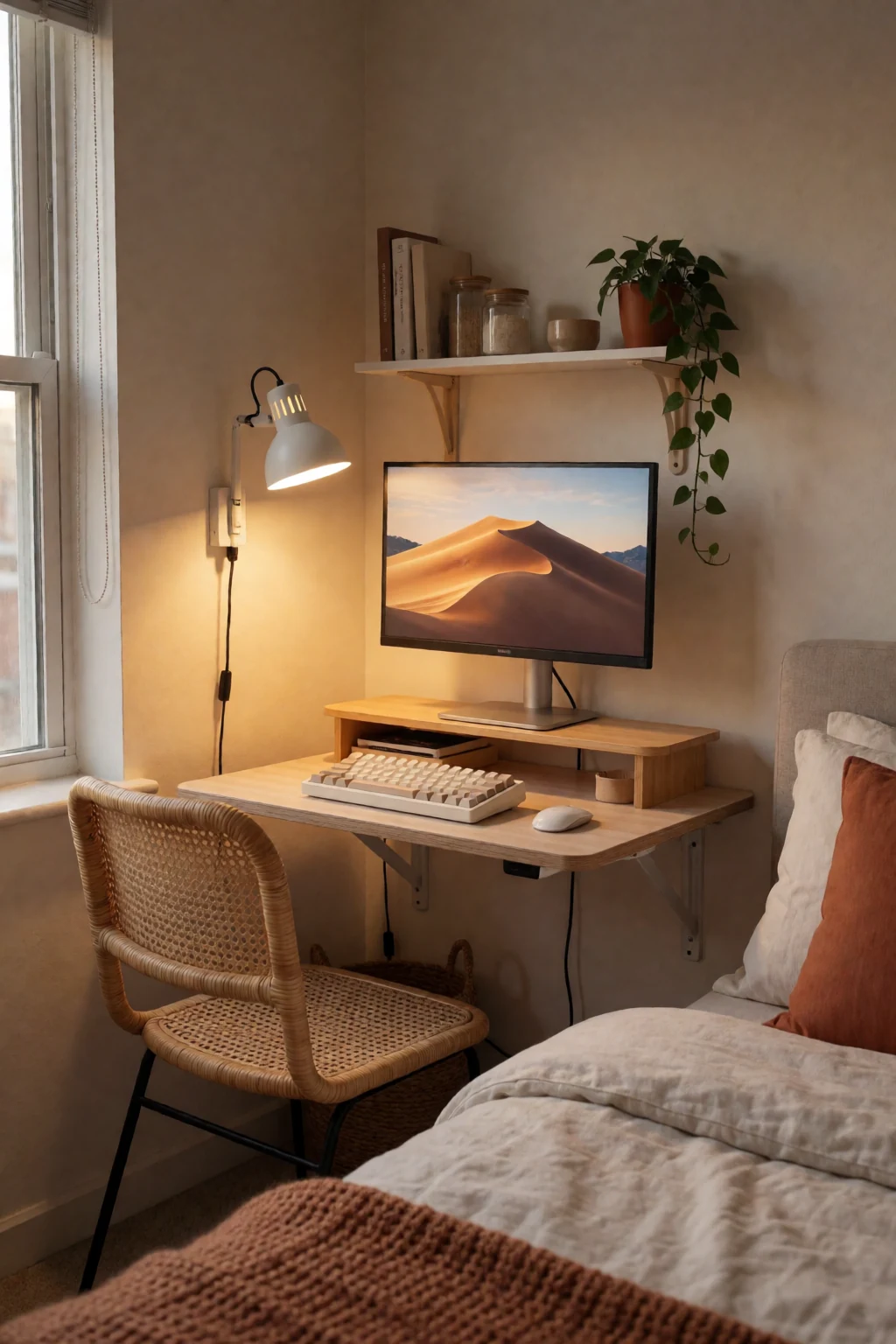
Keep exploring
Related guides
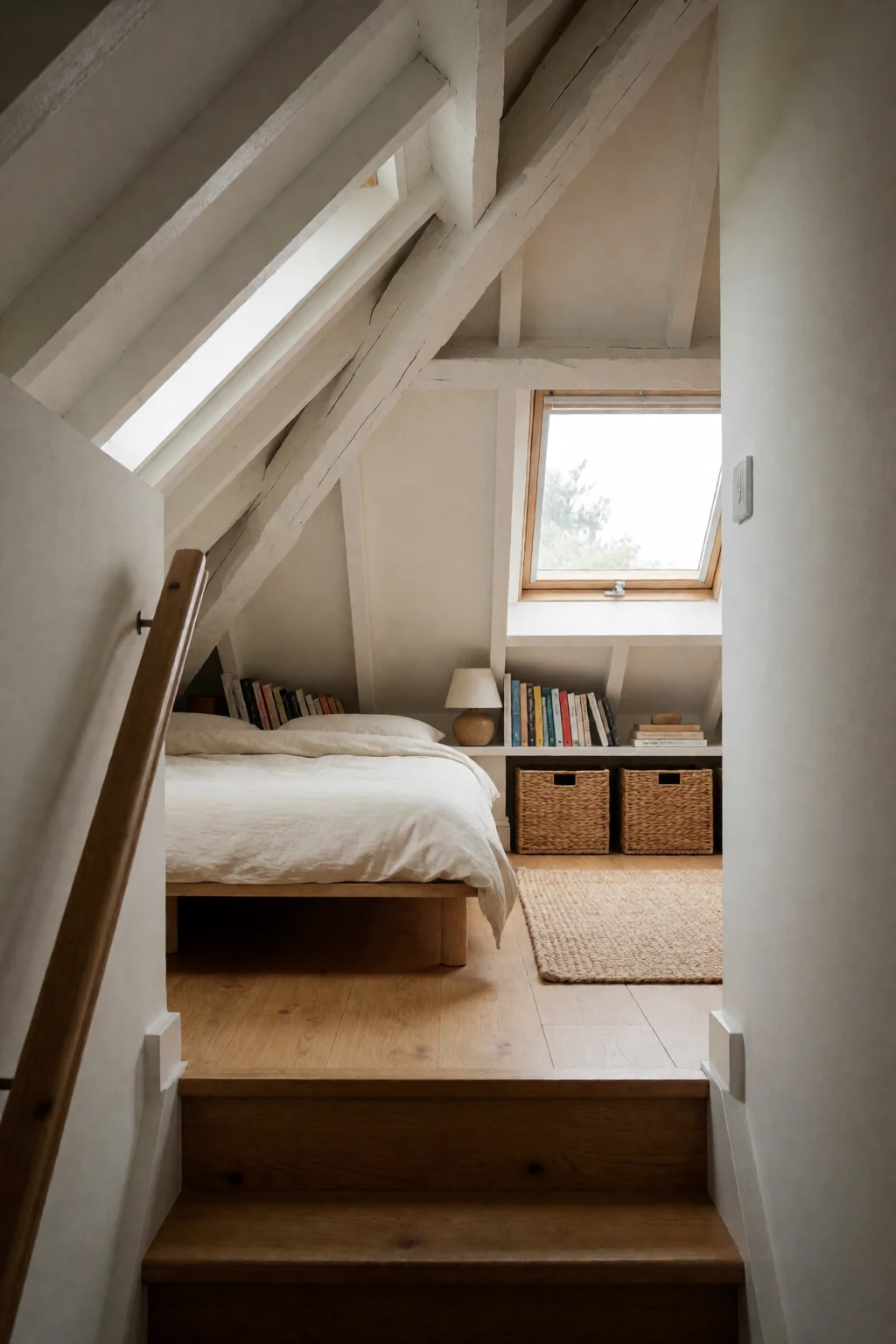 Bedroom
A desk in a bedroom has to look calm at night, while a corner desk is usually set up purely for working across a big surface.
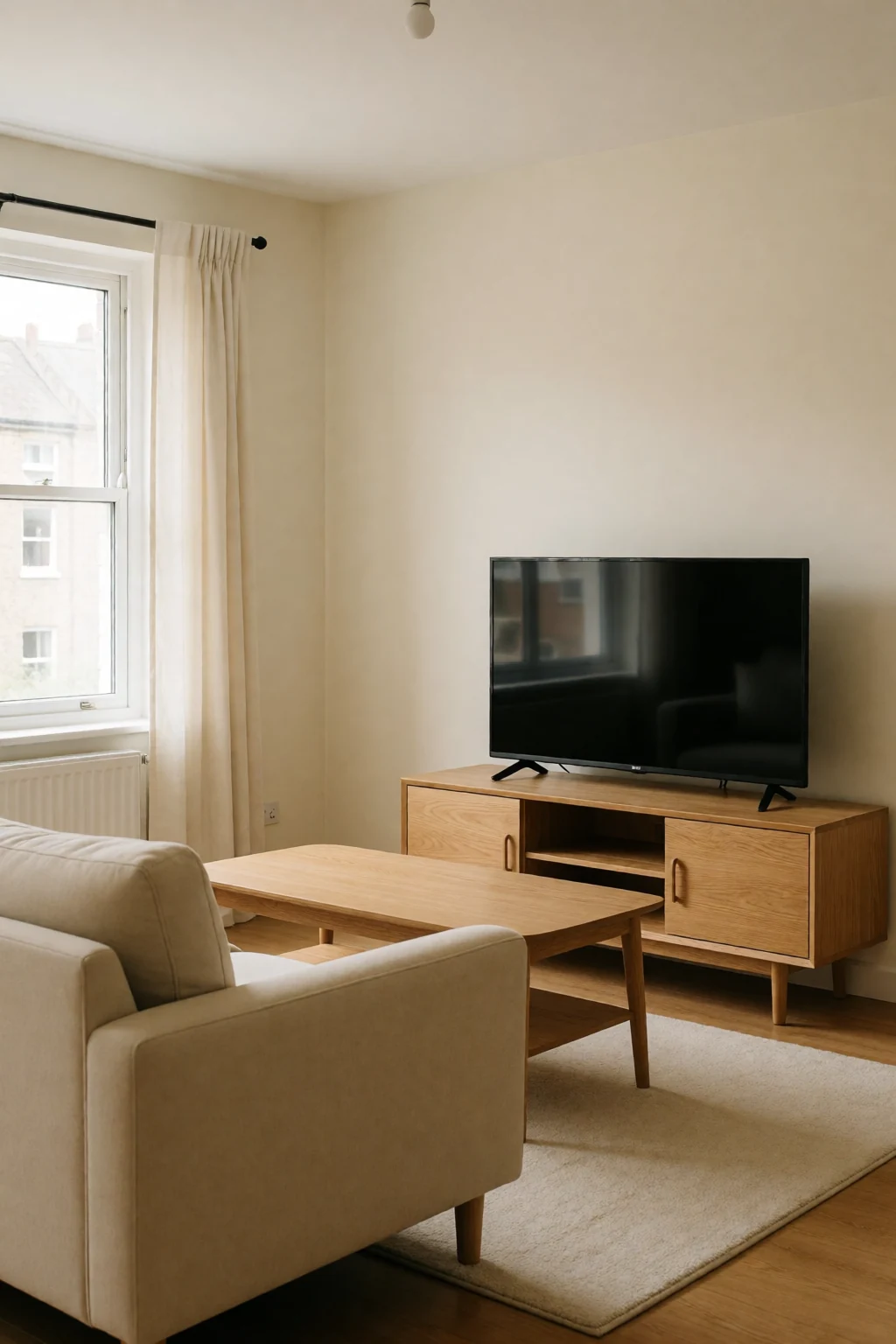 Living room
A living room desk has to match the rest of the room; a corner desk in its own space can put cables and reach first.
Questions
Should the monitor face into the corner?
No. Turn it to face your chair directly. Pushed into the corner, it sits further away and you end up turning your neck.
How do I stop the middle filling with clutter?
Give it one job: a monitor arm post, a plant, or nothing. Space without a job fills up fast.
Will a normal desk chair work?
Yes, if it rolls freely into the corner. Wide fixed armrests can stop you sitting square at the joint.
One ultrawide or two screens?
An ultrawide keeps everything close together at a natural head position. Two screens let you keep tasks fully apart, but they need careful lining up.