Room ideas / Work & gaming
Small desk setup ideas that leave room to work
On a small desk the monitor stand, keyboard and cables can use up nearly all the depth before you put a notepad down. Most of the fix is moving things up, down or off the surface.
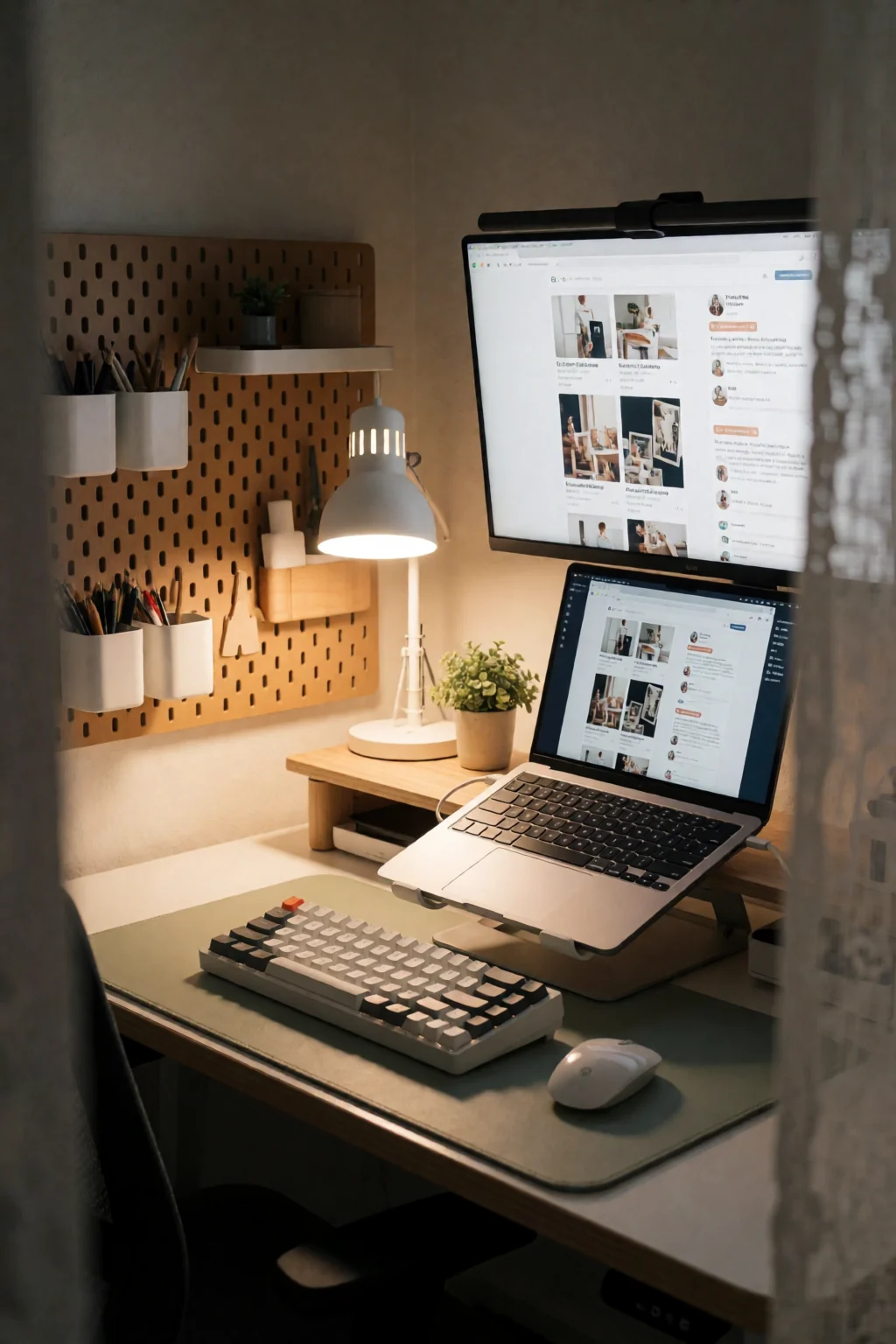
Three rules for a small desk
- Set the top of the screen at or just below eye level. A monitor arm does this and gives back the stand's footprint.
- Keep only three things on the surface: what you are working on now, your keyboard and mouse, and one or two daily items like a lamp or mug.
- Plan the cable route before you place the desk. Next to a wall socket means short, tidy cables; in the middle of a wall usually means cords across the floor.
Where the space goes
Monitor depth is what most people underestimate. A typical monitor is 8 to 10 inches deep on its own, and the stand base adds another 6 to 8. On a desk 20 or 24 inches deep, that leaves little room for a keyboard and none for a notepad.
Treat the strip in front of the keyboard as a working zone in its own right. On a narrow desk it may be only 8 to 12 inches deep, so anything that wanders into it gets in the way.
Loose cables are worse on a small desk. They slide across the writing area, catch on the keyboard and stop you sliding a notebook into place.
Five ways to free up the surface
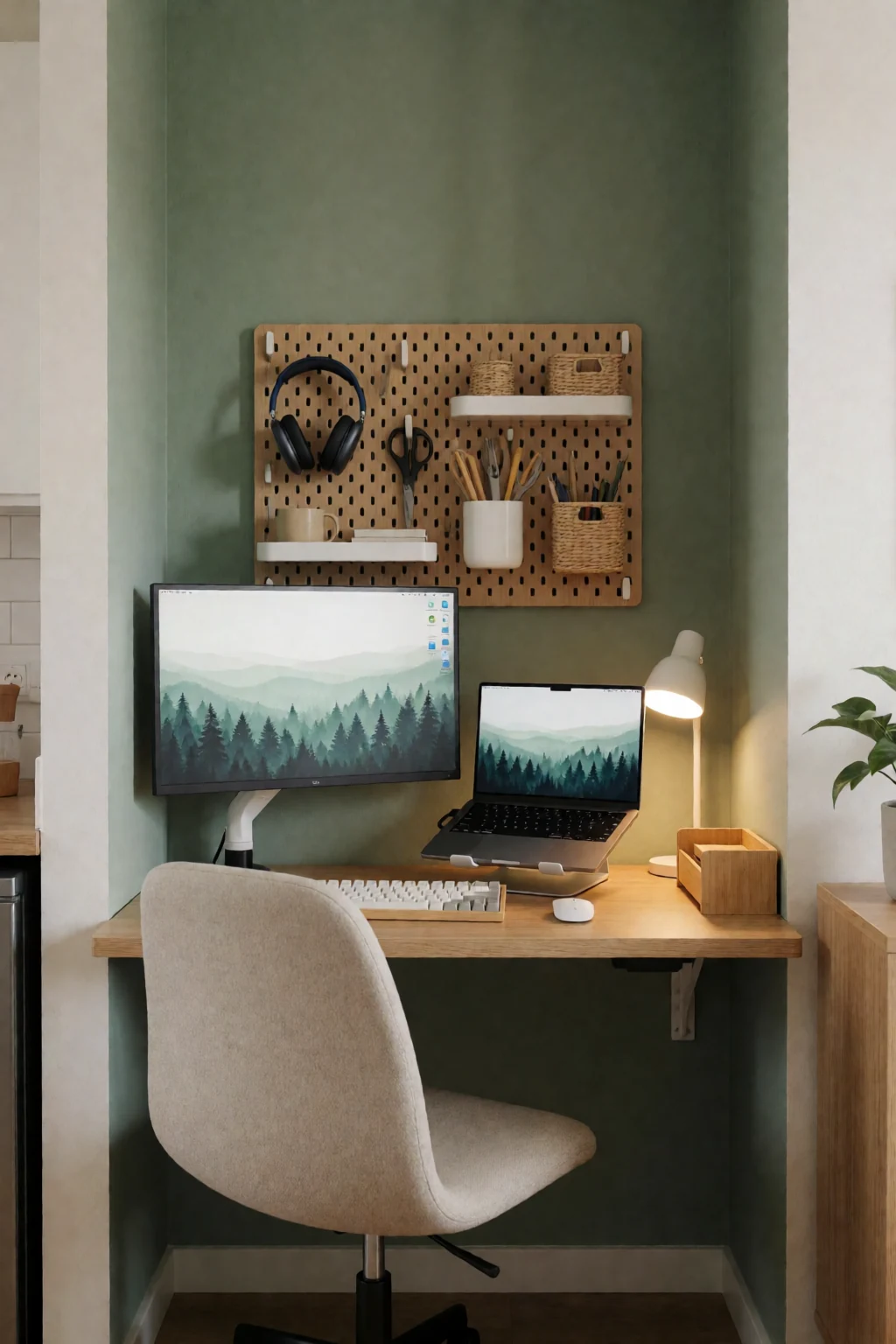
- Monitor arm and a shelf above
- Clamp a monitor arm to the back edge and fix a floating shelf on the wall above the screen, within reach. The arm frees the surface; the shelf holds speakers, a small plant or reference books.
- Corner desk and keyboard tray
- An L-shaped or corner desk gets its extra surface from the walls instead of the room. An under-desk keyboard tray takes the keyboard off the top, leaving the full depth for the monitor and writing space.
- Monitor on the wall
- For a very shallow desk, around 18 inches, or a wall shelf used as a desk, mount the monitor on the wall behind it. The whole top becomes space for writing or a laptop.
- Cable tray underneath
- Screw a mesh or plastic cable tray under the back edge of the desk to hold the power strip, spare cable length and adapters. Run cables up through a grommet or along a leg to each device, and both the top and the floor stay clear.
- Rolling drawer unit
- A narrow rolling drawer unit beside or under the desk adds storage without adding surface clutter. Its top can hold a printer, a dock or a plant, and you roll it out a little to open the drawers.
Measure these first
- Screen size for your desk depth
- Bigger screens need to sit further away. A 27-inch monitor on a 20-inch desk usually ends up too close, even on an arm. On a shallow desk, a 24-inch or smaller screen is often more comfortable and leaves more space in front.
- Lamp position
- Put the lamp on the left if you write right-handed and on the right if you are left-handed, so your hand does not shadow the page. A wall-mounted or clamp-on lamp takes no surface space at all.
- Legroom
- Under-desk storage is only useful until it takes your legroom. Measure before adding a drawer unit underneath: you need to sit square to the desk without angling your knees.
- Separate tech and writing sides
- If one side holds the laptop or monitor and the other is for writing, mark each with a tray or a mat. The edge keeps equipment from creeping across and paper from sliding toward the keyboard.
Setting it up
Place the desk with the room's light in mind first. A window straight ahead puts glare on the screen; a window to one side is usually easier on the eyes. If the room only allows the window in front, angle the screen or add a monitor hood.
Once the desk and arm are in place, do a practice session before tidying any cables. Open what you normally work on, rest the keyboard and mouse where your hands fall, and put your notebook where you would use it. You will often find a cable route blocks something, or the screen needs to come down a couple of inches.
Shop the pieces
16 work & gaming pieces
Links open similar items, not the pictured ones.
-
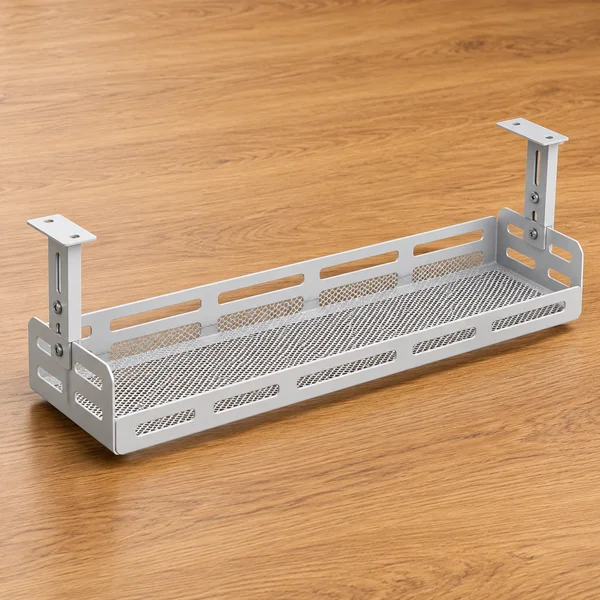
Under-desk cable tray
What to check
Measure the depth under the desk top and check the tray clears your knees and any drawers before fixing it.
-
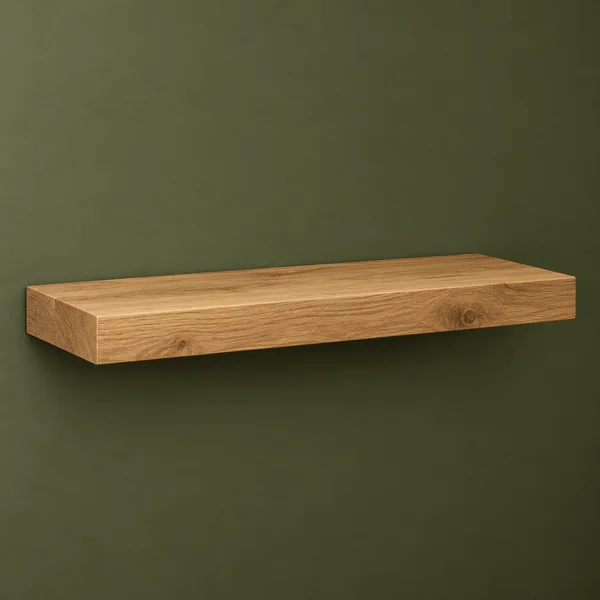
Wood floating wall shelf
What to check
Check the shelf depth and weight rating, and fix into studs or solid wall plugs.
-
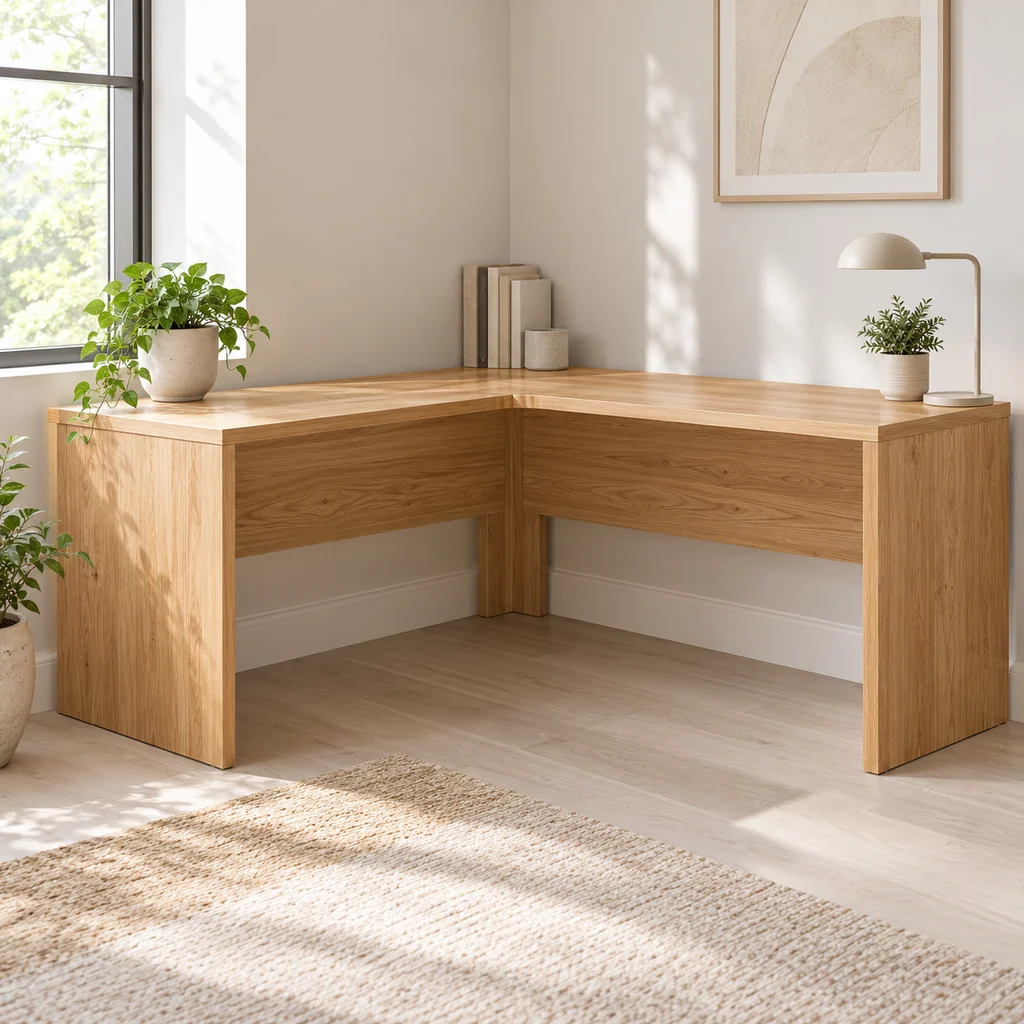
Corner desk
What to check
Measure both walls and the diagonal path into the room. Large L desks often arrive in heavy flat-pack boxes.
-
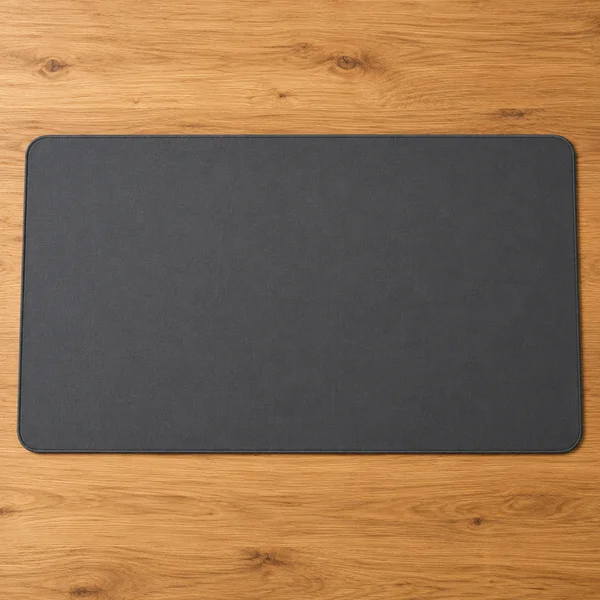
Desk mat
What to check
Measure the space your keyboard and mouse sweep across. A mat that stops short of the mouse is the most common mistake.
-
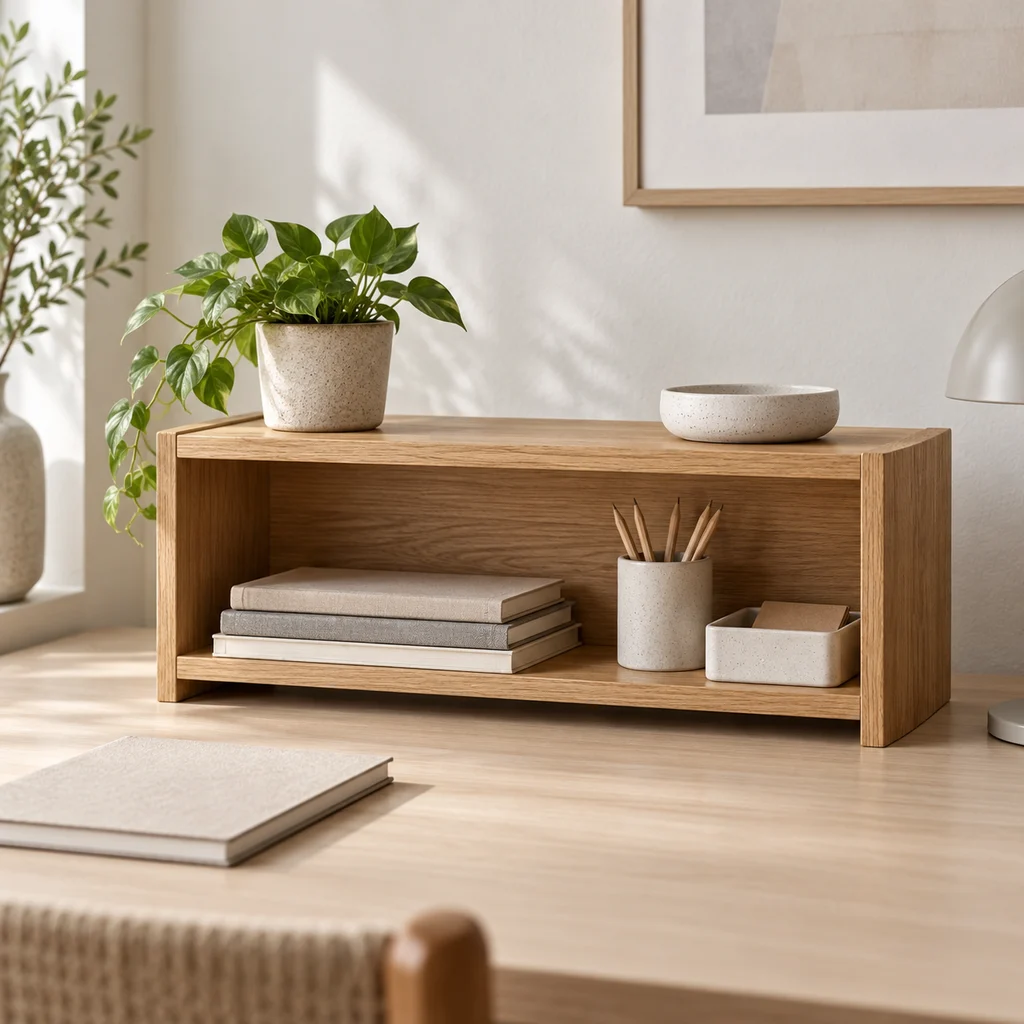
Desk shelf
What to check
Measure under your monitor or beside it. A desk shelf only helps if the things on it are ones you use every day.
-
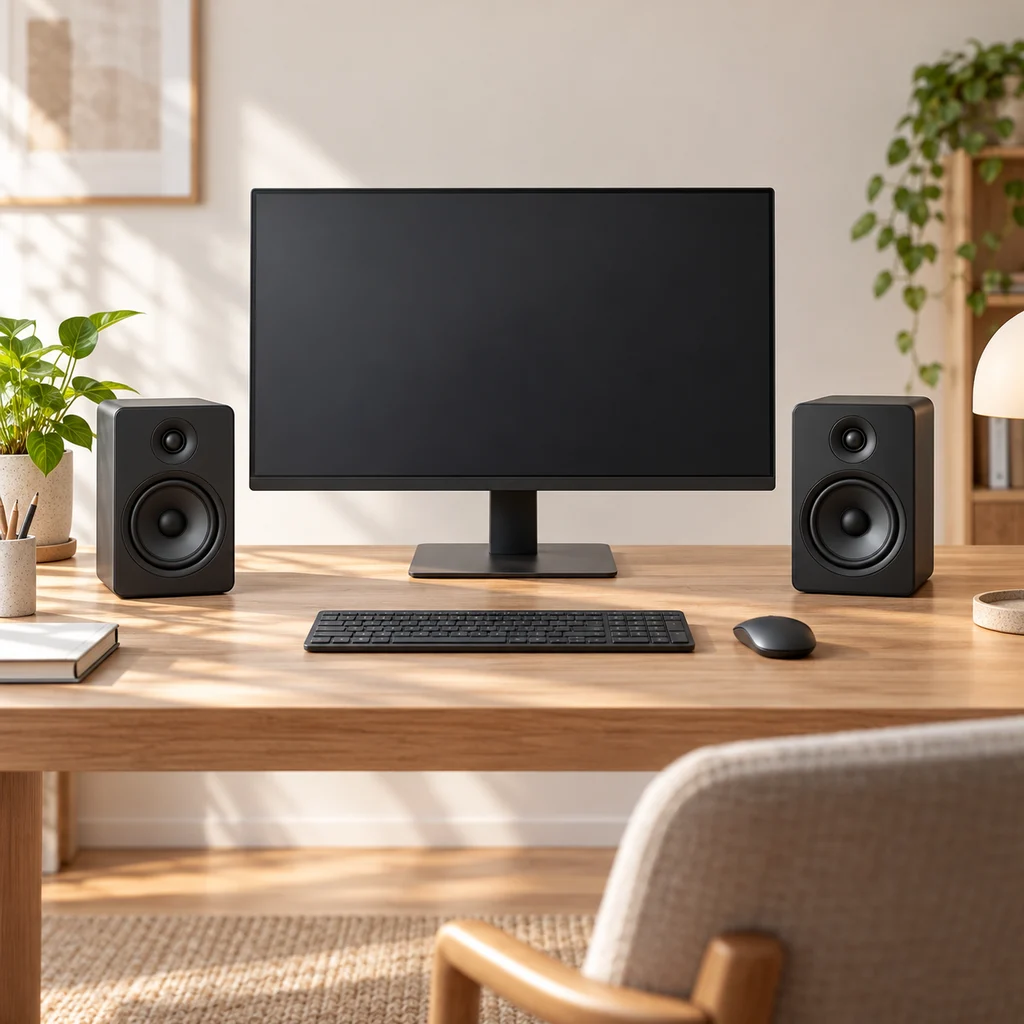
Desk speakers
What to check
Measure the space either side of your monitor. Speakers sound best at ear height and angled toward you, not tucked behind the screen.
-
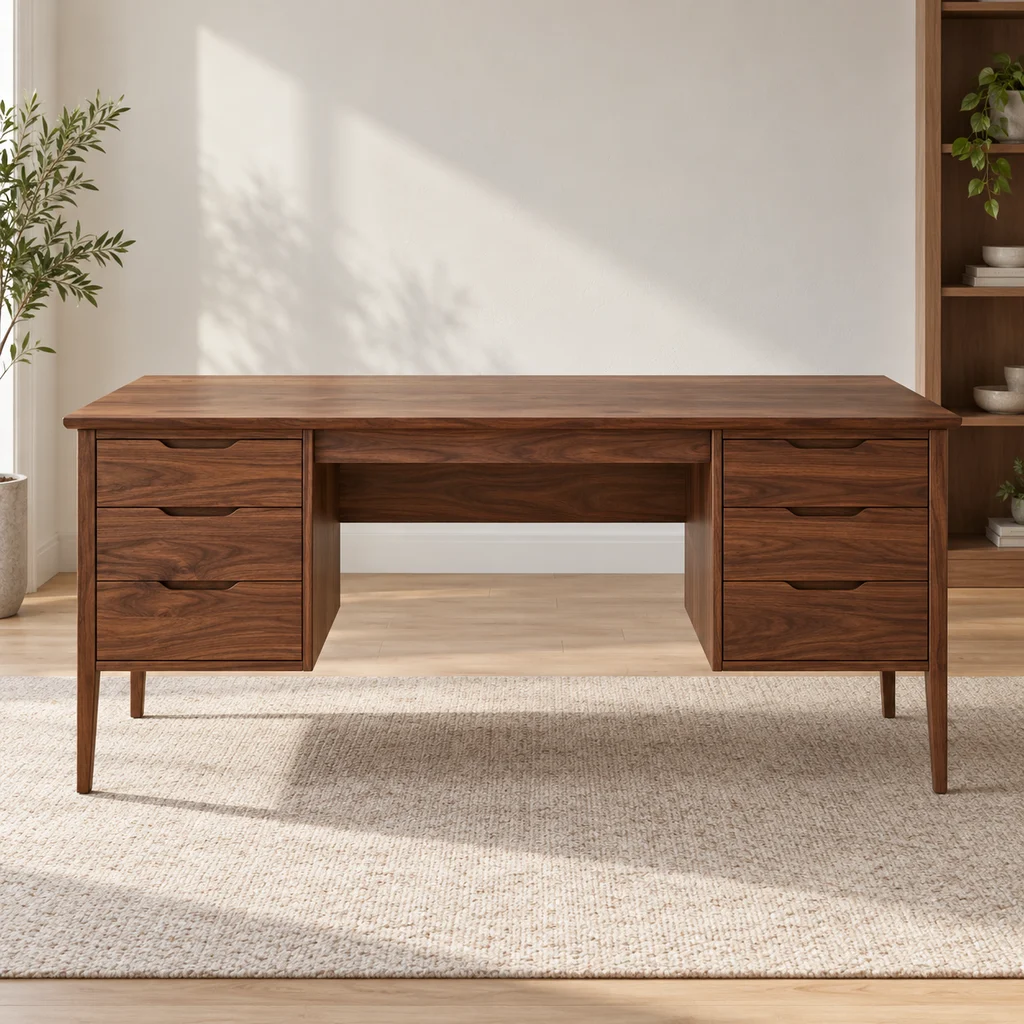
Drawer desk
What to check
Check the desk depth. A monitor needs about an arm's length from your eyes, which a very shallow desk cannot give.
-
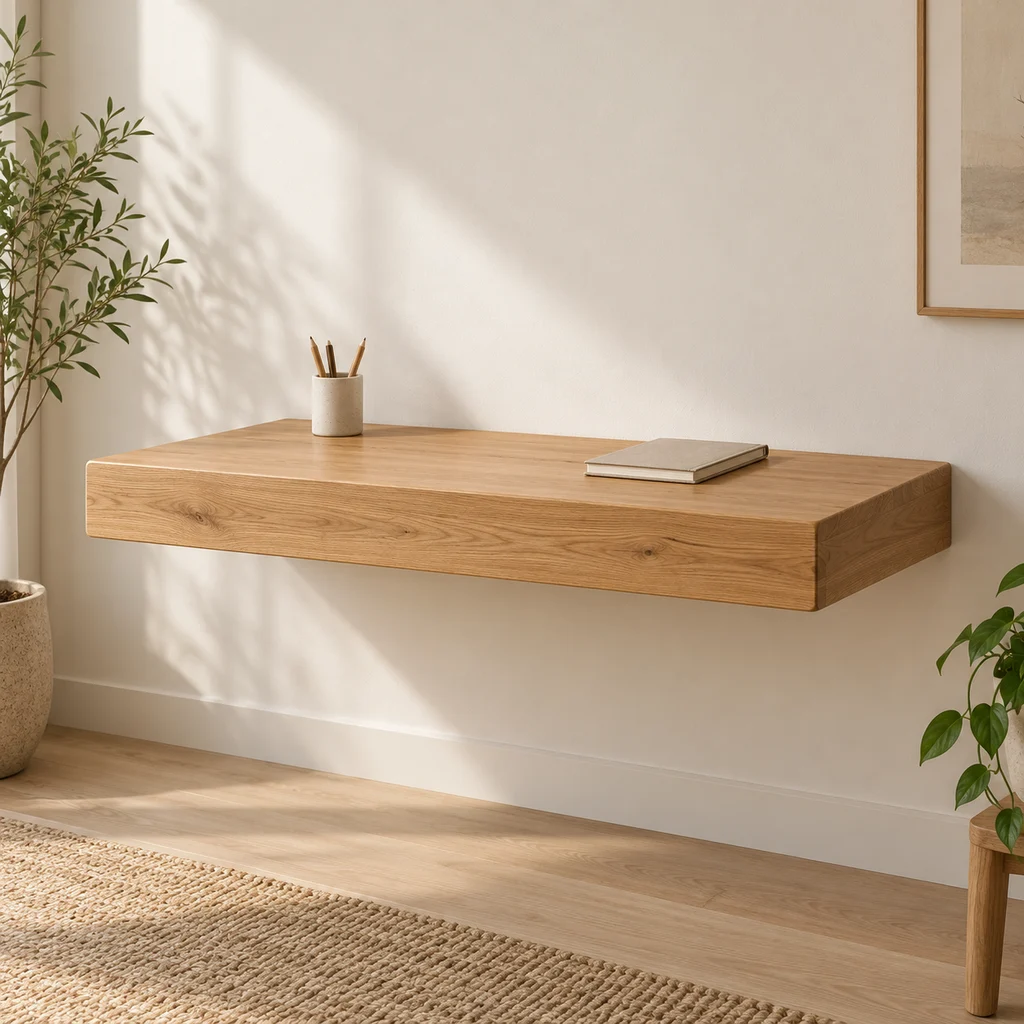
Floating desk
What to check
A wall-mounted desk is only as strong as its fixings. Screw into studs or solid masonry and check the weight rating.
Show all 16 pieces
-

Floor lamp
What to check
Measure the arc reach and the floor space for the base. Arc lamps need weight at the base to stay steady.
-
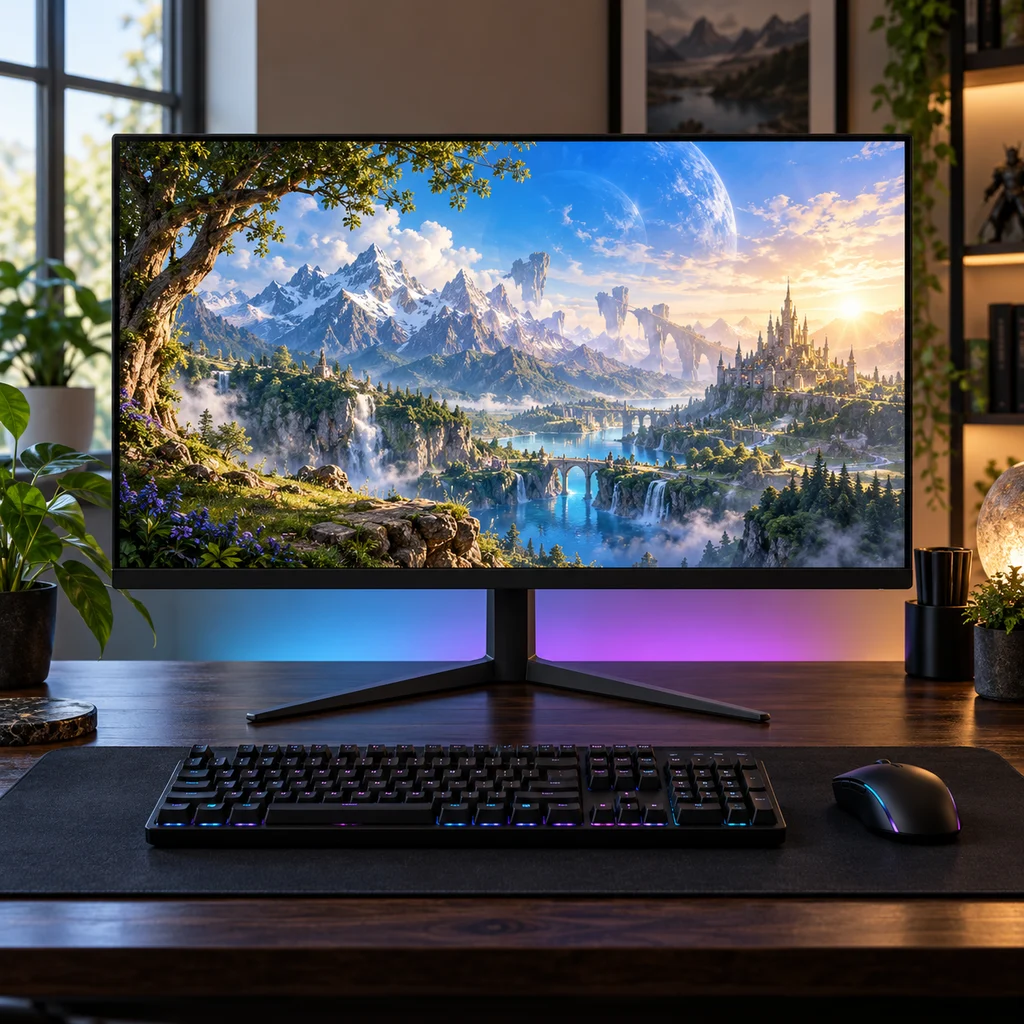
Gaming monitor
What to check
Check the stand height against your eye level. Many budget monitors tilt but do not lift, so plan for a riser or arm.
-

Hexagon wall lights
What to check
Light panels stick on with adhesive pads, which can pull paint off when removed. Plan the shape on paper first and check where the power cable will run.
-
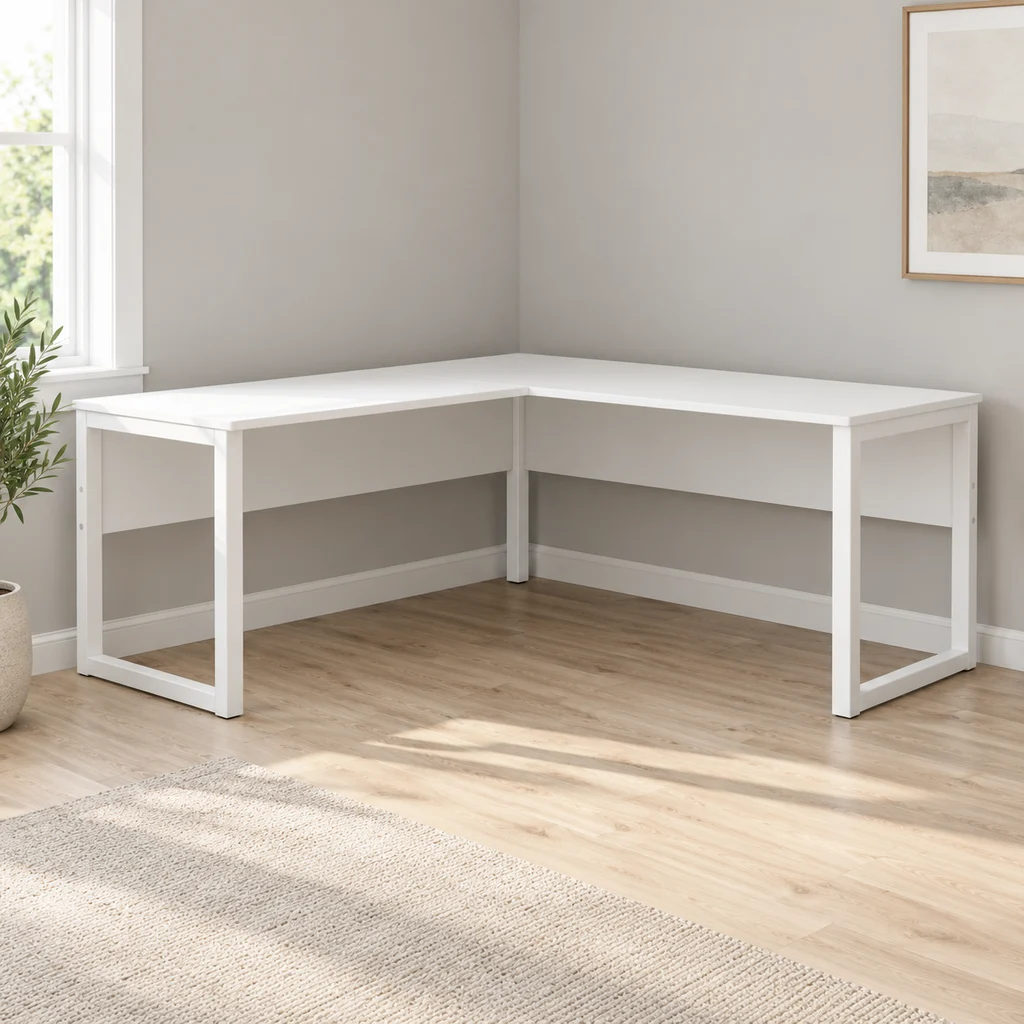
L-shaped desk
What to check
Measure both walls. A reversible L desk lets you choose which side the short return sits on, which helps if a door or window is in the way.
-
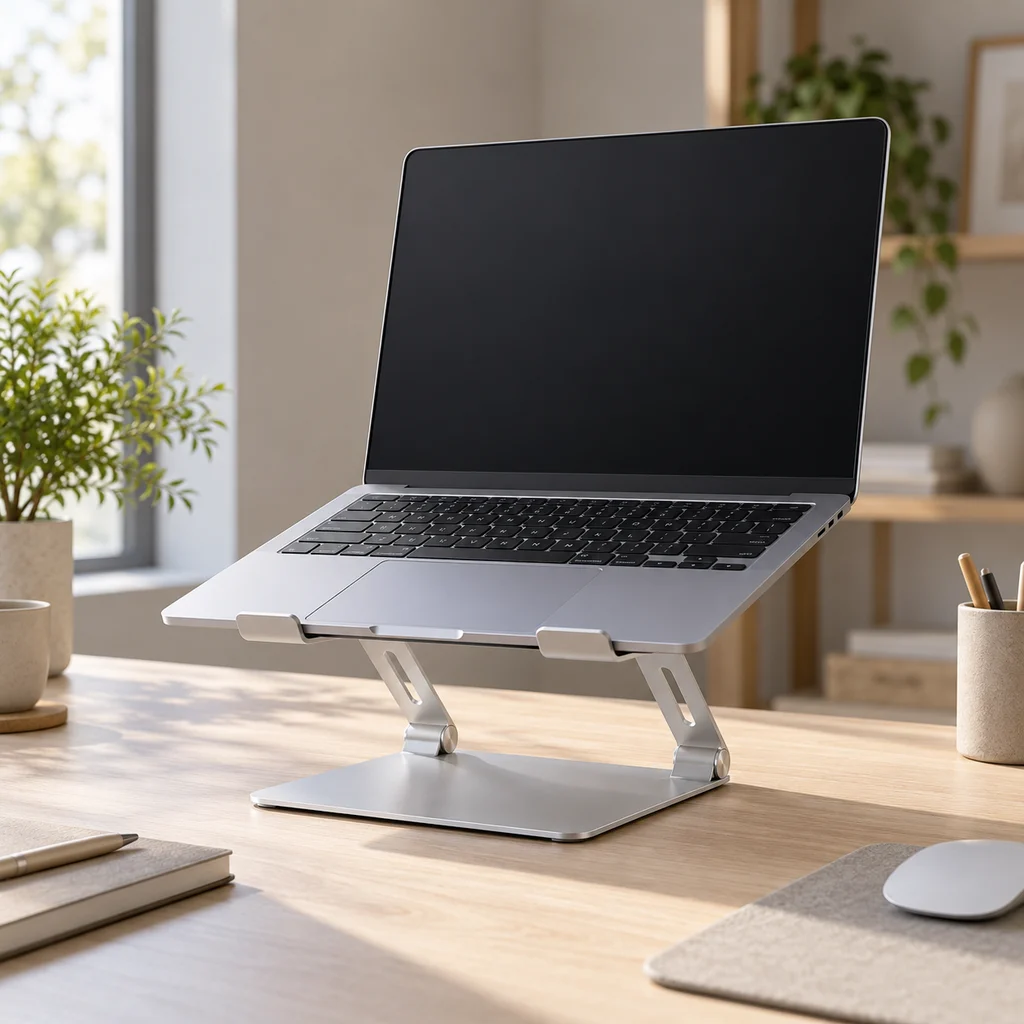
Laptop stand
What to check
Raising a laptop puts the screen at eye level but makes its own keyboard awkward. Plan for a separate keyboard and mouse.
-
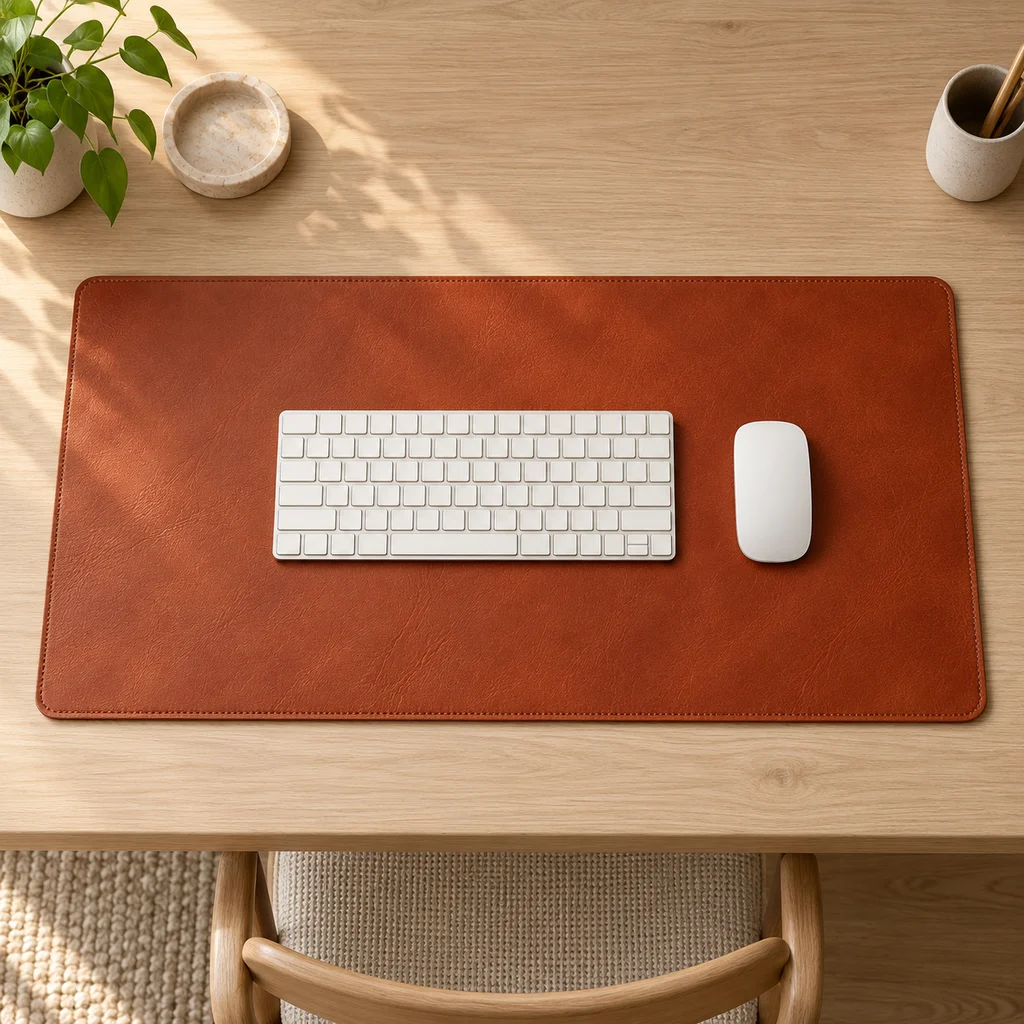
Leather desk mat
What to check
Measure your desk width and depth. A mat should cover the keyboard and mouse area without hanging over the front edge.
-
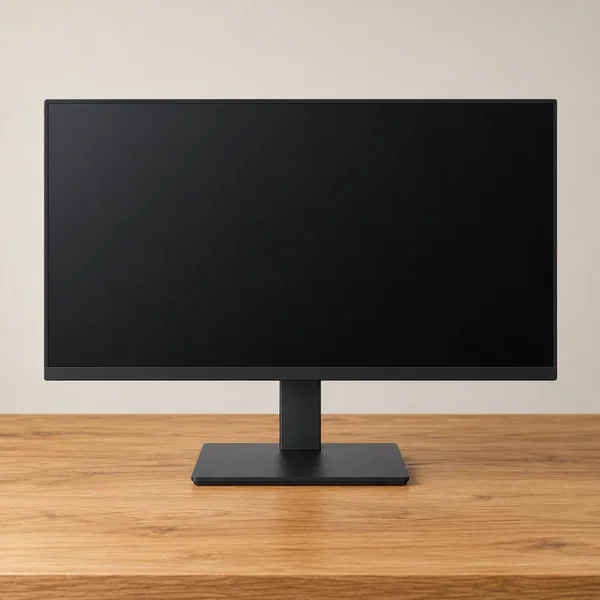
Monitor and stand
What to check
At 27 inches, full HD looks softer up close than 1440p. Check the stand adjusts for height, or that it has VESA holes for an arm.
-
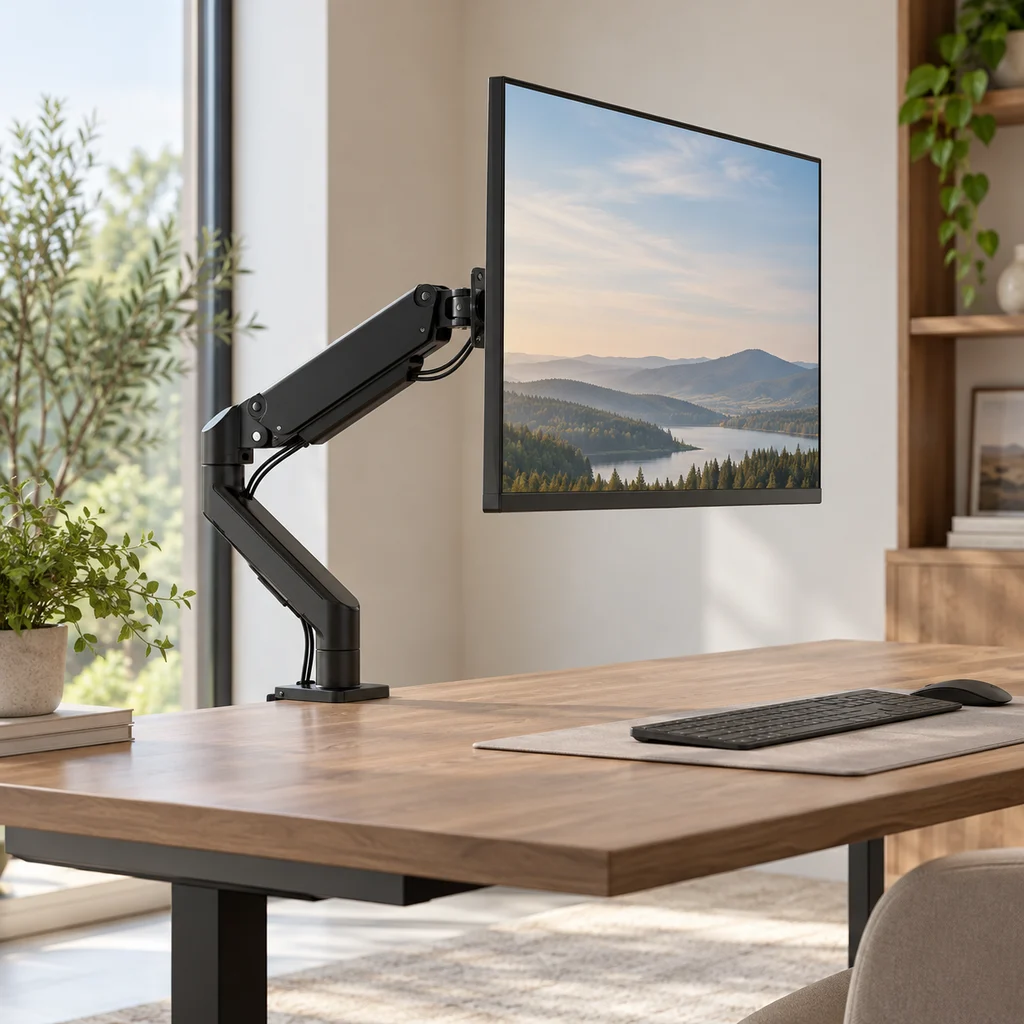
Monitor arm
What to check
Check your monitor's weight and size against the arm's limits, and that your desk edge is thick and strong enough for the clamp.
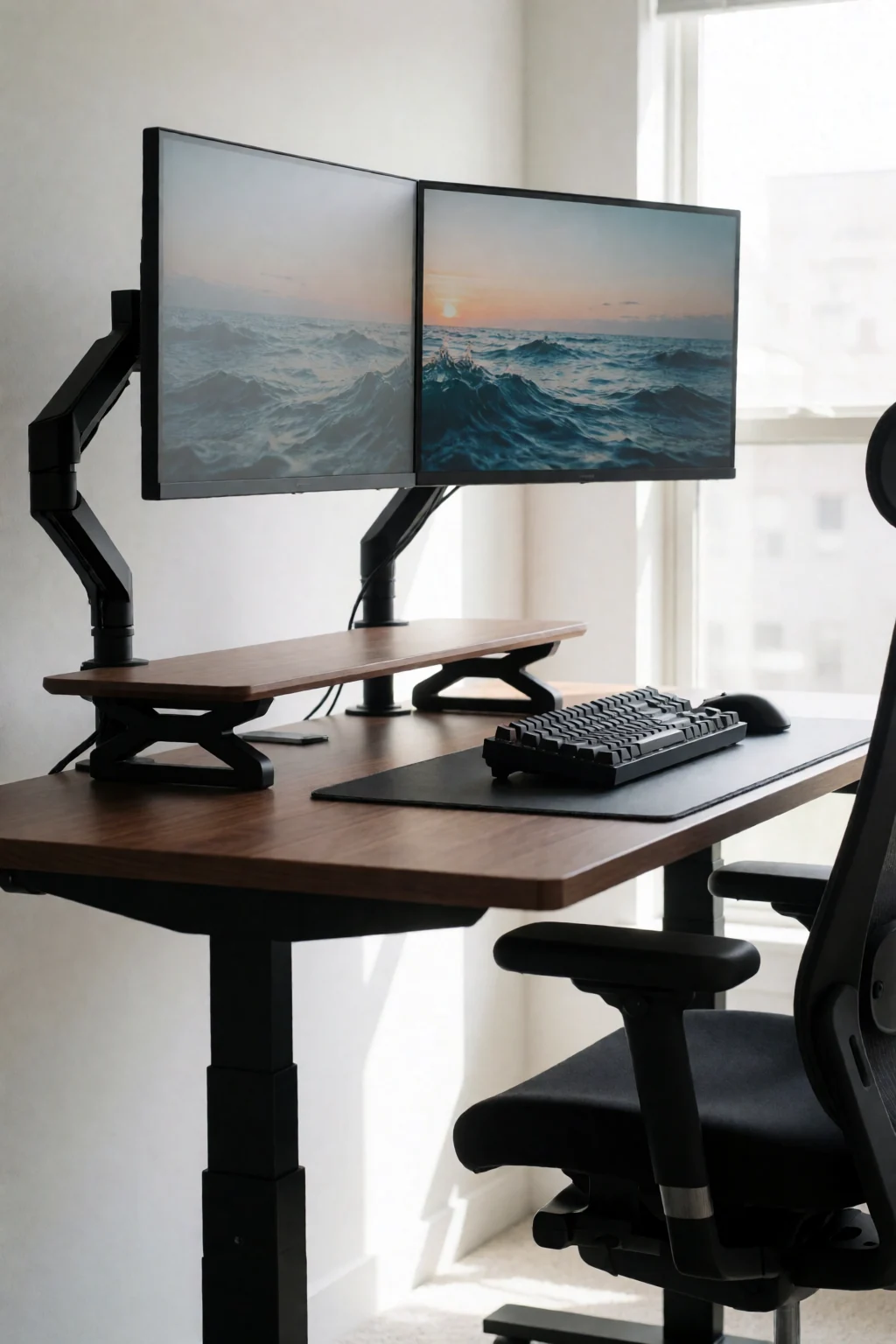
The gallery
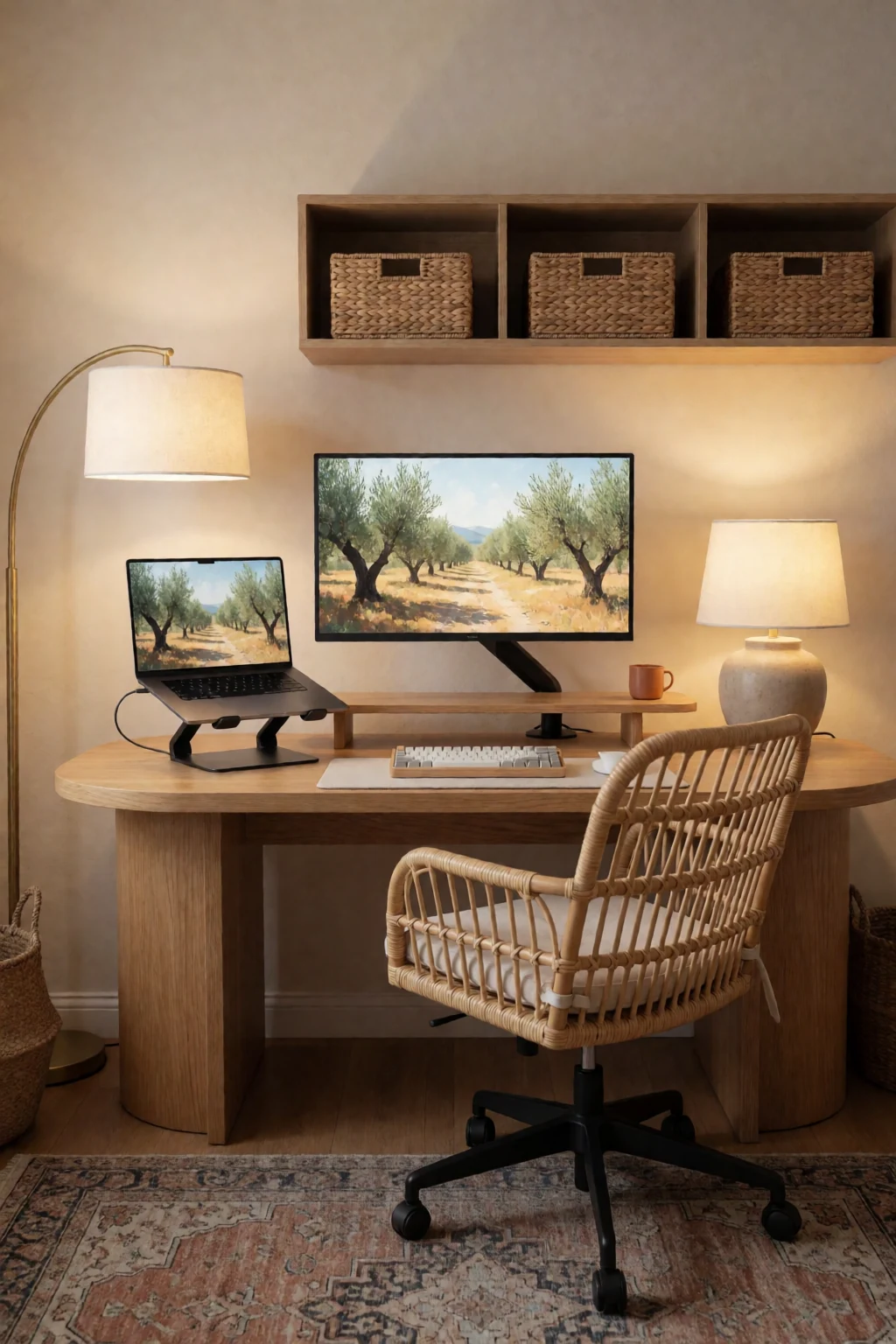
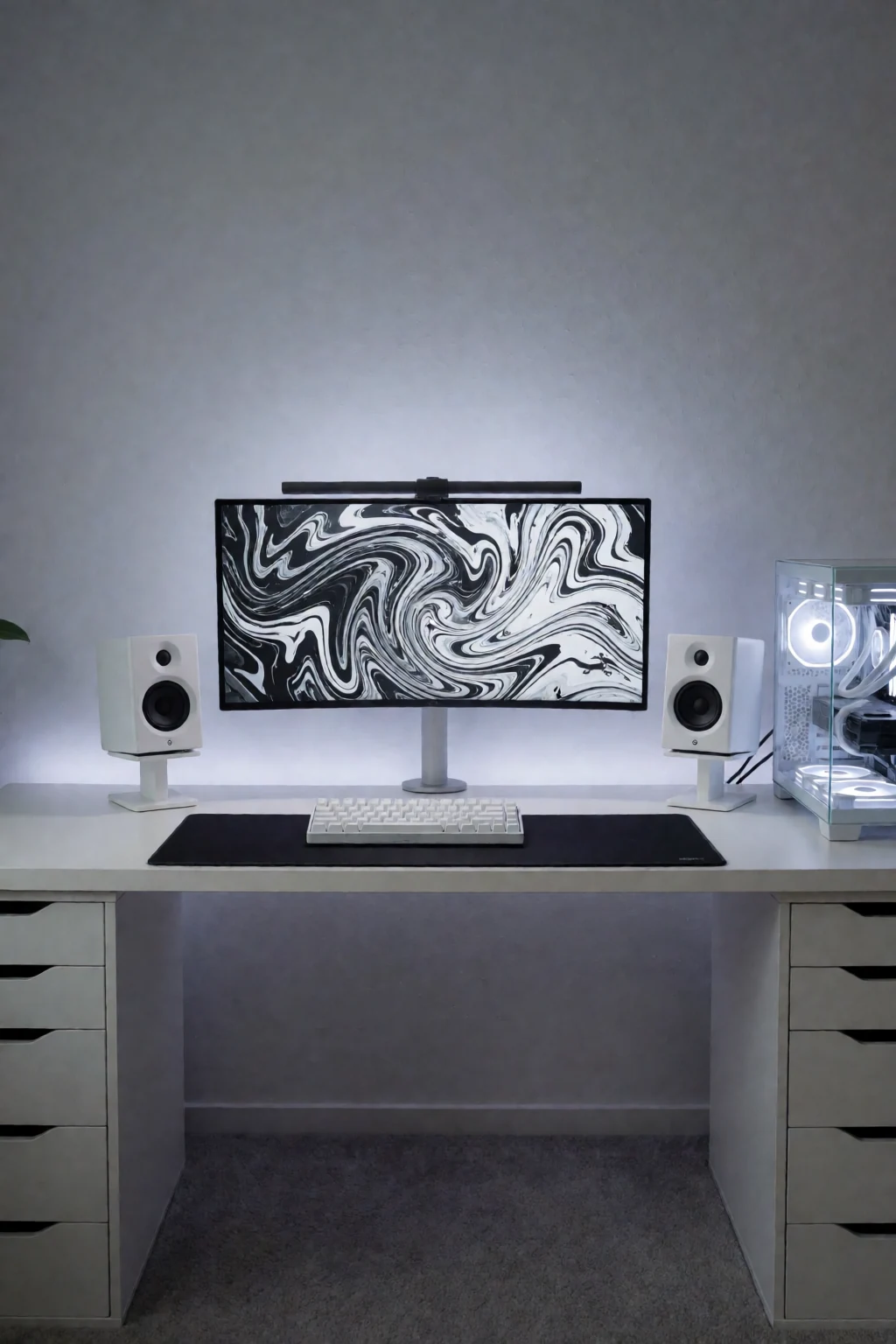
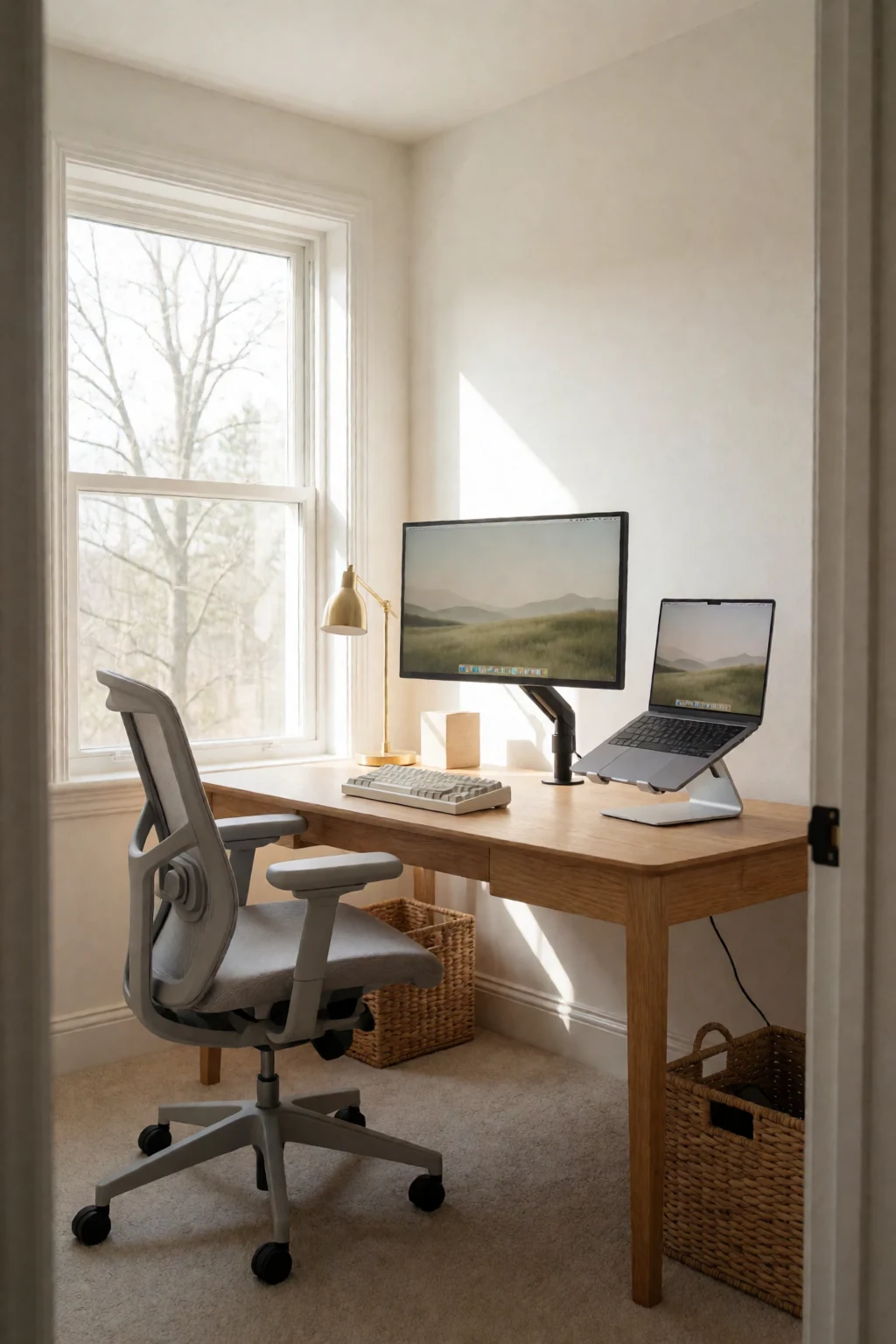
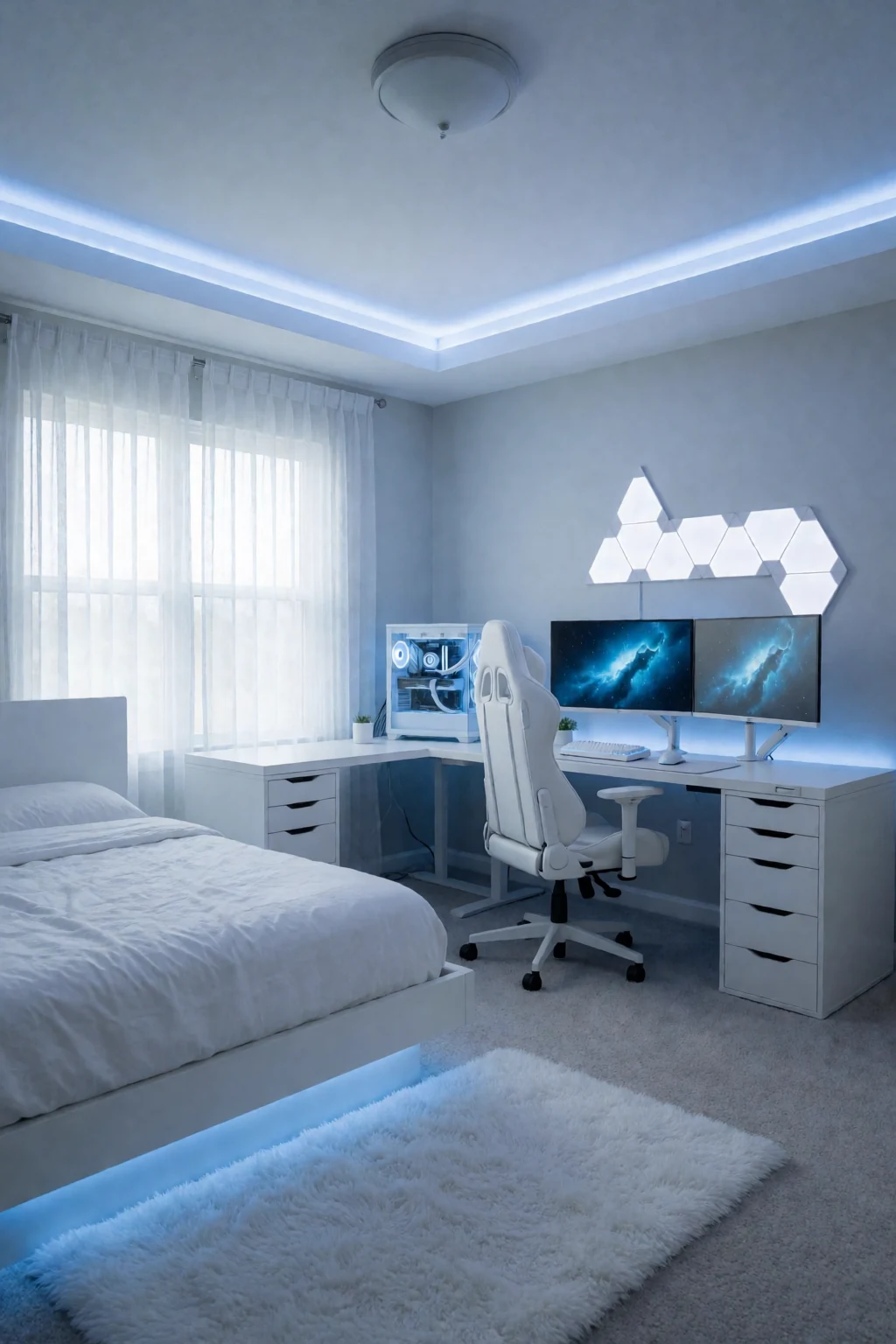
8 work & gaming looks
Open a look to see its pieces.
Keep exploring
Related guides
 Bedroom
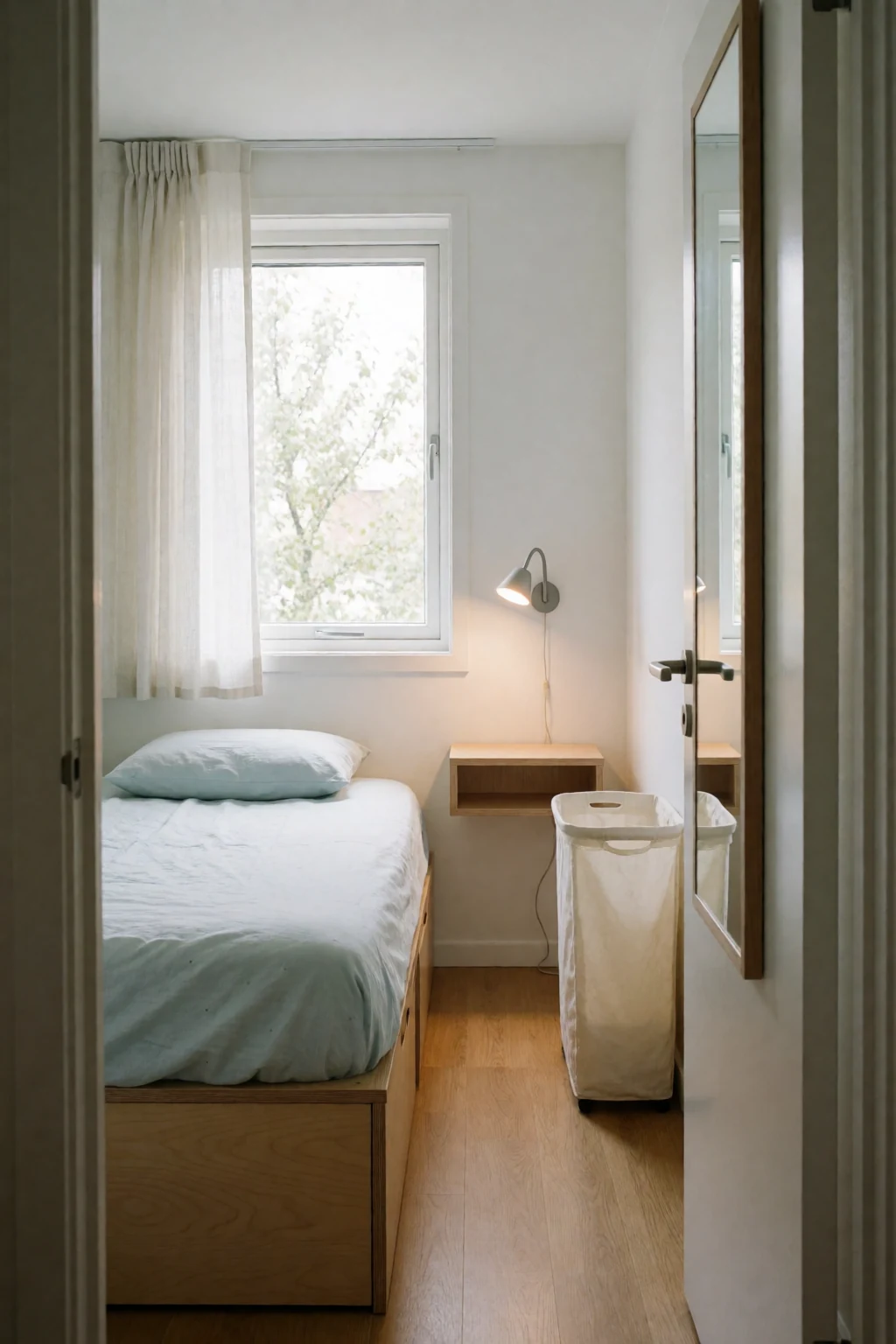
A desk in a bedroom has to stay visually apart from the bed, while a dedicated work or gaming desk can be set up purely for the screen and cables.
 Living room
A desk in a living room shares space with seating and often has to be packed away, while a desk in its own corner can stay set up all the time.
Questions
How shallow can a desk be for a monitor?
With a monitor arm, about 20 inches works for one screen. Without an arm, 24 to 28 inches fits the stand and a keyboard in front of it.
How do I tidy cables with little space under the desk?
Bundle the slack with hook-and-loop ties and fix a small tray under the desk for the power strip and extra length.
Is a monitor arm worth it on a small desk?
For most, yes. It removes the stand, lets you set height and tilt exactly, and gives the full depth of the desk back.
Can one small desk handle work and gaming?
Yes, with a little planning: an arm that swings between two positions, a keyboard tray to clear the top, and a set place for each kind of gear.