Room ideas / Work & gaming
Small gaming setup ideas for a bedroom you also sleep in
Gaming in the room you sleep in works when the desk area and the bed area are treated as two separate places. Where the desk faces, where the light goes and where the cables run do most of the work.
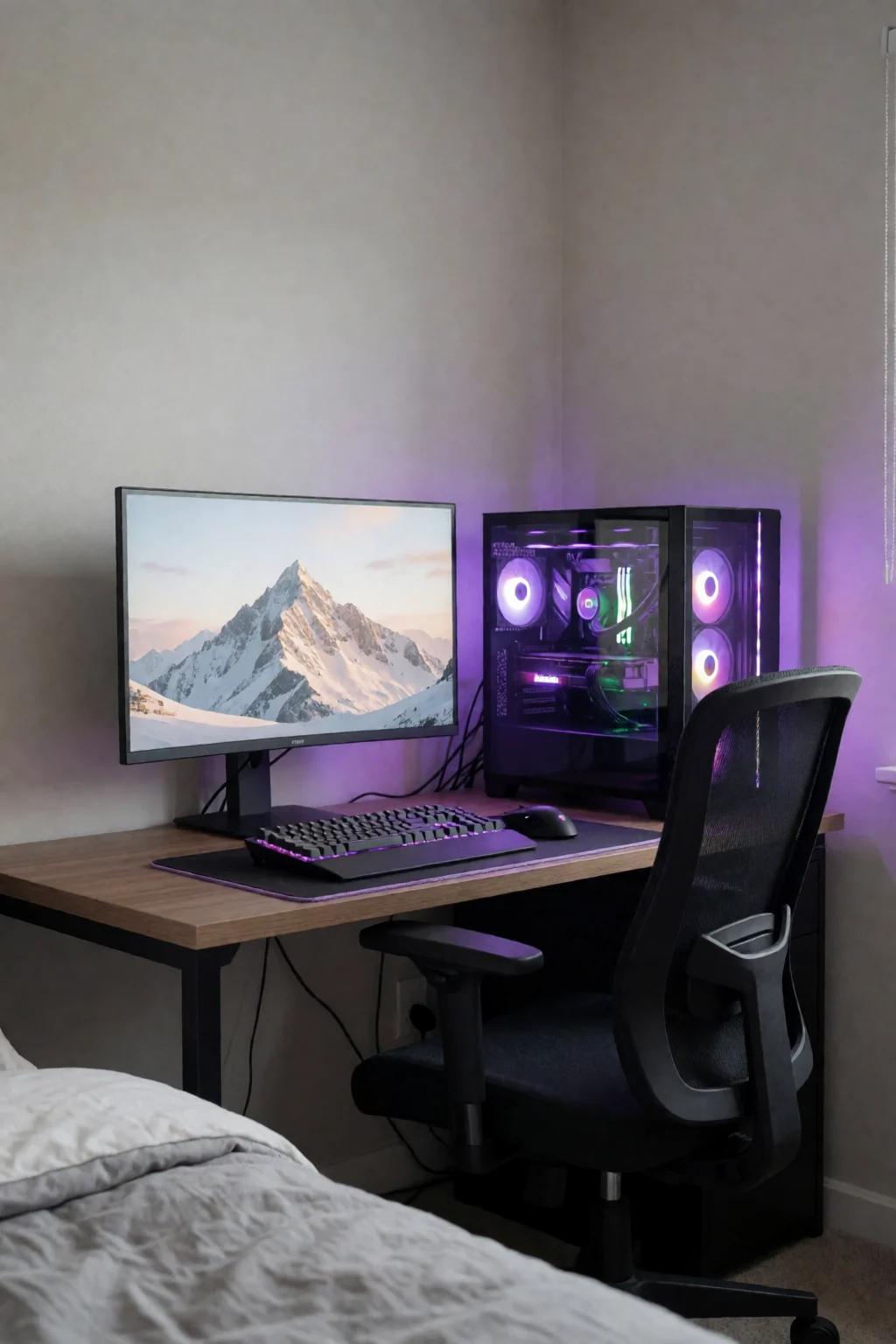
Three rules for sharing a room with your setup
- Face the desk toward a wall or corner so screen light does not spill across the bed.
- Bundle cables along skirting boards or desk legs, keeping the floor between the bed and the door clear.
- Leave at least 24 inches behind the chair so you are not hitting the bed every time you push back.
Splitting one room in two
When the monitor, keyboard and controllers share a room with your bed, the hard part is keeping the two from spilling into each other. RGB strips glowing at 2 a.m. and a cable across the path to the door are the usual problems, and neither needs a renovation to fix.
Most bedrooms are 100 to 180 square feet, and a gaming corner only needs about 30 to 40 of that: a desk, a chair with room to roll back, and some wall or shelf space for gear. The rest of the room can then stay calm instead of turning into overflow storage.
After that, it is about cues. Facing the desk toward a wall instead of the bed, a small bookcase or curtain as a divider, and turning the screen off before a set wind-down time all help your head switch from playing to sleeping. A good layout makes those habits easy.
Five ways to fit it in
- L-desk in a corner
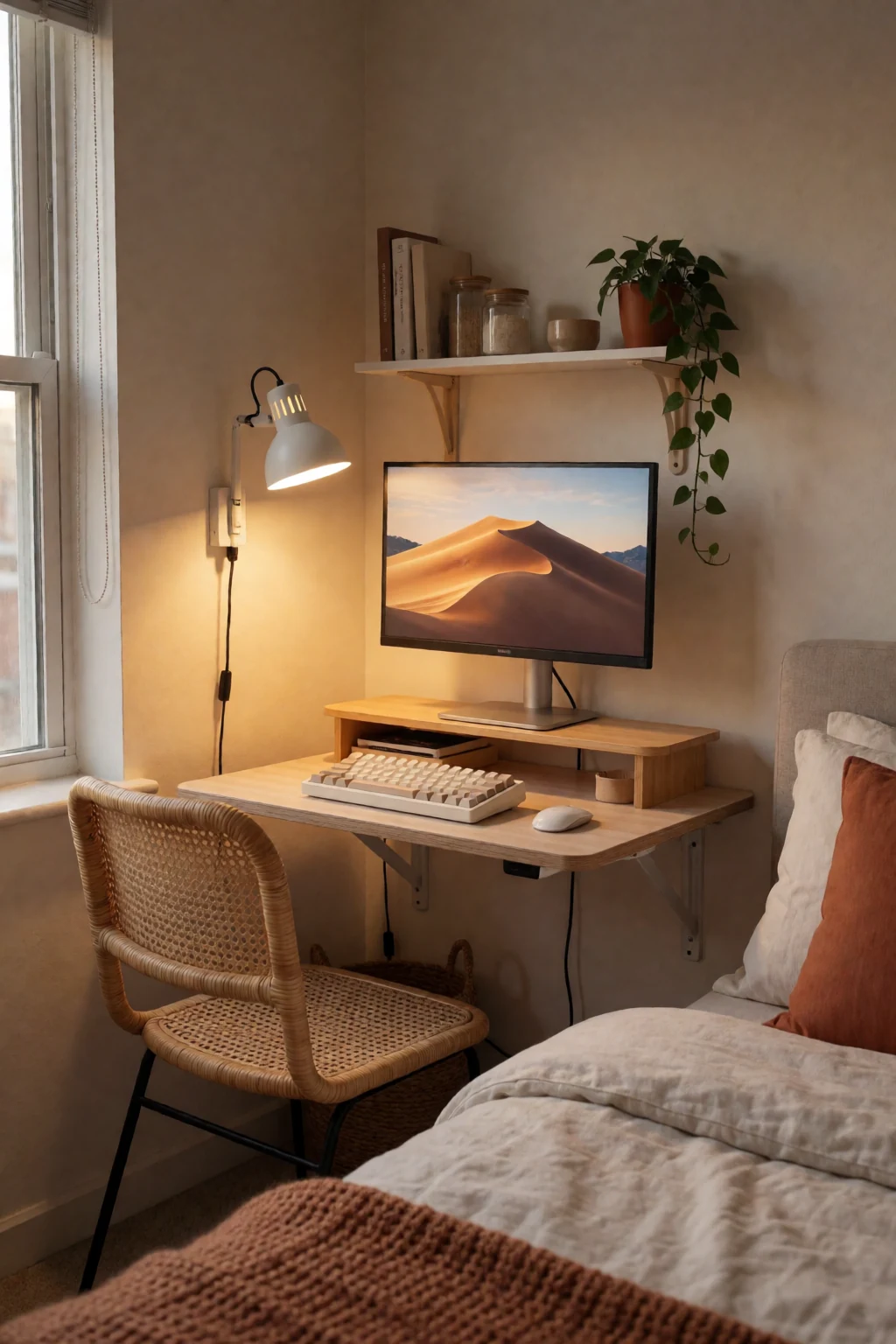
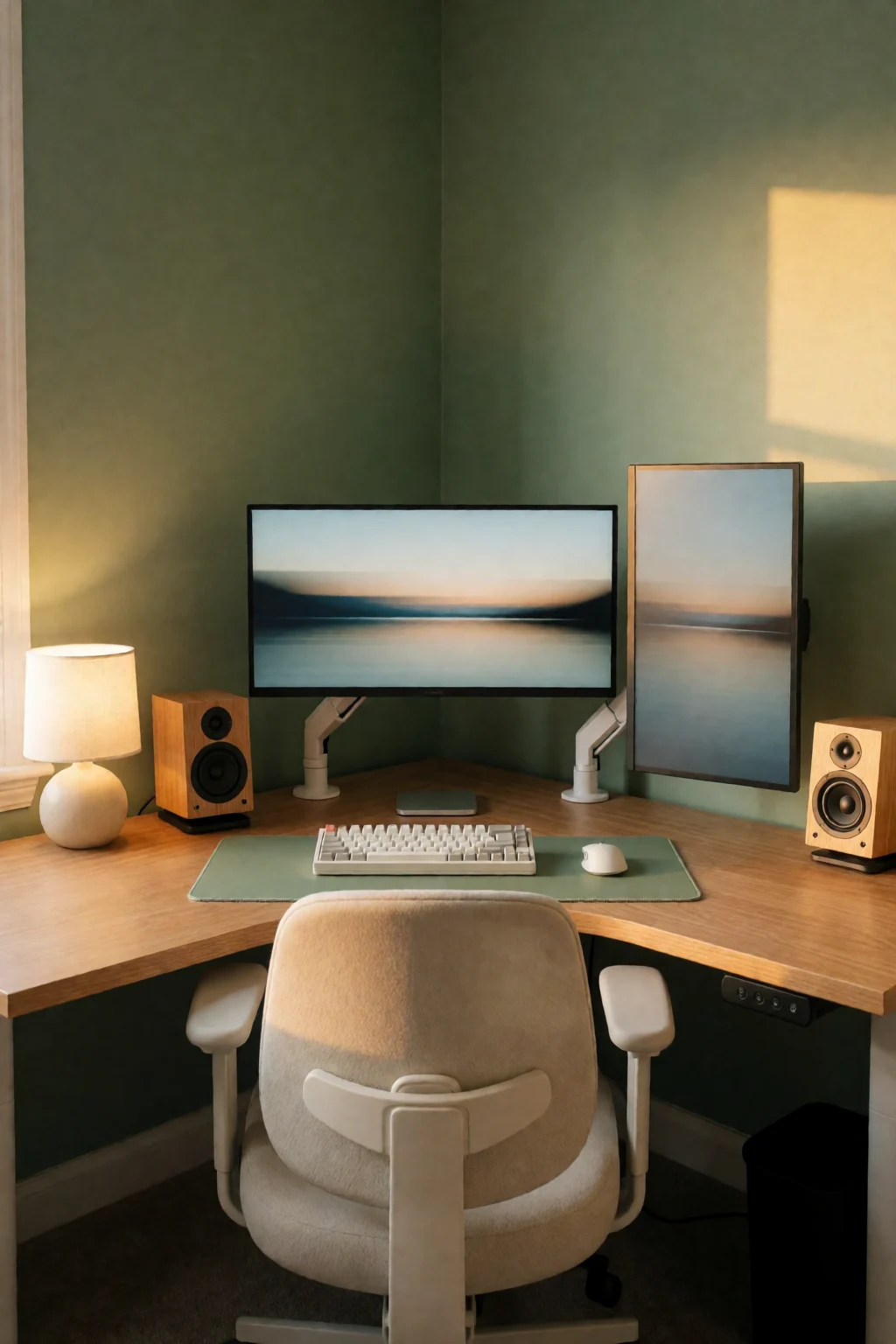
- A small L-shaped desk in a corner uses two walls and frees the middle of the room. You get space for a second monitor or a headset stand without the desk pushing into the path, and a corner faces you away from the bed.
- One shelf above the desk
- A 24-inch shelf above the desk at standing eye level holds a console, spare controllers or a speaker without using the desktop. In a small room, height is worth more than width. Fix it into studs or use anchors rated for the weight.
- Clamp-on monitor arm
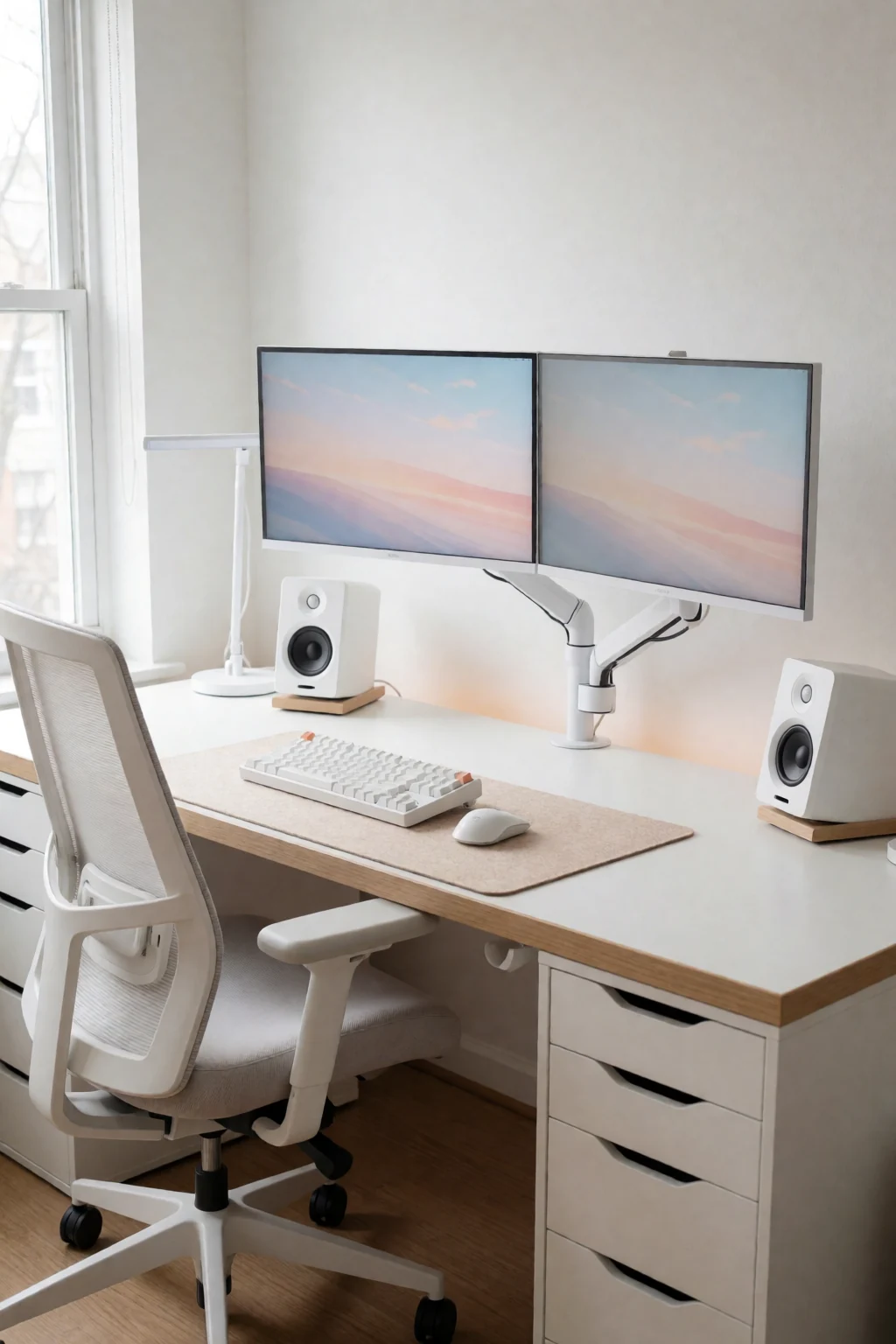
- An arm in place of the stand frees the back of the desk for a charging dock or nothing at all. It also lets you swing the screen away from the bed at night, which works as a small off switch for the gaming corner.
- Curtain or divider
- A ceiling tension rod with one blackout panel, or a slim three-panel screen beside the desk, separates the two areas. It does not stop sound, but it cuts a lot of the glow that reaches your pillow during late sessions.
- Rolling cart under the desk
- A two- or three-drawer rolling cart for game cases, spare cables, a controller charger and cleaning cloths. Roll it under when you are done. Choose one narrow enough to leave your legroom.
Light, floors, headsets and noise
- Where the bias light points
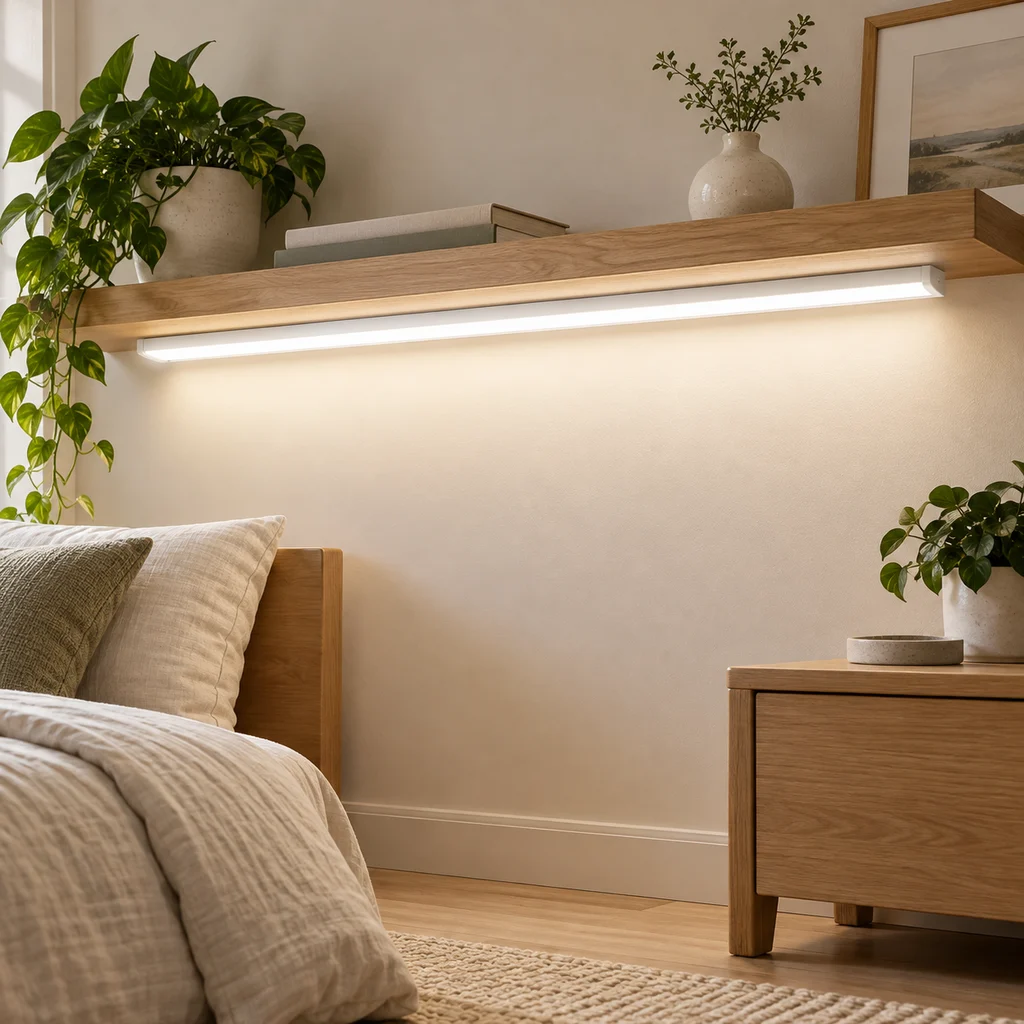
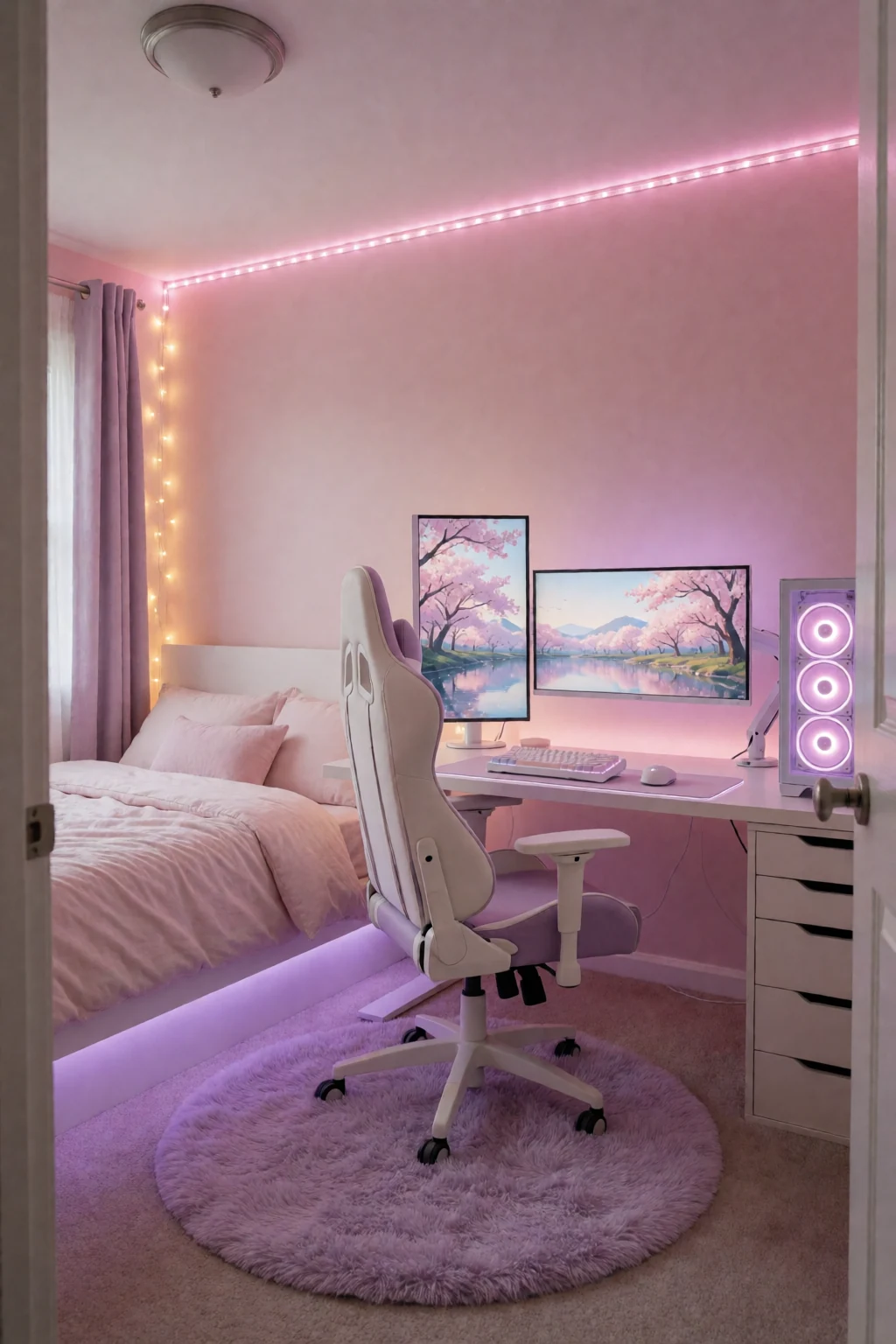
- LED strips behind the monitor ease eye strain on long sessions. Point them at the wall, not the ceiling or the bed. Warm white or a soft, muted colour keeps the room from looking like an arcade at midnight.
- Chair mat
- On wood or vinyl, a chair mat stops caster marks and makes rolling quieter, which matters if others are asleep. On carpet, a hard mat lets the chair move freely.
- Headset hook
- A hook screwed into the side of the desk keeps the headset off the surface and out of the cables. Put it on the side away from your mouse hand so you never knock it.
- Keyboard noise
- Mechanical keyboards carry through walls. A desk mat under the keyboard softens it, and if you play late, a quieter keyboard kept for night-time keeps the peace without retiring your main one.
Tape it out first
Measure the wall you want to use and note where the socket is; the desk needs to be within easy cable reach of power without a lead across the floor. If that wall is in the way of the wardrobe door, mark the door's arc and keep it clear. Tape the desk's outline on the floor before moving anything, so you can see the real clearance.
With the desk in place, run the cables before anything goes on top. Gather the monitor and power strip cables together down one desk leg with hook-and-loop ties, then along the skirting to the socket. A short power strip stuck to the back of the desk keeps the surge protector off the floor. Then add the peripherals, check your reach from the chair, and only then put up shelves and hooks.
Shop the pieces
16 work & gaming pieces
Links open similar items, not the pictured ones.
-
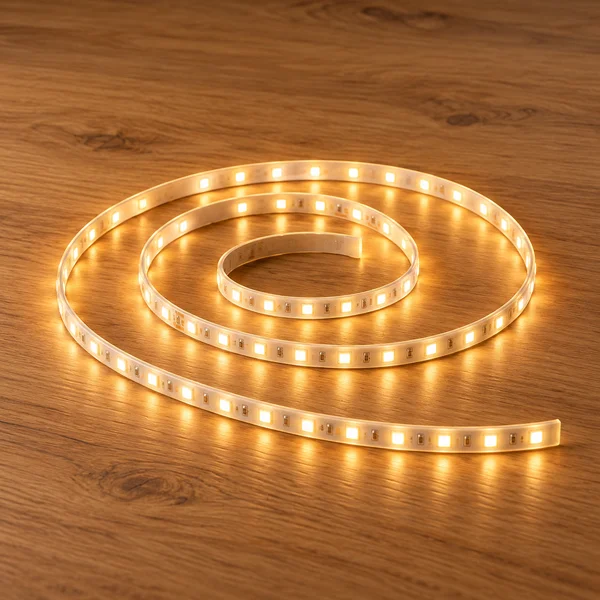
Warm white LED strip light
What to check
Measure the length you want to light and check the warm white colour temperature suits the room.
-
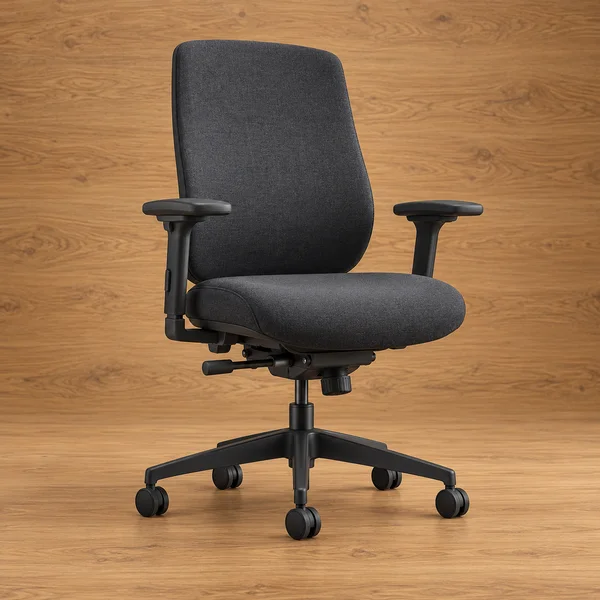
Adjustable desk chair
What to check
Check the seat height range against your desk: most desks are about 29 to 30 inches tall, and your elbows should rest level with the keyboard.
-
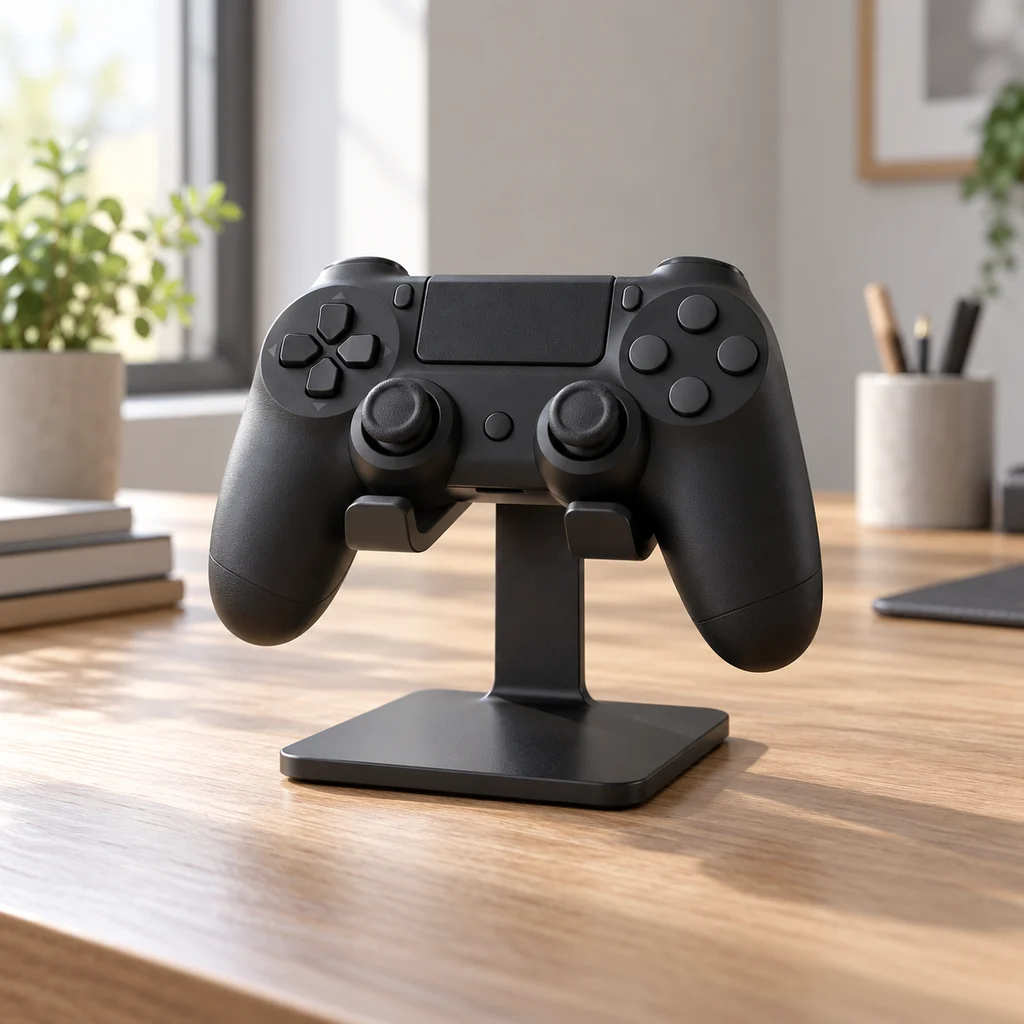
Controller stand
What to check
Count your controllers and check the stand fits them, including any with a large charging dock attached.
-
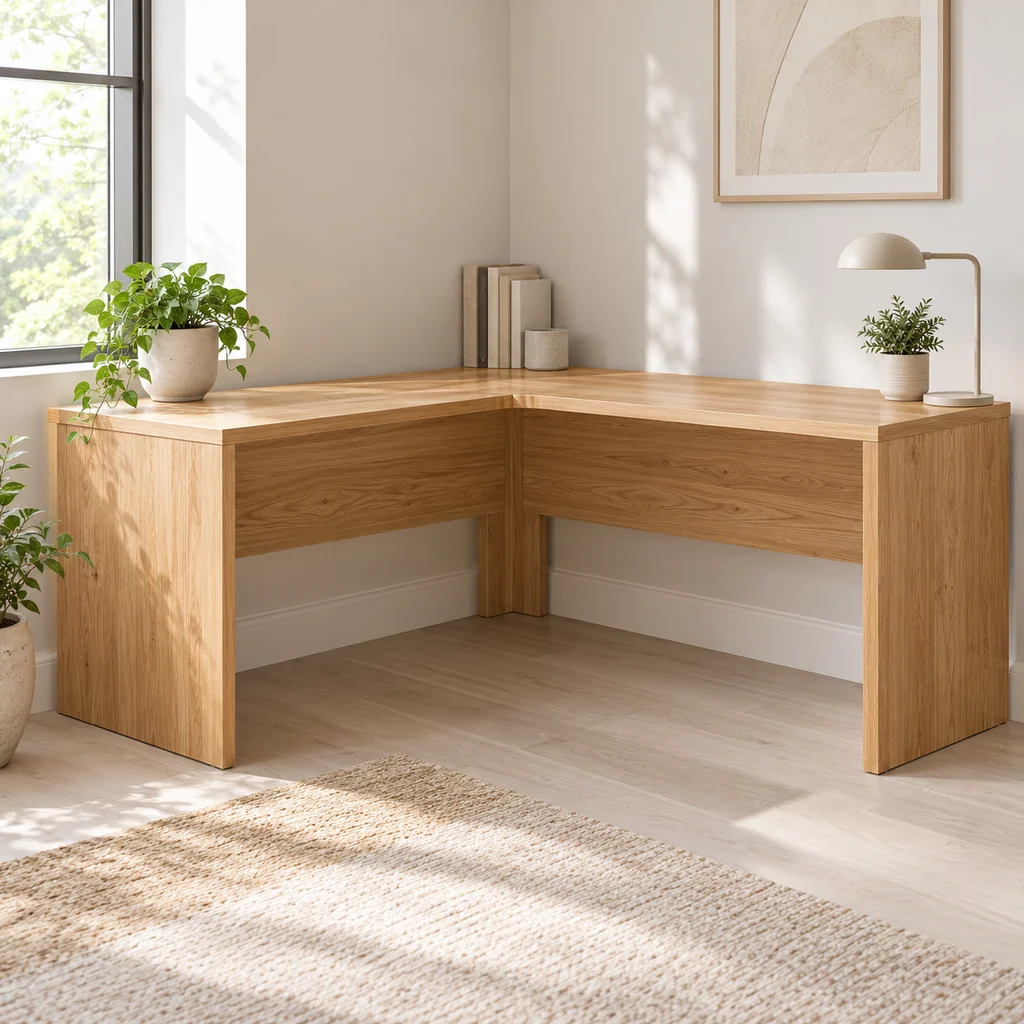
Corner desk
What to check
Measure both walls and the diagonal path into the room. Large L desks often arrive in heavy flat-pack boxes.
-
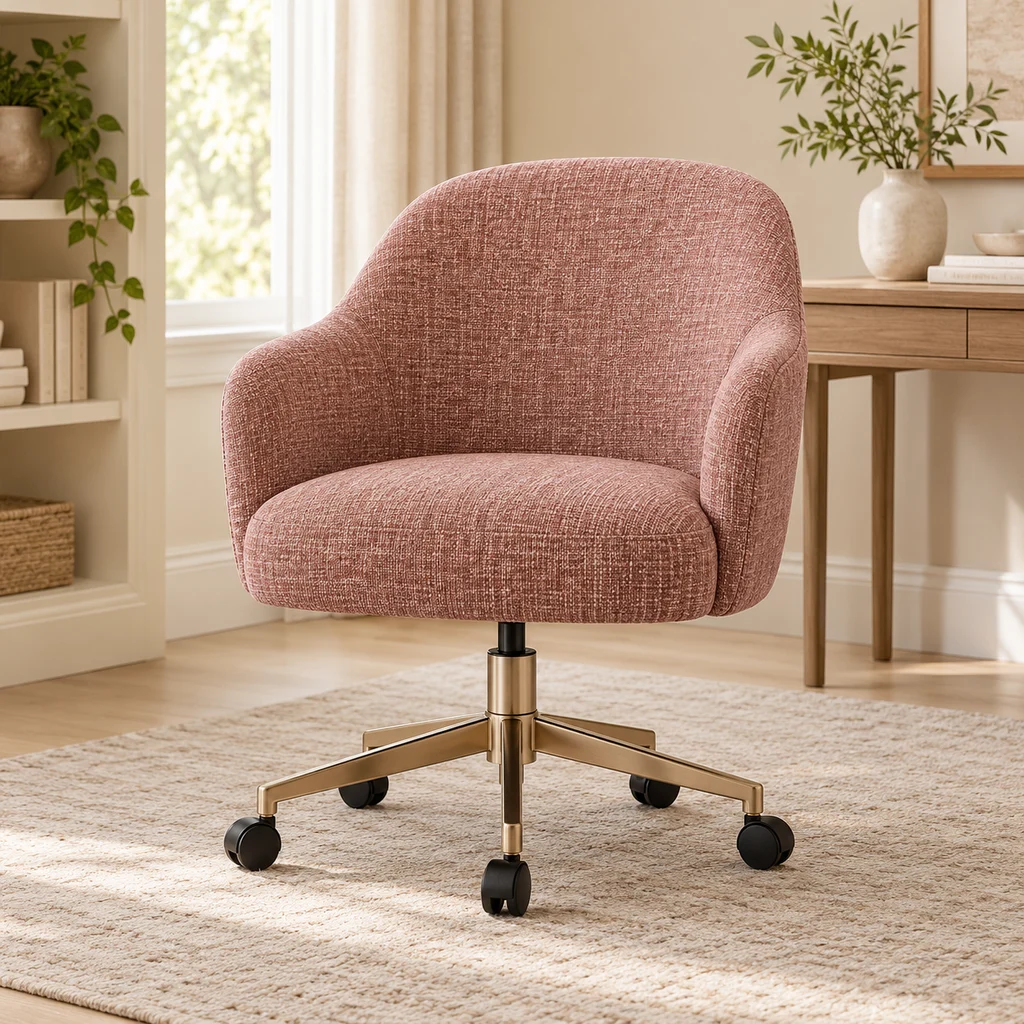
Desk chair
What to check
Vanity-style desk chairs are light but often have less back support. Fine for short sessions; check the seat height range for long ones.
-
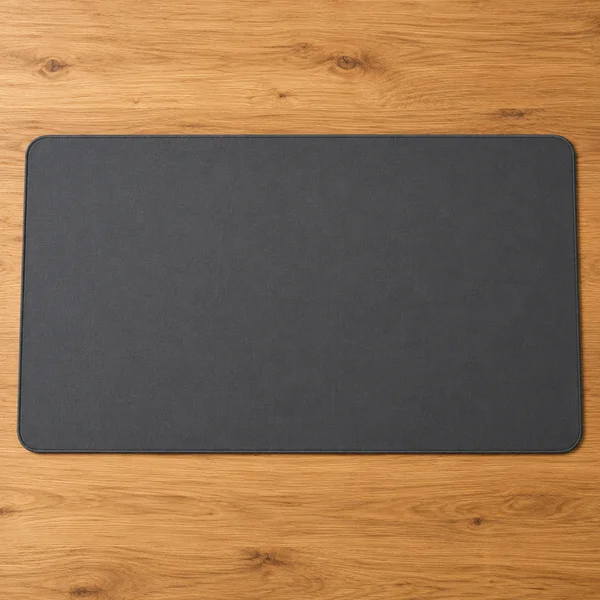
Desk mat
What to check
Measure the space your keyboard and mouse sweep across. A mat that stops short of the mouse is the most common mistake.
-
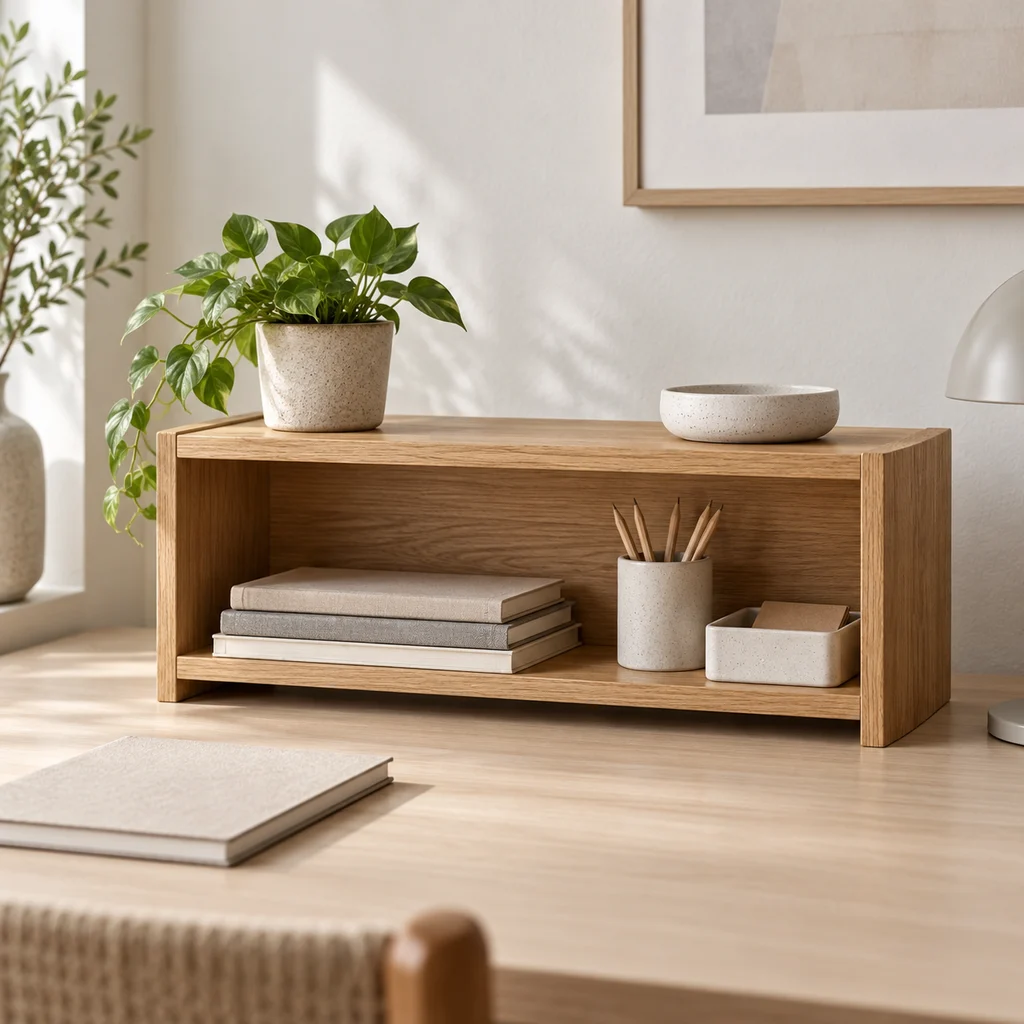
Desk shelf
What to check
Measure under your monitor or beside it. A desk shelf only helps if the things on it are ones you use every day.
-
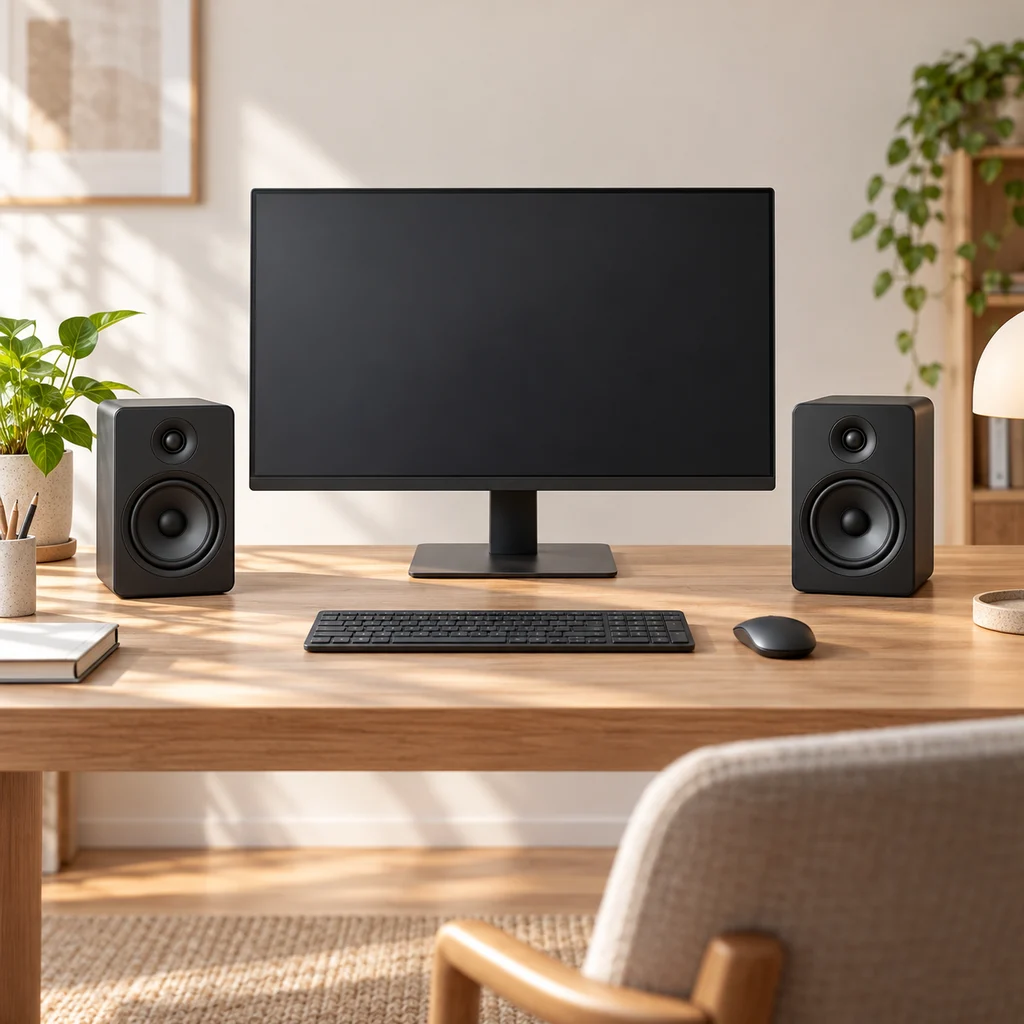
Desk speakers
What to check
Measure the space either side of your monitor. Speakers sound best at ear height and angled toward you, not tucked behind the screen.
Show all 16 pieces
-
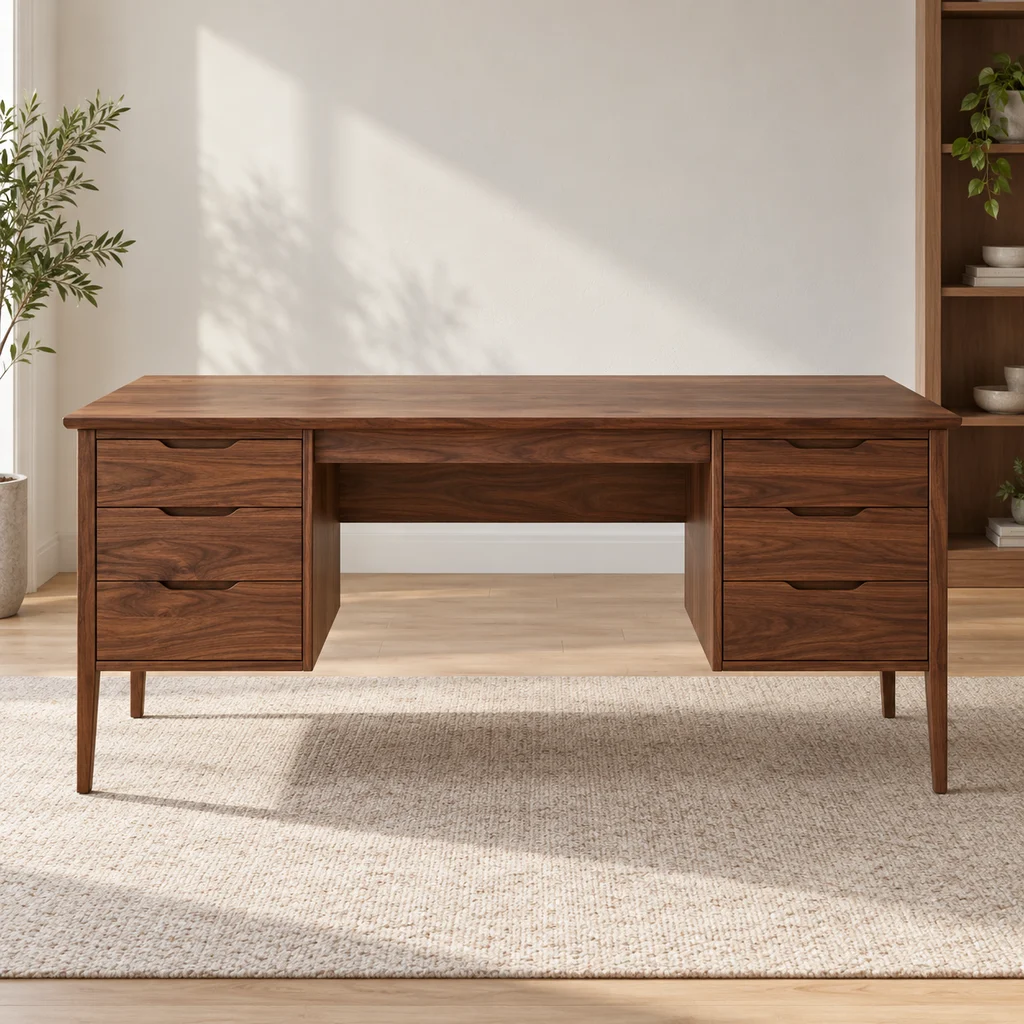
Drawer desk
What to check
Check the desk depth. A monitor needs about an arm's length from your eyes, which a very shallow desk cannot give.
-
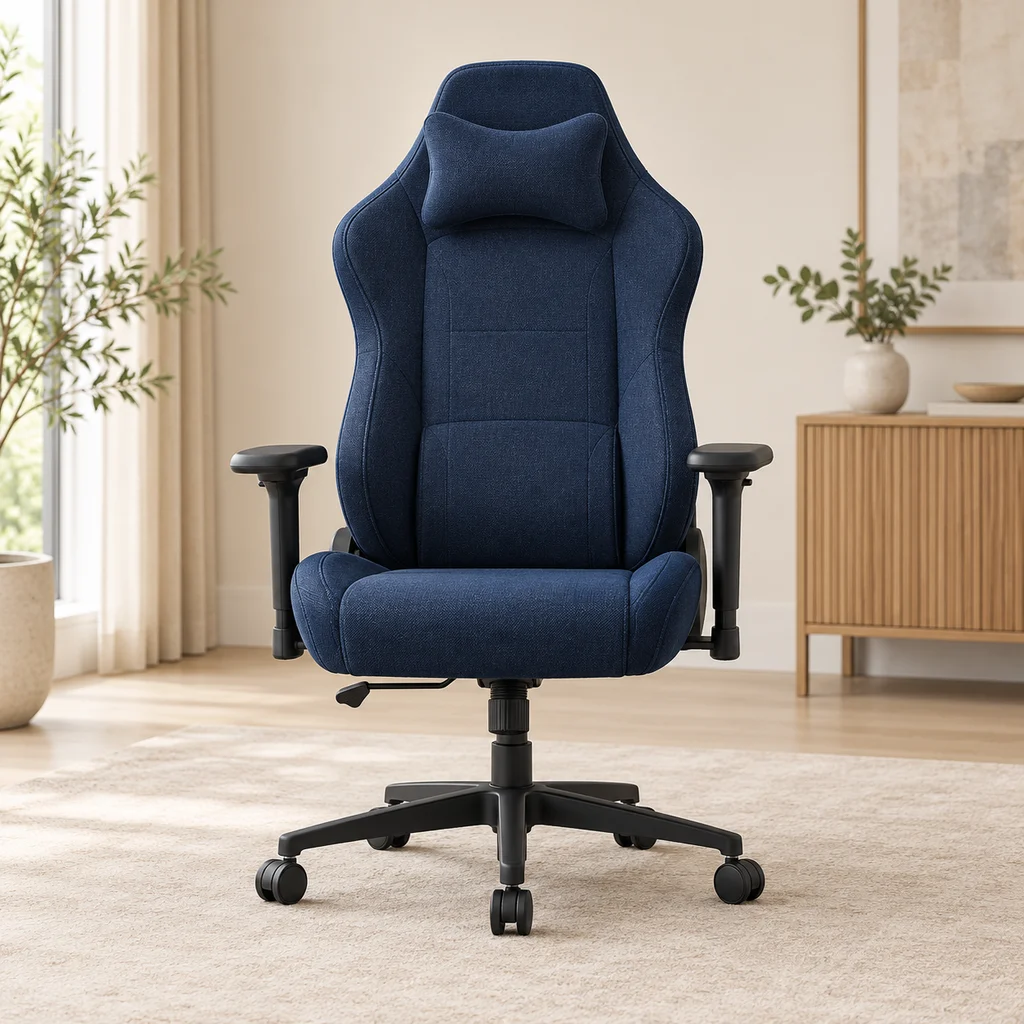
Gaming chair
What to check
Check the seat width and the maximum weight rating, and whether the armrests adjust, before choosing a chair for long sessions.
-
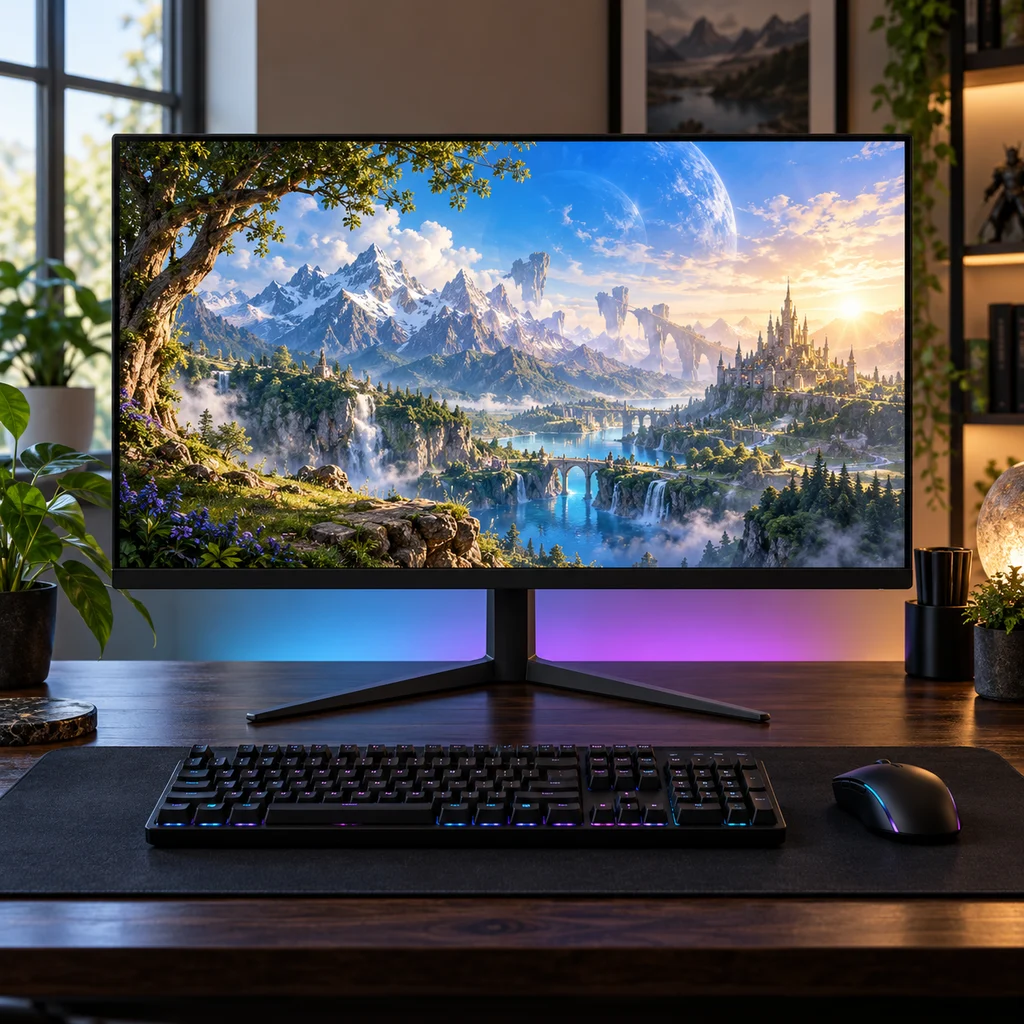
Gaming monitor
What to check
Check the stand height against your eye level. Many budget monitors tilt but do not lift, so plan for a riser or arm.
-
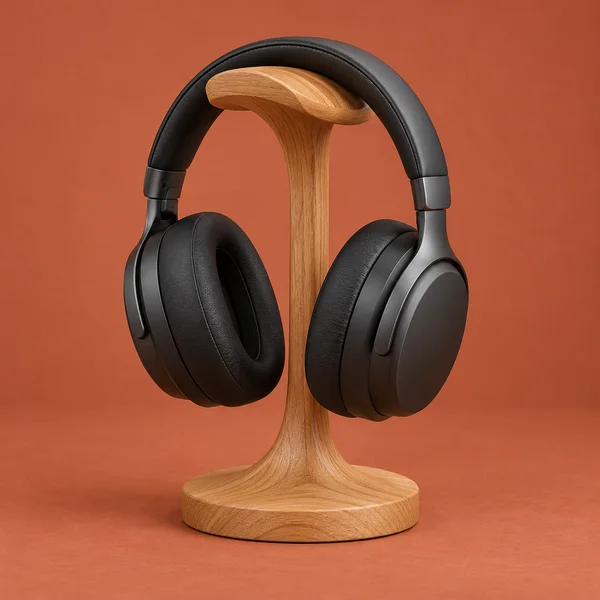
Headset and stand
What to check
A stand frees desk space only if its base is smaller than the headset. Clamp-on hooks under the desk edge take no surface at all.
-
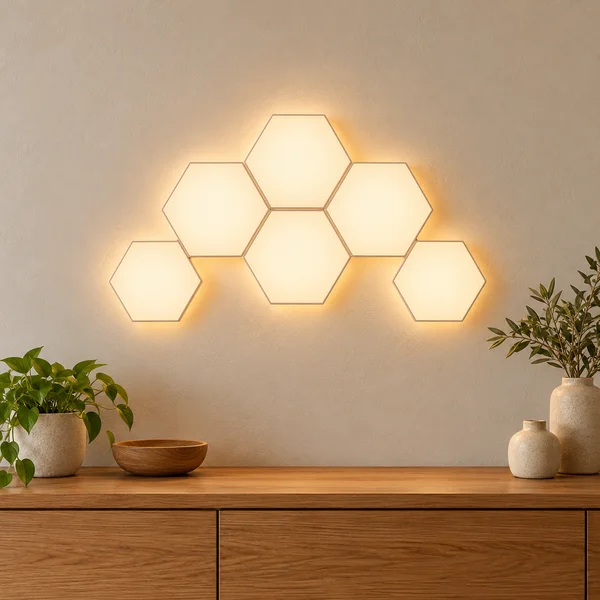
Hexagon wall lights
What to check
Light panels stick on with adhesive pads, which can pull paint off when removed. Plan the shape on paper first and check where the power cable will run.
-
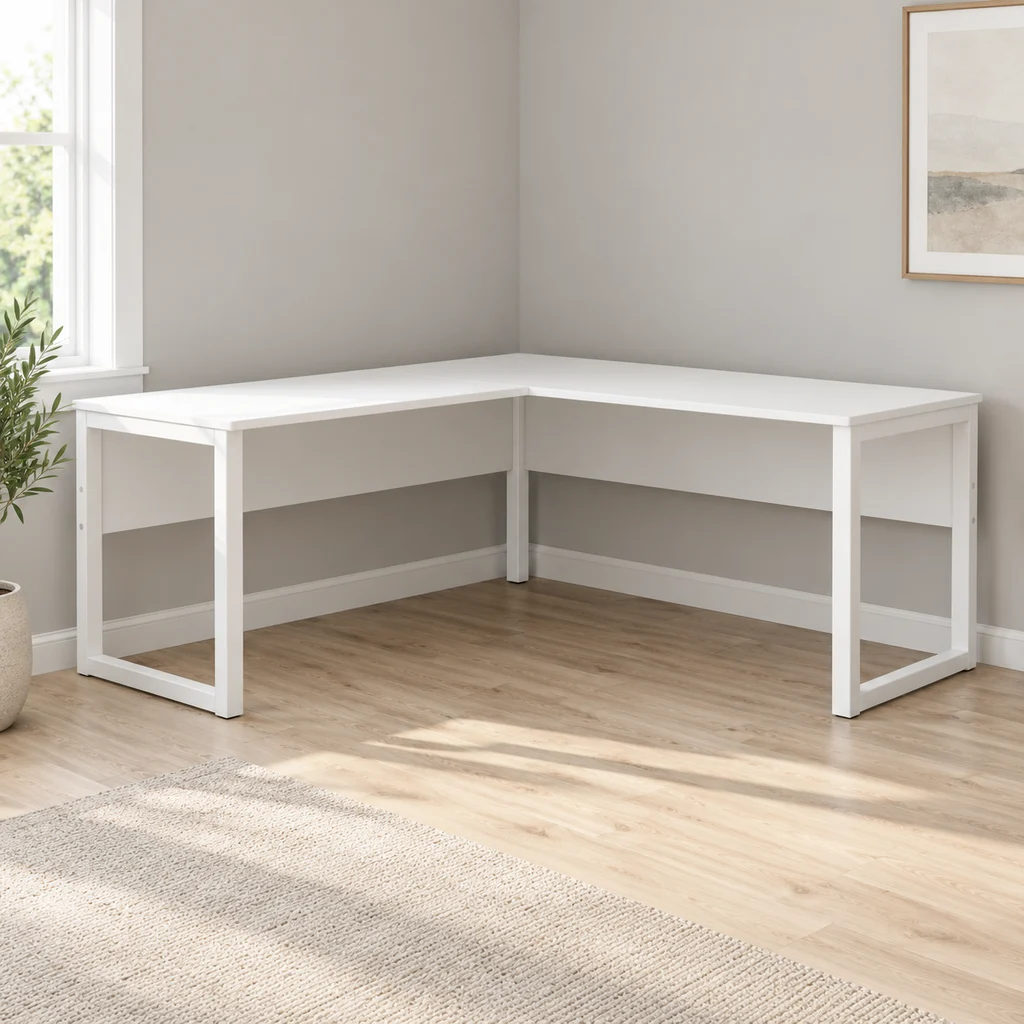
L-shaped desk
What to check
Measure both walls. A reversible L desk lets you choose which side the short return sits on, which helps if a door or window is in the way.
-
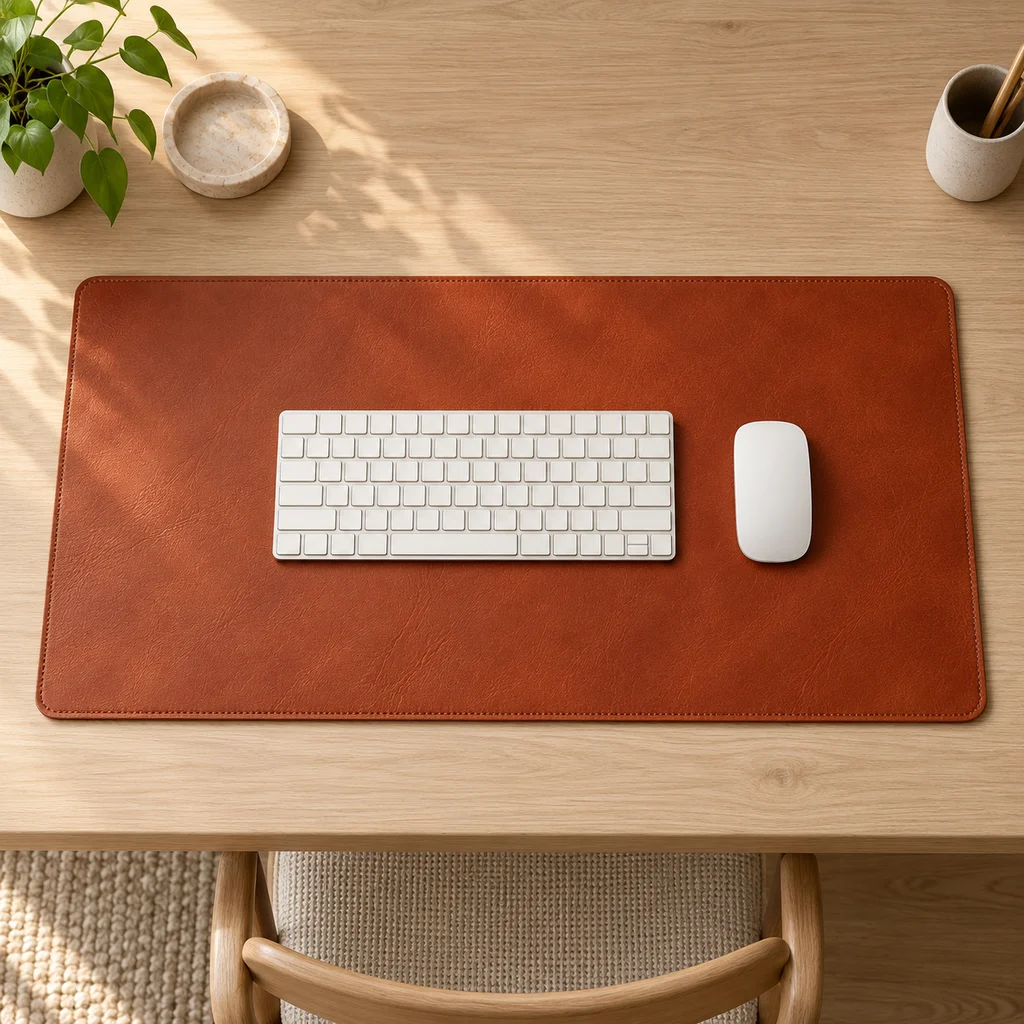
Leather desk mat
What to check
Measure your desk width and depth. A mat should cover the keyboard and mouse area without hanging over the front edge.
-
LED strip
What to check
Measure the run you want to light and check where the power plug will reach. Adhesive strips stick best on clean, smooth surfaces.
The gallery
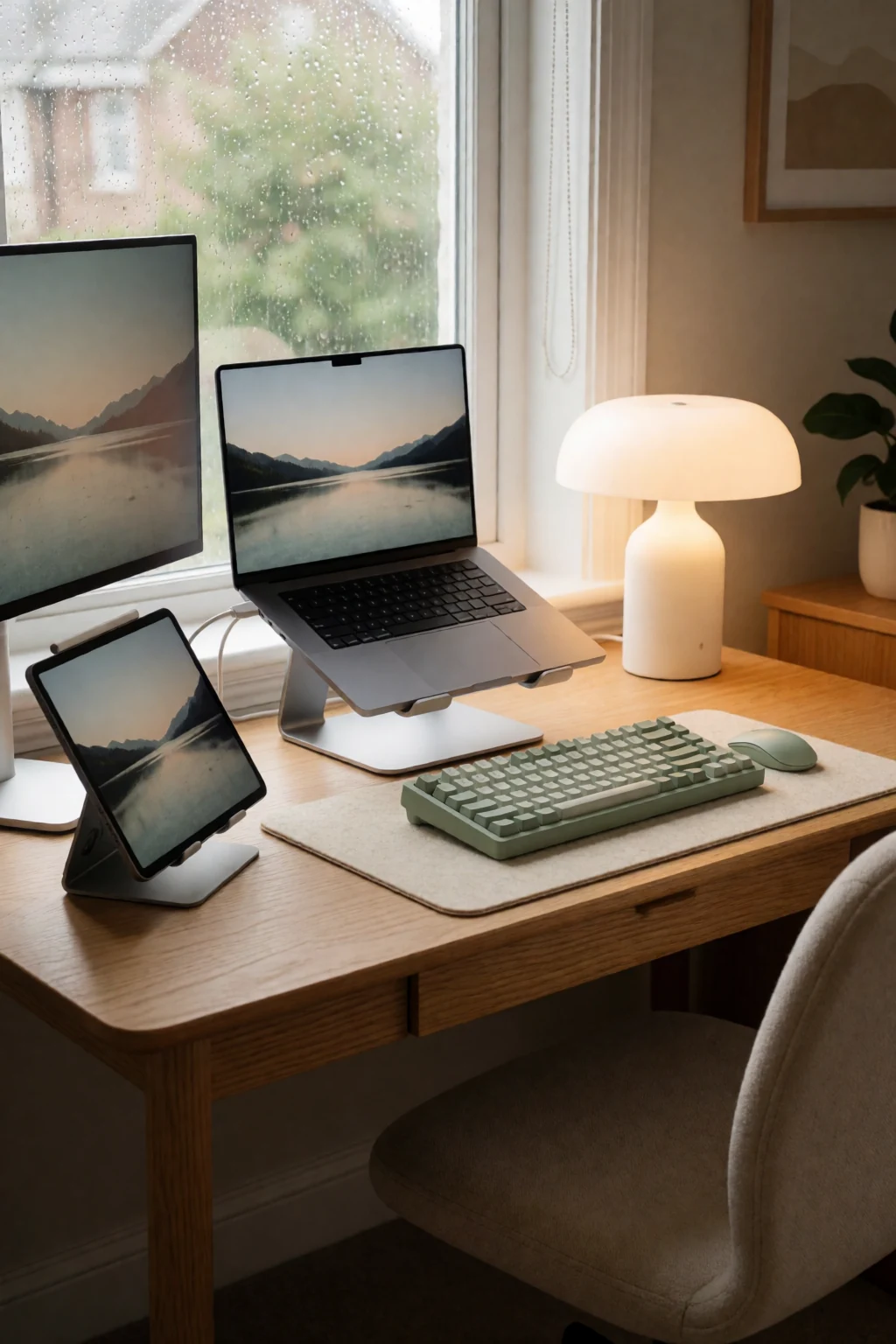
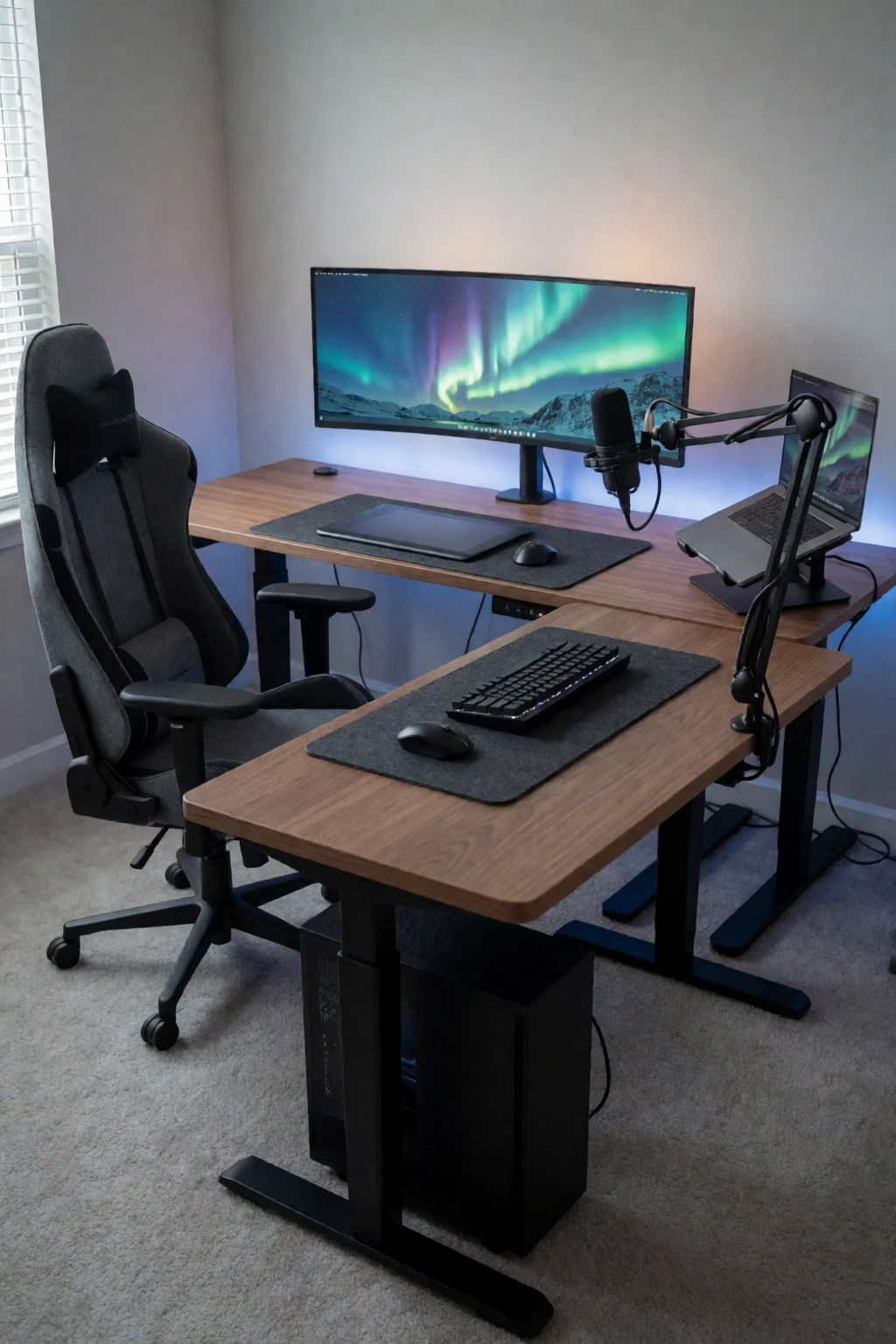
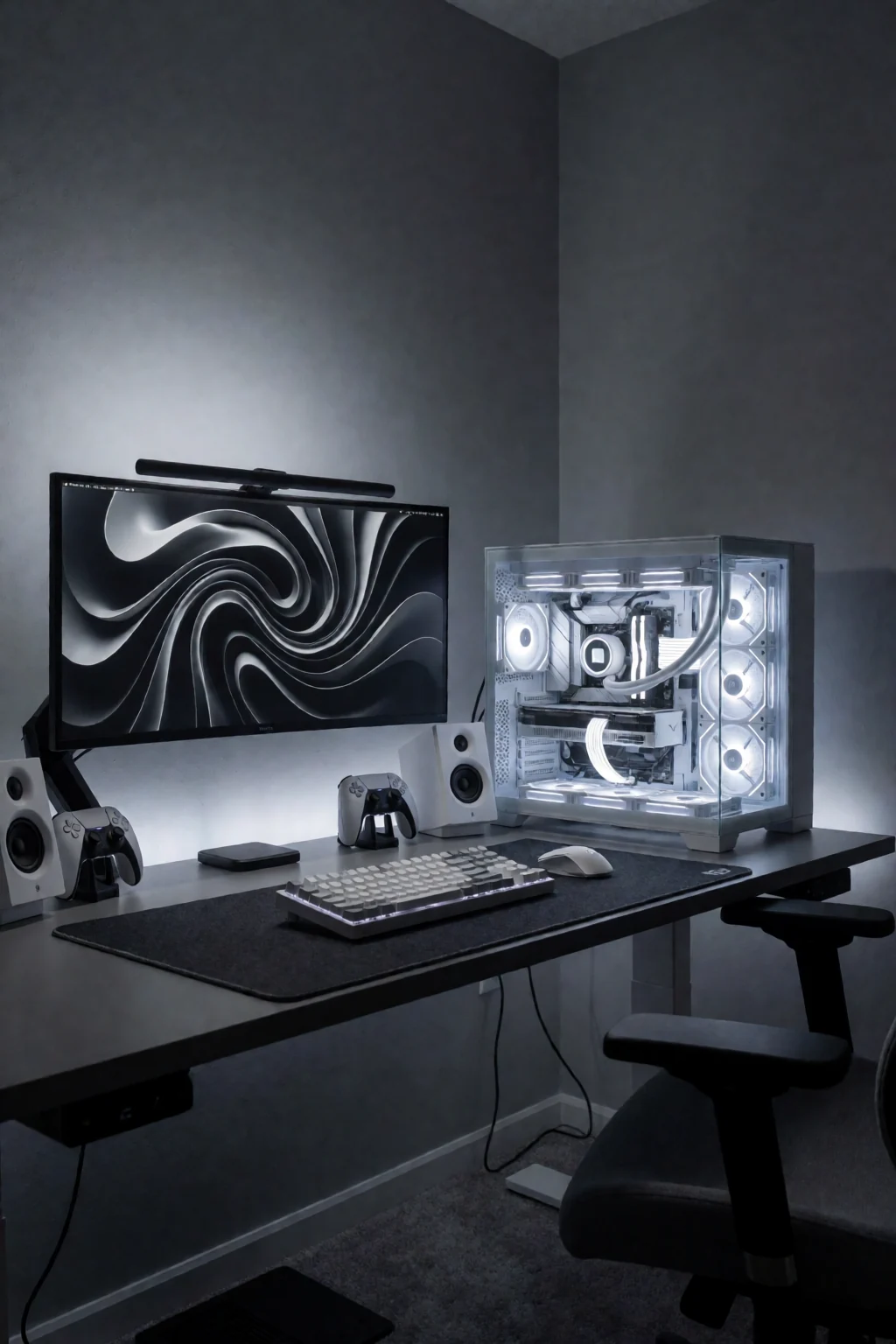
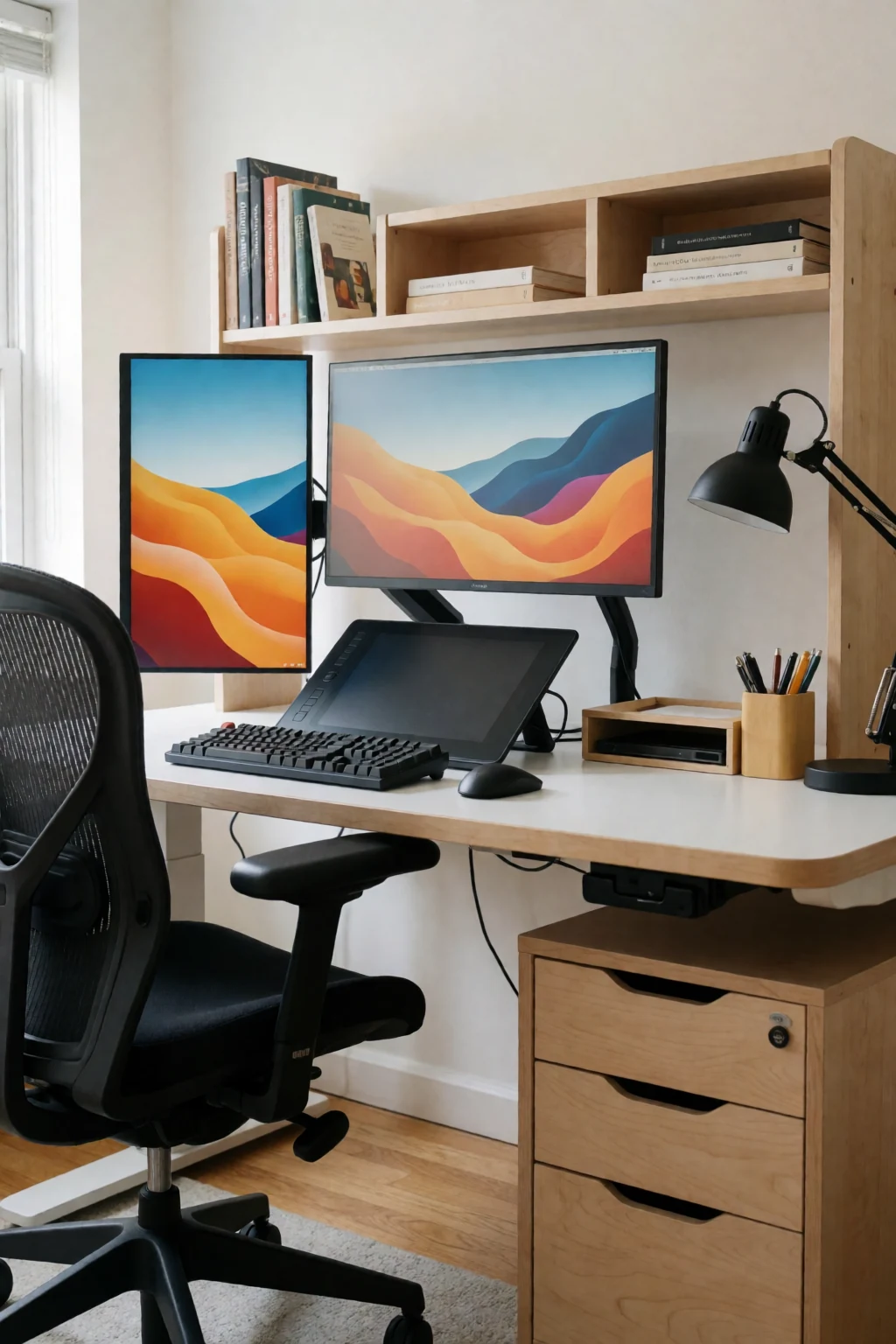
8 work & gaming looks
Open a look to see its pieces.
Keep exploring
Related guides
 Living room
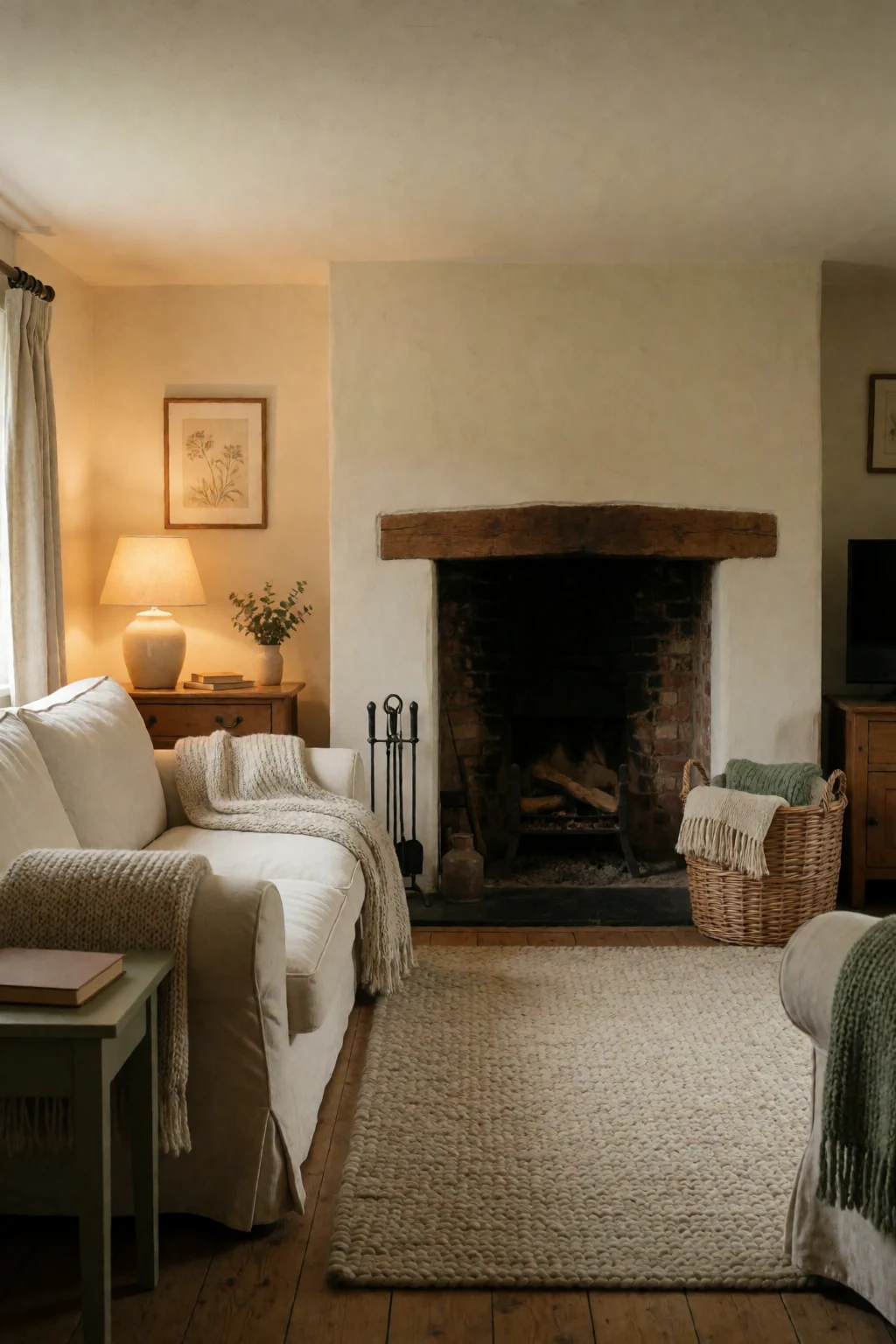
A living room setup has more floor and no bed to protect, so cables and screen glow matter less.
 Bedroom
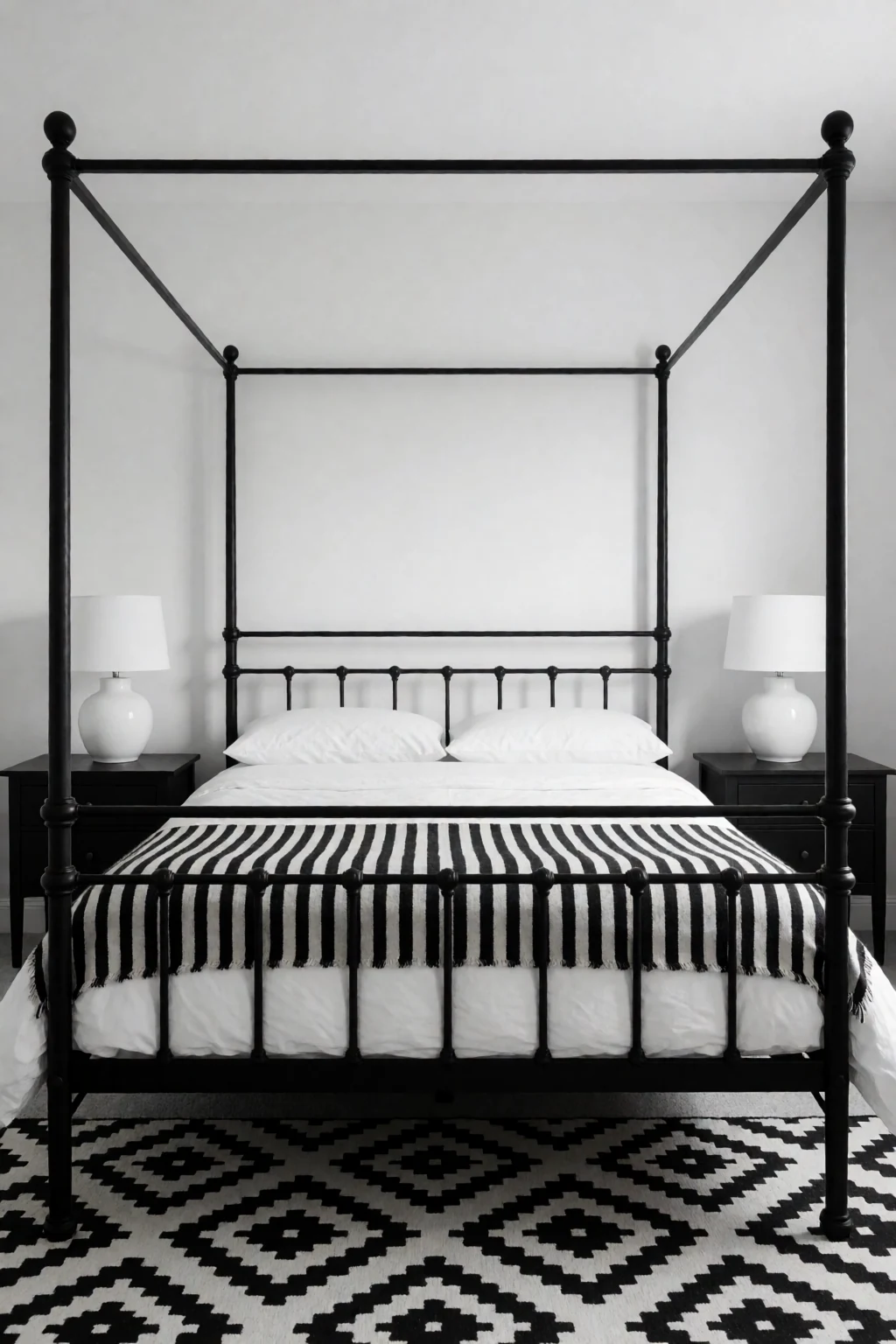
General bedroom organising deals with clothes and surfaces, not desk cables, screen light and chair space.
Questions
What desk size suits a small bedroom?
40 to 48 inches wide fits most single-monitor setups and still leaves wall for a dresser.
How do I stop the monitor light keeping me awake?
Face the desk away from the bed, and use a monitor arm to swing the screen toward the wall when you finish.
Can I game from the bed with a controller?
Yes, but rest the controller on a lap desk or firm pillow to keep your wrists straight. Use the chair for keyboard and mouse.
Gaming chair or office chair?
Comfort matters more than the label. Check seat width and height range against your body, and make sure the base can roll in the space you have.