Room ideas / Work & gaming
Ergonomic desk setup at home: chair, screen and keyboard
An ergonomic desk setup is mostly a matter of order. Set the chair to your body, bring the keyboard to your elbows, then move the screen to your eyes. Most of it costs nothing.
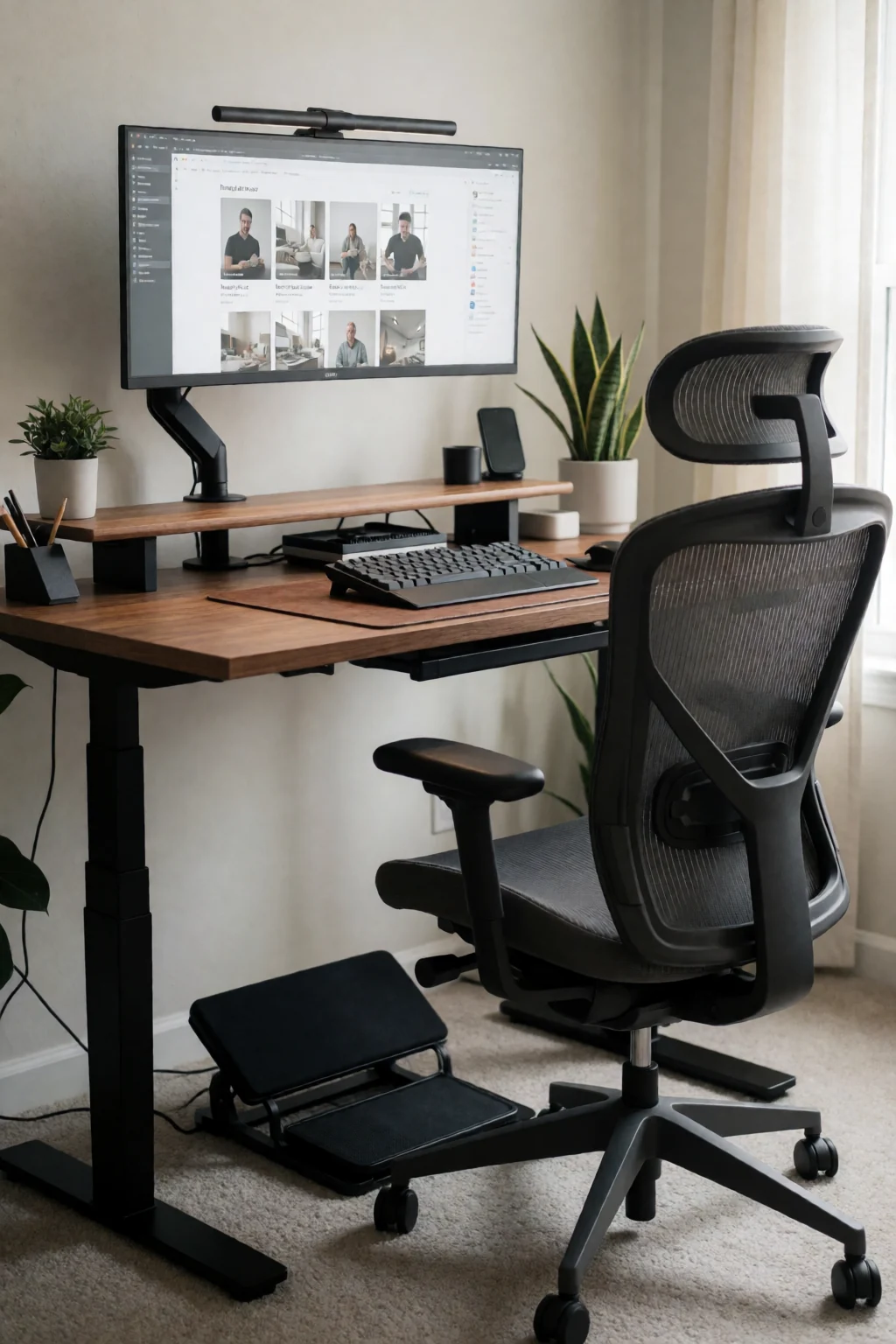
Three measurements that matter most
- Set the chair so your feet rest flat and your thighs are roughly level, then bring the keyboard to the height of your elbows.
- Put the screen about an arm's length away, with the top of the screen at or slightly below eye level.
- Keep the keyboard and mouse close together and close to you, so your elbows stay by your sides.
Fitting the desk to your body
An ergonomic desk setup arranges the chair, desk, keyboard and screen around your body so you can sit or stand for long stretches without hunching, reaching or craning your neck. The furniture adapts to you, not the other way round.
The aim is a neutral posture. Feet flat on the floor or a footrest, thighs roughly level, your back against the chair's lower back support, elbows by your sides and bent at about a right angle, wrists straight, and your head balanced over your shoulders while you look slightly down at the screen.
No setup makes sitting still all day good for you. The best arrangement still needs you to get up, move and look away from the screen regularly, so a good desk makes changing position easy as well as comfortable.
Five setups for common situations
- Laptop on a stand
- Raise the laptop on a stand so the top of its screen reaches eye level, and plug in a separate keyboard and mouse at elbow height. This fixes the most common home-office problem, looking down at a laptop on a table, for little money.
- Dining chair made workable
- If you only have a dining chair, add a firm cushion to raise the seat, a small rolled towel or cushion at the lower back, and a footrest or box under your feet if they no longer reach the floor.
- Desk too high
- Most fixed desks are about 28 to 30 inches tall, which is high for many people. Raise the chair until your elbows are level with the desk, then use a footrest to bring the floor up to your feet.
- Sit-stand desk
- Set two heights: sitting and standing, both with the keyboard at elbow height and the screen moved to match. Switch through the day, and use an anti-fatigue mat when standing. Standing all day is no better than sitting all day.
- Two monitors
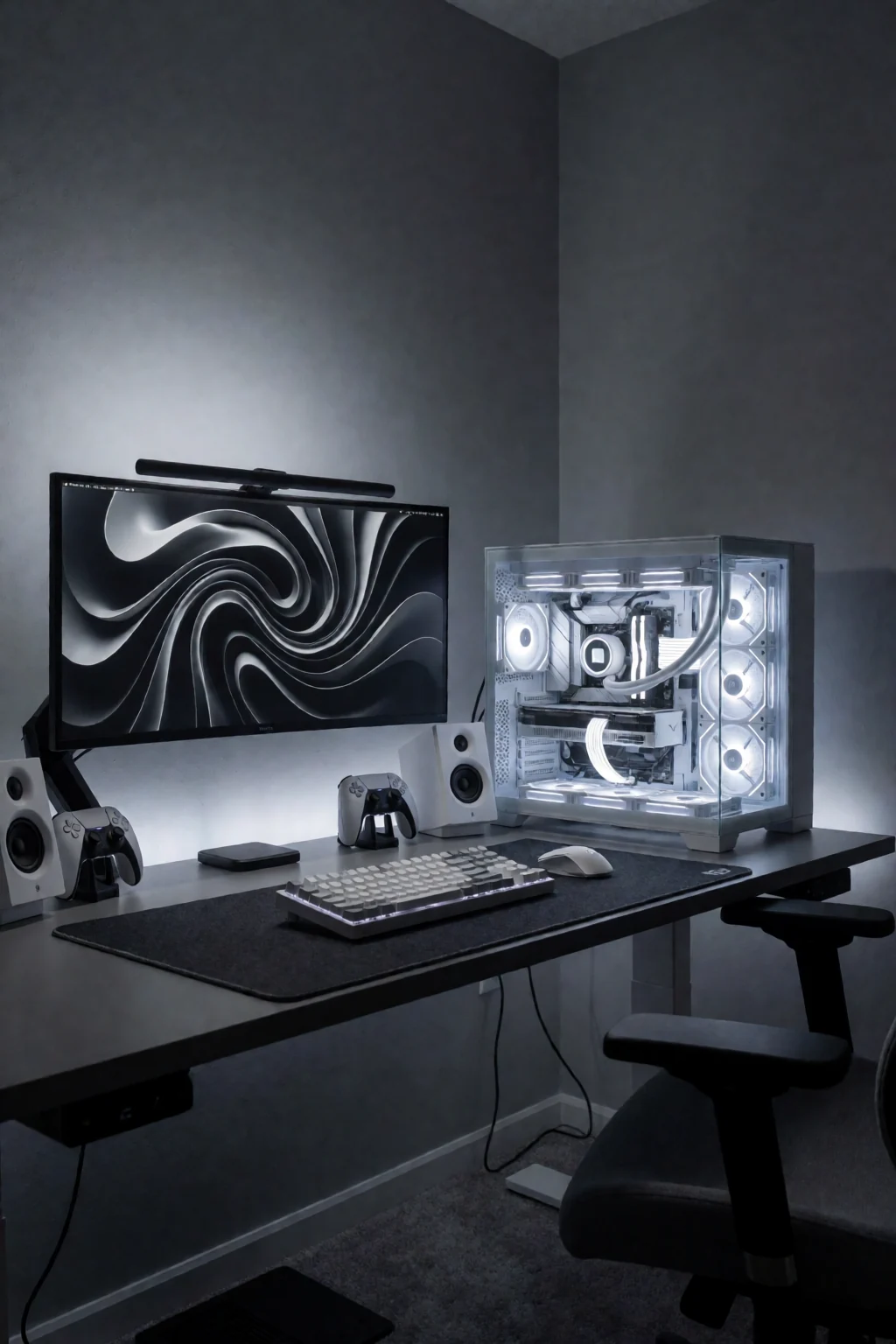
- If you use both screens equally, put the join between them in front of your nose. If one is your main screen, centre that one in front of you and angle the second beside it.
Desk height, laptops, light and budget
- Desk and chair height
- Measure your seated elbow height from the floor and compare it with the desk. If the desk is higher, raise the chair and add a footrest. If it is lower, a keyboard tray will not help; raise the desk on risers or choose a different one. A chair with adjustable height, seat depth and lower back support is the piece most worth paying for.
- Laptops
- A laptop's screen and keyboard are joined, so one is always in the wrong place. For anything longer than a short session, raise the screen and use a separate keyboard and mouse.
- Light and glare
- Place the screen at right angles to a window so daylight does not shine straight into it or into your eyes. Turn the screen brightness to match the room, and add a desk lamp for paper so you do not lean in to read.
- What to buy first
- Start with what you have: books under a screen, a cushion, a box as a footrest. Then buy a laptop stand and separate keyboard and mouse, then a good chair. Gadgets like wrist rests come last and are optional.
Chair, keyboard, screen, then the rest
Start with the chair, away from the desk. Set the height so your feet are flat and your thighs roughly level, adjust the seat depth so there is a gap of two to three fingers between the seat edge and the back of your knees, and move the lower back support into the curve of your back. Now roll up to the desk and check your elbows: they should be level with the keyboard, or just above it. If the desk is too high, raise the chair and add a footrest.
Next, the keyboard and mouse. Put the keyboard straight in front of you with the letter B roughly in line with your belly button, and the mouse right beside it at the same height. Then place the screen about an arm's length away, centred in front of you, with the top edge at or slightly below eye level; tilt it back a little. If you wear varifocal glasses, set it a bit lower so you are not tipping your head back. Last, add the lamp, a phone stand and anything else you need, and keep the things you reach for often within easy reach of the chair.
Shop the pieces
16 work & gaming pieces
Links open similar items, not the pictured ones.
-
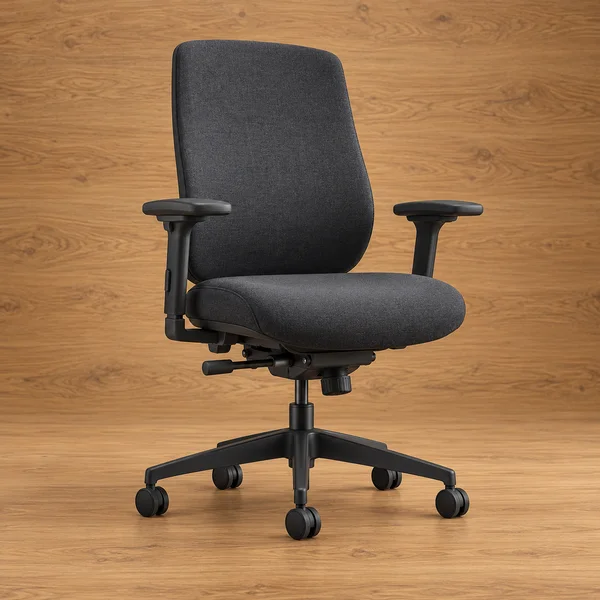
Adjustable desk chair
What to check
Check the seat height range against your desk: most desks are about 29 to 30 inches tall, and your elbows should rest level with the keyboard.
-
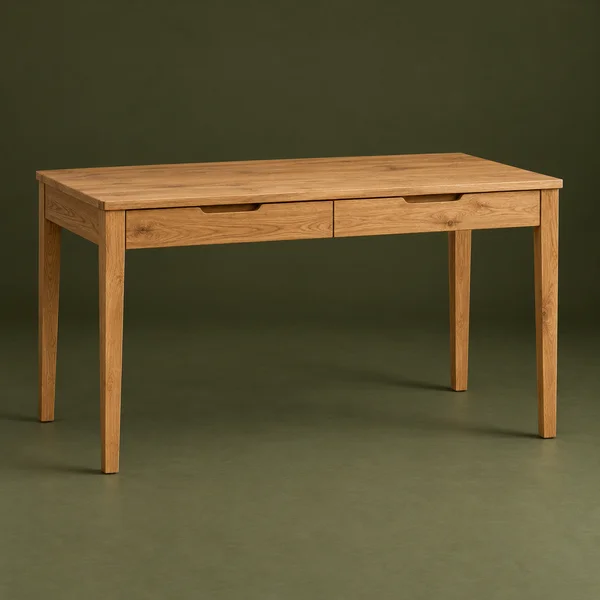
Desk and supports
What to check
Measure the knee space under the drawers. A drawer unit on one side leaves less leg room than an open frame.
-
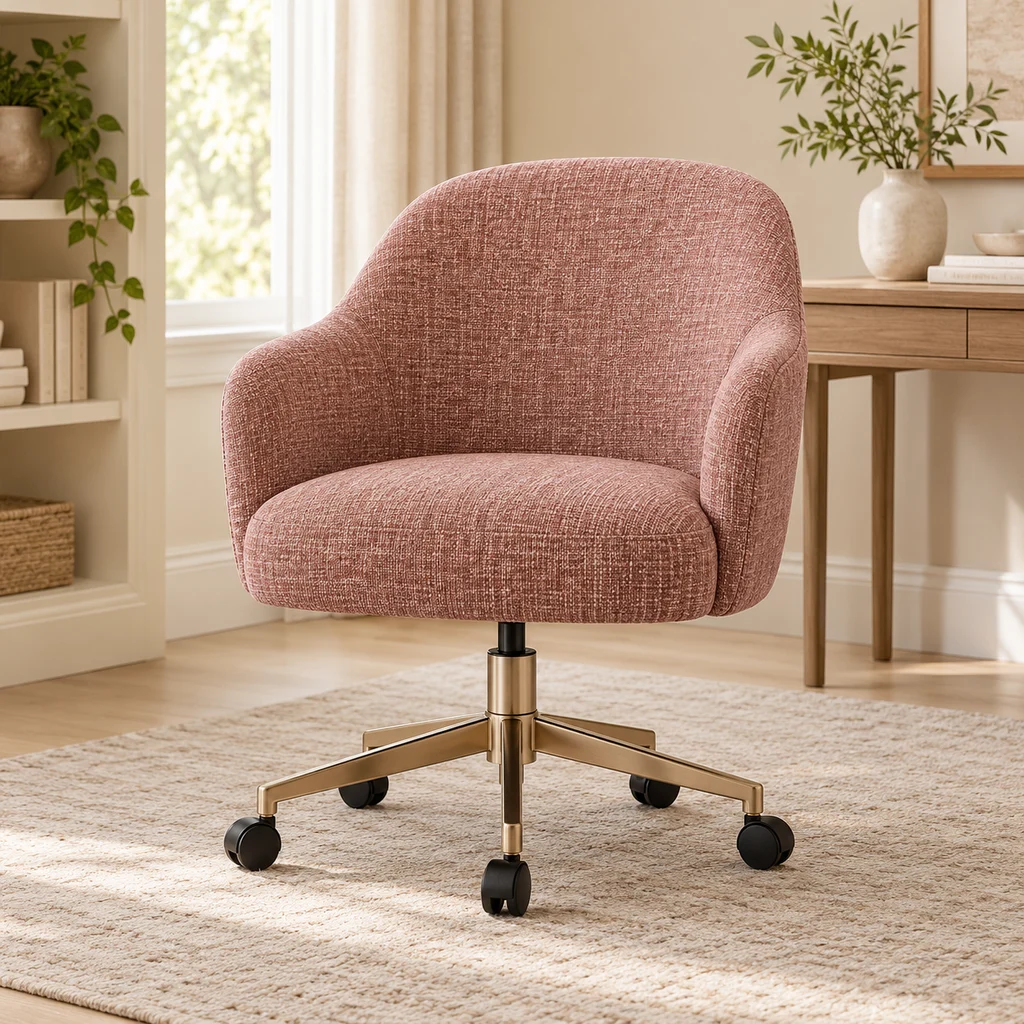
Desk chair
What to check
Vanity-style desk chairs are light but often have less back support. Fine for short sessions; check the seat height range for long ones.
-
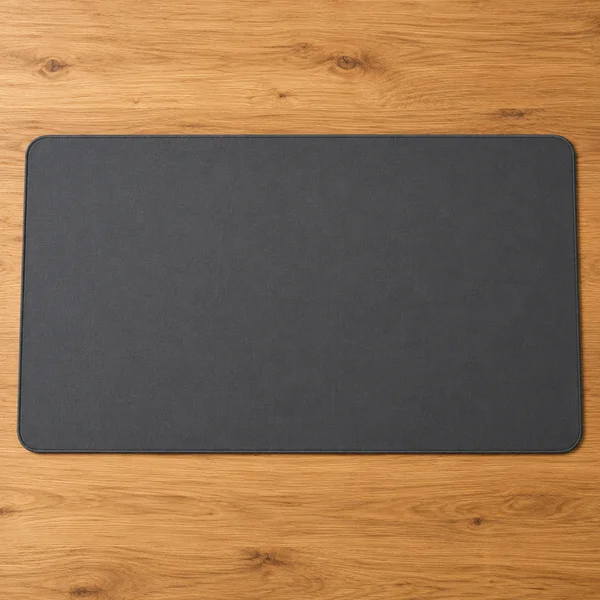
Desk mat
What to check
Measure the space your keyboard and mouse sweep across. A mat that stops short of the mouse is the most common mistake.
-
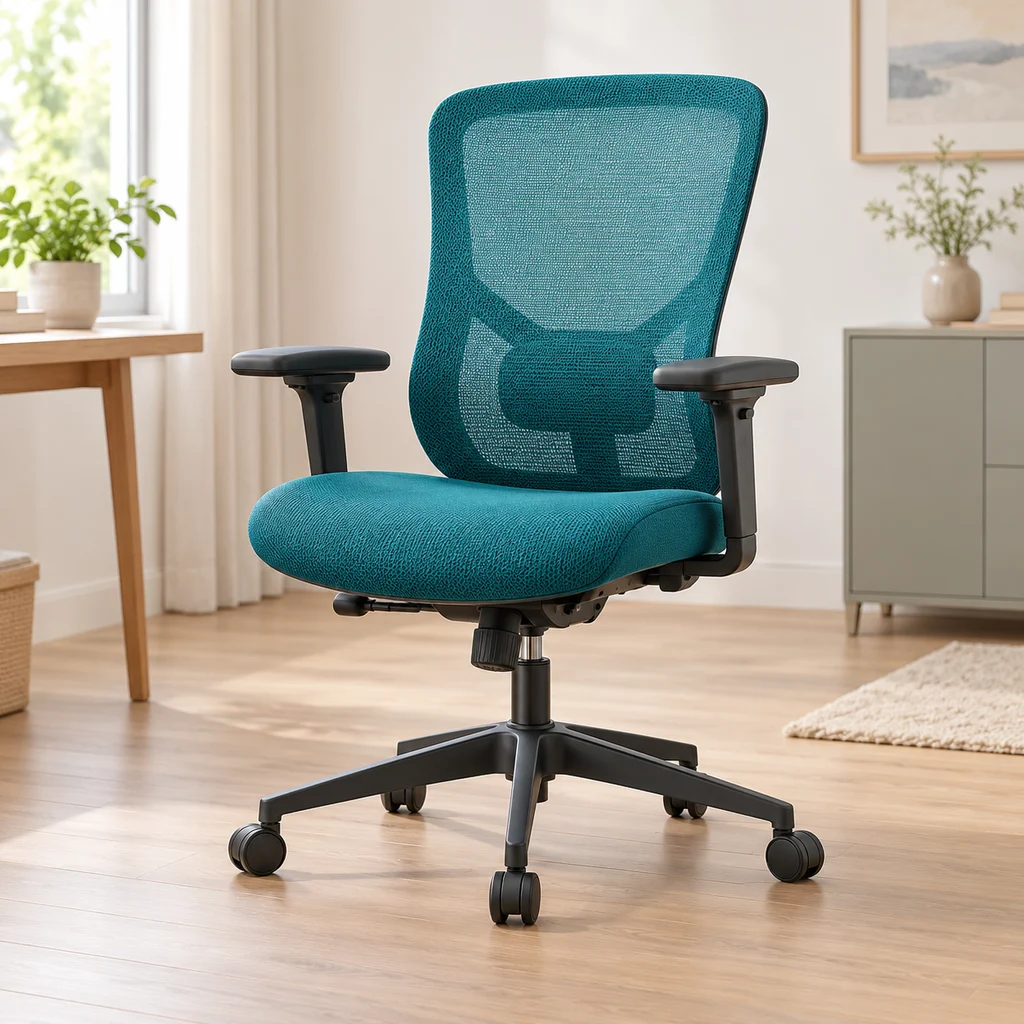
Ergonomic chair
What to check
Check the lumbar support adjusts to the curve of your lower back, and that the armrests drop low enough to slide under the desk.
-
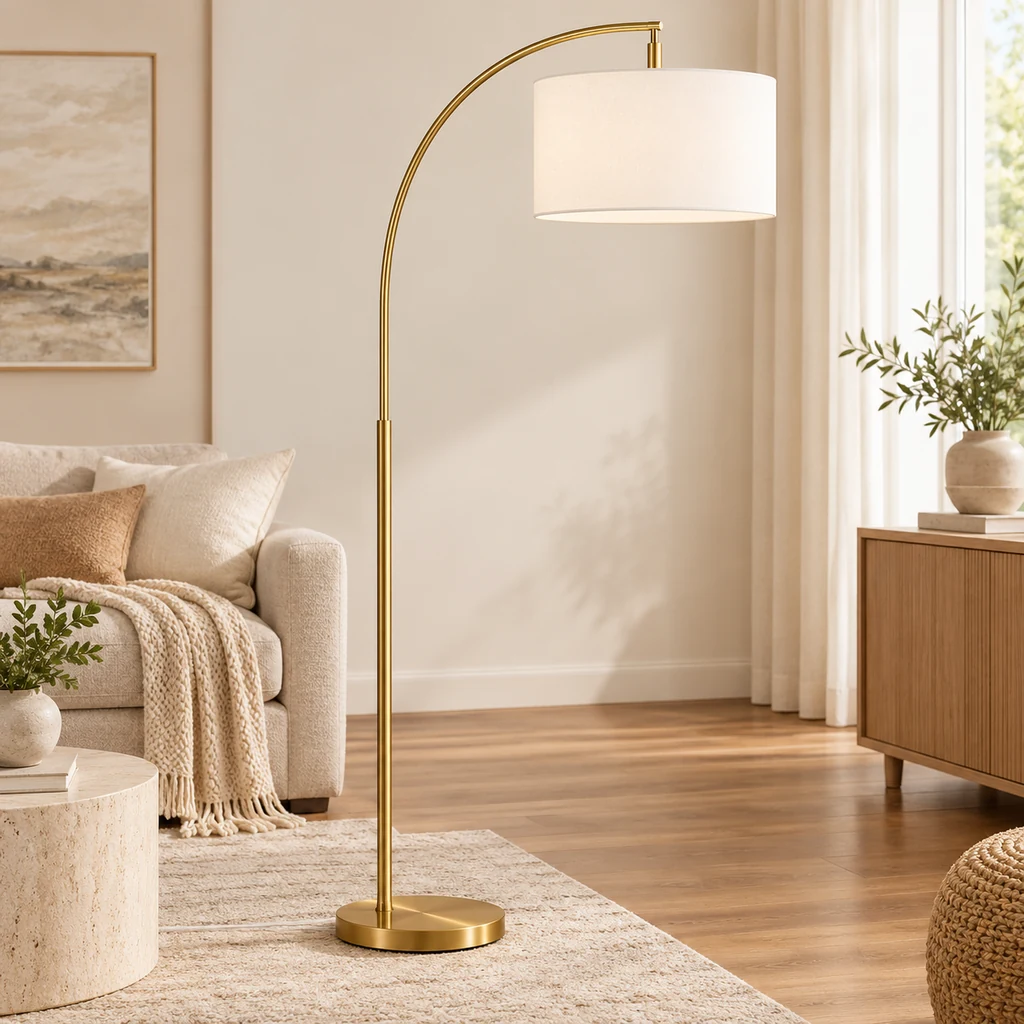
Floor lamp
What to check
Measure the arc reach and the floor space for the base. Arc lamps need weight at the base to stay steady.
-
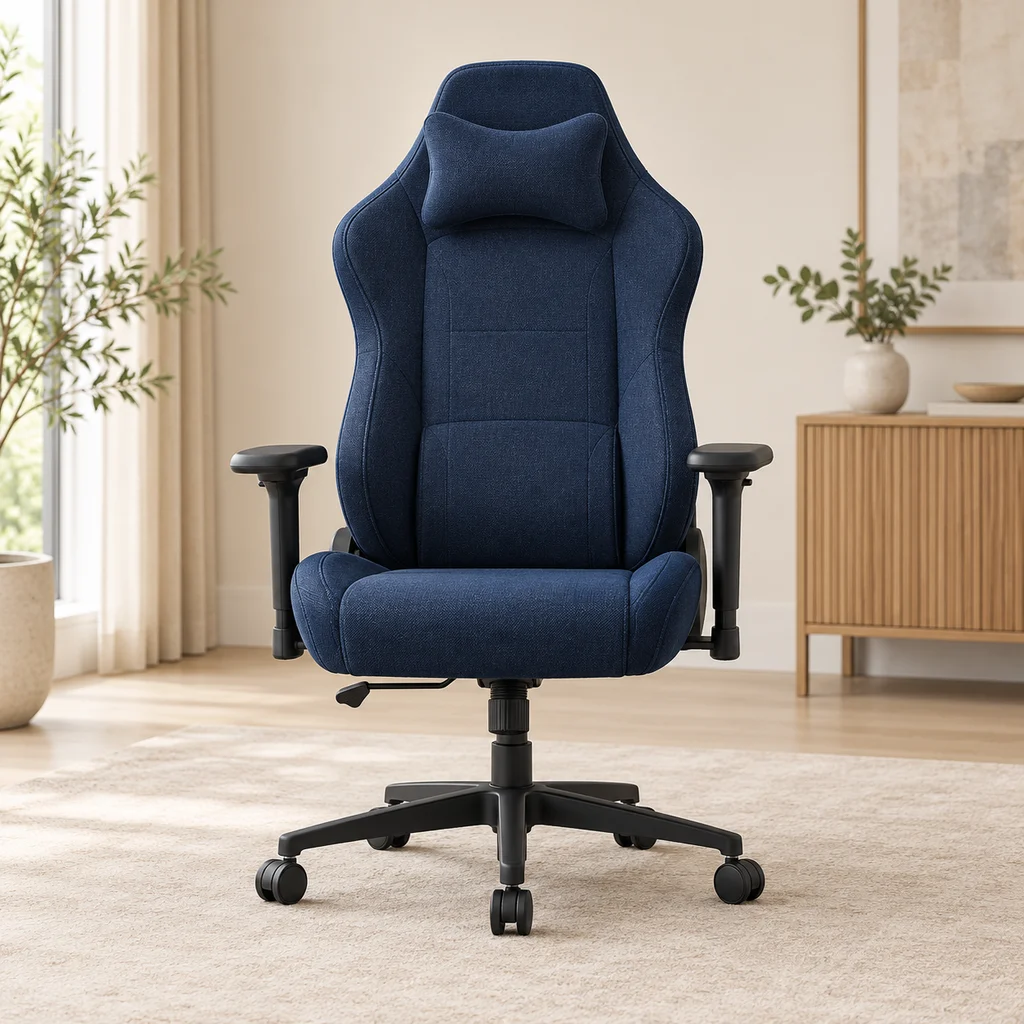
Gaming chair
What to check
Check the seat width and the maximum weight rating, and whether the armrests adjust, before choosing a chair for long sessions.
-
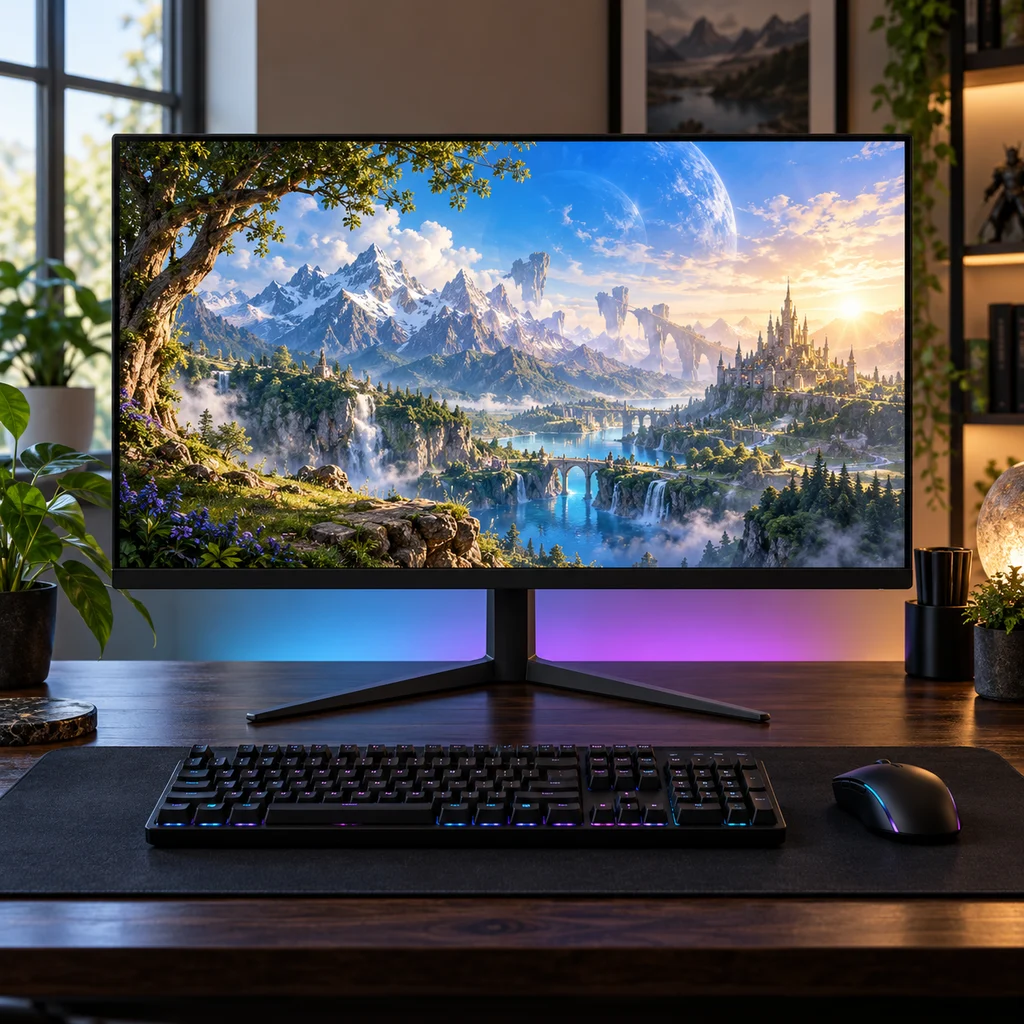
Gaming monitor
What to check
Check the stand height against your eye level. Many budget monitors tilt but do not lift, so plan for a riser or arm.
Show all 16 pieces
-
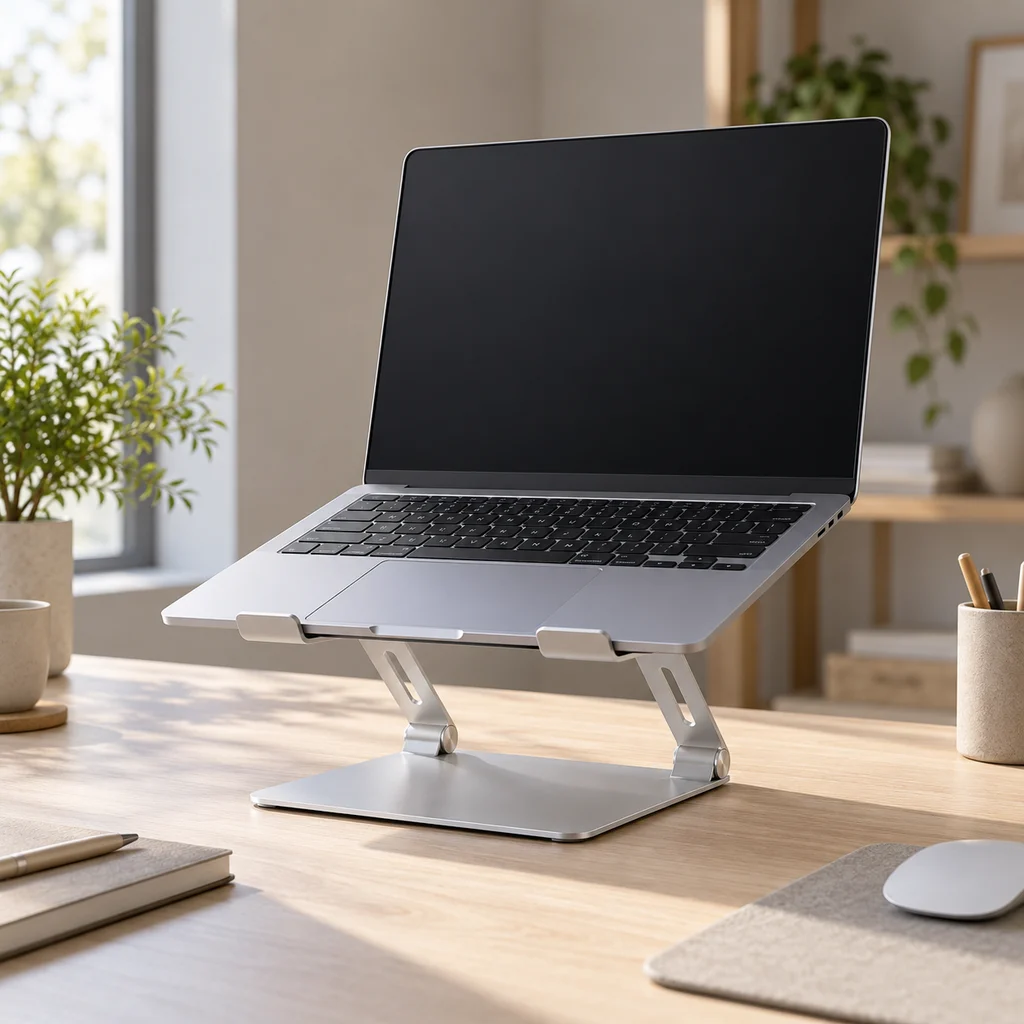
Laptop stand
What to check
Raising a laptop puts the screen at eye level but makes its own keyboard awkward. Plan for a separate keyboard and mouse.
-
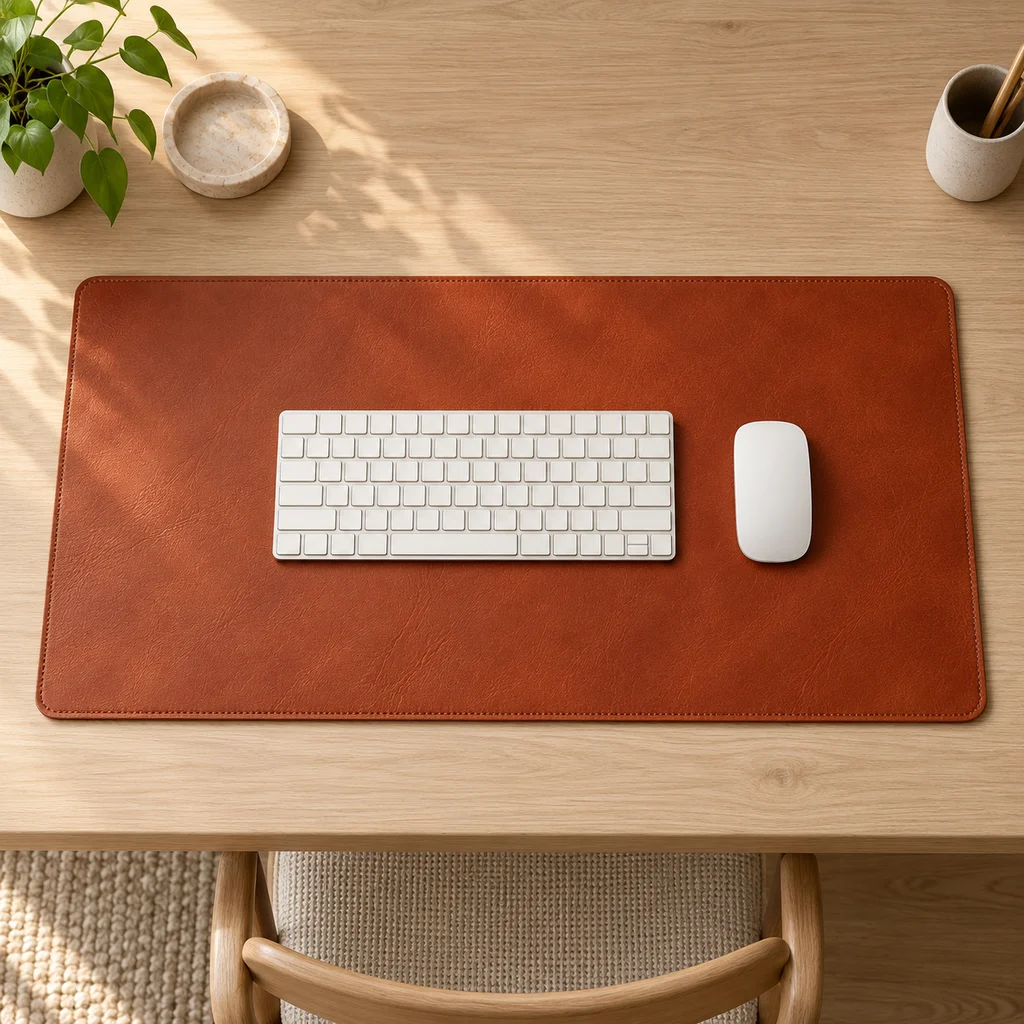
Leather desk mat
What to check
Measure your desk width and depth. A mat should cover the keyboard and mouse area without hanging over the front edge.
-
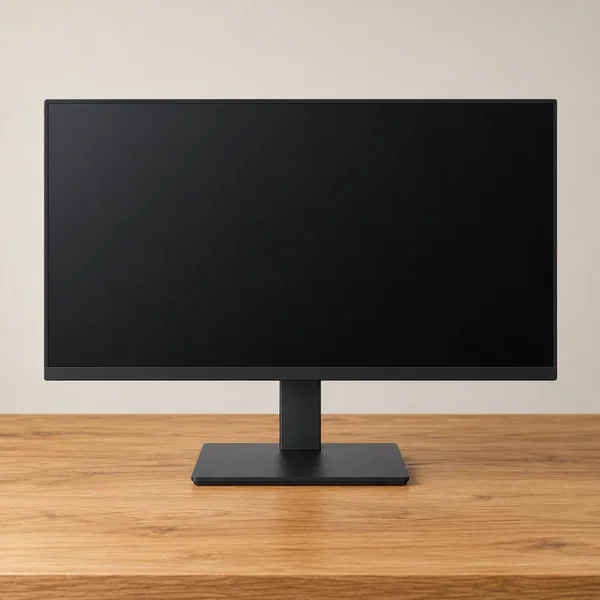
Monitor and stand
What to check
At 27 inches, full HD looks softer up close than 1440p. Check the stand adjusts for height, or that it has VESA holes for an arm.
-
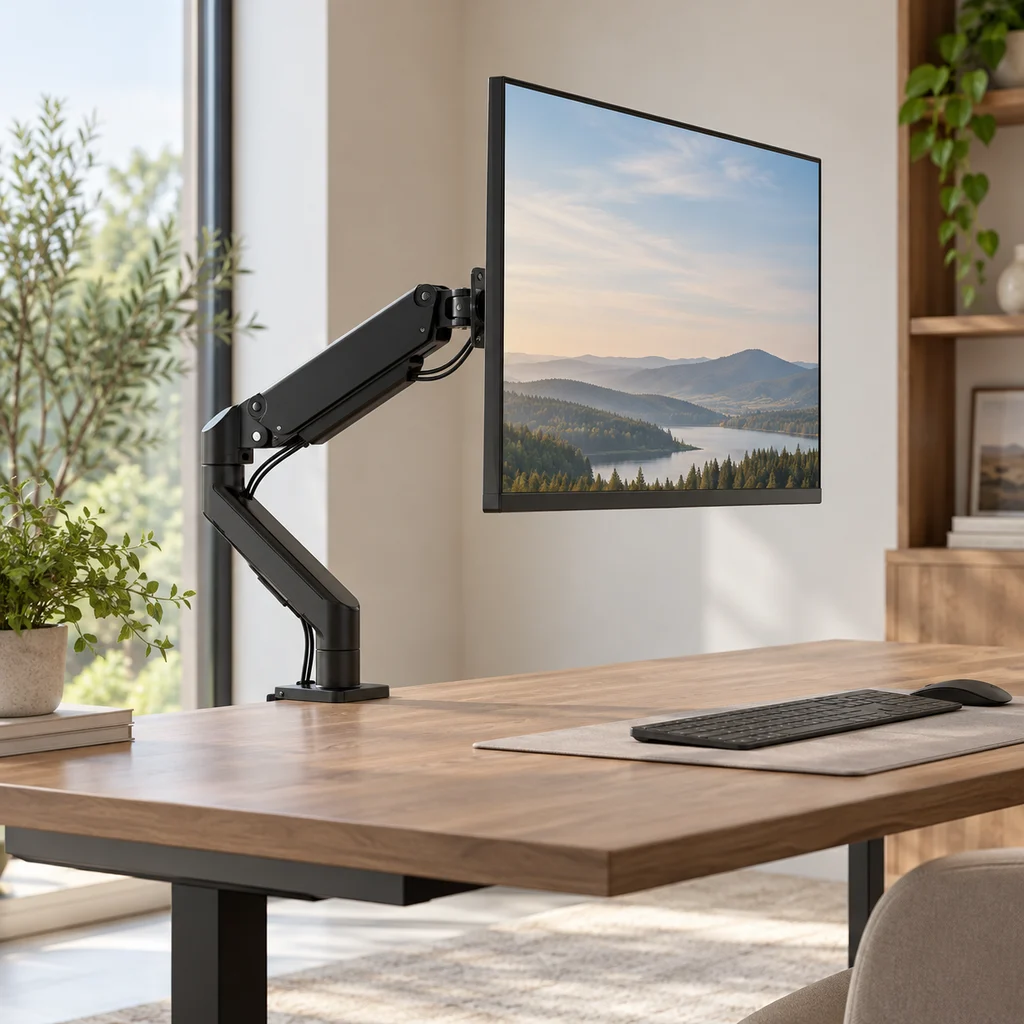
Monitor arm
What to check
Check your monitor's weight and size against the arm's limits, and that your desk edge is thick and strong enough for the clamp.
-
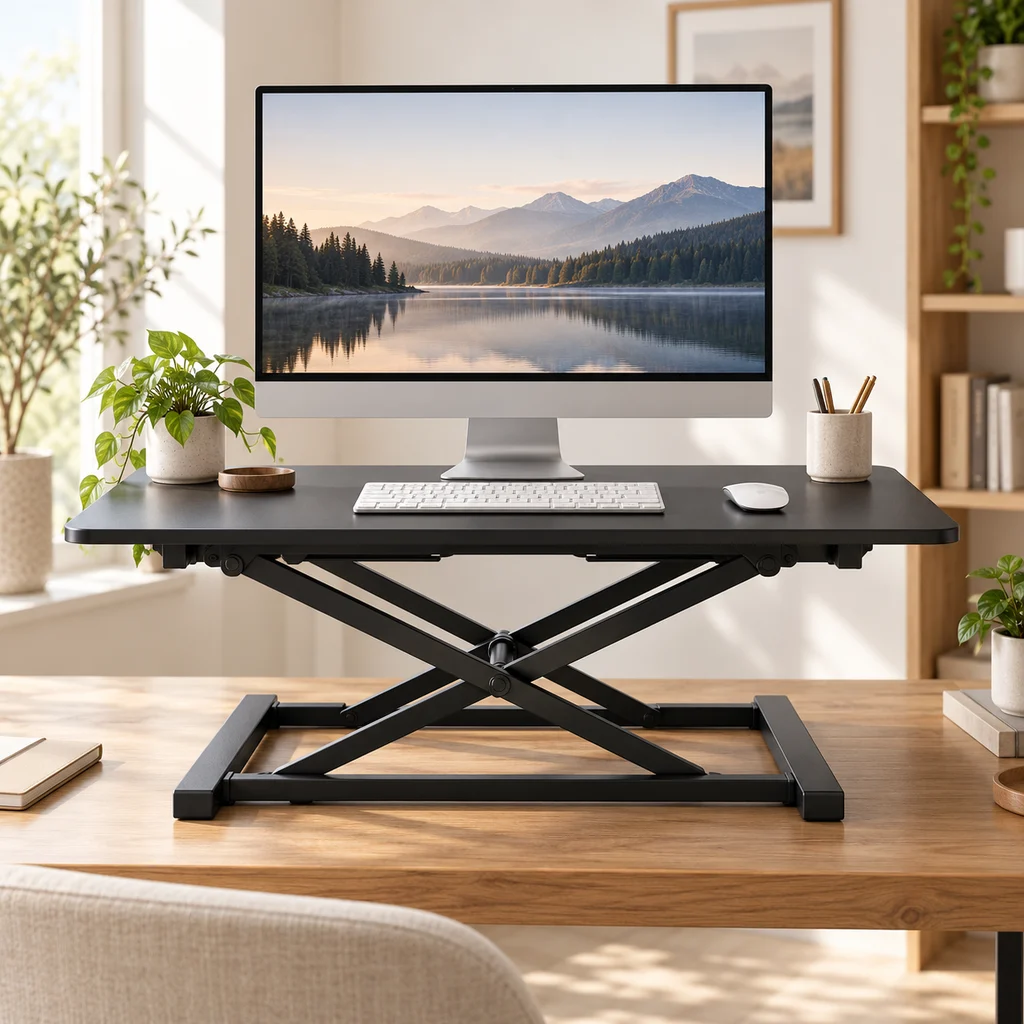
Standing desk riser
What to check
A converter raises the keyboard and screen together. Check the lifted height suits you standing, and the desk is deep enough for its base.
-
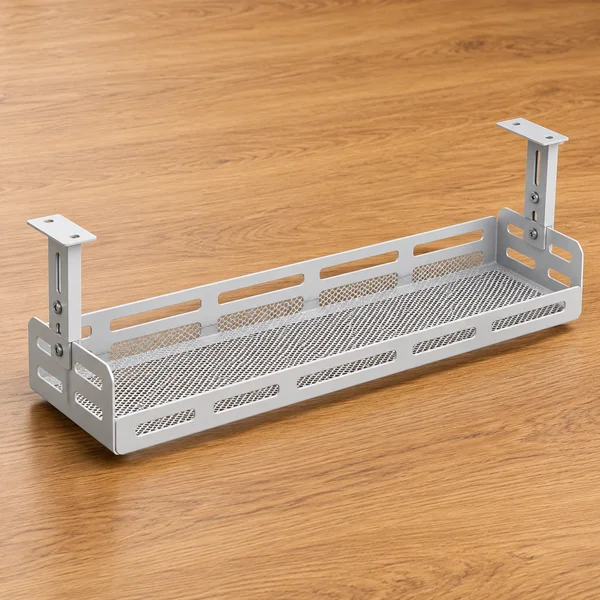
Under-desk cable tray
What to check
Measure the depth under the desk top and check the tray clears your knees and any drawers before fixing it.
-
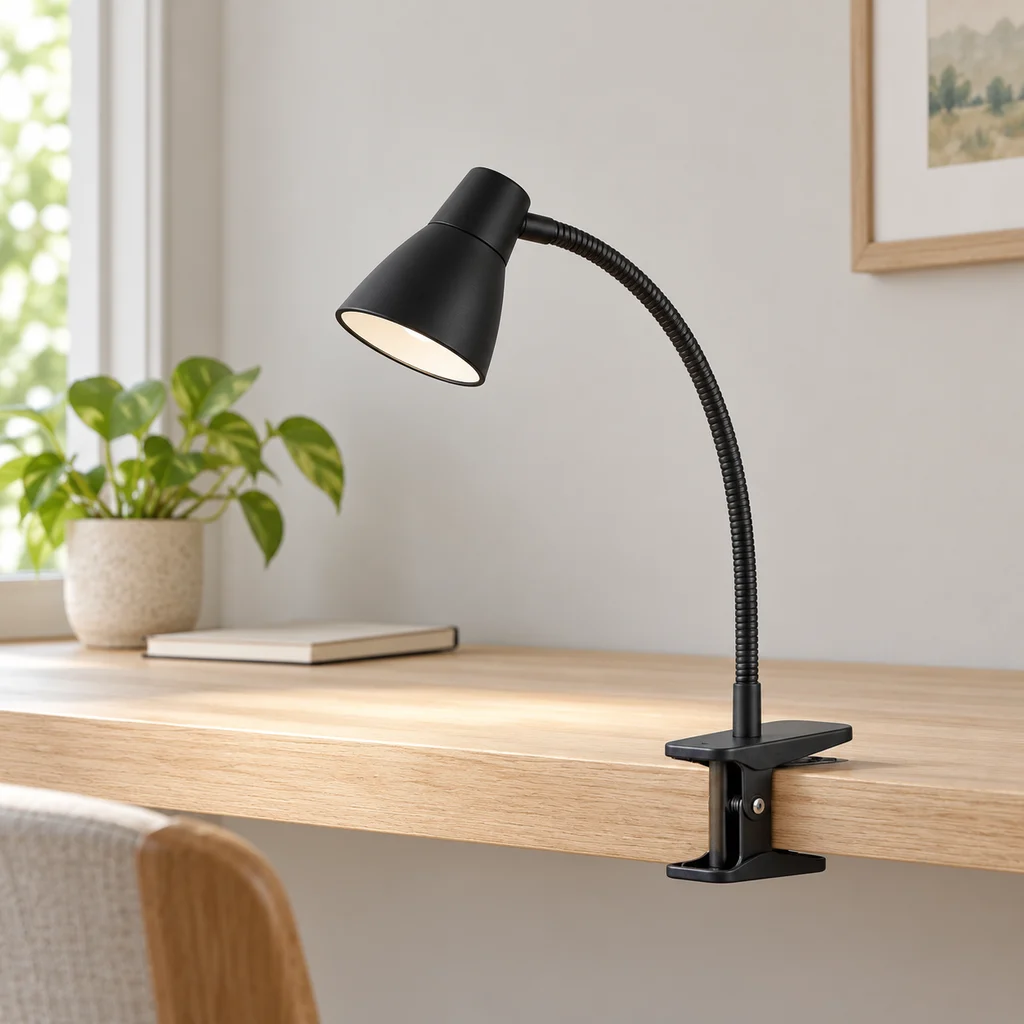
Clip lamp
What to check
Check the clamp opening fits your desk edge or shelf, and that the cable reaches an outlet without stretching.
-
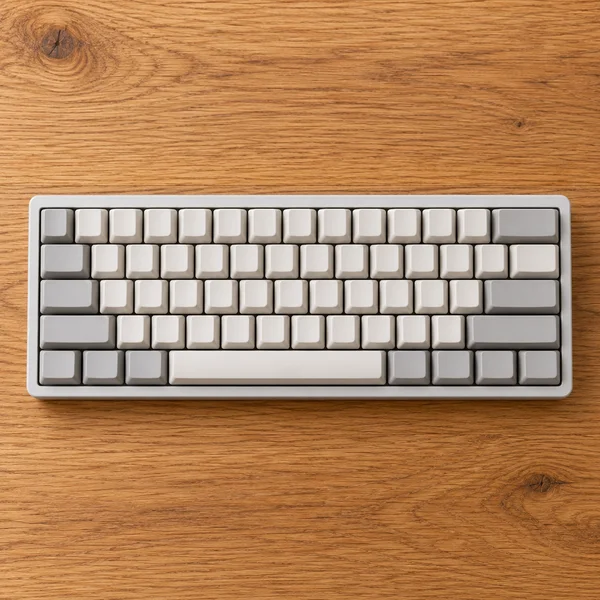
Compact keyboard
What to check
A 60% board has no number pad or arrow keys of its own. Fine for games and writing, slower for spreadsheets.
The gallery
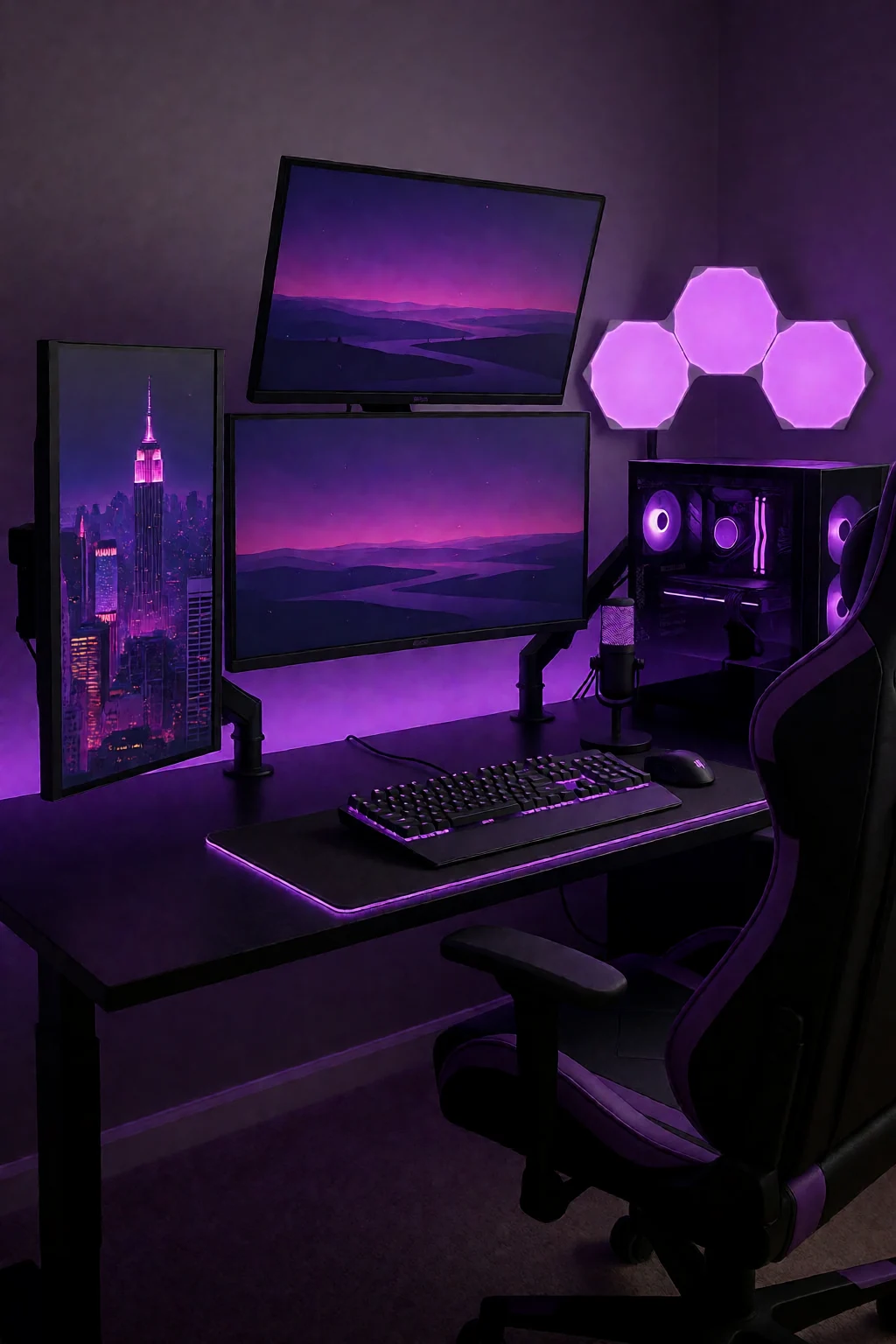
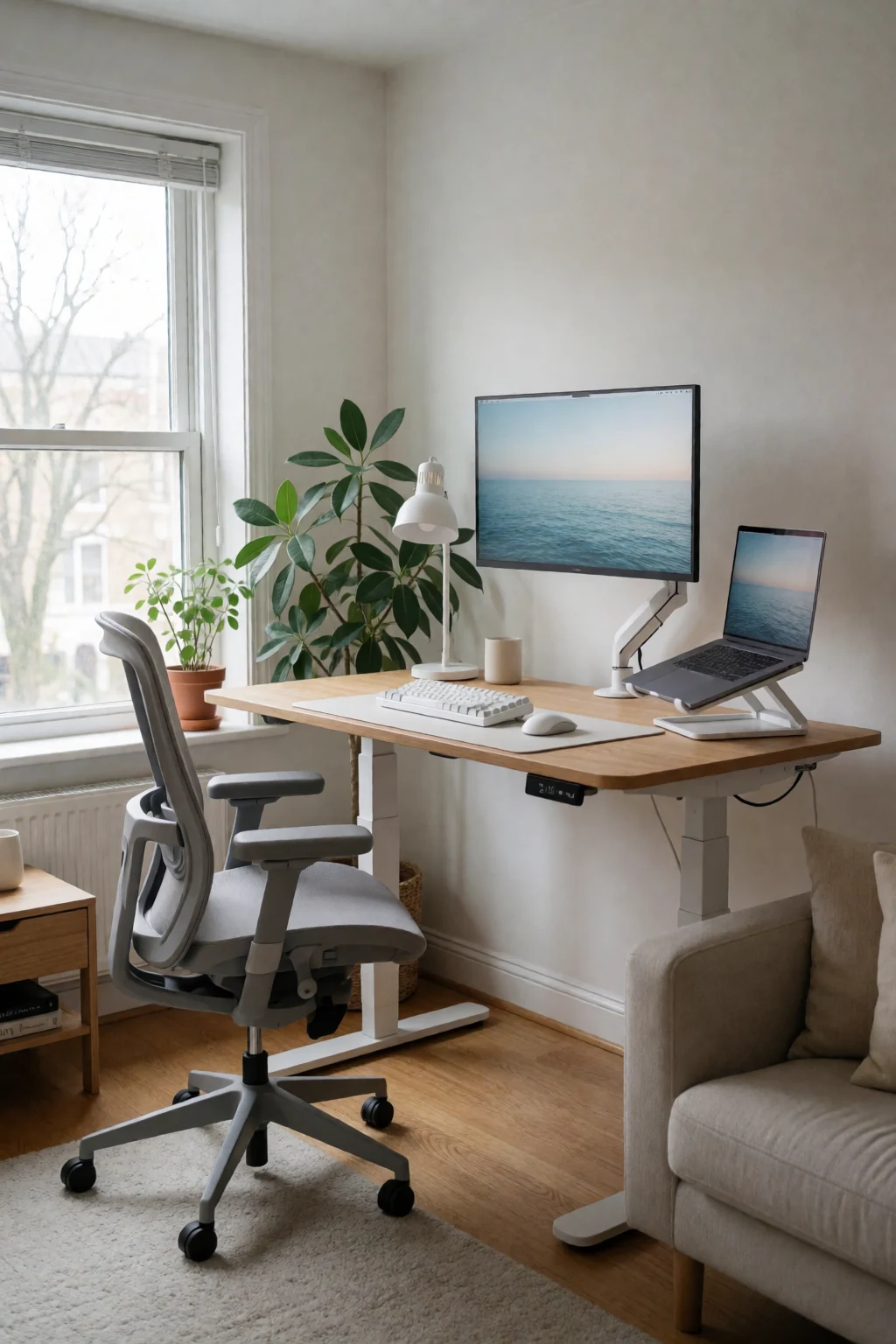
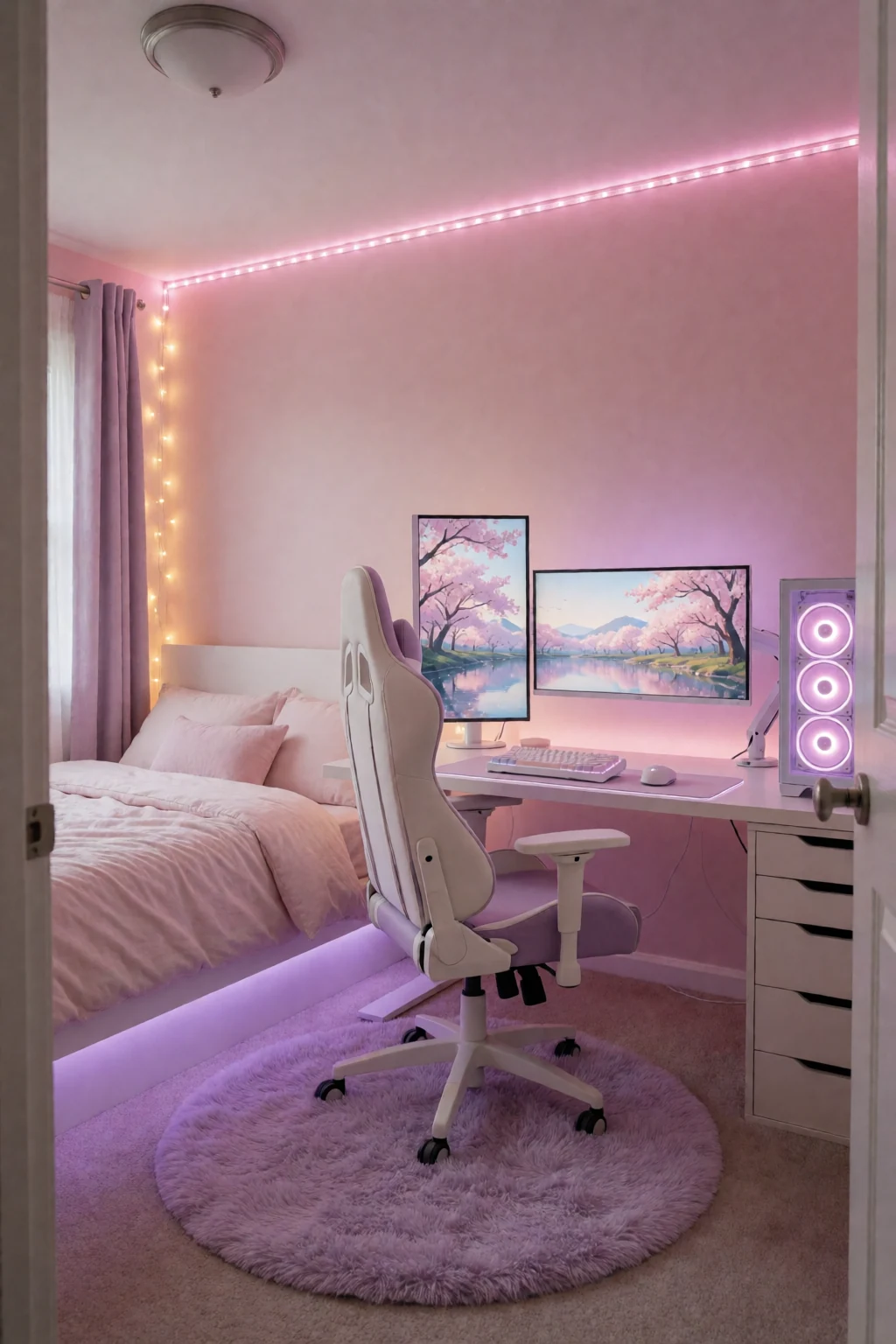
8 work & gaming looks
Open a look to see its pieces.
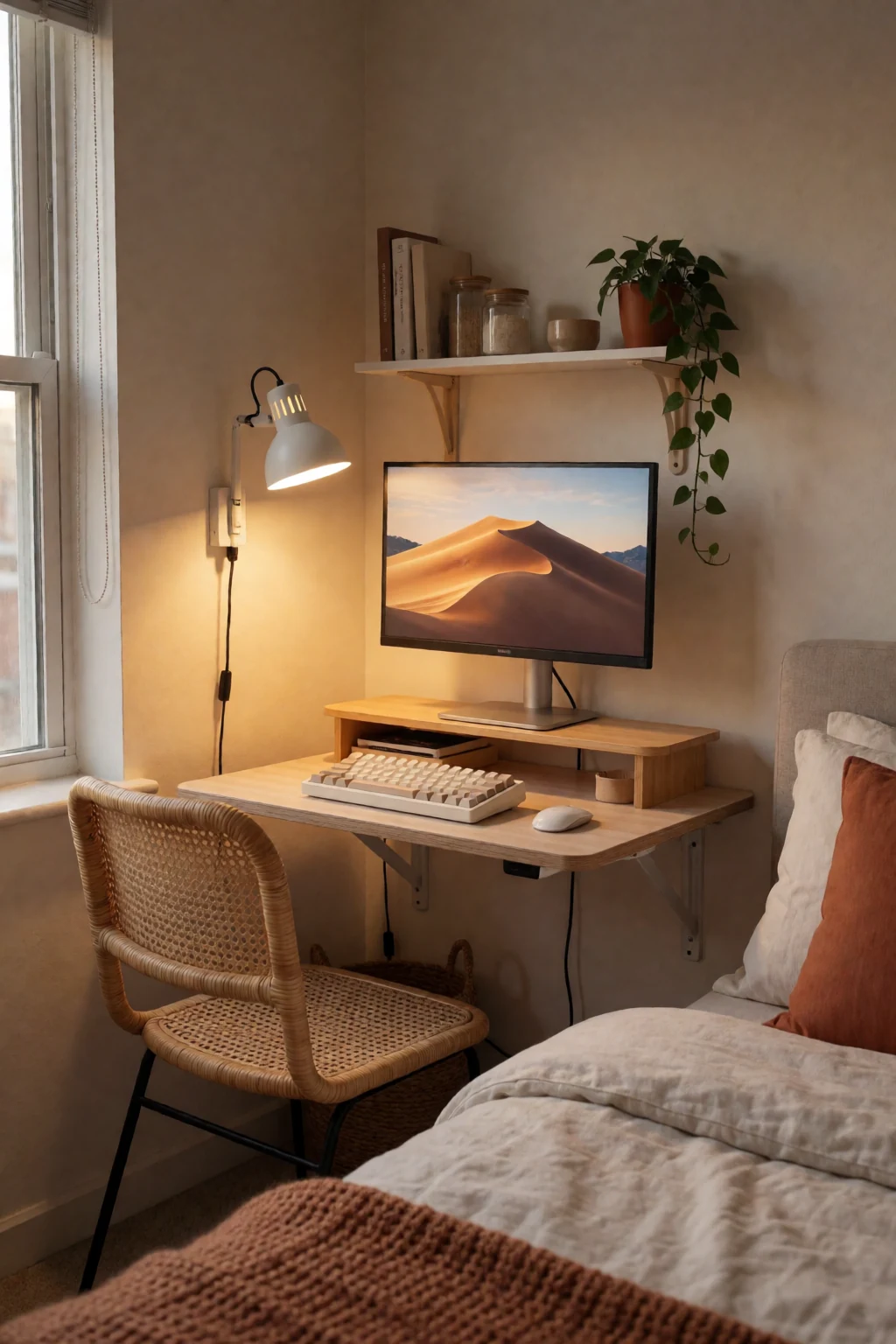
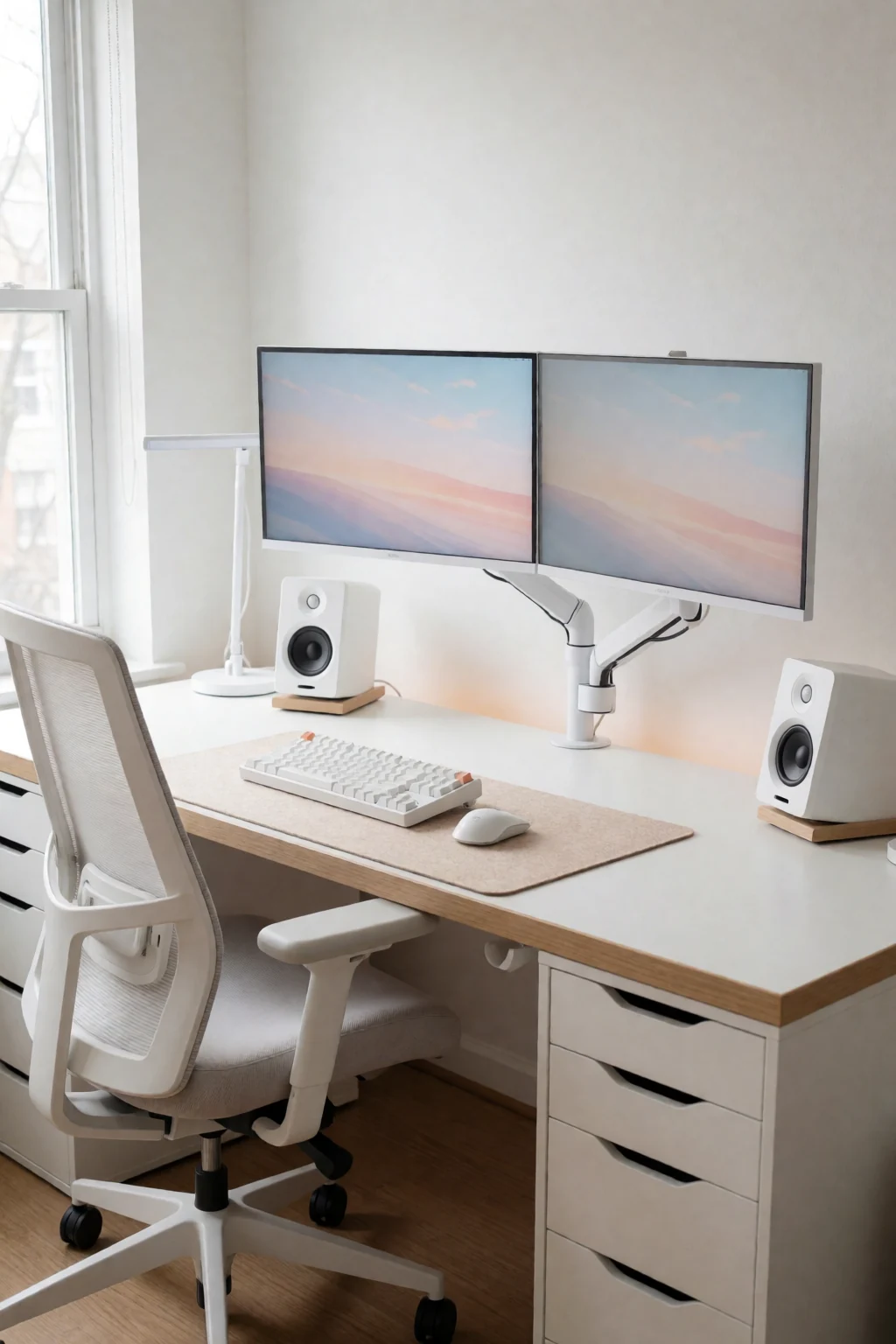
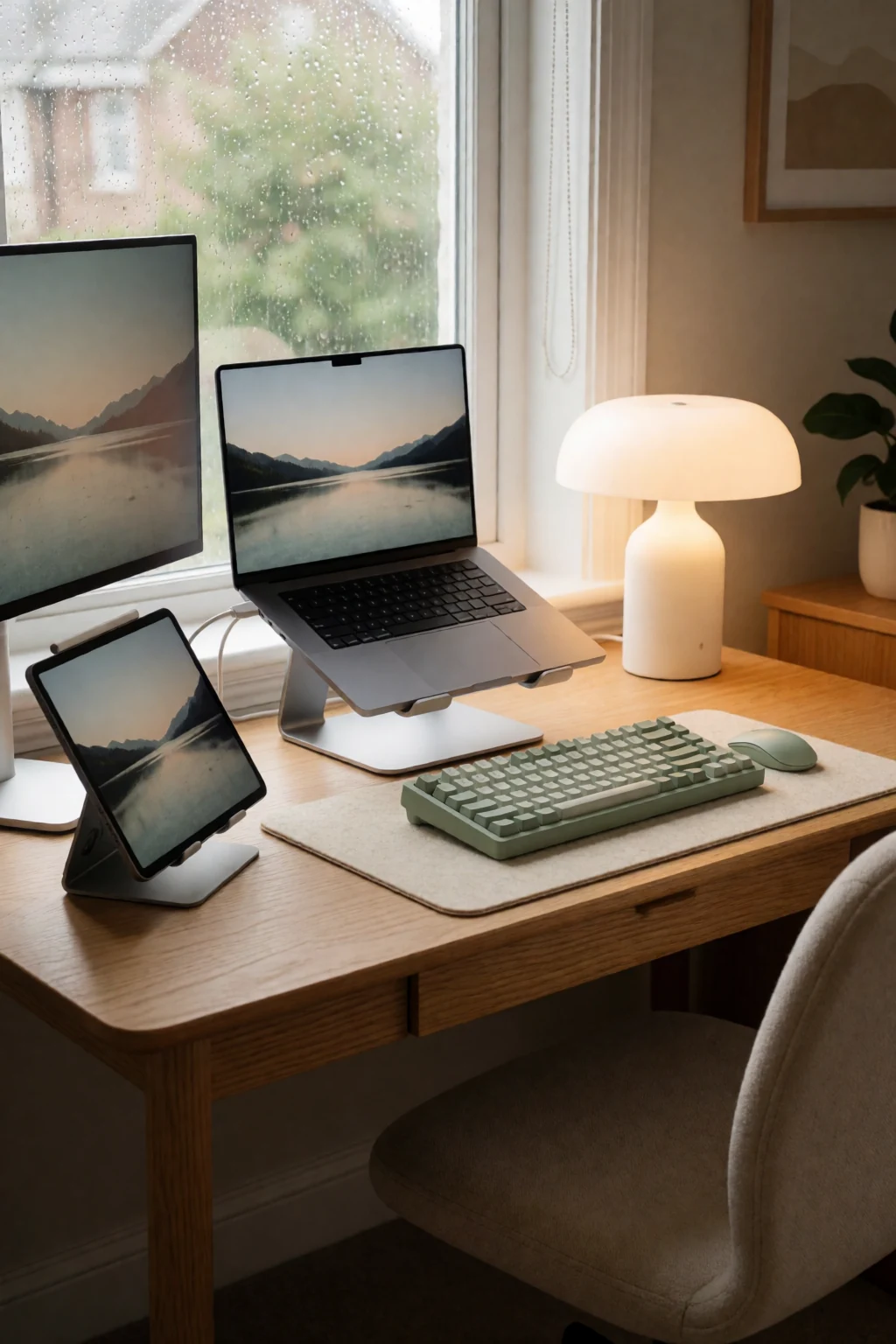
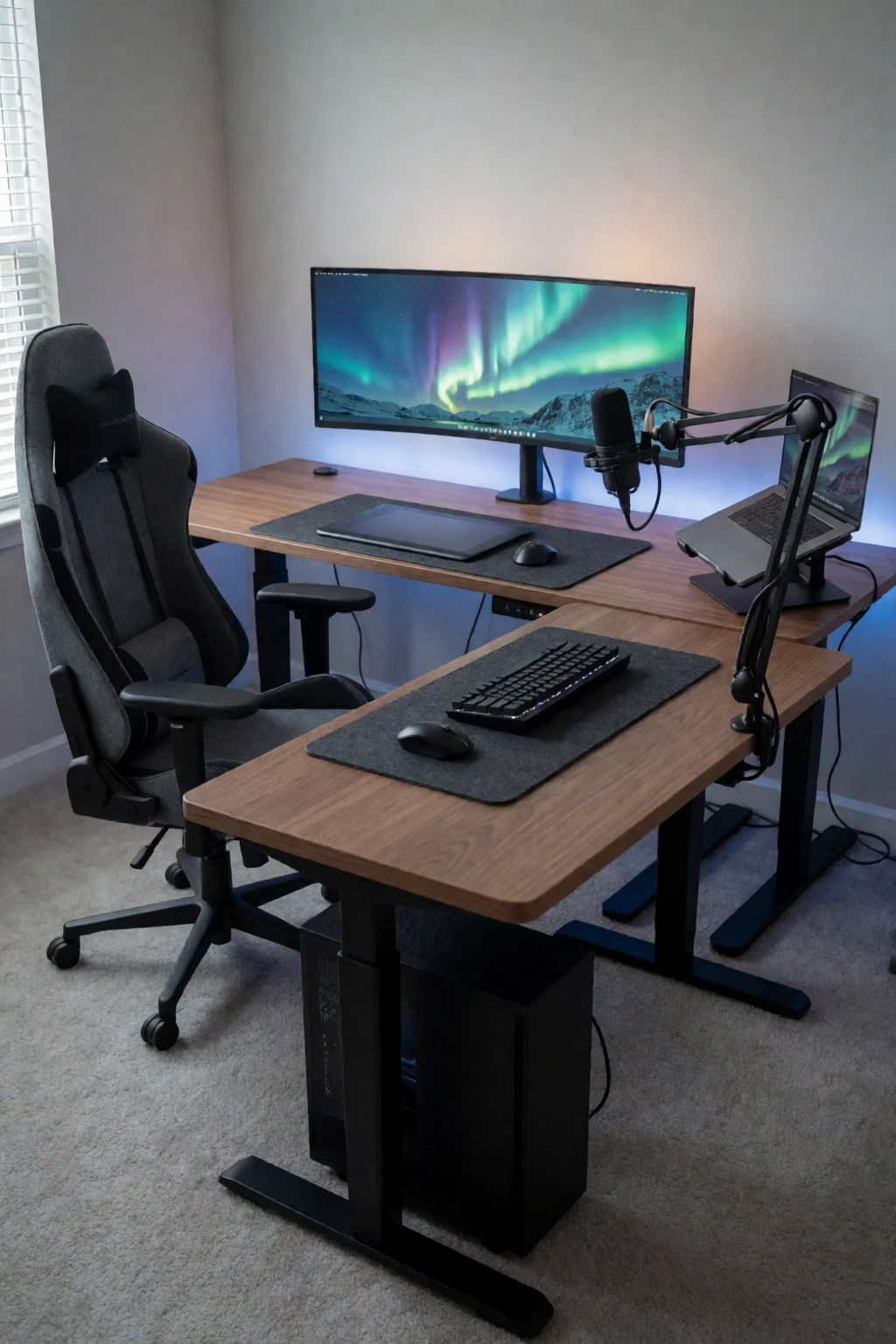
Keep exploring
Related guides

Questions
How high should my monitor be?
The top of the screen at or slightly below eye level when you sit upright, about an arm's length away, tilted back a little. Set it lower if you wear varifocal glasses.
What if my desk is too high?
Raise the chair until your elbows are level with the desk and put a footrest under your feet. Most fixed desks are on the high side for many people.
Is a standing desk better than sitting?
The benefit is in switching between the two. Standing all day brings its own aches. Change position through the day and keep the keyboard at elbow height either way.
Can I work from a laptop all day?
Not comfortably without help. Raise the laptop so the screen is at eye level and use a separate keyboard and mouse.