Room ideas / Work & gaming
Setting up one desk for both work and gaming
If the same desk handles work calls by day and games at night, you want light that does not glare on the screen, cables that stay plugged in and enough surface to switch between the two without clearing the desk.
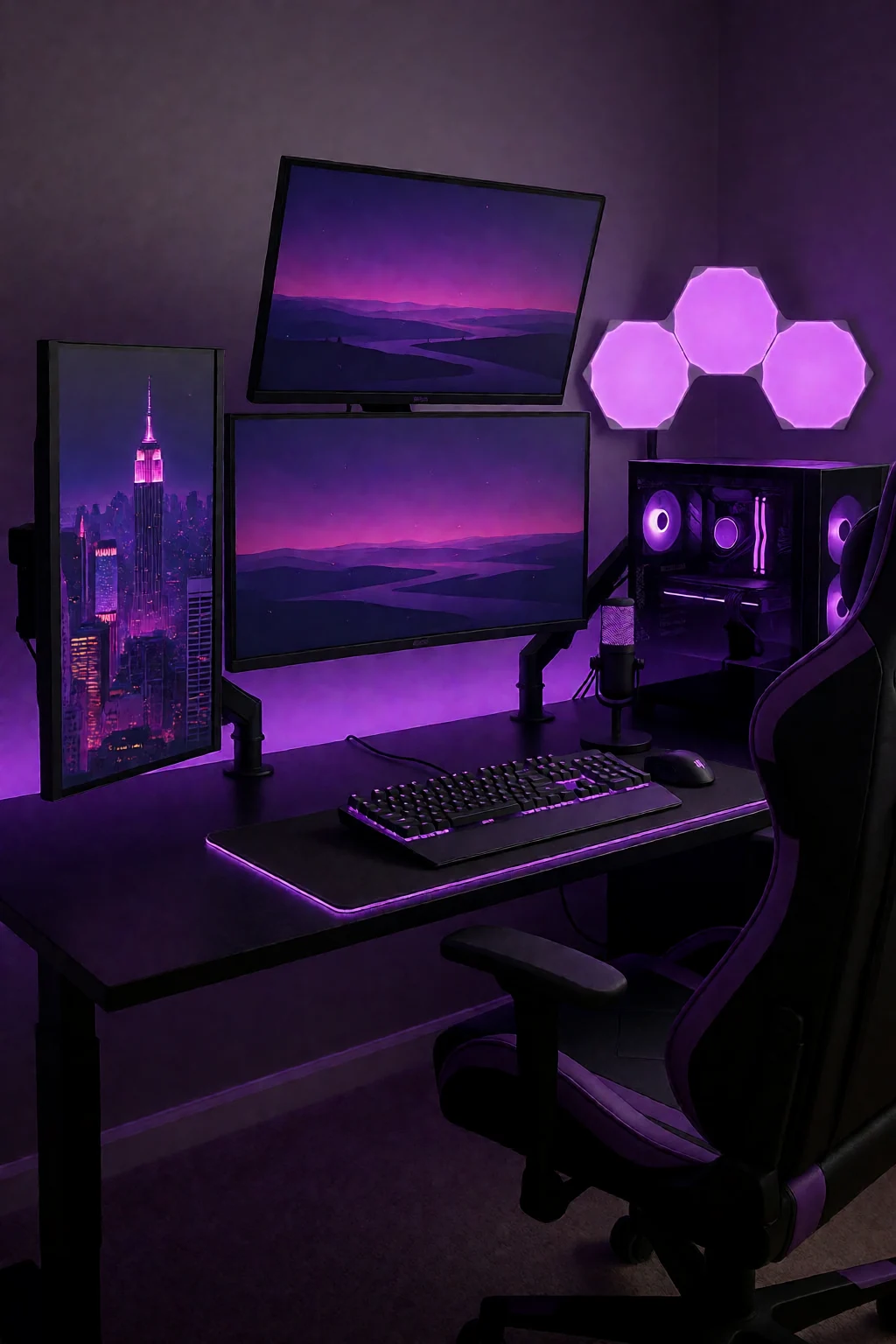
Three rules for a two-job desk
- Set the top of the screen at or just below eye level when you sit back, and keep the keyboard close enough that your elbows stay by your sides.
- Run all cables into a tray under the desk or along its back edge, so moving the keyboard or mouse never snags anything.
- Light the desk with a monitor light bar or adjustable lamp that does not reflect in the screen, and use a desk mat for the keyboard and mouse.
Everything stays out and plugged in
A desk for work and gaming should handle both without unplugging and rearranging in between. Set the monitor, keyboard and mouse up for long sessions, route cables so nothing pulls out when you move the keyboard, and add lighting that eases eye strain without glare on the screen.
It works when each thing has a fixed spot: the monitor and input devices stay put, the headset hangs on a stand or hook, and a cable tray under the desk keeps cords off the floor. A desk mat marks the working area, a light bar or adjustable lamp lights the desk, and a small shelf holds a notebook, phone and water bottle.
Unlike a pure gaming setup, this desk also has to work for video calls, paperwork and a lot of typing.
Five setups for both
- Stand, mat and side lamp
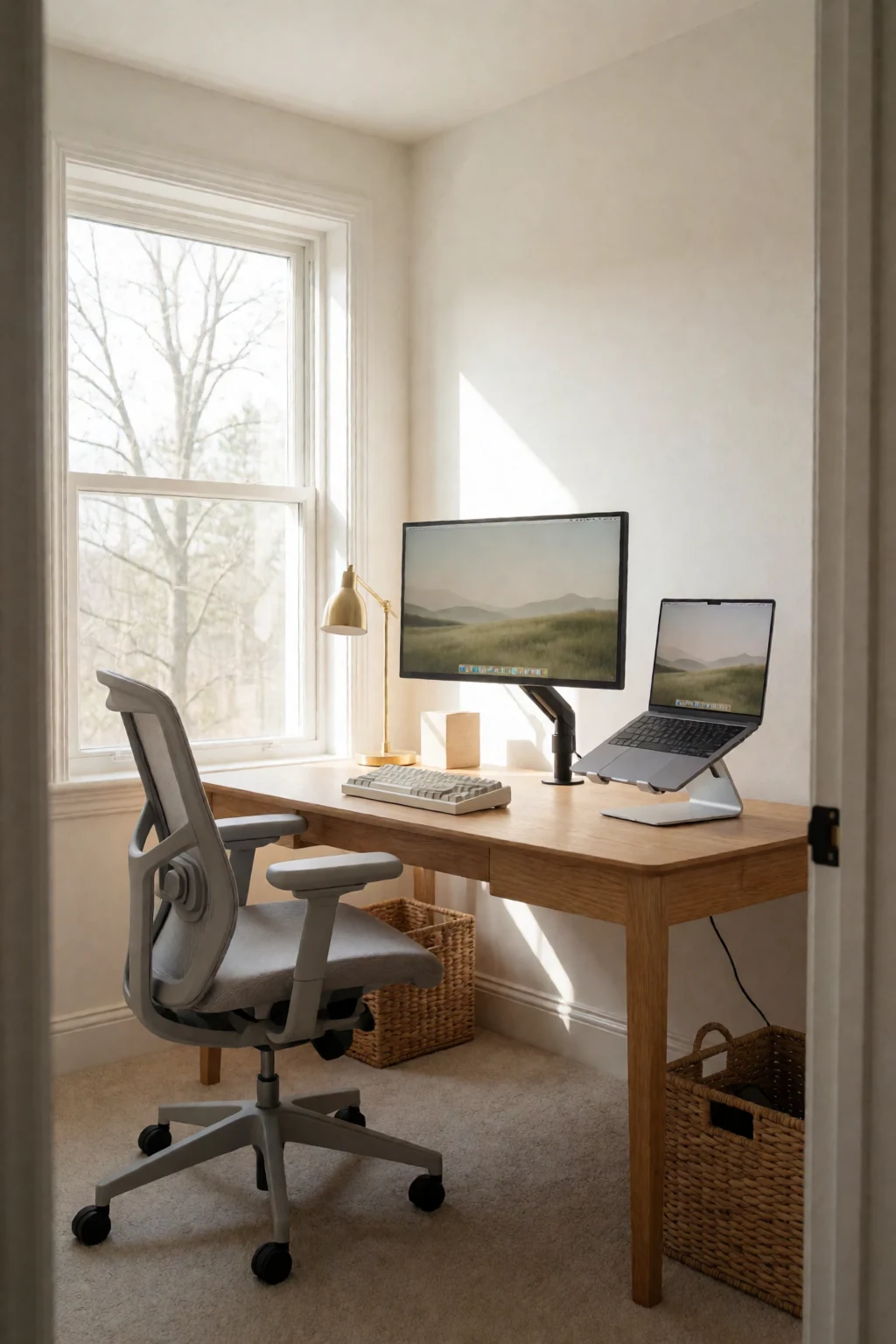
- The monitor on a stand at eye level, keyboard and mouse on a desk mat, and a small adjustable lamp to the side for your notes. Re-angle the lamp when you switch from work to games.
- Light bar, headset stand, cable tray
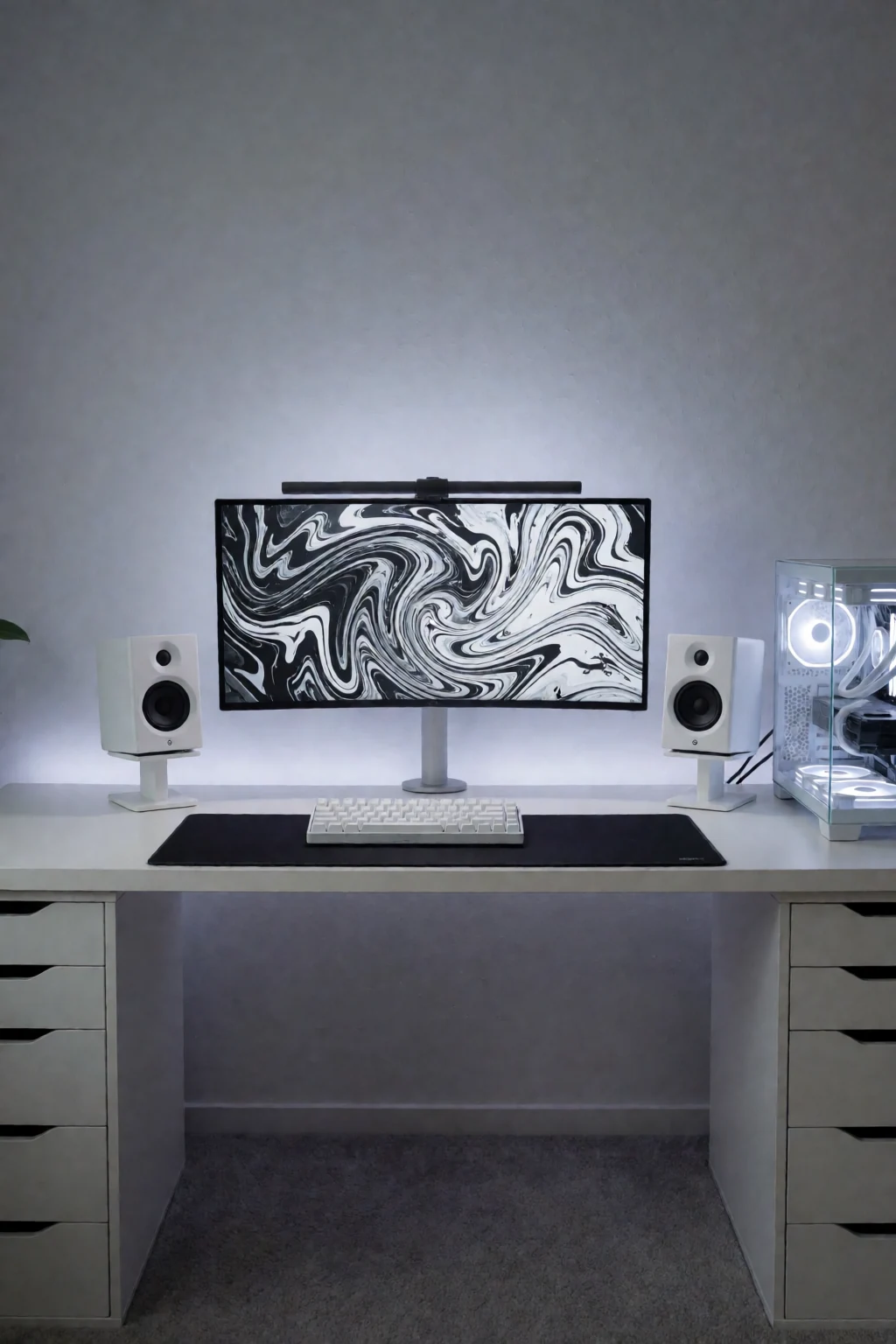
- A light bar on top of the monitor lights the desk evenly, the headset hangs on a stand, and a tray under the desk holds the power strip and spare cable. The surface stays clear.
- Shelf behind the screen and wall lights
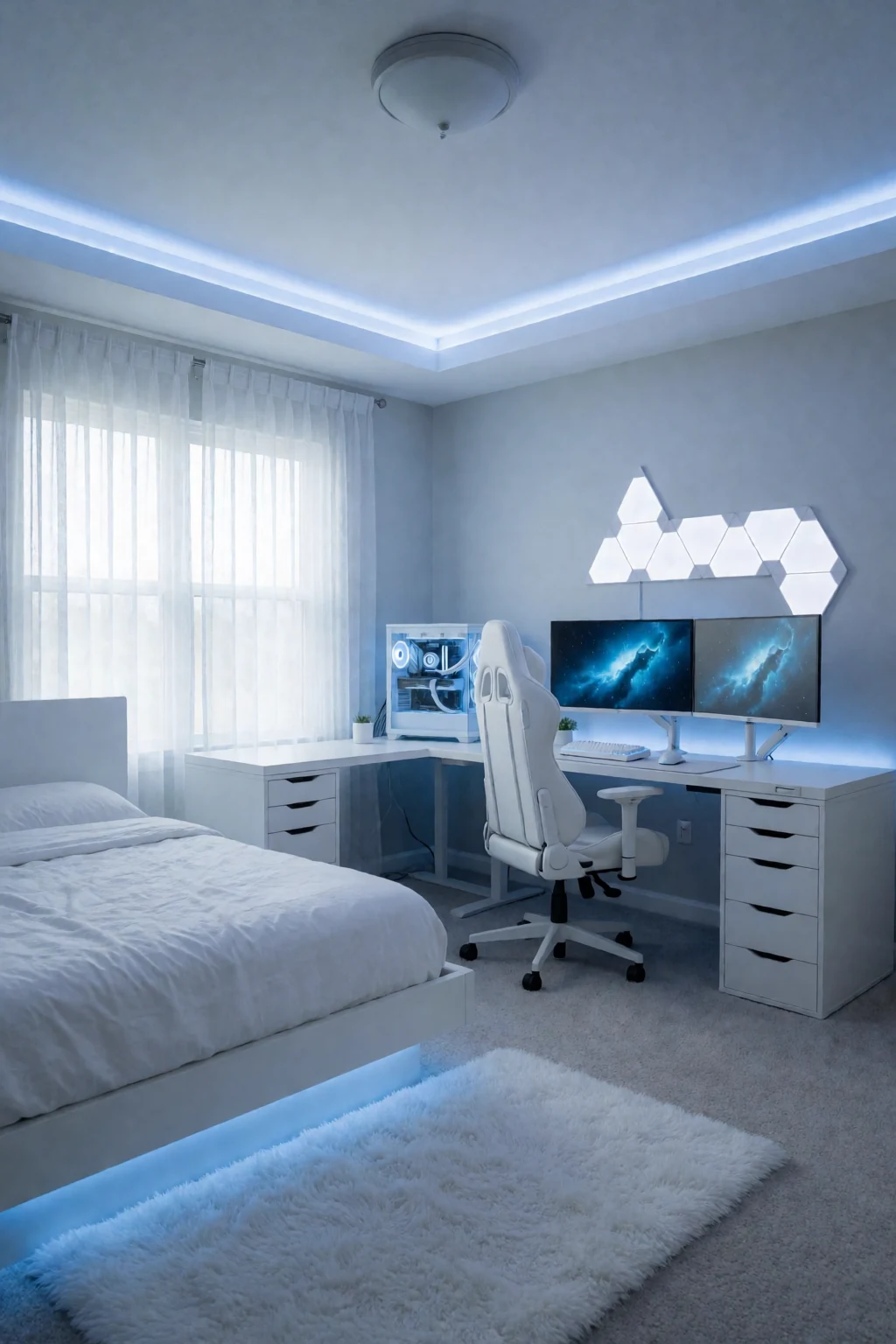
- A small shelf or tiered organiser behind the monitor for a notebook, phone and small plant, and hexagon wall lights above for a soft background glow in the evening.
- Chair, rug and tray
- An adjustable chair with lumbar support, a low-pile rug under the desk to mark out the area, and an under-desk tray for the power strip and adapters.
- Stand with storage and a compact keyboard
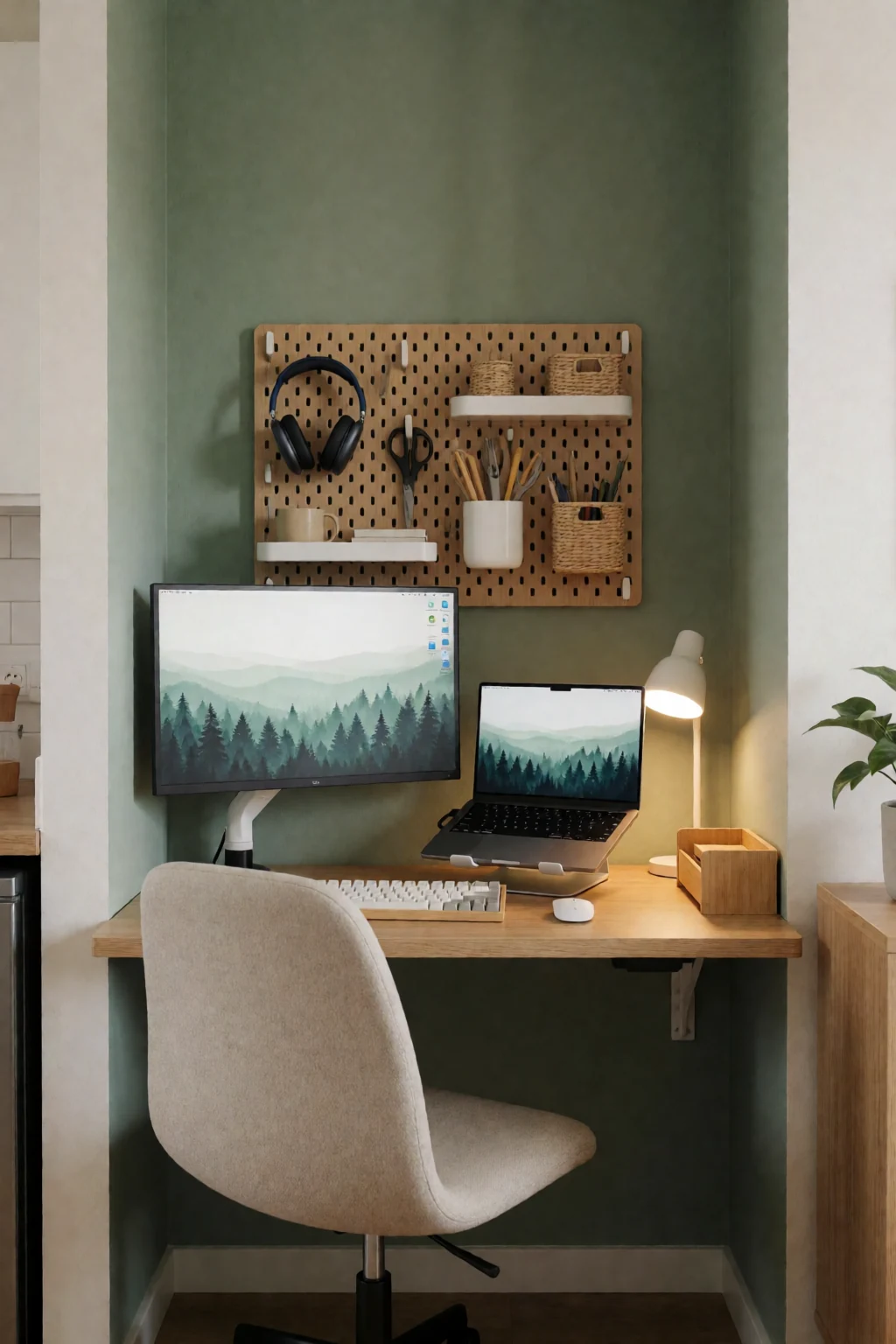
- A monitor stand with space under it for drives or a notebook, a compact keyboard to give the mouse more room, and a small lamp on the desk corner for warm light when you are not working.
Screen, calls, switching and spending
- Screen height and distance
- The top of the screen should be at eye level when you sit upright, and you should read text at arm's length without leaning in. Raise a low screen on a stand. If it is too far back, pull the desk out from the wall a little. Sort this before routing cables.
- Light for video calls
- Ceiling lights put shadows on your face on calls, and strong side lamps reflect in glossy screens. A light bar lights the desk without glare, or a lamp behind the monitor aimed at the wall gives soft indirect light. For frequent calls, add a small fill light in front of you.
- Switching between computers
- If you swap between a work laptop and a gaming PC, a monitor with several inputs plus a USB switch for the keyboard and mouse saves replugging. Label cables if you do swap often, and bundle them with hook-and-loop ties.
- What to buy first
- A good adjustable chair and the right screen position matter most for comfort. Then light and cable management. Upgrade the keyboard, mouse or headset only after that. A desk mat and a small shelf are cheap and make the desk feel finished.
Screen, hands, light, cables
Start with the screen. Sit back and look straight ahead; the top of the screen should be at eye level. If not, raise it on a stand. Place the keyboard and mouse so your elbows stay by your sides and your wrists are straight, on a desk mat. Then check the light: if the ceiling light glares on the screen or shadows your face, add a light bar or a lamp to one side.
Next, the cables. Unplug everything and plug devices back one at a time, running each along the back edge or through the tray. Stick the power strip under the desk with adhesive clips. Add a headset stand or hook, and a small shelf behind the screen for things you reach for often. Add wall lights, a plant or a lamp last, once everything useful is in place.
Shop the pieces
16 work & gaming pieces
Links open similar items, not the pictured ones.
-
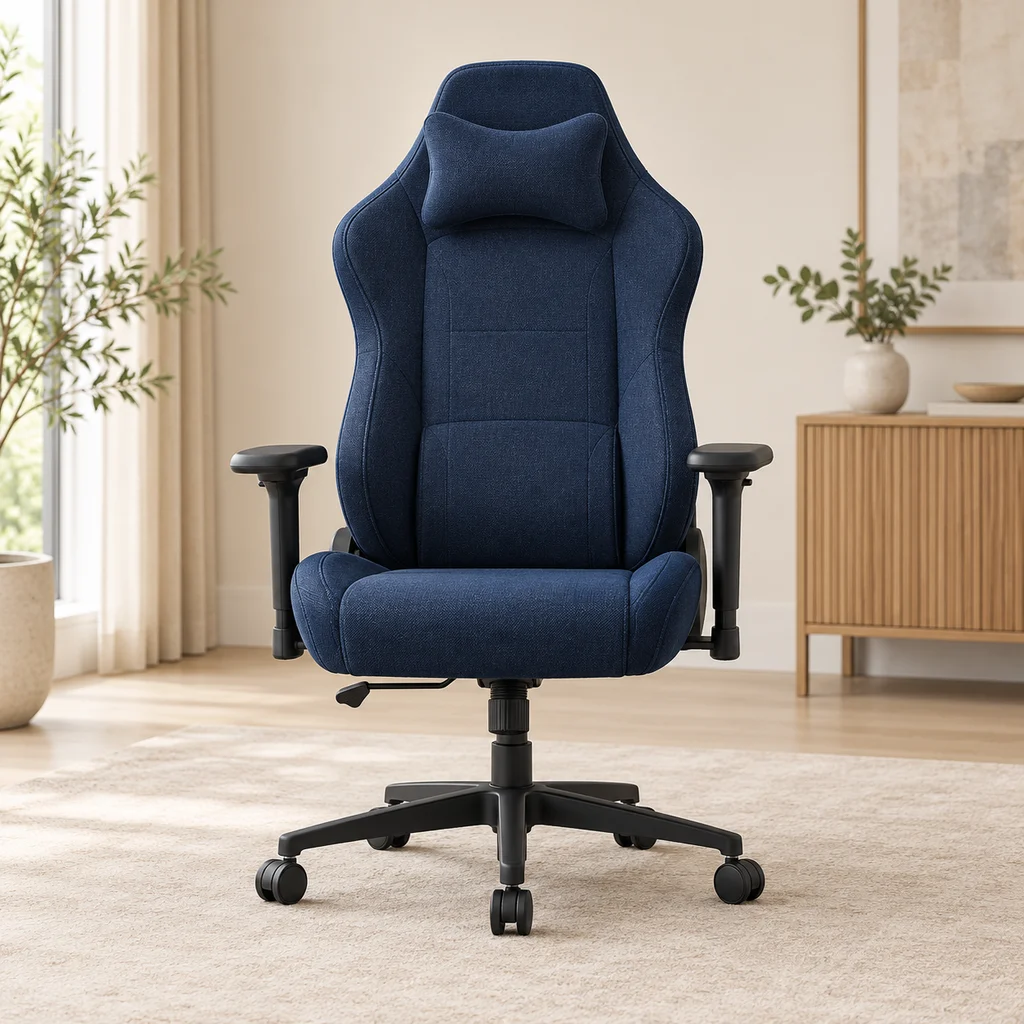
Gaming chair
What to check
Check the seat width and the maximum weight rating, and whether the armrests adjust, before choosing a chair for long sessions.
-
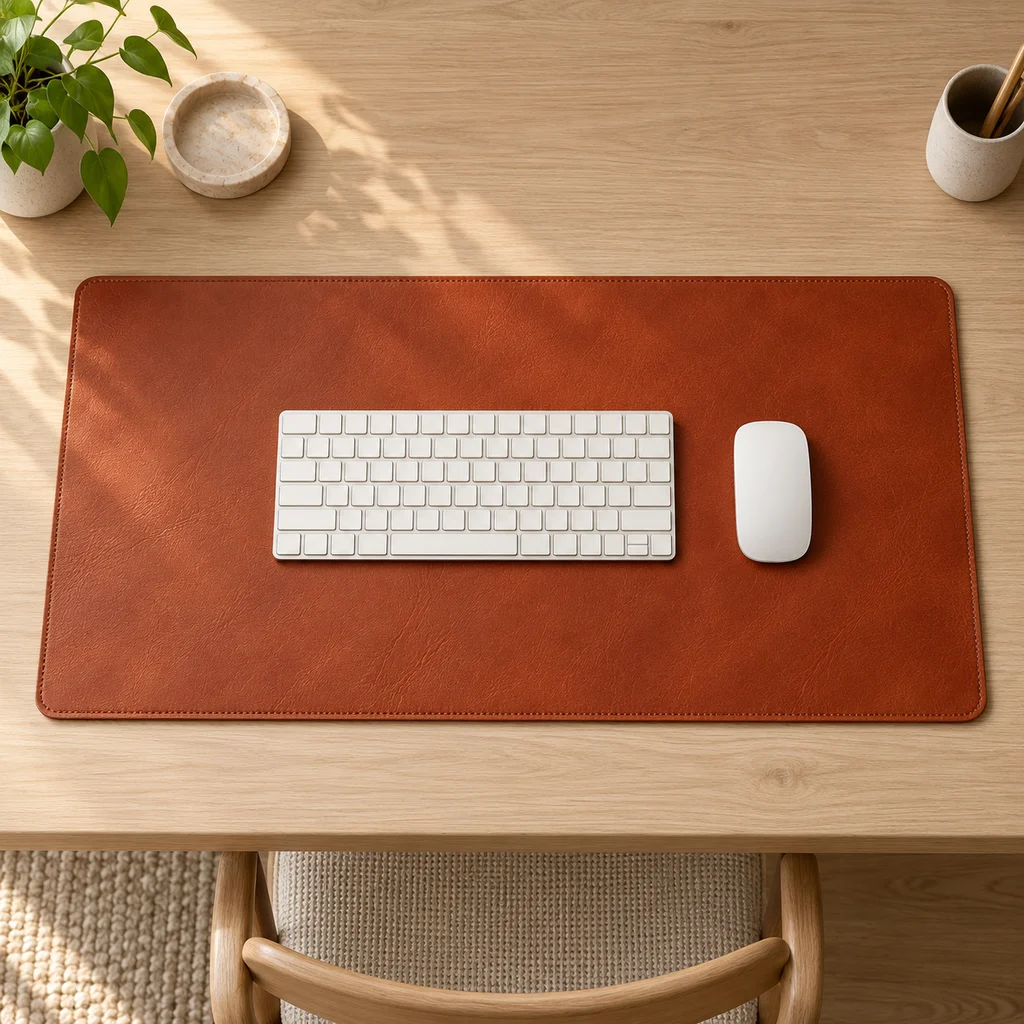
Leather desk mat
What to check
Measure your desk width and depth. A mat should cover the keyboard and mouse area without hanging over the front edge.
-
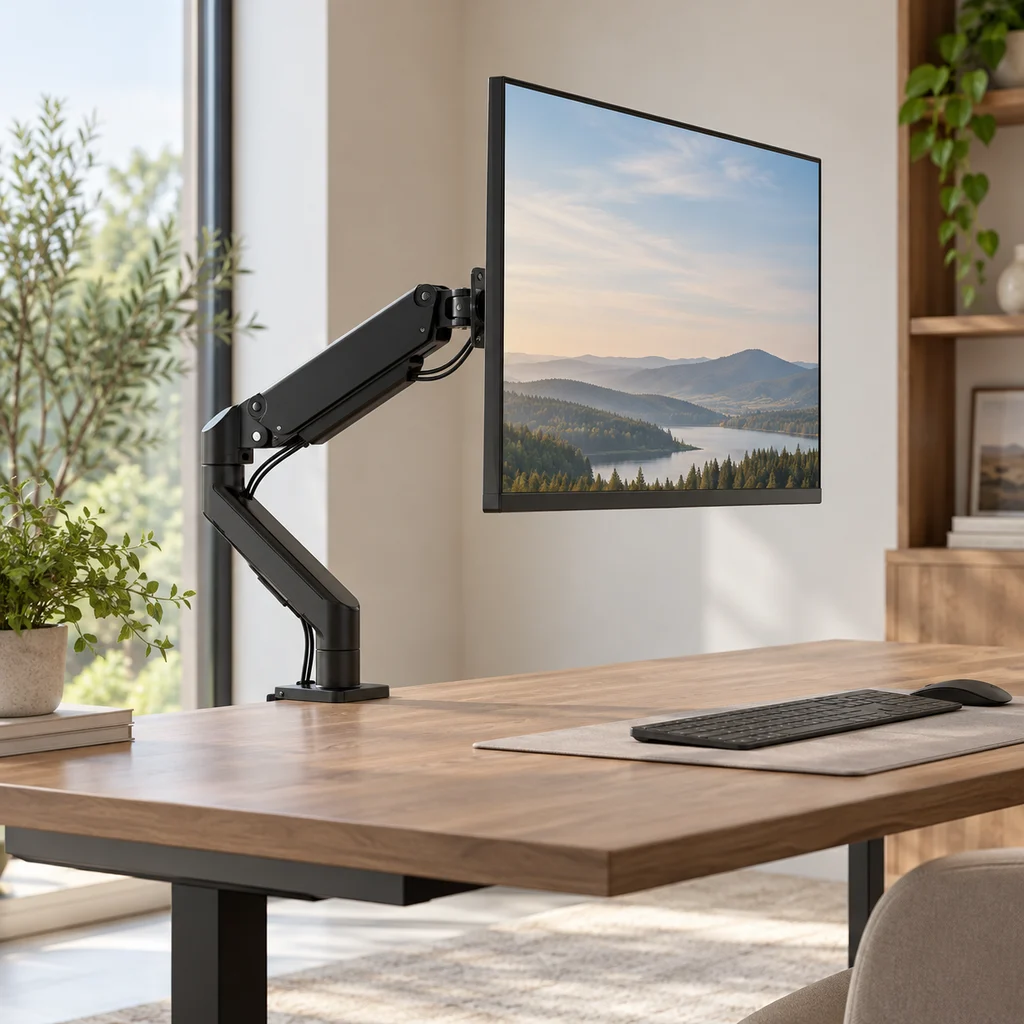
Monitor arm
What to check
Check your monitor's weight and size against the arm's limits, and that your desk edge is thick and strong enough for the clamp.
-
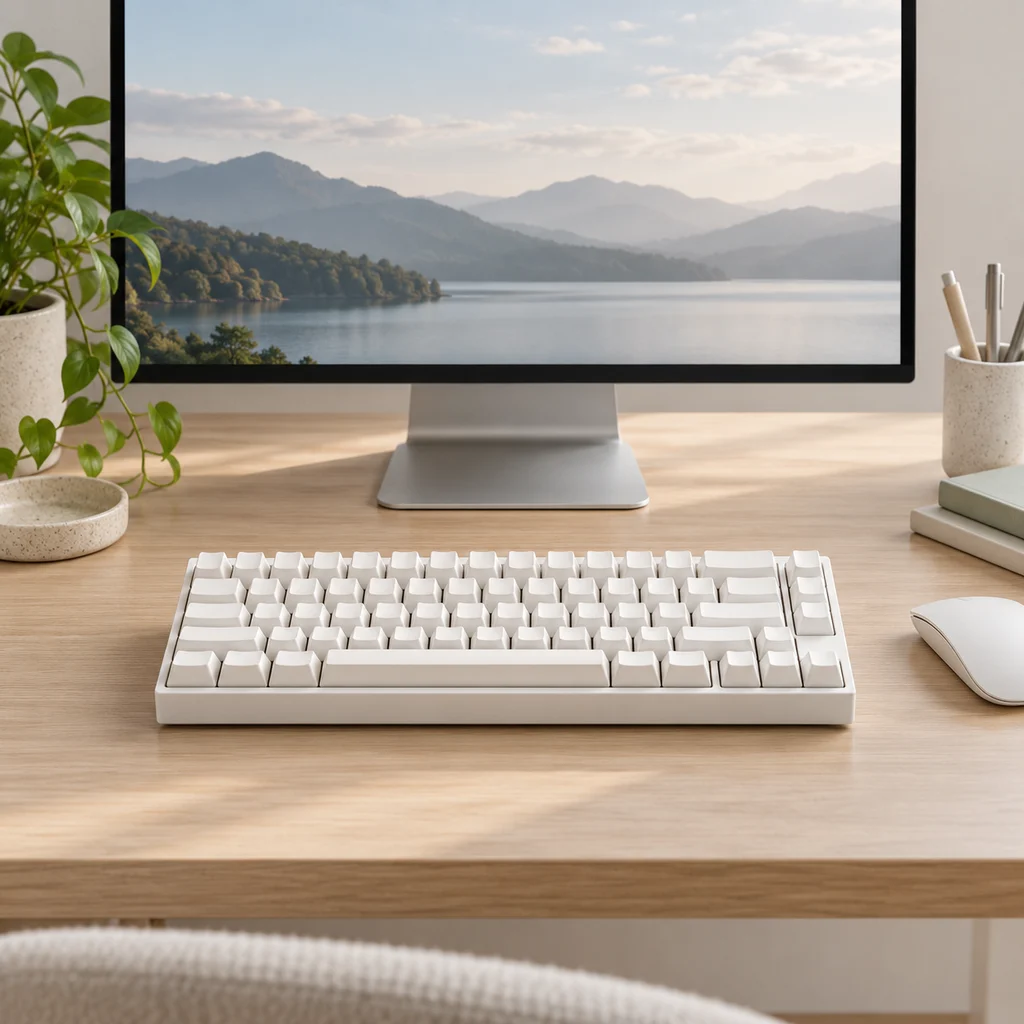
Mechanical keyboard
What to check
Mechanical switches vary in noise. If you share a room or take calls, check the switch type before you buy.
-
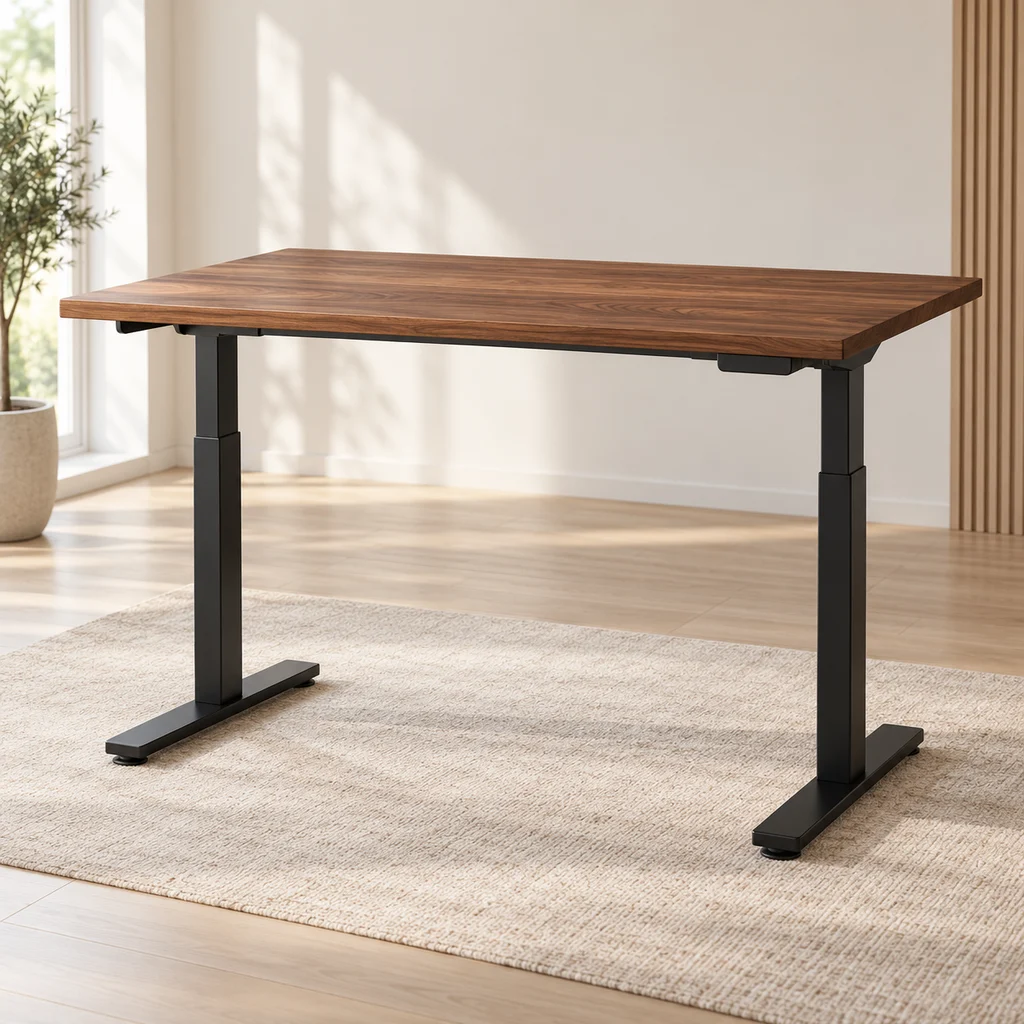
Standing desk
What to check
Check the height range covers both sitting and standing for your height, and that there is a free outlet near the motor.
-
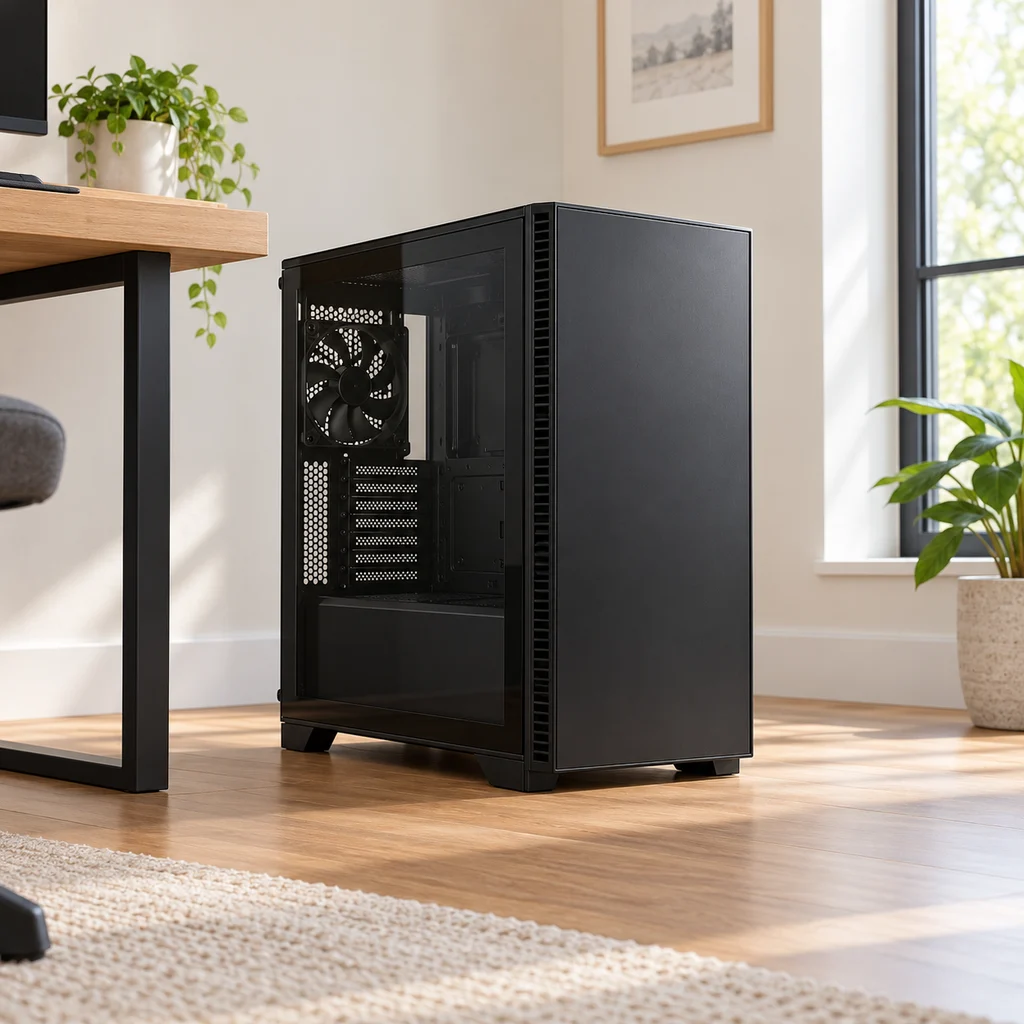
Gaming PC case
What to check
A mid tower is larger than it looks in photos. Measure the floor or desk spot and leave space behind it for airflow and cables.
-
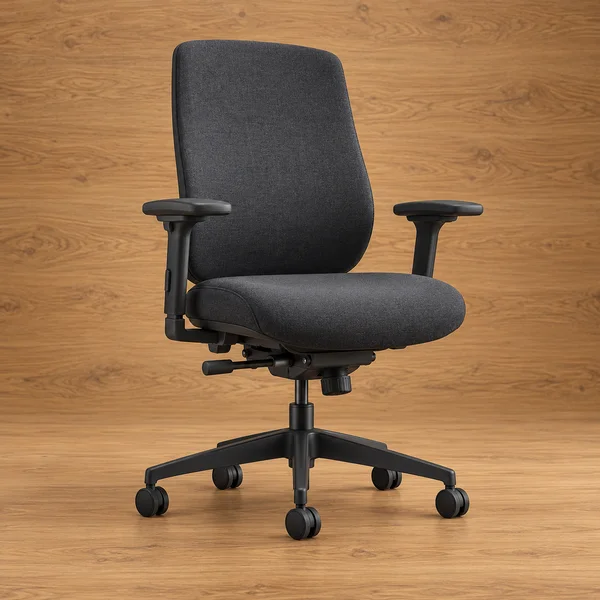
Adjustable desk chair
What to check
Check the seat height range against your desk: most desks are about 29 to 30 inches tall, and your elbows should rest level with the keyboard.
-
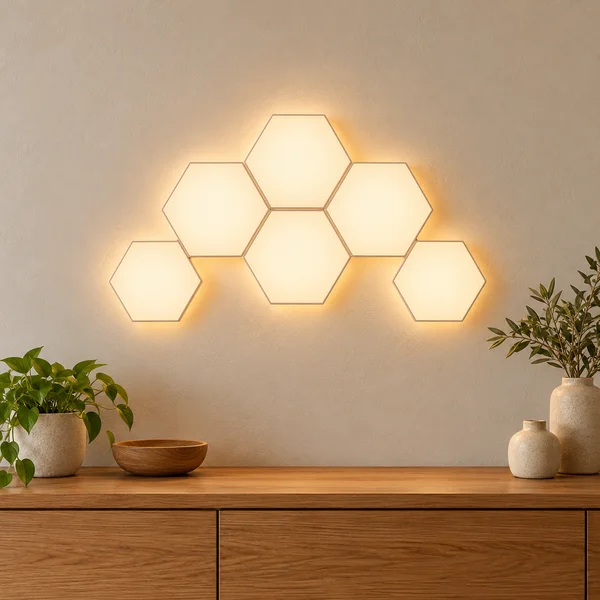
Hexagon wall lights
What to check
Light panels stick on with adhesive pads, which can pull paint off when removed. Plan the shape on paper first and check where the power cable will run.
Show all 16 pieces
-
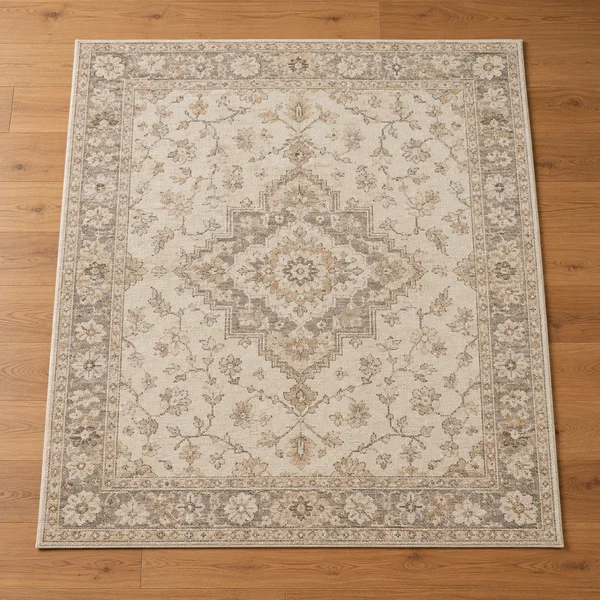
Low-pile rug
What to check
A desk chair on castors rolls more easily on low pile. Check the rug is big enough that all five chair wheels stay on it when you push back.
-
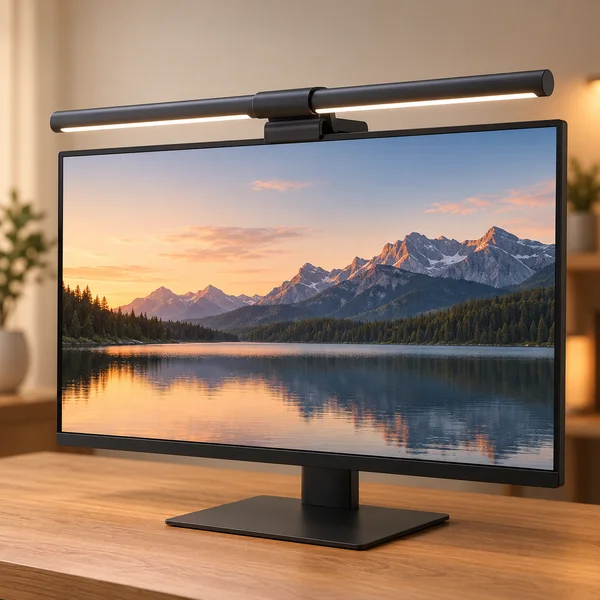
Monitor light bar
What to check
A light bar sits on the top edge of the screen, so check it suits your monitor thickness and does not glare off a glossy panel.
-
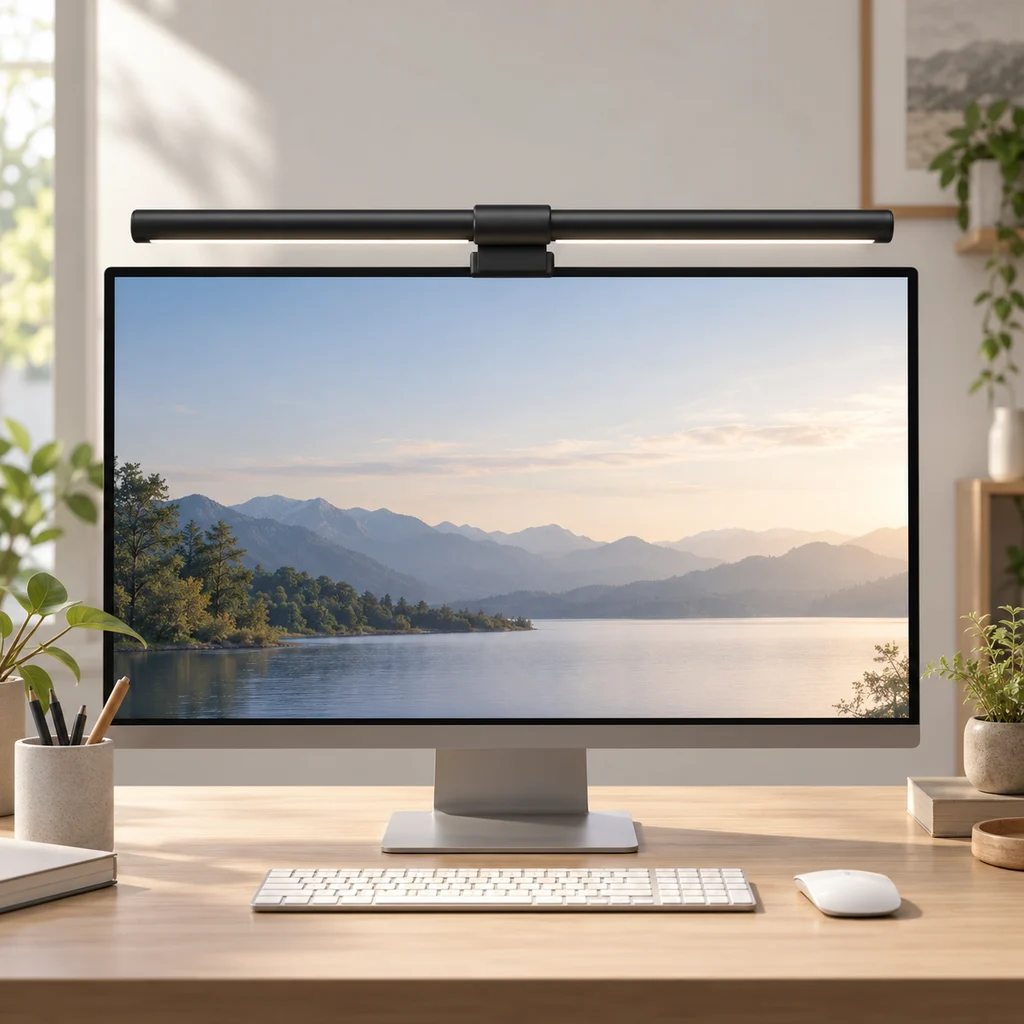
Monitor light bar
What to check
Check the light bar clip fits your monitor's top edge, including curved screens, before you buy.
-
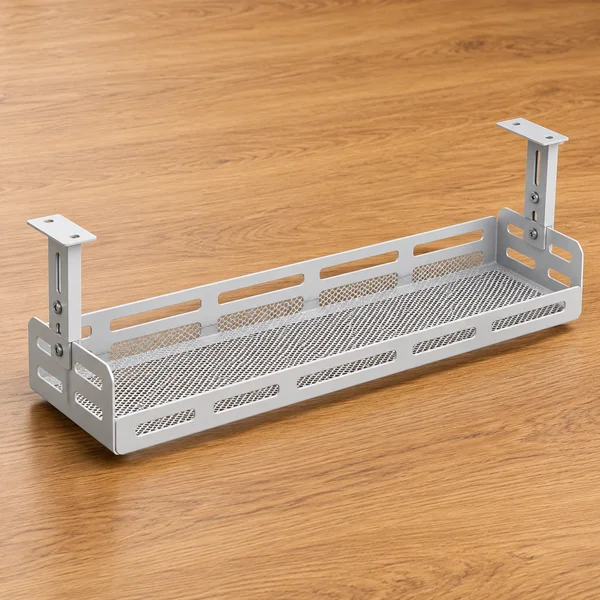
Under-desk cable tray
What to check
Measure the depth under the desk top and check the tray clears your knees and any drawers before fixing it.
-
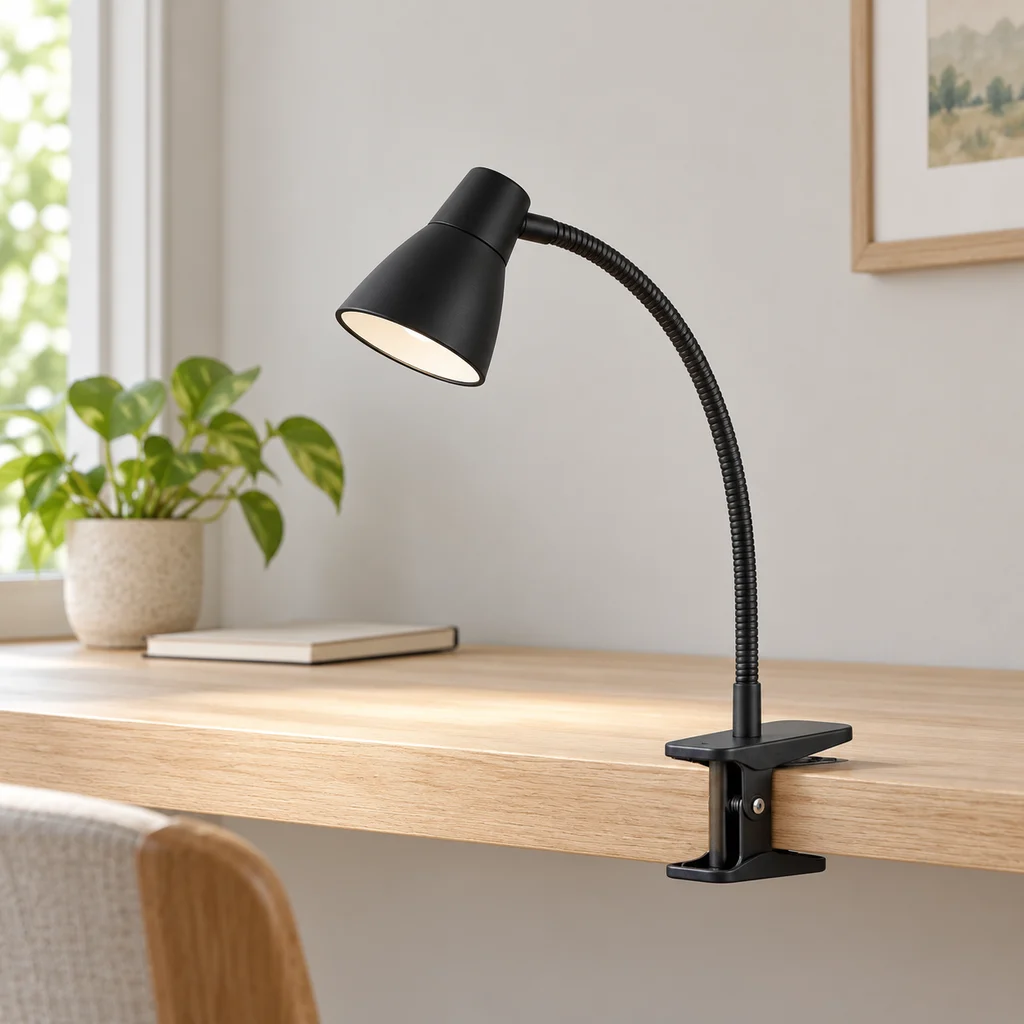
Clip lamp
What to check
Check the clamp opening fits your desk edge or shelf, and that the cable reaches an outlet without stretching.
-
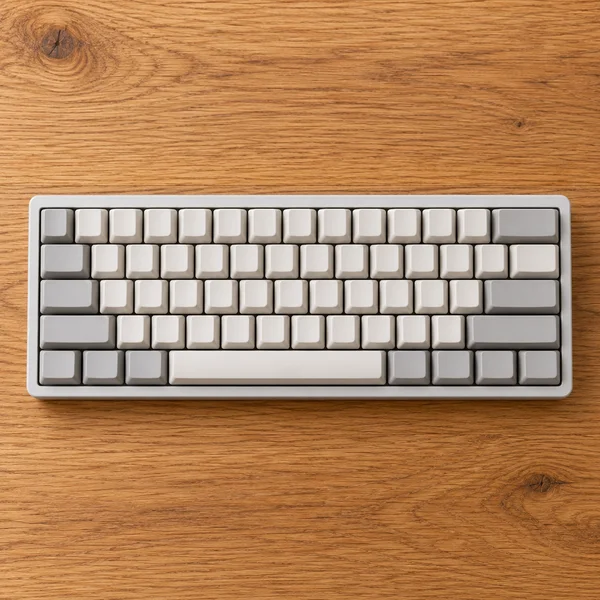
Compact keyboard
What to check
A 60% board has no number pad or arrow keys of its own. Fine for games and writing, slower for spreadsheets.
-
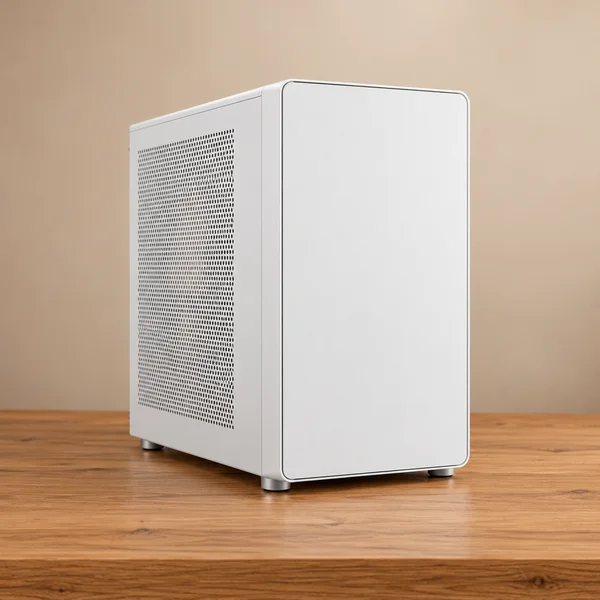
Computer tower and support
What to check
Check which motherboard sizes the case takes and the longest graphics card it fits before you buy parts for it.
-
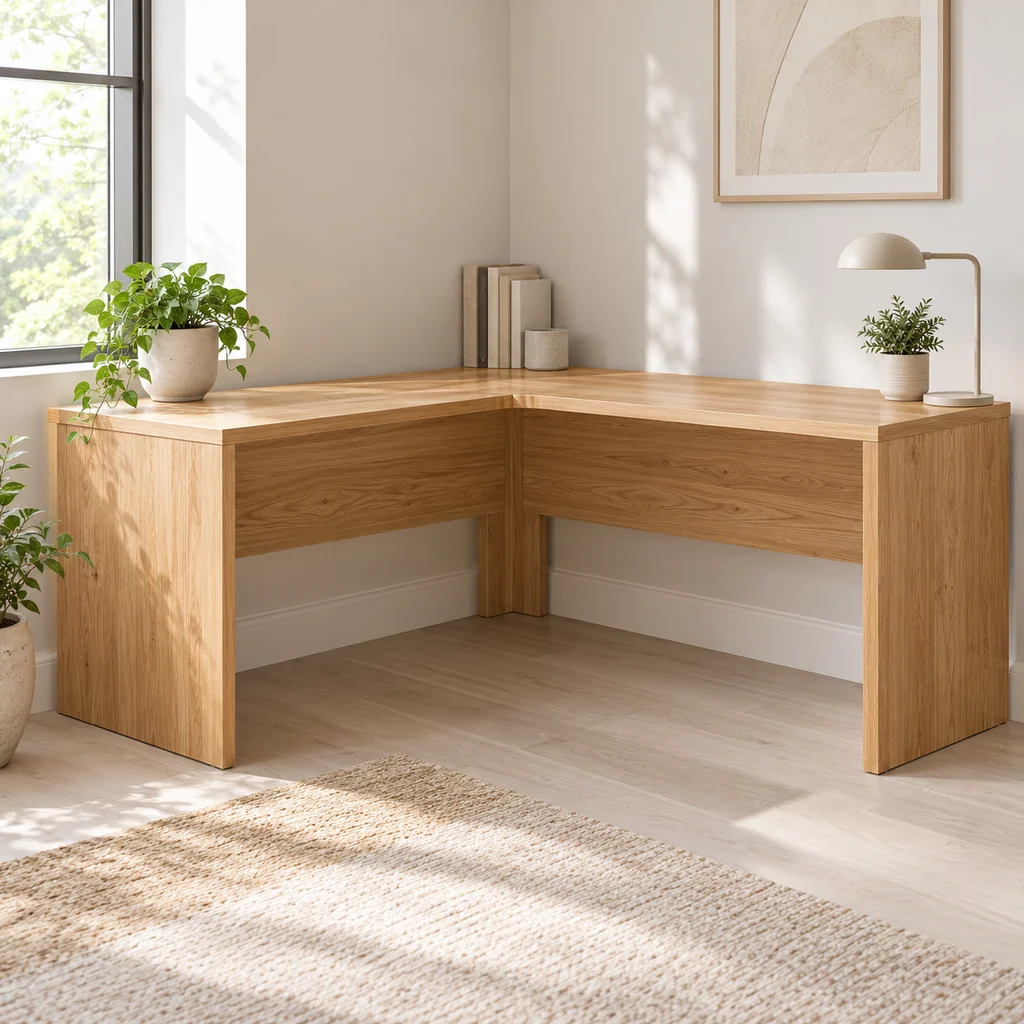
Corner desk
What to check
Measure both walls and the diagonal path into the room. Large L desks often arrive in heavy flat-pack boxes.
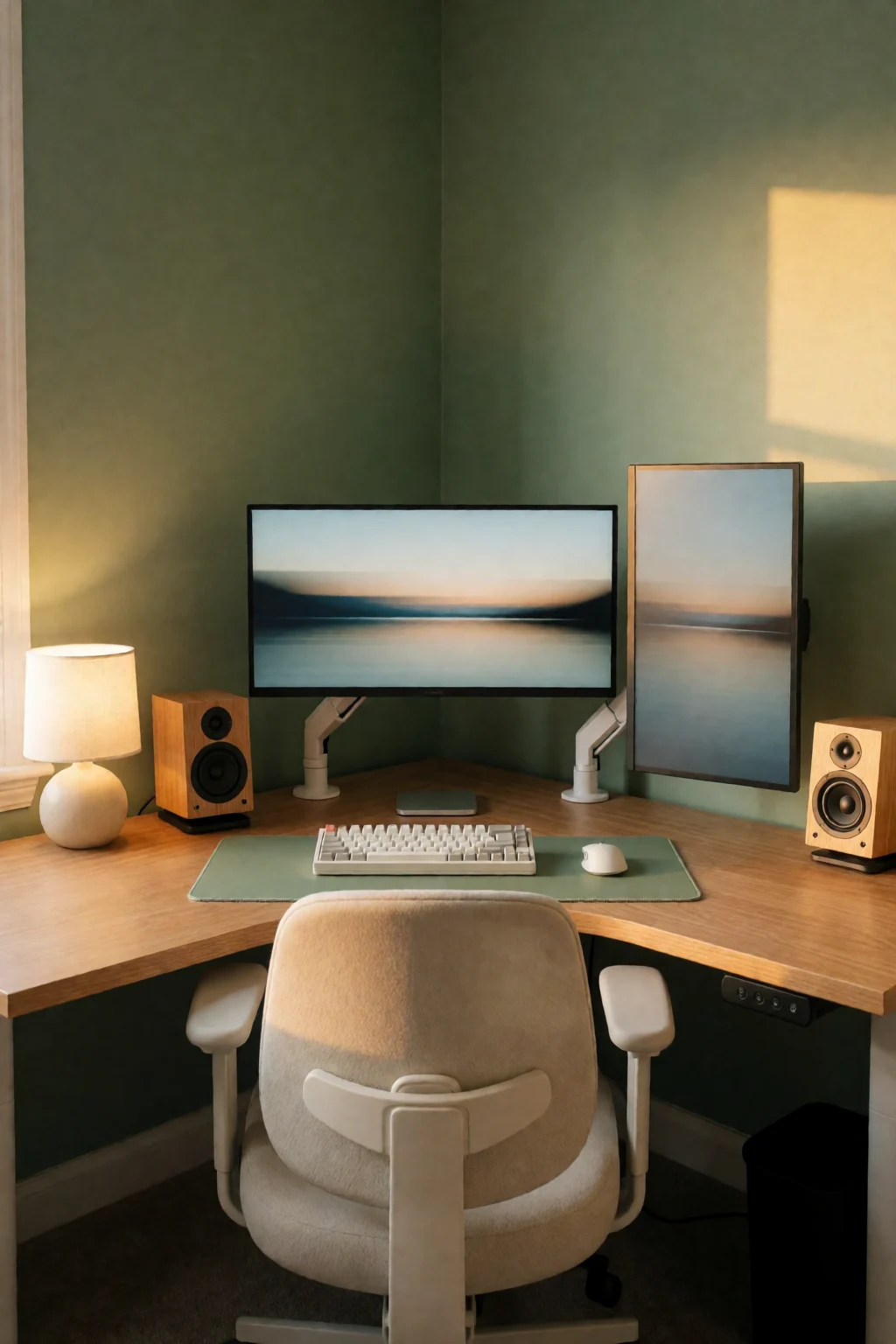
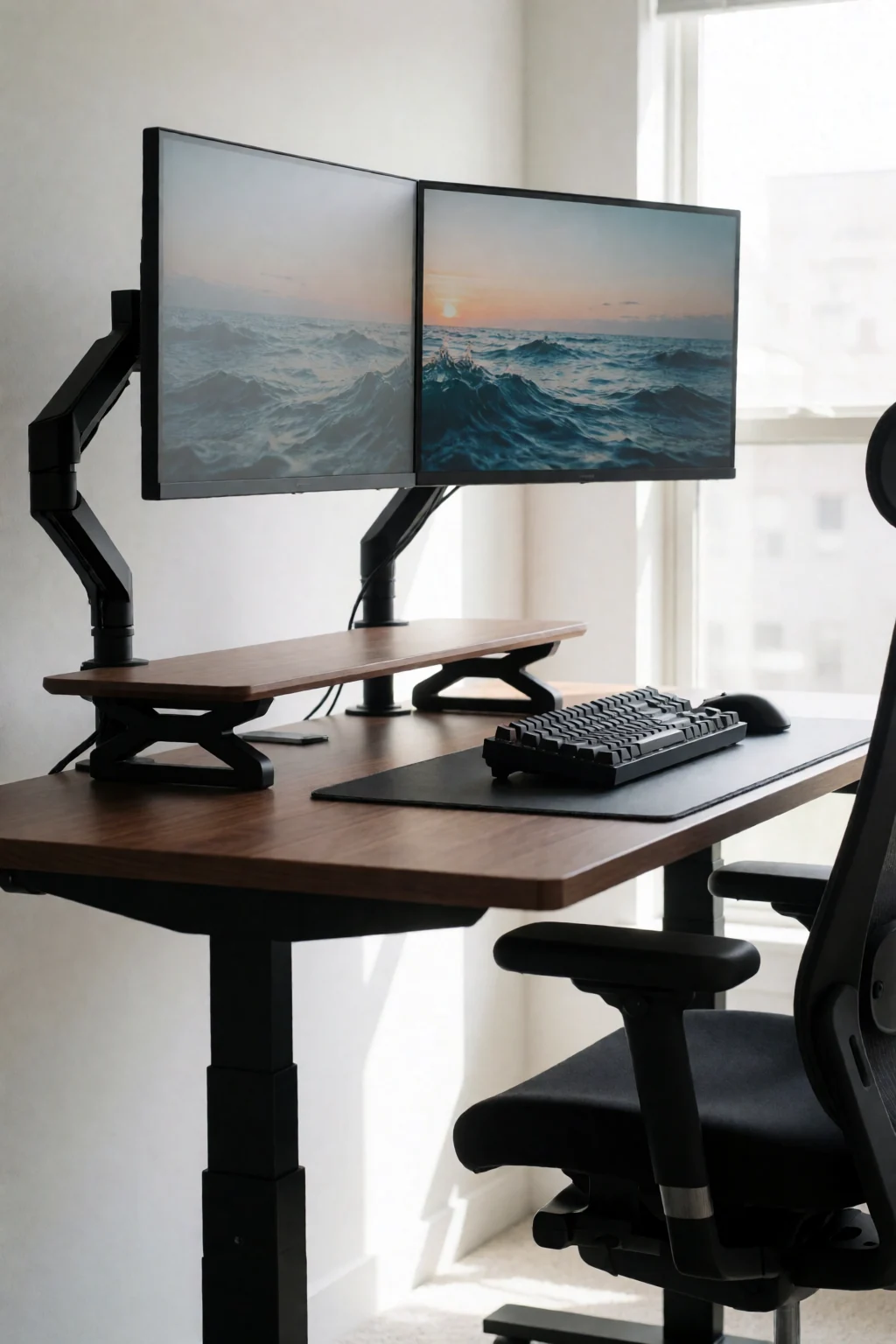
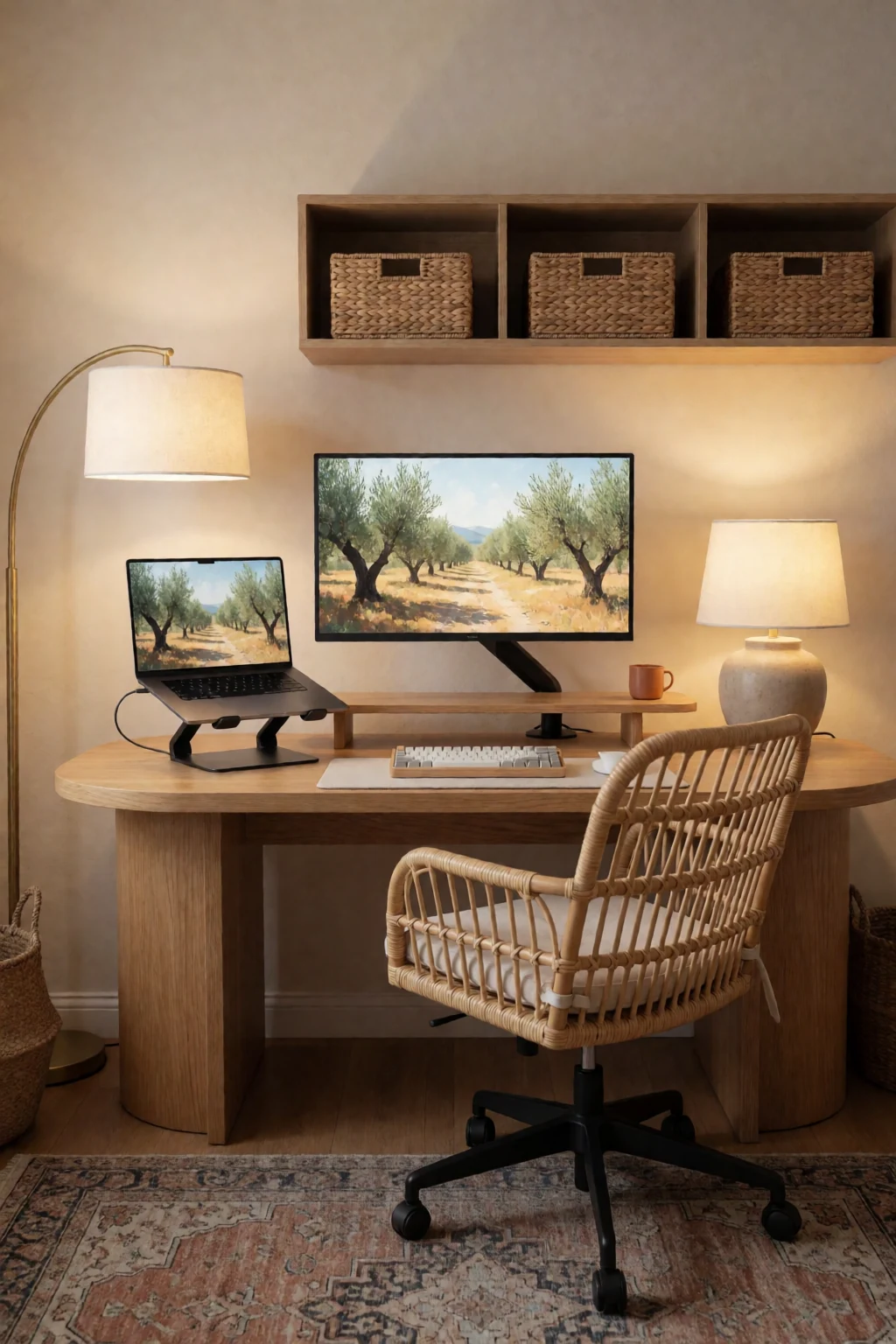
The gallery
8 work & gaming looks
Open a look to see its pieces.
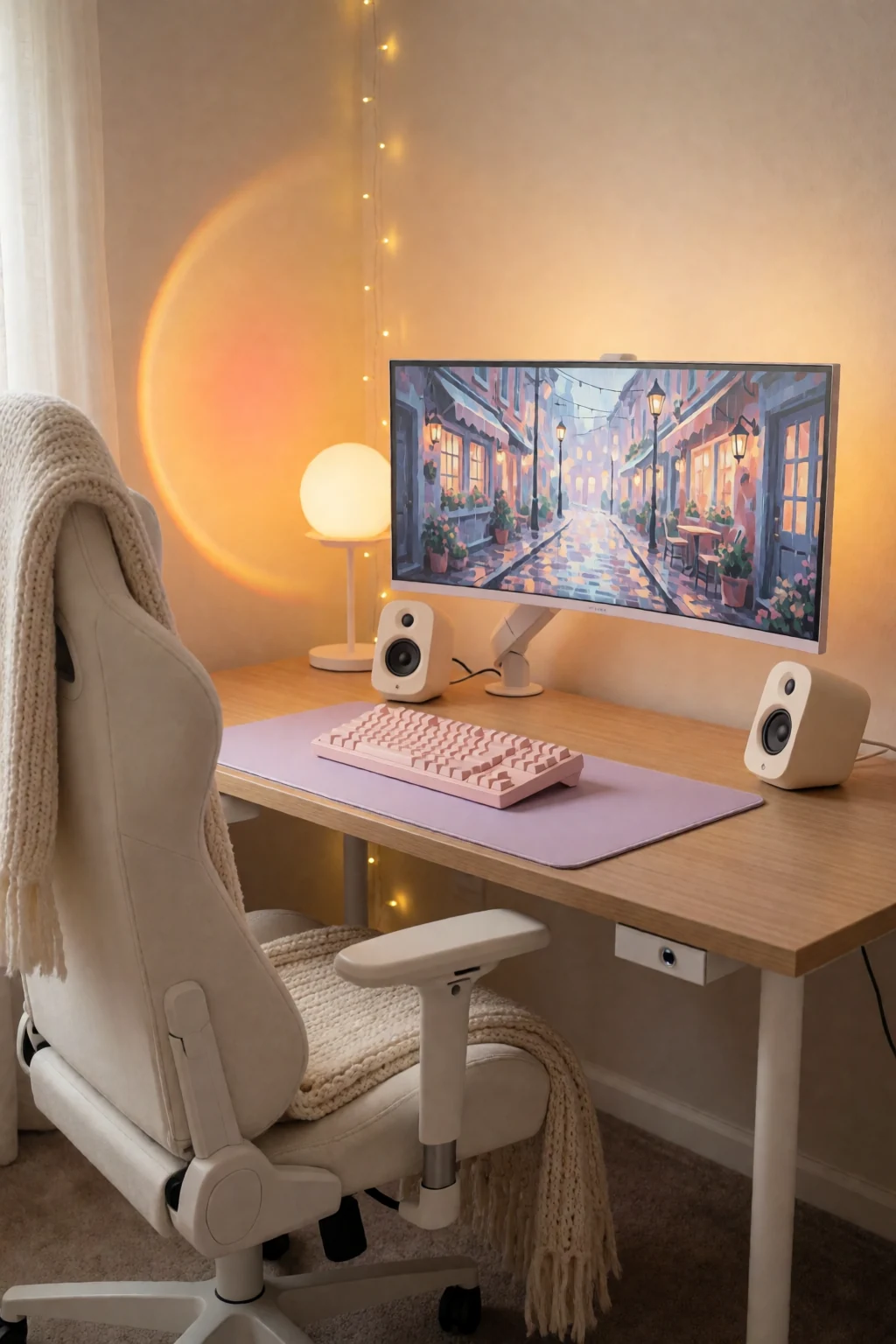
Keep exploring
Related guides
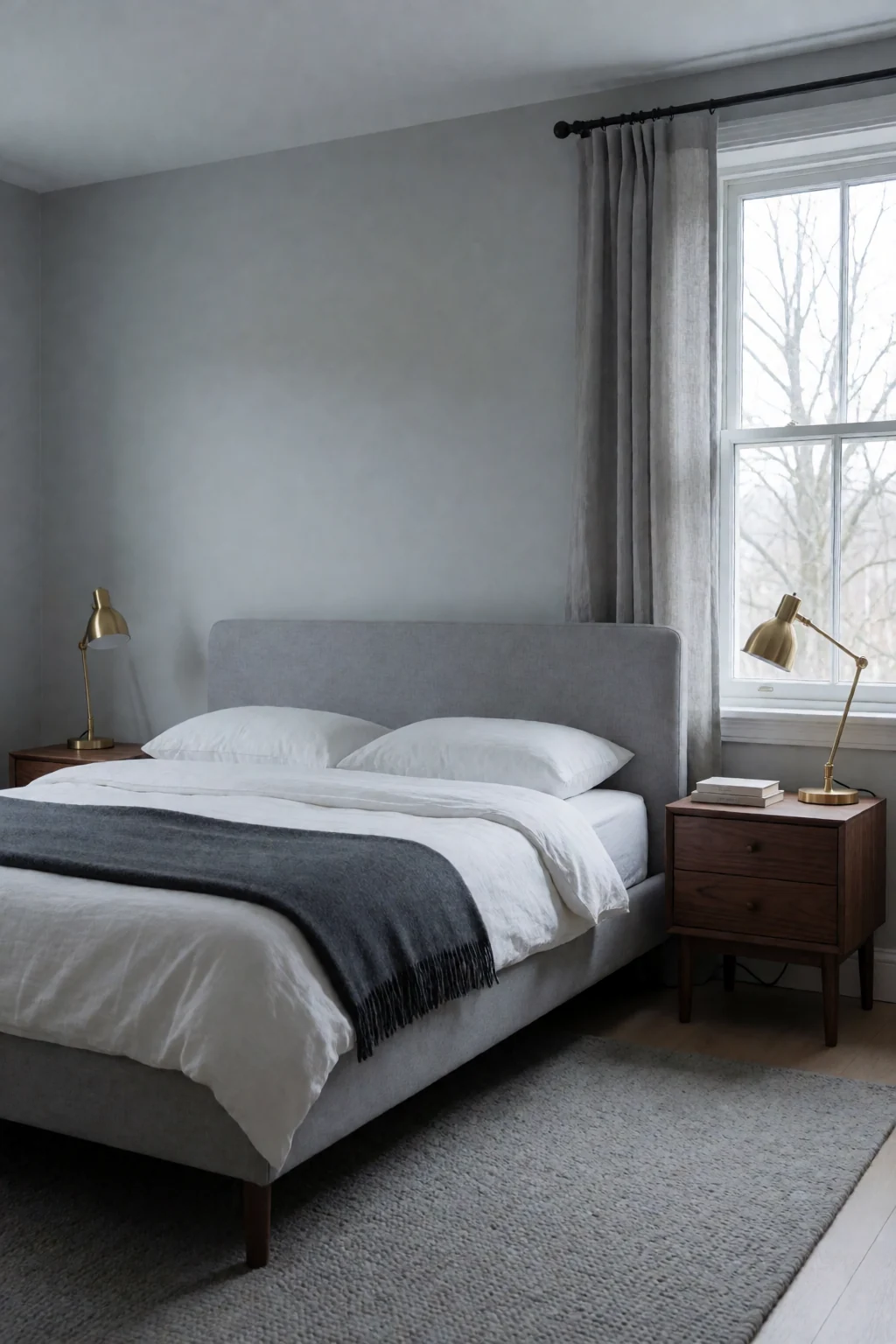 Bedroom
A bedroom is arranged around the bed and winding down; a work and gaming desk is arranged around sitting at a screen.
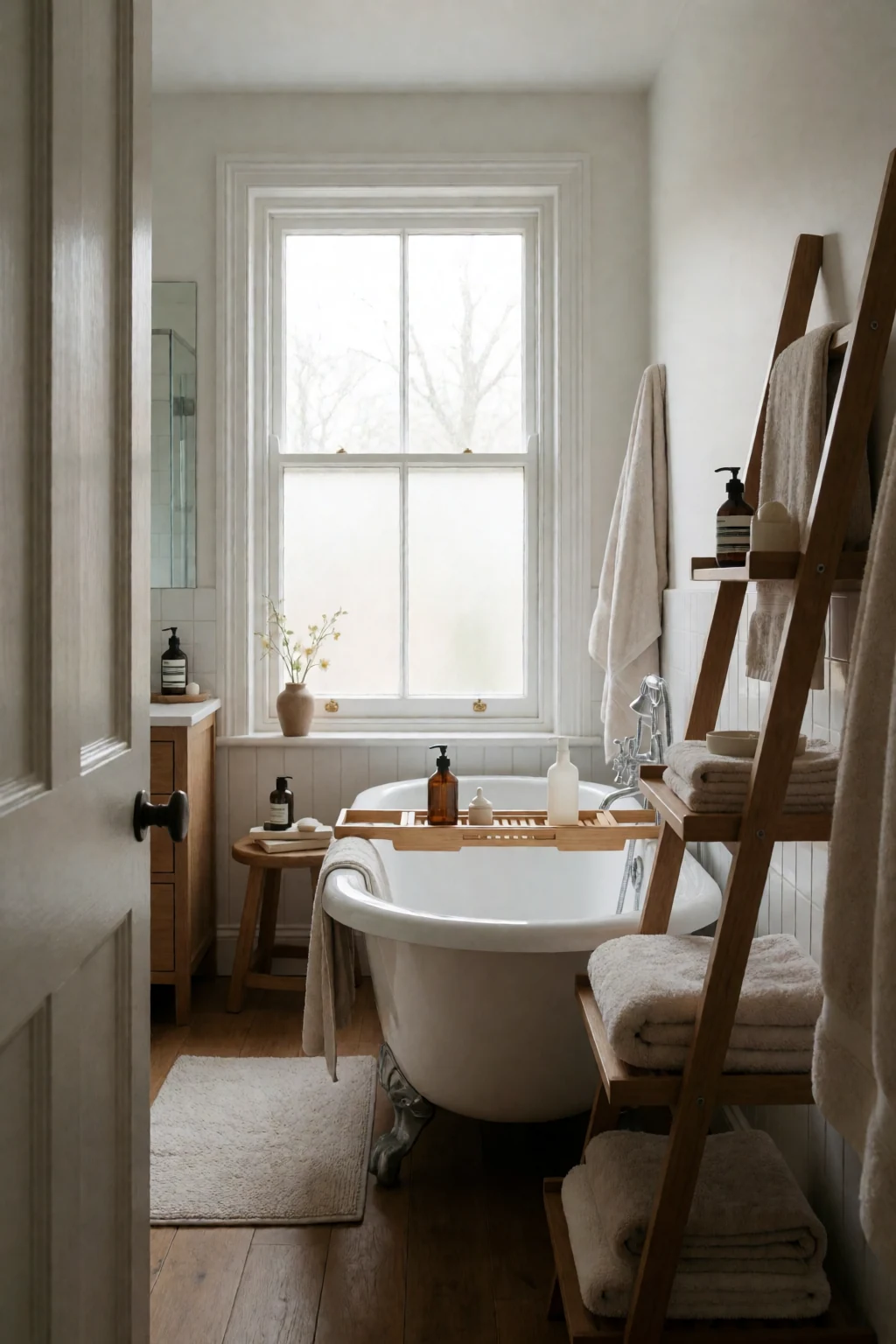 Bathroom
A bathroom counter groups small toiletries; a desk uses shelves, trays and stands to manage electronics.
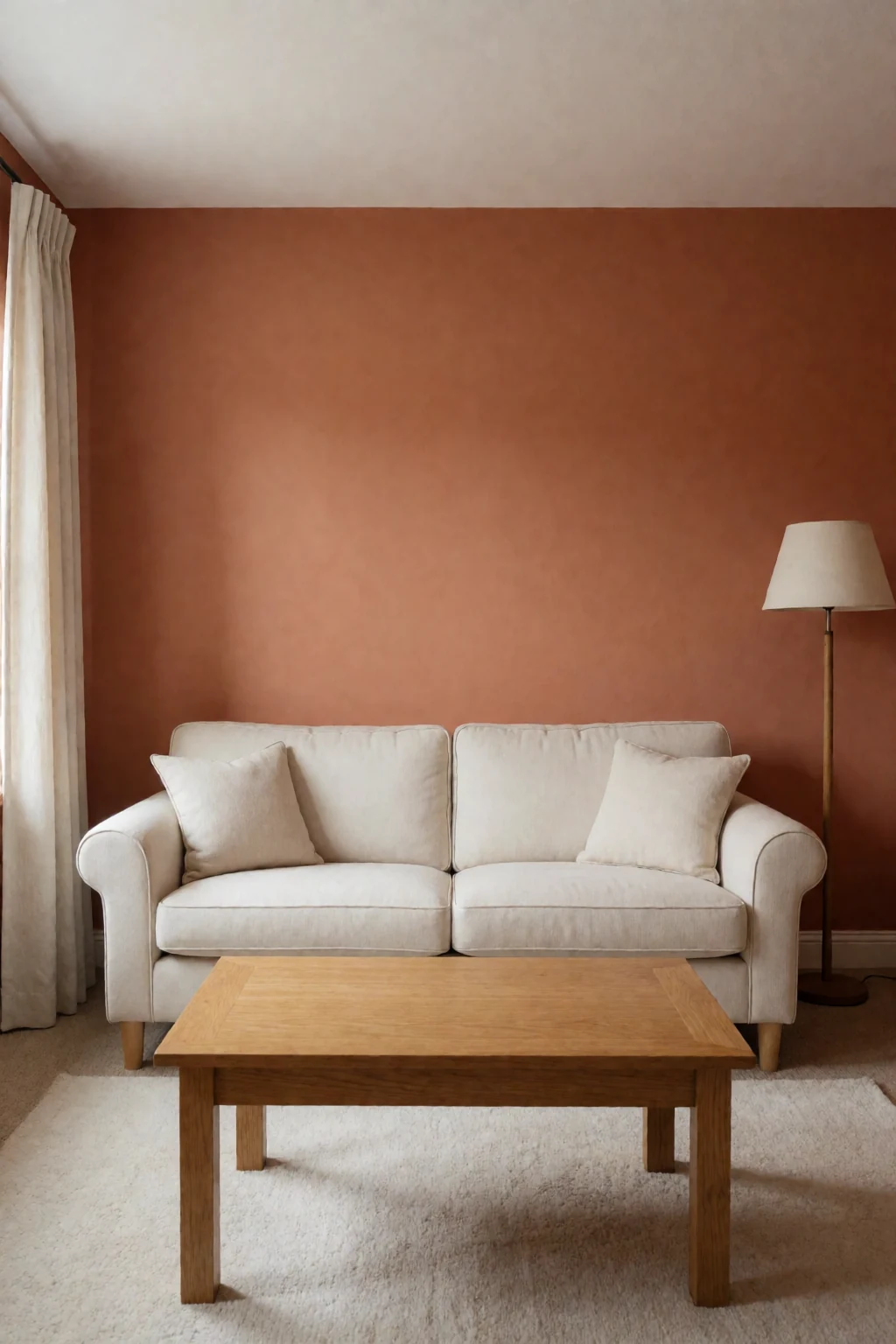 Living room
A living room is set up for several people sitting casually, while a desk is set up for one person's posture and screen.
Questions
How do I cut glare during video calls?
Put windows to the side of the screen, not behind it, and light the desk with a light bar or lamp instead of the ceiling light. Close the blinds if a bright window is behind you.
What is the best way to organise cables under a desk?
An under-desk tray for the power strip and spare length, every cable run along the back edge or through the tray, and ties or clips to bundle them.
Do I need separate monitors for work and gaming?
No. One monitor with HDMI and DisplayPort inputs can switch between a work laptop and a gaming PC. Add a second screen only if you need one alongside the other.
How do I make the desk look less cluttered?
A desk mat, cables in a tray, and only daily items on top. A headset stand and a small shelf behind the screen hold the rest; anything else goes in a drawer.