Room ideas / Work & gaming
How to set up a minimal desk with fewer distractions
A minimal desk has only what you use daily on top: a screen, a keyboard, a mouse, maybe a lamp. Everything else, from cables and power bricks to hubs and spare chargers, lives underneath or in a drawer.
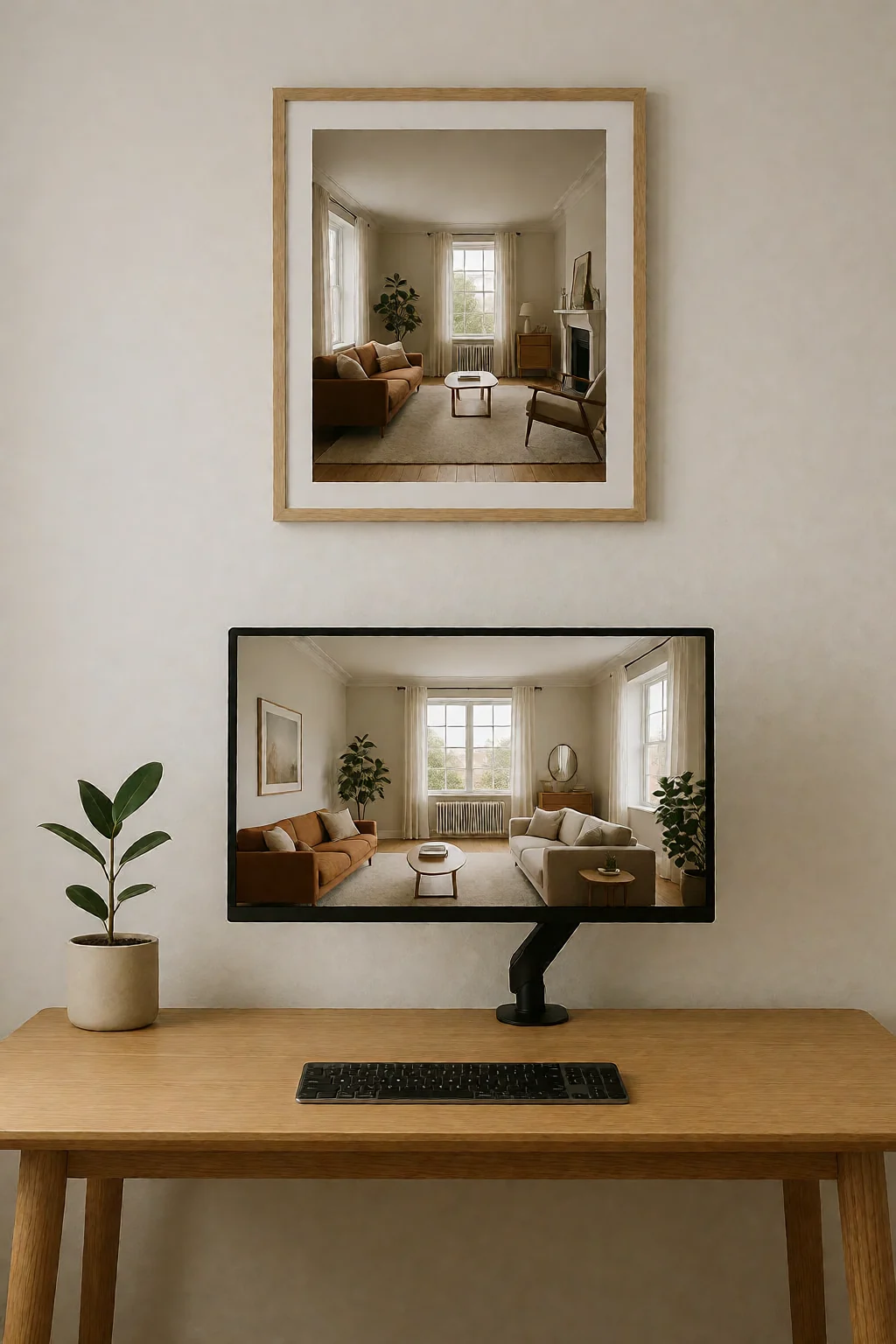
Three rules for a bare desk
- Use one monitor that covers your daily work. Two screens add frames, cables and visual weight.
- Use wireless peripherals with good battery life, so no cords cross the desk.
- Fix all cable management under the desk, with a raceway, J-channel or tray, so power bricks and spare cable never reach the floor.
What stays and what goes
The idea is to keep only what earns a place on the surface. Monitor, keyboard and mouse stay within easy reach; power strips, external drives and USB hubs go underneath or into a drawer. With nothing else competing for attention, the desk feels quiet.
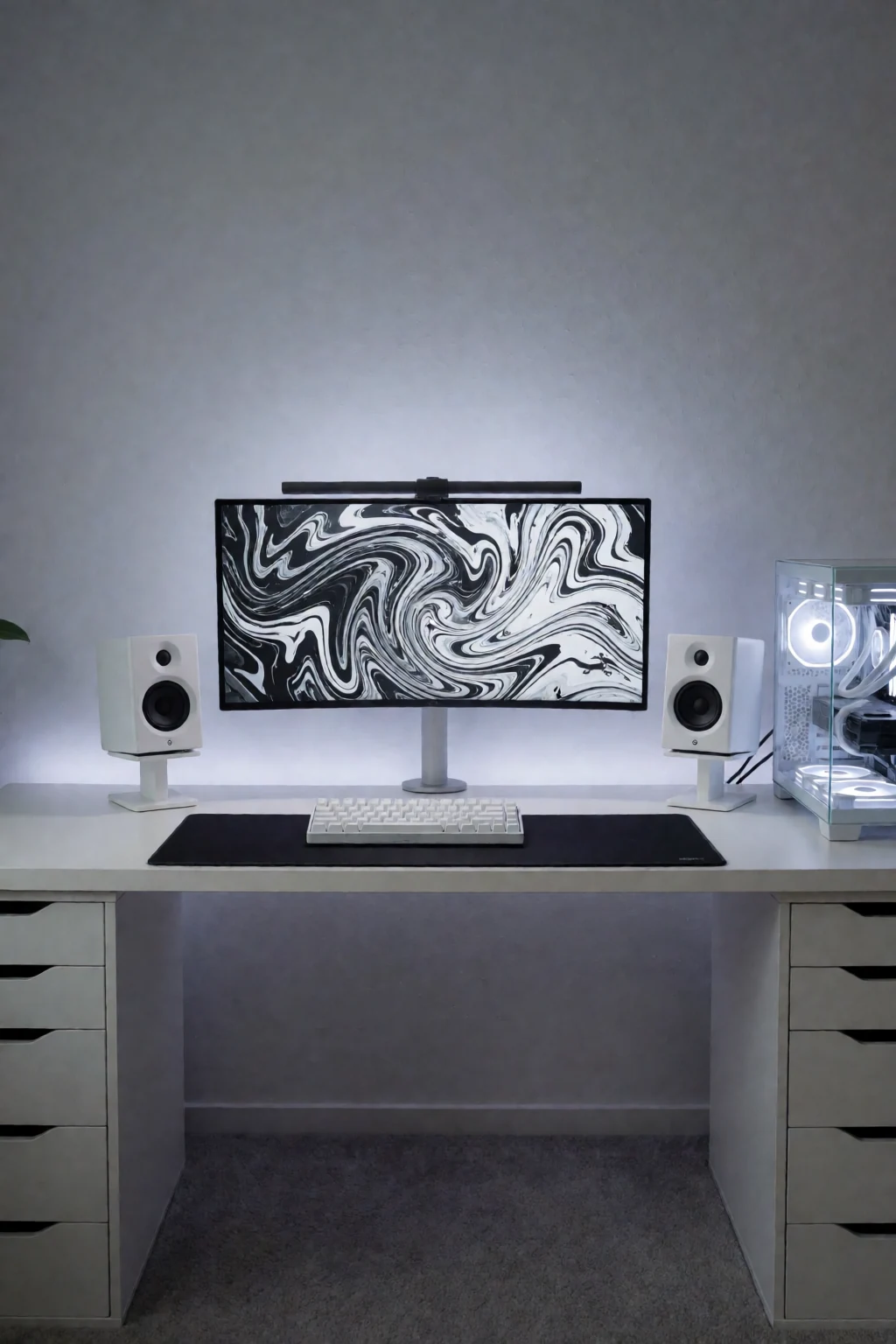
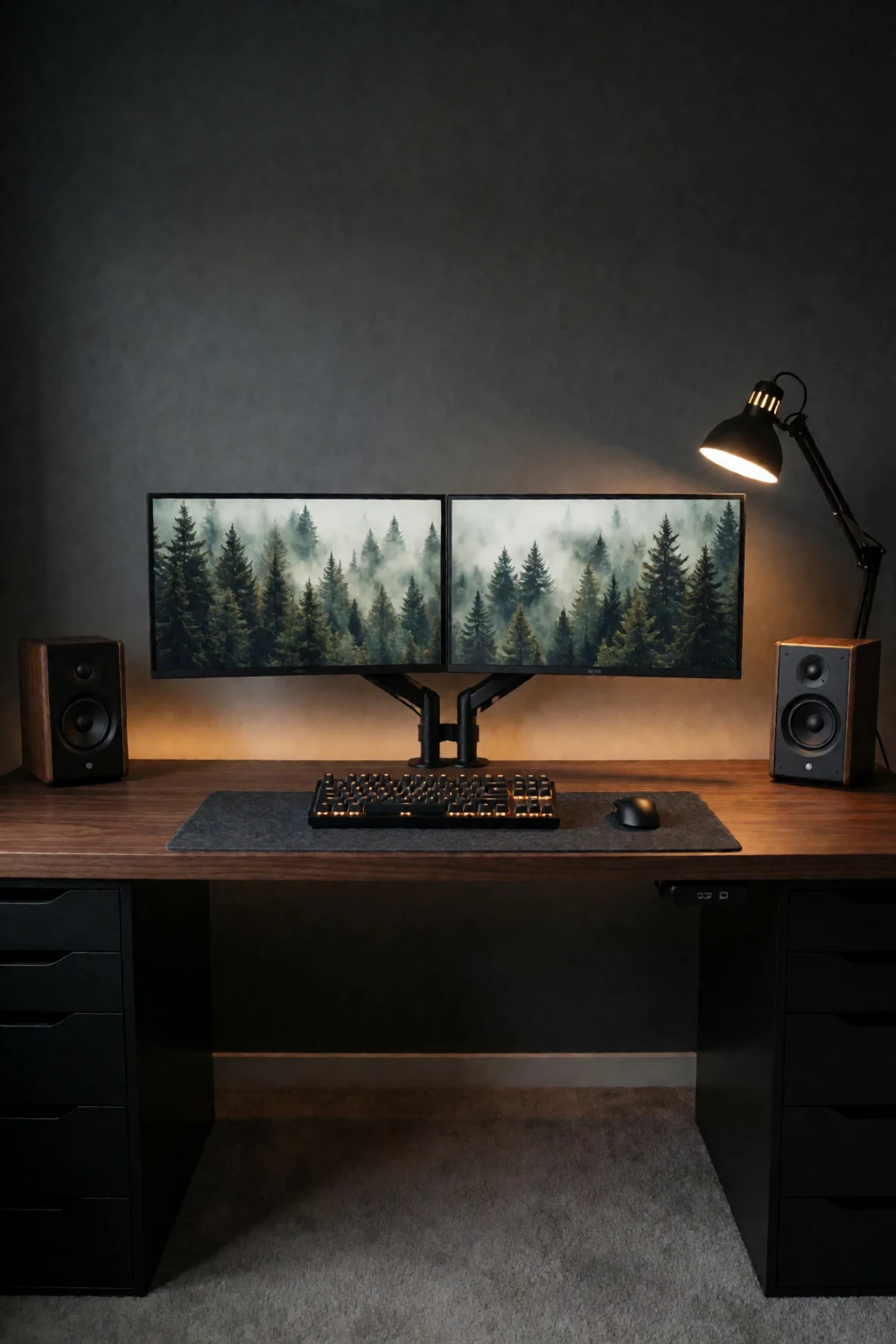
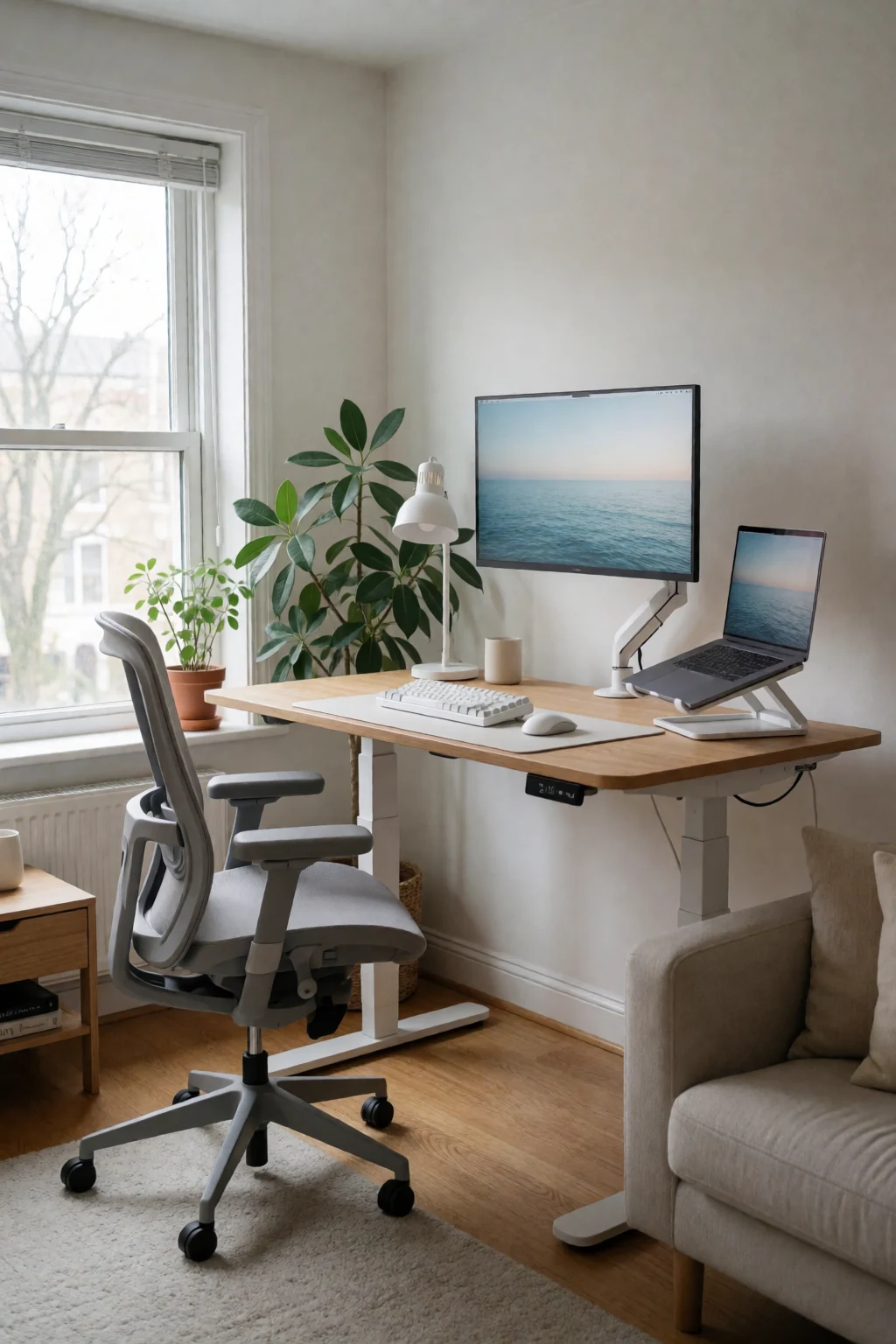
What you see is a plain wood or matte desktop with one screen, a keyboard and a mouse, not a cluster of gadgets, sticky notes and loose charging bricks. Cables are out of sight, through a grommet or into a tray under the desk. Light comes from a slim monitor light bar or a thin arm lamp that lights the desk without glaring off the screen.
A minimal desk still has to work. Wireless keyboards and mice remove the cords, and wall shelves or under-desk mounts keep both the floor and the top clear. The rule is simple: if you do not use it daily, it goes away.
Five minimal setups
- Wood top, arm, wireless pair, desk pad
- One screen on a sturdy monitor arm, and a large felt or leather pad under a wireless keyboard and mouse. The pad marks out the typing area and the arm frees the space a stand would take.
- Laptop with one external screen
- Stand the closed laptop upright in a vertical stand, or open it below one external monitor. A power strip tray under the desk holds the chargers. A light bar on the monitor lights the desk without taking any space.
- Standing converter
- A compact standing desk converter on top, with every cable gathered into one flexible sleeve that drops straight down behind the back leg. Only the mouse, keyboard and a mug stay on top.
- Shelf above, flat desk below
- A single floating shelf above the screen for reference books or a plant, so the desk stays flat. A slim drawer insert for pens and flash drives. Wireless earbuds or one small speaker for sound.
- Tower off the floor
- Hang the computer tower under the desk on a bracket to free floor space and legroom. A wide monitor in the centre, a slim LED arm lamp at one edge, and the rest of the wood left bare.
Height, power, surface and light
- Screen height
- Sit upright and set the screen so its top third is at eye level. Too low strains the neck; too high tightens the shoulders. An arm or a low riser adjusts it without adding bulky storage.
- Where the sockets are
- Hiding power needs an under-desk power strip and cables long enough to reach the wall without stretching across open space. Plan the route before you fix any trays.
- Desktop material
- Matte finishes hide fingerprints better than gloss. Solid wood or thick veneer takes a clamp-on monitor arm without cracking. A desk pad protects the area under your wrists.
- Windows and glare
- Set the desk side-on to the window, not facing into it or with your back to it, to avoid glare and backlight. For evening work, add a bias light behind the screen or a directed task lamp.
Strip it back, then rebuild
Take everything off the desk and wipe it. Set up only what you need for the first hour of work: computer, one screen, keyboard and mouse. Then go through what is left, from notebooks and pens to hubs and ornaments, and put back only what you use several times an hour. The rest goes in a drawer, cabinet or cupboard. This shows you how much space you really need and stops loose paper and temporary gadgets piling up.
Then cables and light. Fix a power strip and a cable tray under the back edge of the desk, route every cord into it, and tie up the slack so nothing hangs behind your legs. Add the light, either a bar clipped to the top of the screen or a slim lamp with a weighted base. Lay the desk pad, pair the wireless keyboard and mouse, and work a normal session to check nothing is missing.
Shop the pieces
16 work & gaming pieces
Links open similar items, not the pictured ones.
-
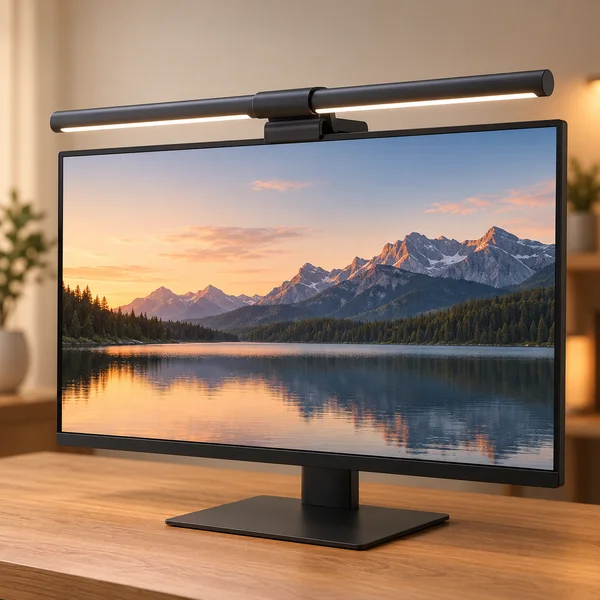
Monitor light bar
What to check
A light bar sits on the top edge of the screen, so check it suits your monitor thickness and does not glare off a glossy panel.
-
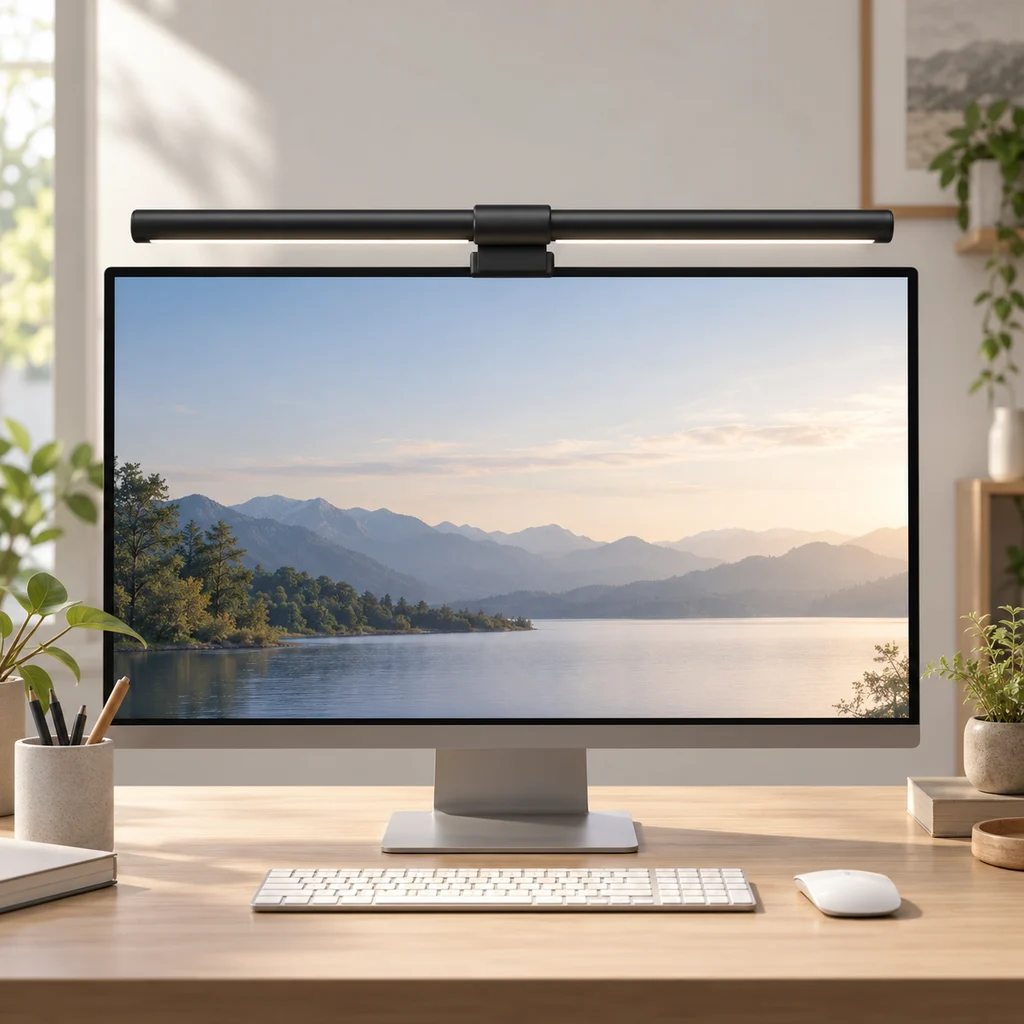
Monitor light bar
What to check
Check the light bar clip fits your monitor's top edge, including curved screens, before you buy.
-
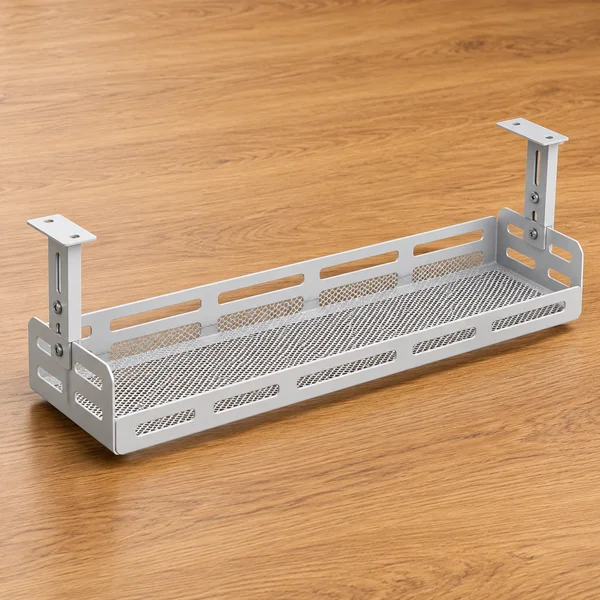
Under-desk cable tray
What to check
Measure the depth under the desk top and check the tray clears your knees and any drawers before fixing it.
-
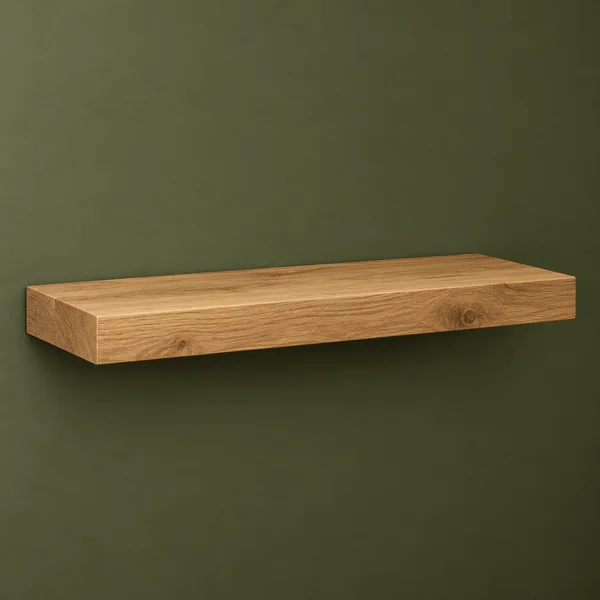
Wood floating wall shelf
What to check
Check the shelf depth and weight rating, and fix into studs or solid wall plugs.
-
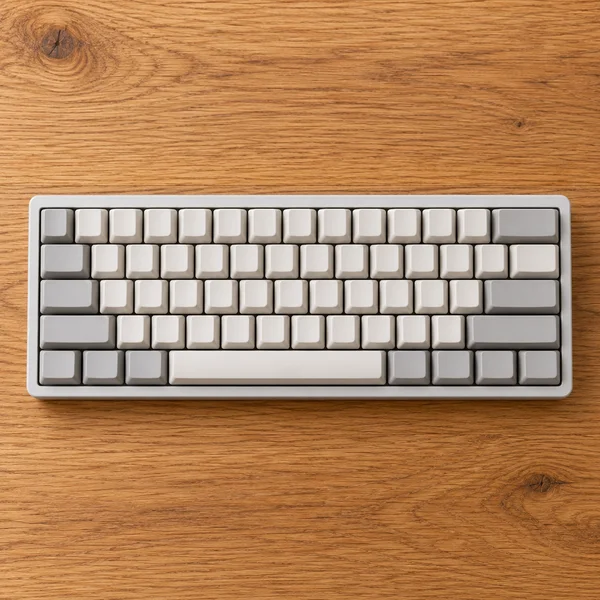
Compact keyboard
What to check
A 60% board has no number pad or arrow keys of its own. Fine for games and writing, slower for spreadsheets.
-
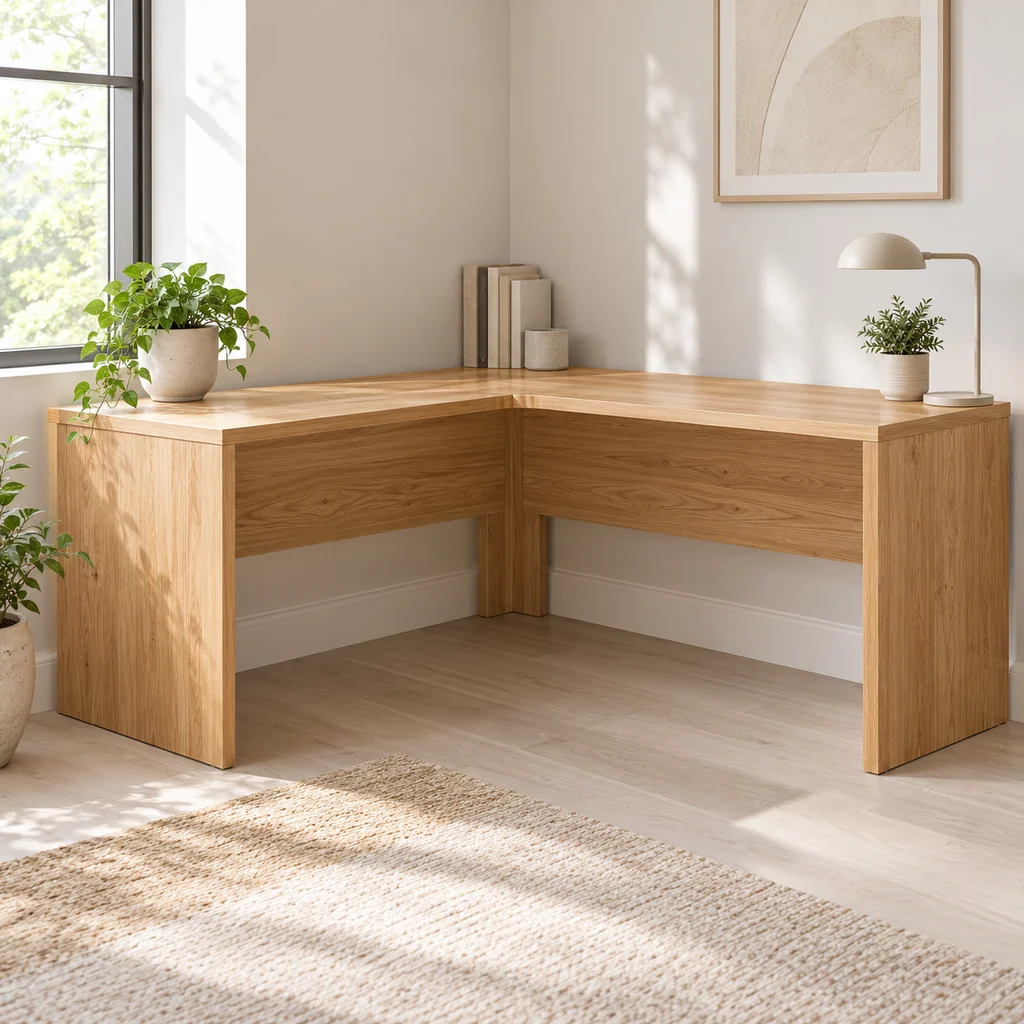
Corner desk
What to check
Measure both walls and the diagonal path into the room. Large L desks often arrive in heavy flat-pack boxes.
-
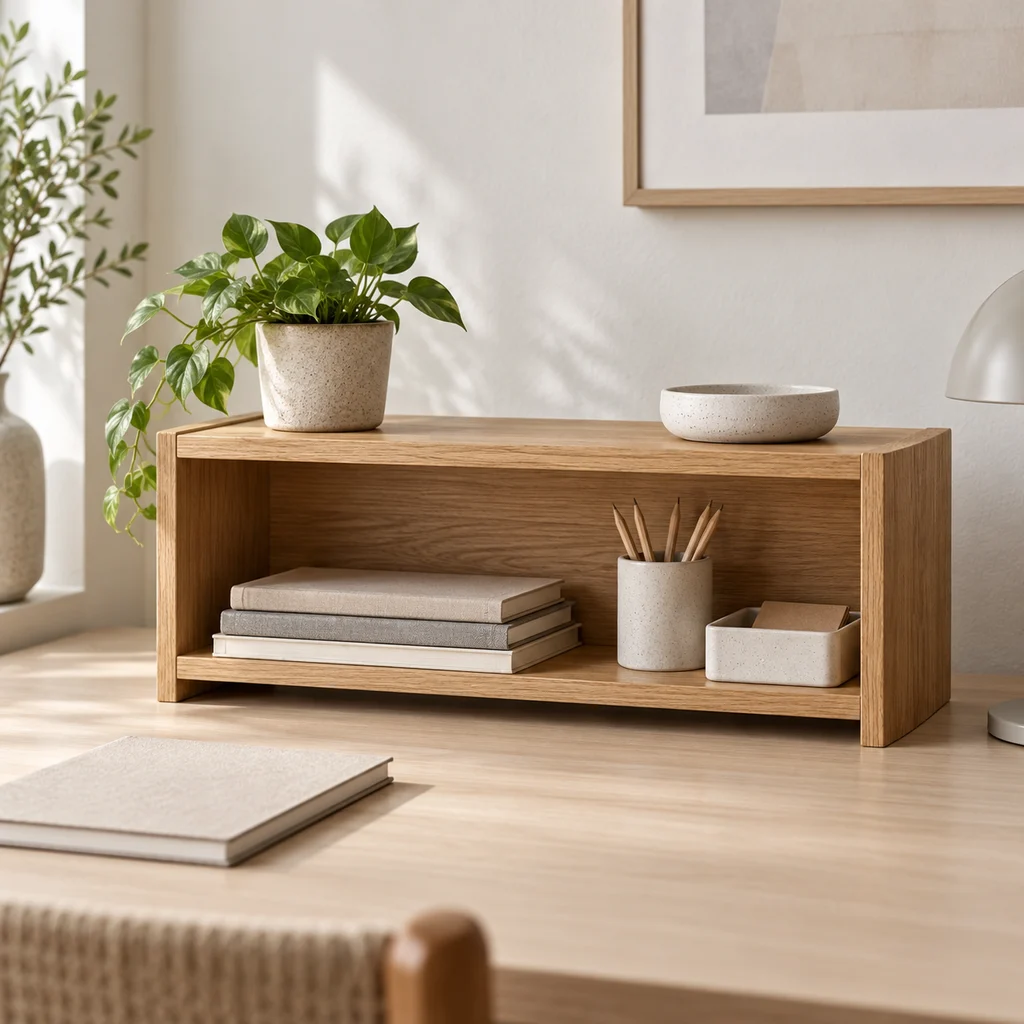
Desk shelf
What to check
Measure under your monitor or beside it. A desk shelf only helps if the things on it are ones you use every day.
-
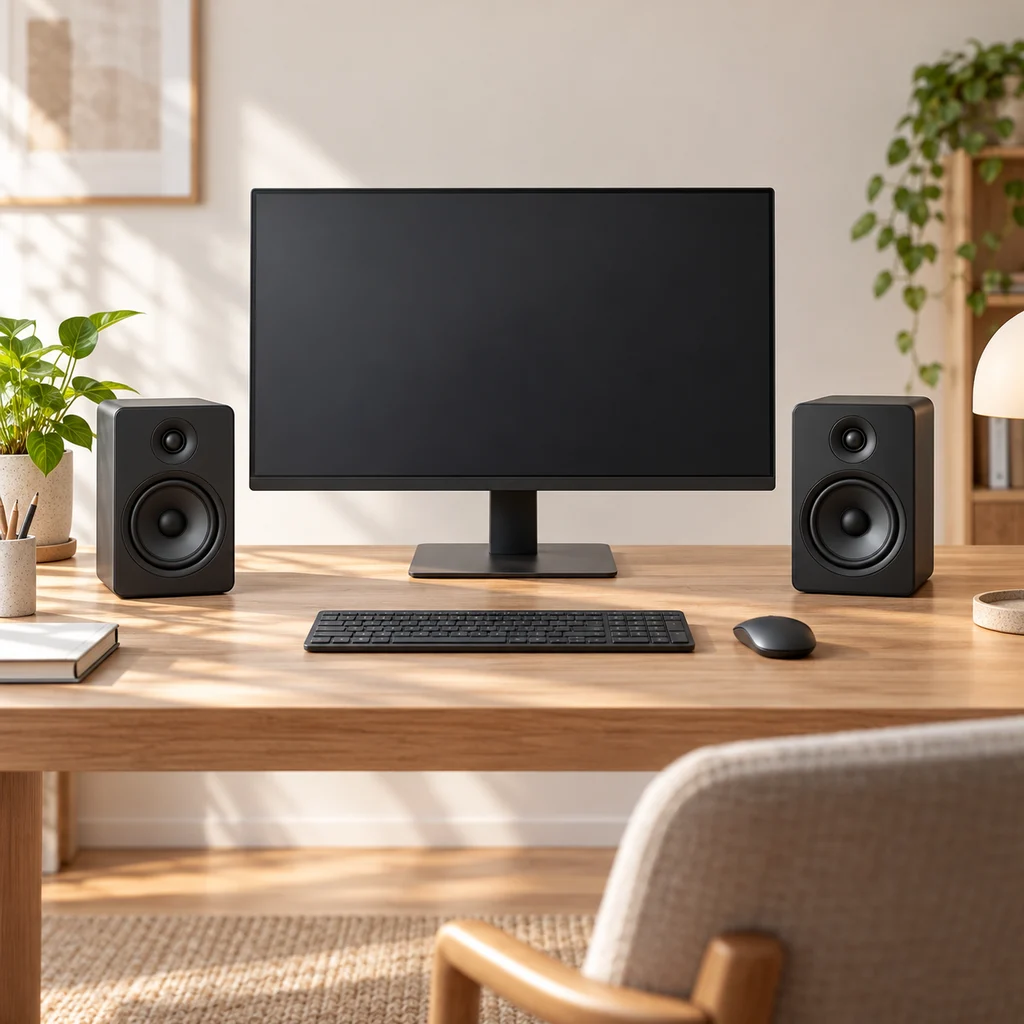
Desk speakers
What to check
Measure the space either side of your monitor. Speakers sound best at ear height and angled toward you, not tucked behind the screen.
Show all 16 pieces
-
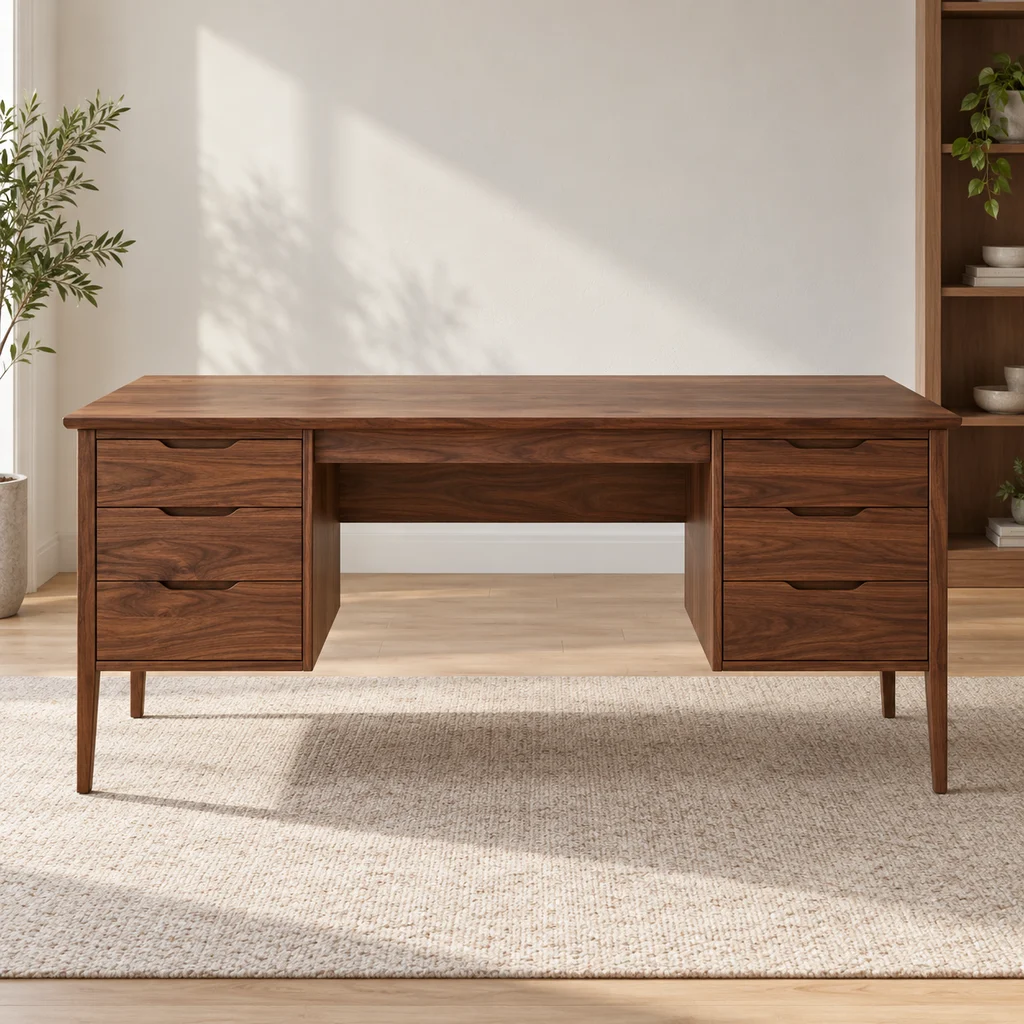
Drawer desk
What to check
Check the desk depth. A monitor needs about an arm's length from your eyes, which a very shallow desk cannot give.
-
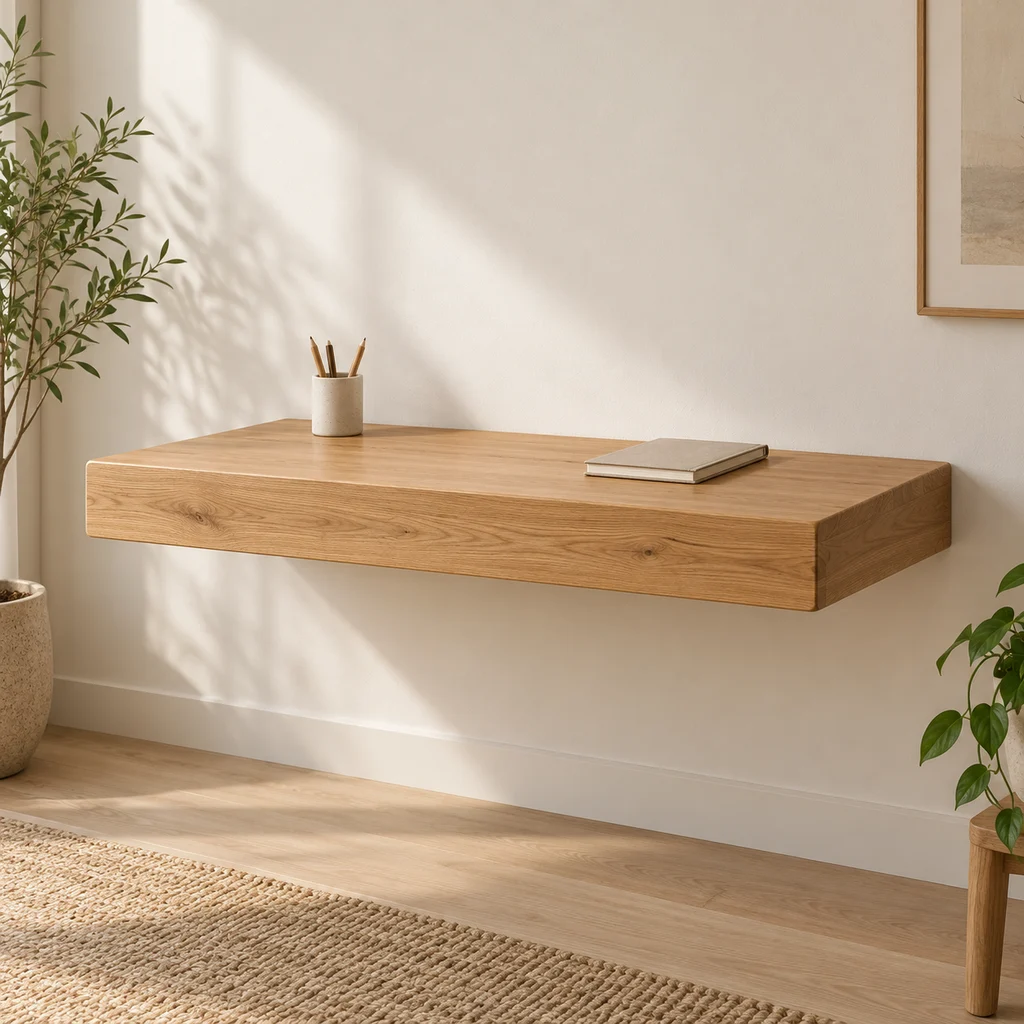
Floating desk
What to check
A wall-mounted desk is only as strong as its fixings. Screw into studs or solid masonry and check the weight rating.
-

Floor lamp
What to check
Measure the arc reach and the floor space for the base. Arc lamps need weight at the base to stay steady.
-
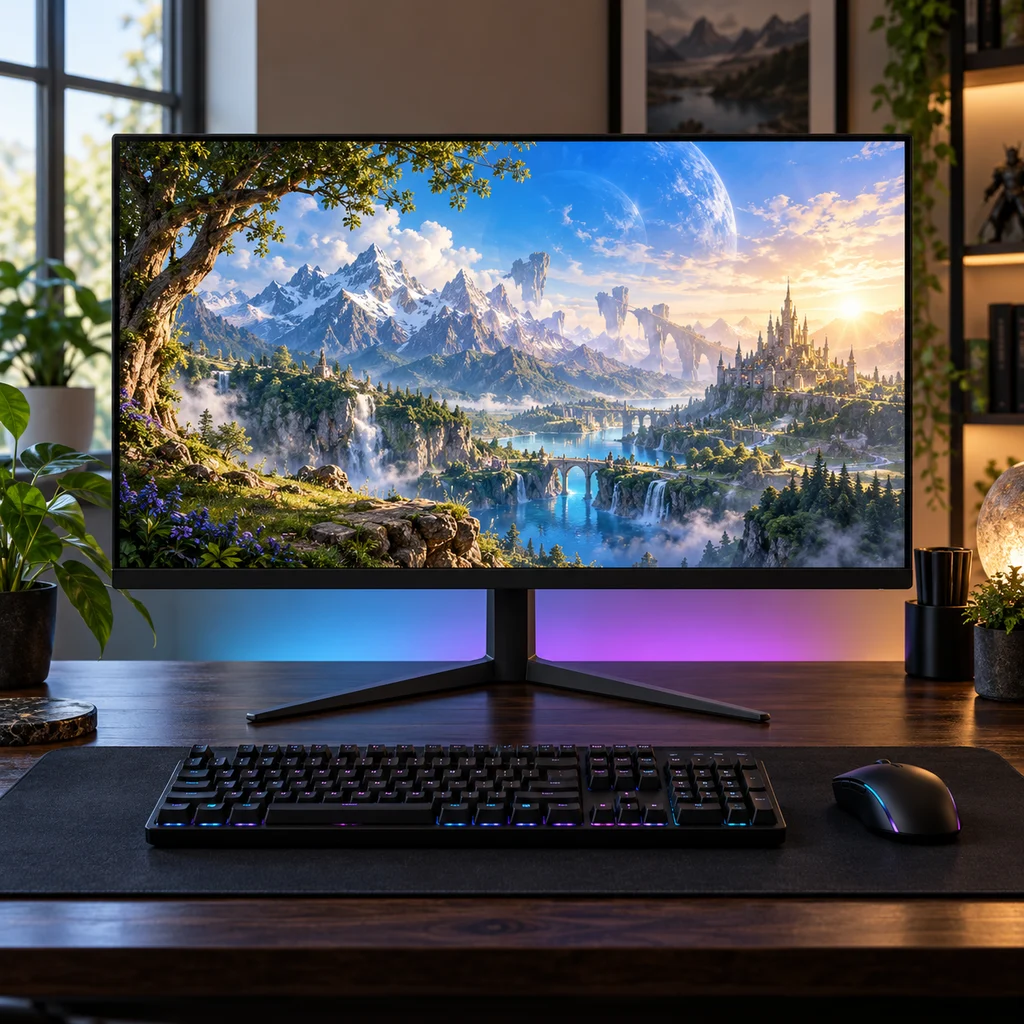
Gaming monitor
What to check
Check the stand height against your eye level. Many budget monitors tilt but do not lift, so plan for a riser or arm.
-

Hexagon wall lights
What to check
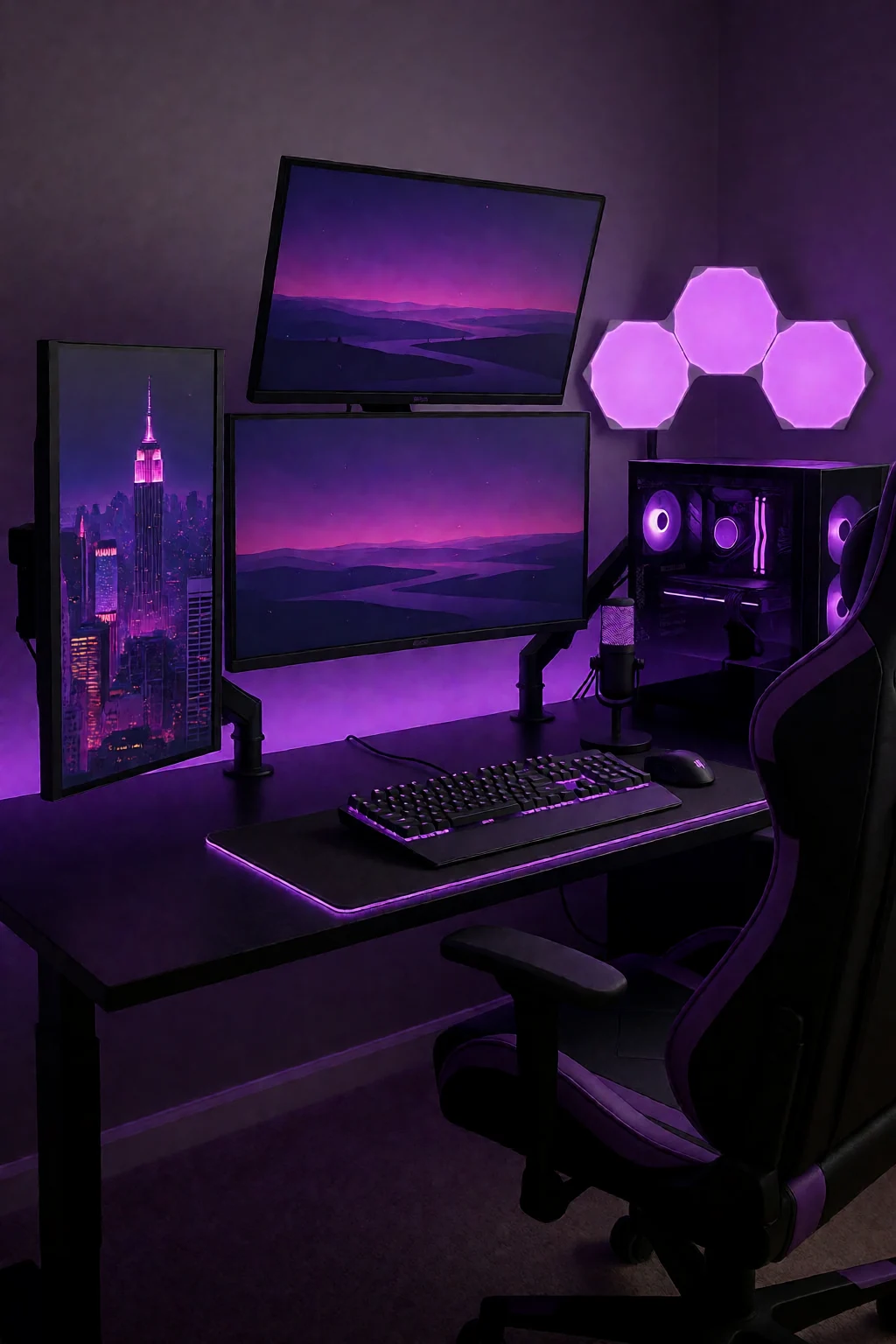
Light panels stick on with adhesive pads, which can pull paint off when removed. Plan the shape on paper first and check where the power cable will run.
-
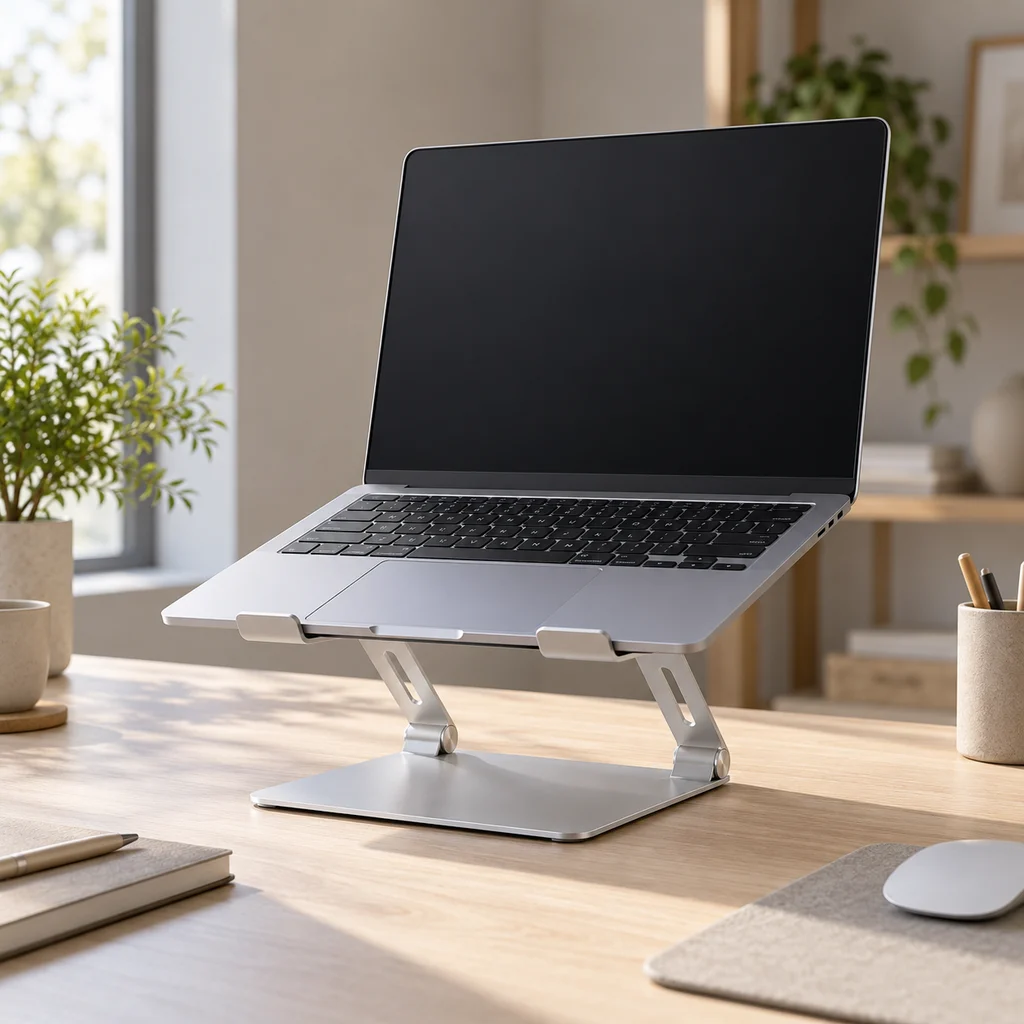
Laptop stand
What to check
Raising a laptop puts the screen at eye level but makes its own keyboard awkward. Plan for a separate keyboard and mouse.
-
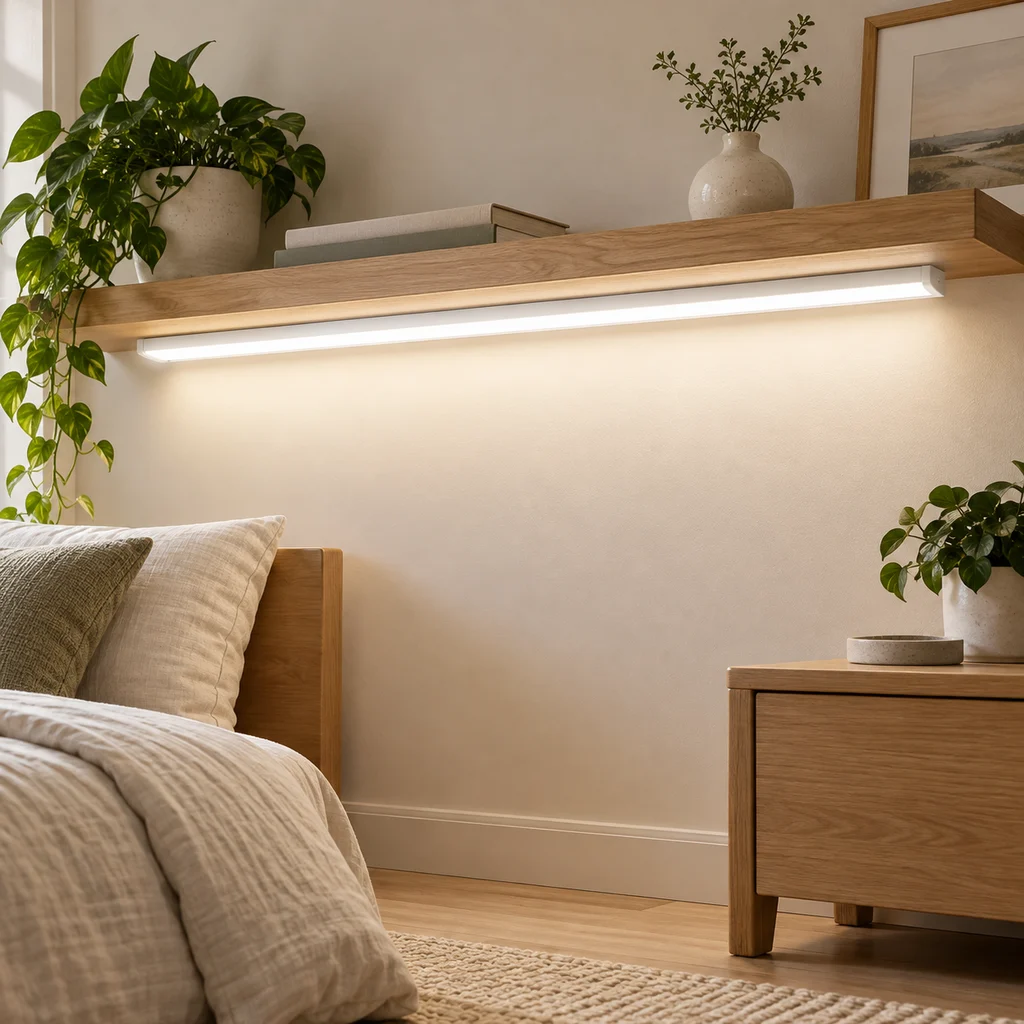
LED strip
What to check
Measure the run you want to light and check where the power plug will reach. Adhesive strips stick best on clean, smooth surfaces.
-
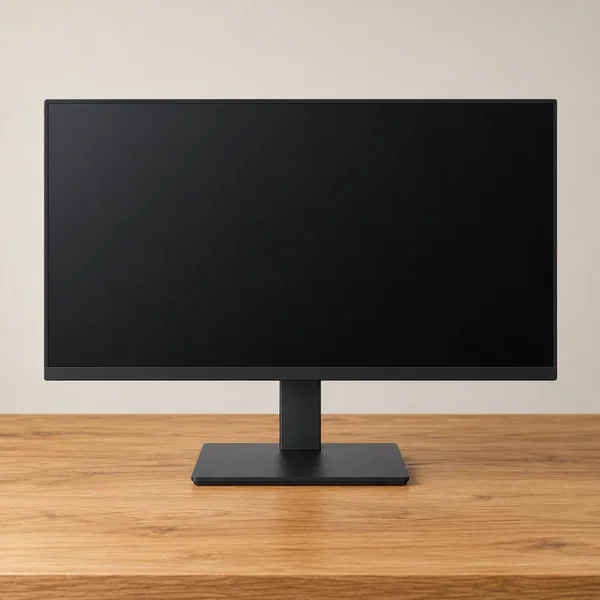
Monitor and stand
What to check
At 27 inches, full HD looks softer up close than 1440p. Check the stand adjusts for height, or that it has VESA holes for an arm.
The gallery
8 work & gaming looks
Open a look to see its pieces.
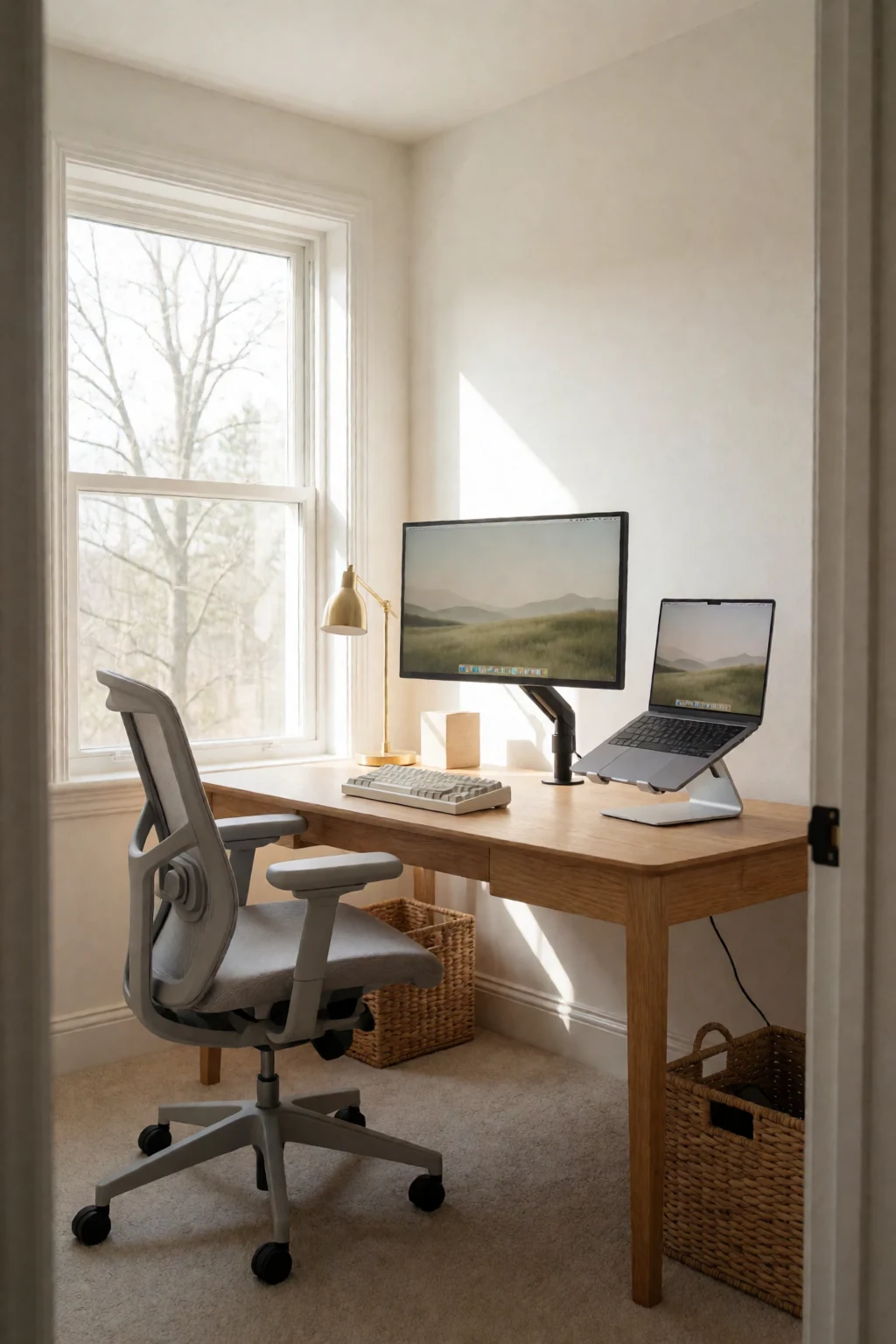
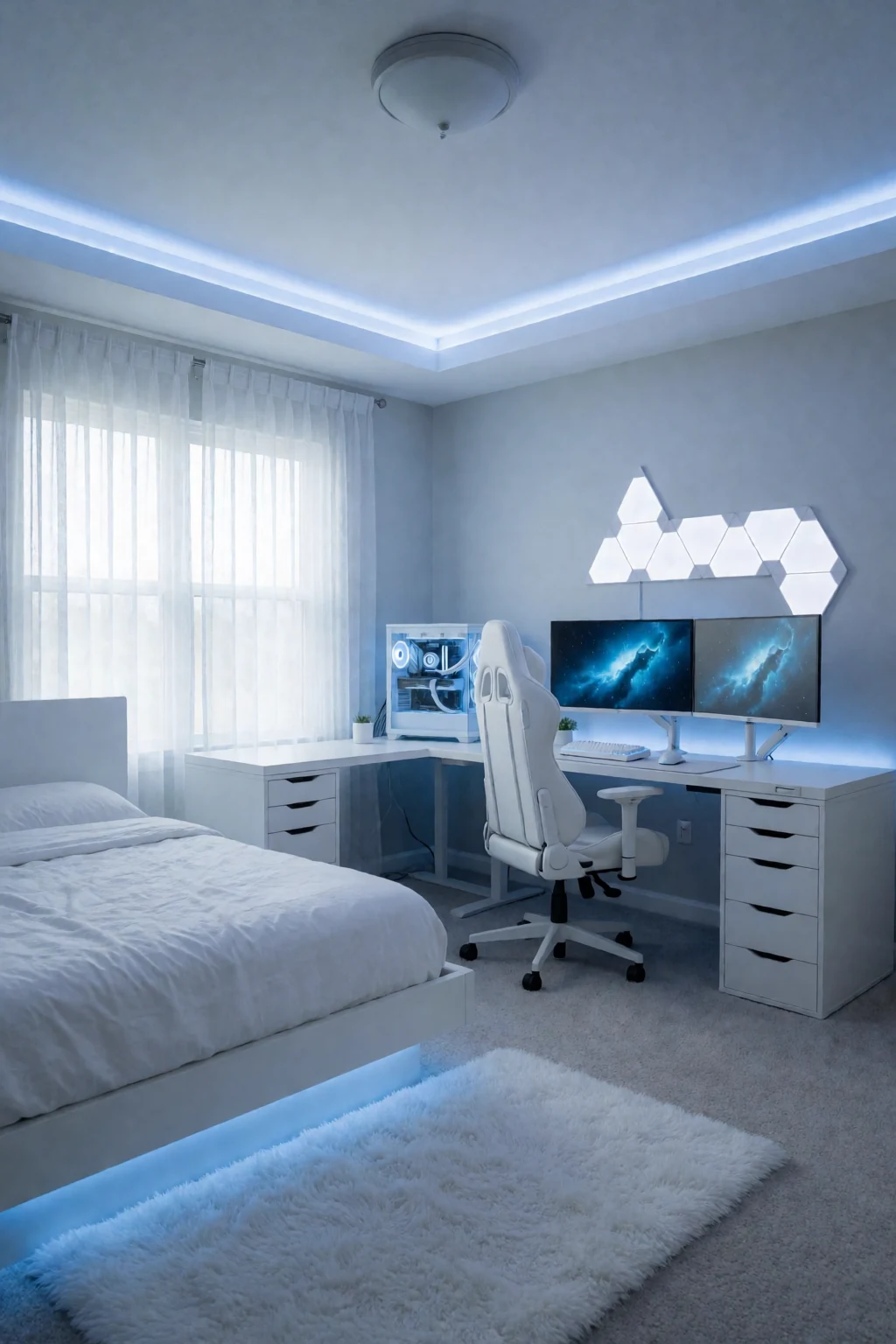
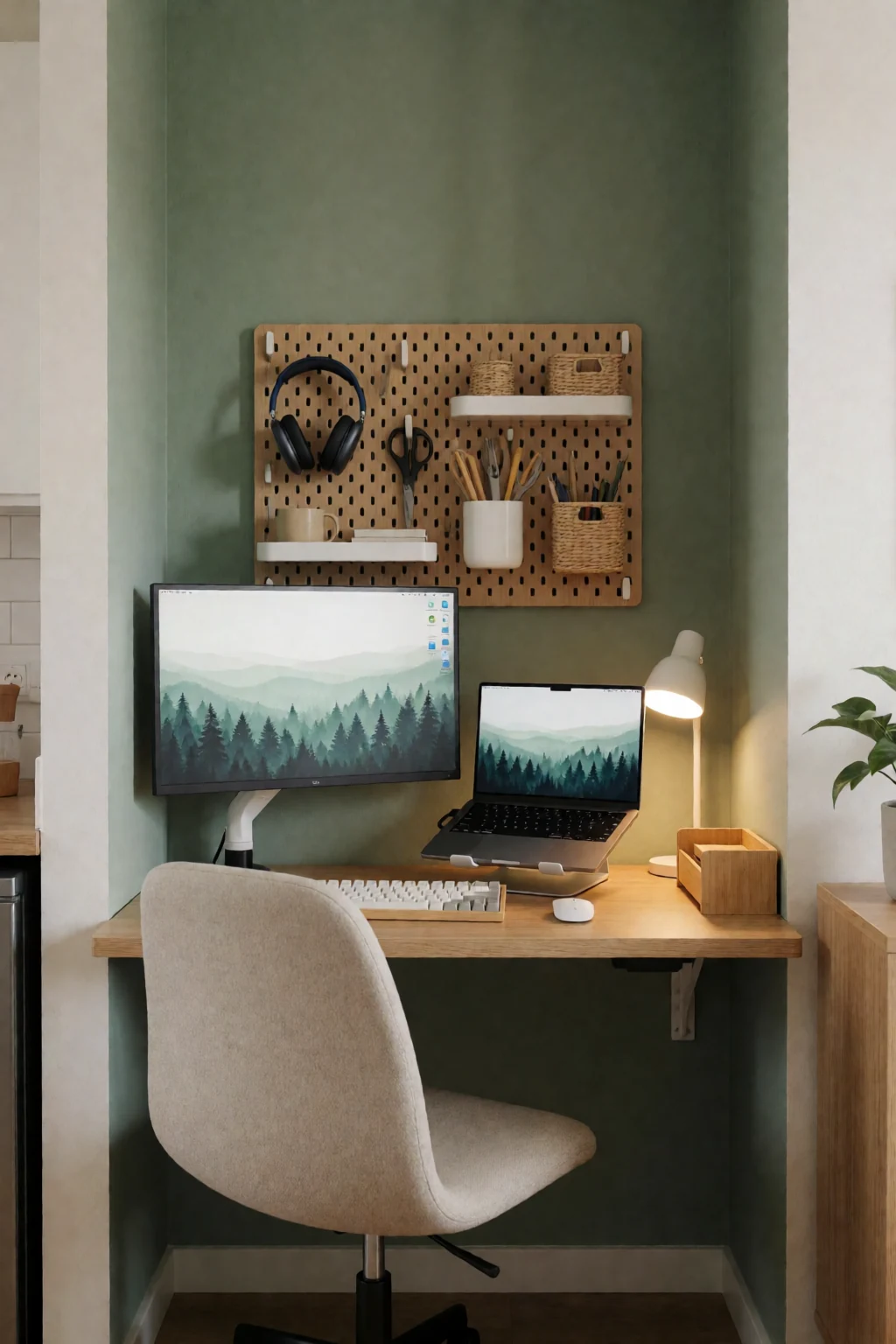
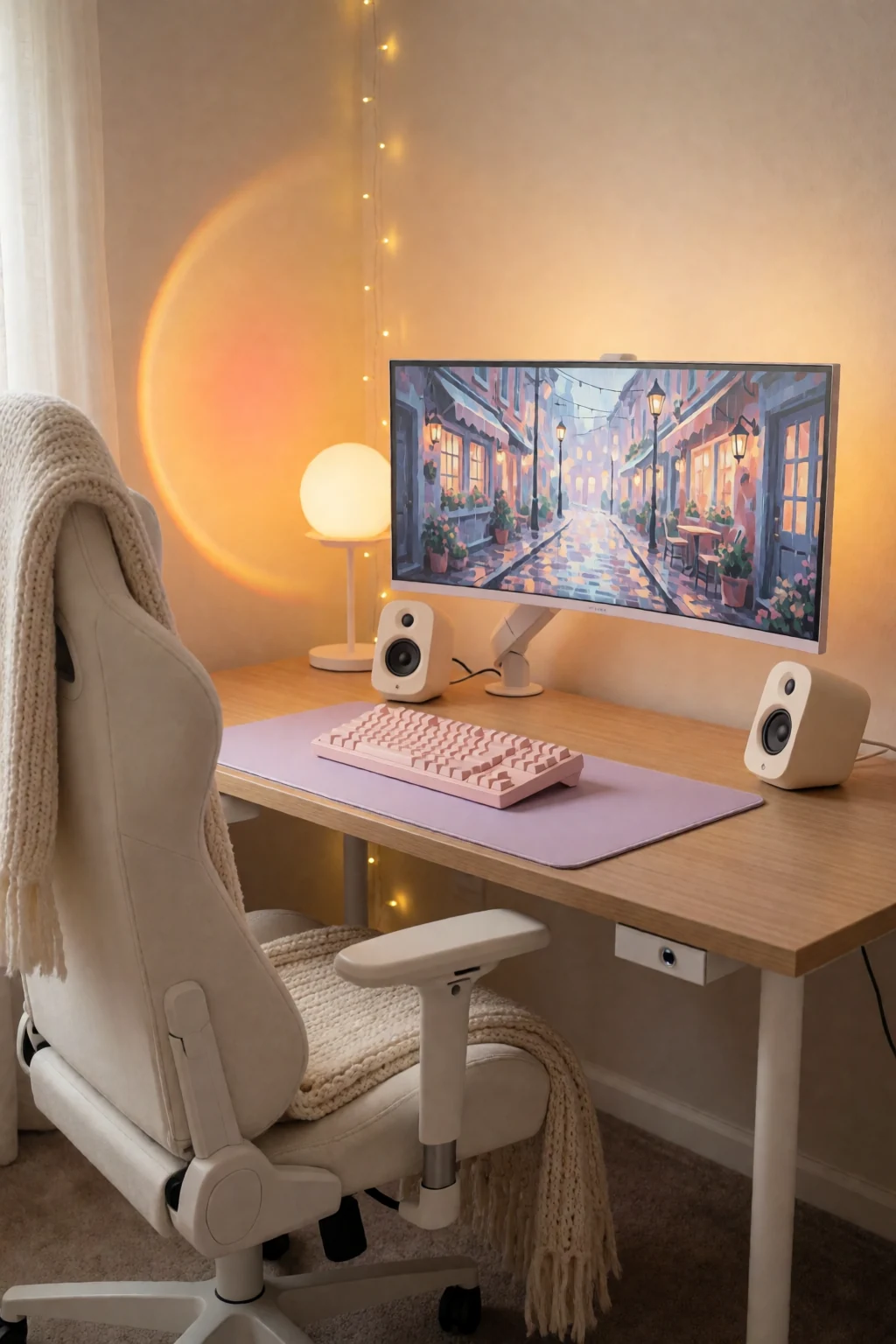
Keep exploring
Related guides
 Bedroom
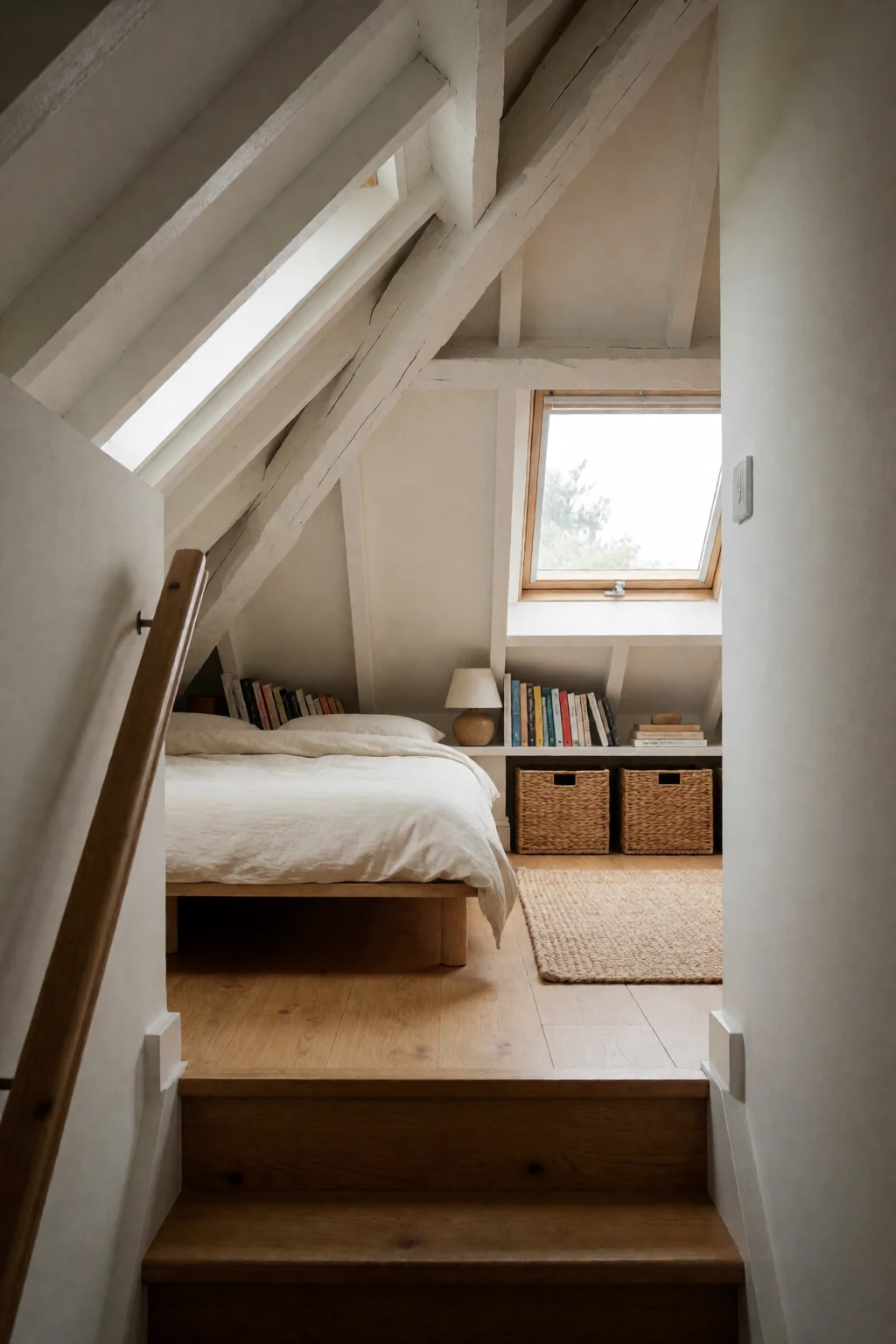
A bedroom is about soft light, textiles and reaching things from bed. A minimal desk is about one screen, a typing area and hidden cables.
 Bathroom
A bathroom counter groups toiletries on trays, while a minimal desk clears the surface by mounting the screen and hiding power underneath.
 Living room
A living room serves several people with shared seats and decor; a minimal desk serves one person working.
Questions
How do I charge several devices without cluttering the desk?
Use a weighted charging dock in a back corner, or bring one multi-device cable up through a grommet from a power brick hidden underneath. Put chargers in a drawer when you are not using them.
Is one monitor enough?
For most work, yes, especially if you use virtual desktops and window-snapping shortcuts. One screen also keeps you on one task at a time.
Where can a desktop tower go if not on the floor?
On an under-desk mount that hangs it from the underside of the top. Check your desk is thick and strong enough to hold it.
How do I keep a minimal desk free of dust and fingerprints?
Keep a microfiber cloth in the drawer and give the desk, keyboard and screen frame a 30-second wipe at the end of each day. A desk pad catches crumbs and makes that quicker.